
Yes, you can run games off an external SSD, often near internal NVMe speeds.
If you have been asking can you run games off an external SSD, you are in the right place. I have set up dozens of drives on PCs, laptops, Steam Decks, and consoles. I will walk you through speed, setup, limits, and smart buys. By the end, you will know when, how, and why to do it the right way.
How running games from an external SSD works
At a high level, it is simple. Your game files live on the external SSD. Your PC or console reads those files through a USB, Thunderbolt, or USB4 port. The CPU and GPU still do the heavy work.
Can you run games off an external SSD and get great speed? Yes. The SSD is fast. The port can be the limit. A good port and cable keep speed high.
A SATA SSD over USB 3.2 can hit about 500 MB/s. An NVMe SSD in a 10 Gbps enclosure can reach around 800 to 1,000 MB/s. Thunderbolt and high-end USB4 can go far higher. Frame rate does not come from the drive. But load time and world streaming do.
Modern USB uses UASP. That cuts delay for small files. Many games use lots of small files. This helps them load fast.
Pros and cons you should know
Can you run games off an external SSD and avoid pain? You can, if you know the trade-offs.
Benefits:
- Fast loads and less stutter than a hard drive.
- Easy plug-and-play across devices.
- No need to open a laptop or desktop case.
- Great for big libraries and travel.
Limits:
- Port speed can bottleneck the SSD.
- Cheap cables and hubs can hurt speed.
- Heat can slow some drives over time.
- Unplugging mid-game can corrupt data.

Ports and protocols made simple
Your port matters as much as the SSD. Here is the quick map.
- USB 3.2 Gen 1, 5 Gbps. Good for SATA drives. Fine for older games.
- USB 3.2 Gen 2, 10 Gbps. Great for NVMe in a slim case. Sweet spot for most players.
- USB 3.2 Gen 2x2, 20 Gbps. Very fast on supported PCs. Rare on laptops.
- Thunderbolt 3 or 4. Up to 40 Gbps. Top speed and low delay. Great for heavy games.
- USB4. Can match Thunderbolt on many hosts. Check your spec sheet.
Can you run games off an external SSD on any USB port? You can, but speed will scale with the port. Use a short, known-good cable. Plug direct into the host, not a slow hub. If your SSD supports UASP, Windows, macOS, and Linux can use it by default.
Real-world performance: what to expect
Can you run games off an external SSD and match internal NVMe? Often, yes for loads. Big, open worlds load fast. Texture streaming is smooth on a good setup.
From my tests, the jump from a hard drive to an external SSD is huge. Think load screens cut by half or more. The gap between a strong internal NVMe and a 10 Gbps external NVMe is small. You may see one or two seconds more in some titles. Frame rate is almost the same, since the GPU rules that.
DirectStorage on Windows helps both internal and external NVMe. Shader caches also help. Keep drivers and firmware up to date for best results.
Platform compatibility at a glance
Can you run games off an external SSD on Windows? Yes. It works great with Steam, Epic, Battle.net, and more.
- Windows 10 and 11. Full support. Use NTFS. Install new libraries on the external drive.
- macOS. Works well for Mac games. Use APFS or exFAT. Apple Silicon works best with USB4 or Thunderbolt.
- Linux and Steam Deck. Works well. Use ext4 or exFAT for cross-use. Steam can move libraries with a few clicks.
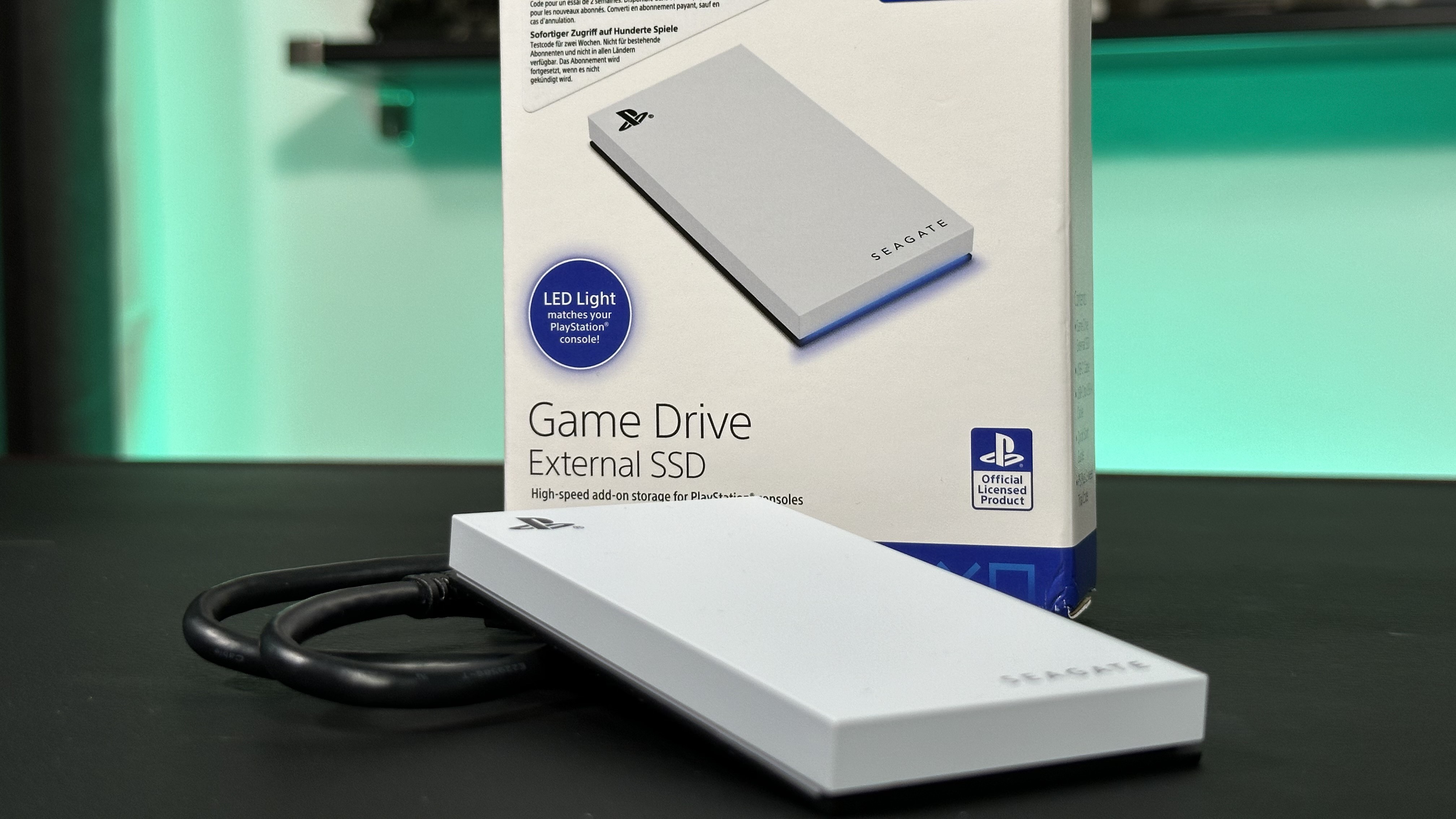
- PlayStation. PS5 can run PS4 games from USB. PS5 games must run from the internal or an M.2 expansion. PS4 consoles run games from USB SSD.
- Xbox. Xbox Series X|S run last-gen games from USB. Series games need the expansion card. Xbox One runs from USB SSD.
Can you run games off an external SSD on a laptop? Yes. This is ideal if the laptop has no spare slot. It is also great for shared PCs and family use.
Step-by-step setup for best results
Can you run games off an external SSD without a headache? Yes. Follow these simple steps.
Windows setup:
- Connect the SSD to a fast port.
- Open Disk Management. Format as NTFS with a simple name.
- In Steam, add a new library on the external SSD. Do the same in your other launchers.
- Move or install games to that library.
- Disable USB selective suspend for that port if you see disconnects.
Steam Deck and Linux:
- Format as ext4 in Desktop Mode, or use exFAT for cross-use.
- Add the drive as a Steam Library Folder.
- Move games with the built-in tool.
General tips:
- Safely eject when done. Do not yank the cable mid-write.
- Set your antivirus to exclude the game folder if scans slow loads.
- Keep at least 10 to 20 percent free space for cache and updates.

What to buy: drives, enclosures, and cables
Can you run games off an external SSD with a budget build? Yes. Pick the right parts.
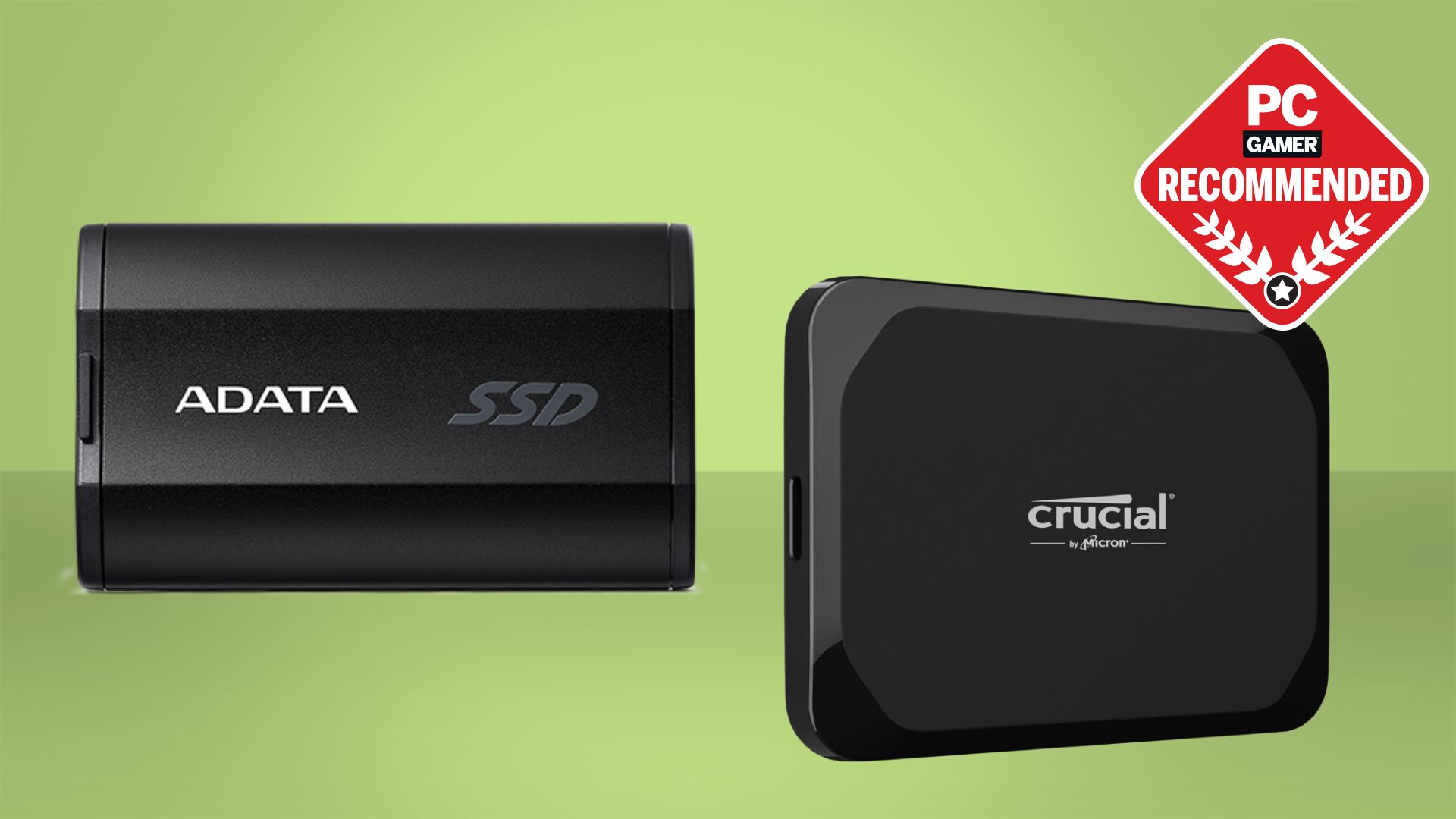
Portable SSDs:
- Great for plug-and-play.
- Look for USB 3.2 Gen 2 or faster.
- Check for good heat control and a strong case.
NVMe plus enclosure:
- Best for peak speed and upgrades.
- Pick a 10 or 20 Gbps enclosure with a known controller.
- Use a TLC NVMe with a cache for steady writes.
Capacity:
- 1 TB is a sweet spot for most players.
- 2 TB is safer for modern AAA libraries.
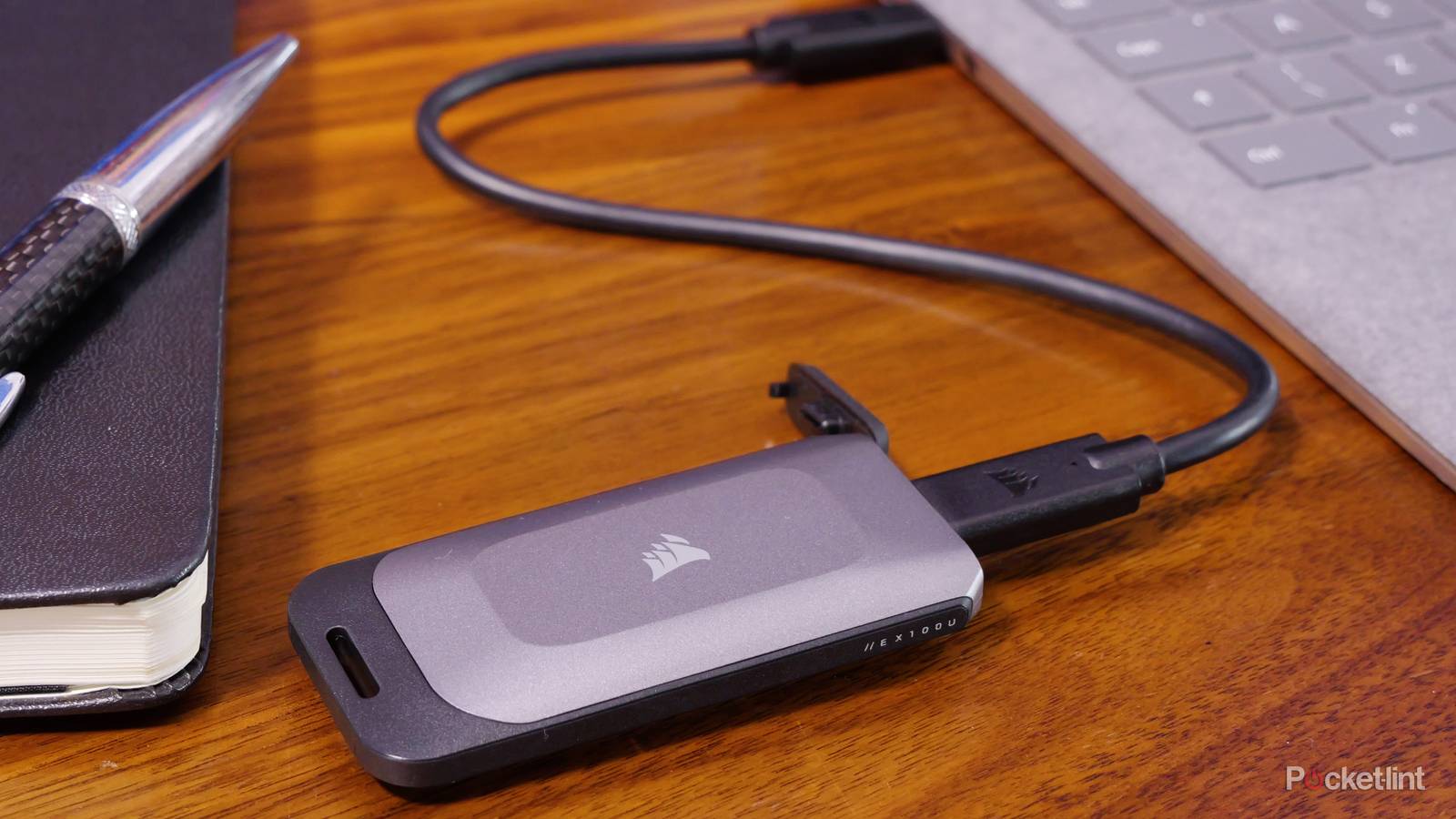
Cables:
- Use the short cable in the box when possible.
- For replacements, pick certified 10 Gbps or Thunderbolt cables.
Troubleshooting and optimization
Can you run games off an external SSD without stutter? Yes, if you tune a bit.
- If loads feel slow, check the port. Many laptops have mixed ports. Try another one.
- If the drive gets hot, add airflow or a small heat sink.
- Update USB, chipset, and storage drivers.
- Turn off extra RGB tools or heavy background apps.
- Set Windows power mode to Balanced or Performance.
- On laptops, avoid low-power battery modes while gaming.
Back up save files. Some games store saves on C:. Others store on the same drive. Sync saves to the cloud when you can.
Cost and value: when it makes sense
Can you run games off an external SSD and save money? You often can. A fast 1 TB portable SSD can cost less than a full system upgrade. It is a clean fix for small internal drives.
For desktops with a free M.2 slot, an internal NVMe may cost less per GB. But an external drive gives you freedom. Move your library in seconds. Take it to a friend’s PC. Keep work and play on separate drives.
Frequently Asked Questions of can you run games off an external ssd
Is gaming from an external SSD bad for performance?
No, not with a decent port. Load times are fast, and frame rates are the same.
Do I need Thunderbolt for smooth gameplay?
Not always. A 10 Gbps USB 3.2 NVMe setup is enough for most games.
Will my save files break if I unplug the drive?
They can if you unplug during a write. Always close the game and safely eject first.
Can I install anti-cheat games on an external SSD?
Yes in most cases. Install with admin rights and keep the same drive letter on Windows.
Is a portable SSD better than a hard drive for games?
Yes, by a lot. SSDs cut load times and reduce hitching in open-world games.
Can I use the same external SSD on my PC and console?
You can move media, but game installs often do not transfer. Each platform has its own format rules.
Conclusion
You asked, can you run games off an external SSD? Yes, and with the right port and drive, it feels great. Loads are quick, worlds stream smooth, and setup is easy.
Pick a solid 10 Gbps NVMe or a proven portable SSD. Use a good cable. Format it right. Then move your biggest games and start playing.
Ready to build your setup? Try the steps above, share your results, and subscribe for more tested gear guides.