

Turn off the headphones, remove moisture, let them dry fully, and avoid heat, charging, or loud sound until safe.
Water in headphones can cause muffled audio, crackling, weak volume, or complete failure. The right drying method depends on whether you have wireless earbuds, over-ear headphones, or a water-resistant model. This guide explains how to get water out of headphones safely, what mistakes can cause permanent damage, and when professional repair is the better choice.
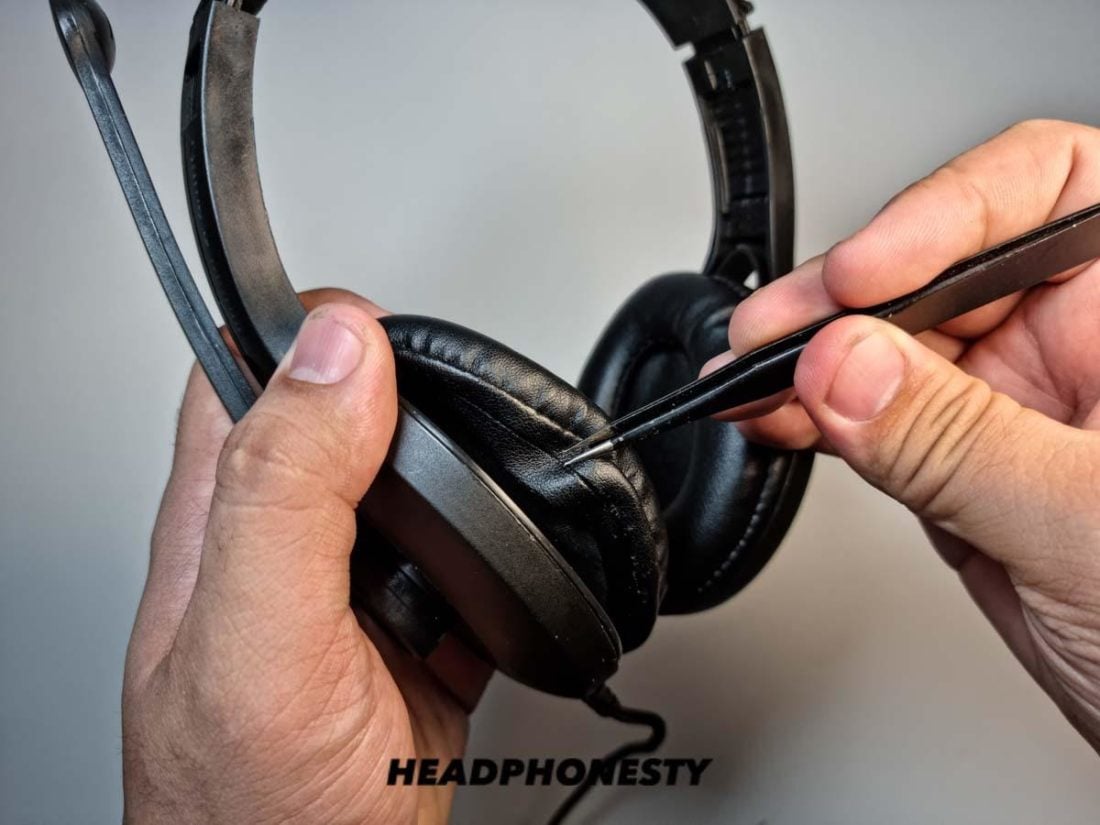
Stop using the headphones right away
The first step in learning how to get water out of headphones is to stop sending power through wet parts. Water can create a short circuit between tiny electrical contacts, especially while the headphones are playing music or charging.
Take the headphones off and move them to a dry place. Do not test them again every few minutes. Each test can push current through damp circuits and increase the risk of damage.
Follow these steps:
- Turn off the headphones.
- Disconnect the charging cable.
- Remove the earbuds from the charging case.
- Take off removable ear pads, silicone tips, and covers.
- Keep the headphones away from sinks, steam, and direct sunlight.
- Do not place wet earbuds back in the charging case.
If the headphones are already connected to a phone, disconnect Bluetooth after turning them off. For wired headphones, unplug the cable from the phone, computer, or audio system.

Identify what kind of water caused the problem
Not all moisture causes the same level of risk. Clean tap water may leave little residue, while salt water, pool water, soda, and sweat can leave minerals or sticky chemicals behind.
Salt and chlorine are especially concerning because they can speed up corrosion. Soda and coffee can also leave sugar or acids on the speaker mesh and circuit board.
Think about the type of liquid:
• Fresh water: Usually easier to remove if the headphones are dried quickly.
• Sweat: Can contain salt that slowly corrodes metal contacts.
• Pool water: May contain chlorine and other chemicals.
• Ocean water: Contains salt and can damage circuits even after the water dries.
• Soda, juice, or coffee: May leave sticky residue and should be cleaned with care.
If the headphones fell into salt water or a sweet drink, drying alone may not solve the problem. Residue can continue damaging the device later. In that case, professional cleaning is often safer than trying to open the headphones at home.

How to get water out of headphones step by step
The safest method is slow, gentle drying. Do not rush the process with high heat. Small headphone parts can warp, melt, or lose their adhesive when exposed to strong heat.
1. Remove loose moisture
Hold the headphones with the speaker openings facing down. Gently tap them against your open palm to help water drain out.
Do not shake them hard. Strong shaking can move water deeper into the earbud housing or force it toward the microphone and charging contacts.
Use a clean, dry, lint-free cloth to wipe the outside. A microfiber cloth works well because it absorbs moisture without leaving many fibers behind.
2. Remove ear tips and cushions
if you use in-ear earbuds, remove the silicone ear tips. Water can sit between the tip and the speaker grille.
For over-ear headphones, remove the ear cushions only if the manufacturer designed them to come off easily. Do not pull glued cushions or pry open sealed parts. A torn cushion can create a second repair problem.
Let the removed parts dry separately. Clean silicone tips with a slightly damp cloth if they have dirt or residue, then dry them fully before putting them back.
3. Place the headphones in a dry, ventilated area
Set the headphones on a clean towel in a room with normal airflow. Keep the speaker openings facing downward when possible.
A fan may help, but use it on a low setting. The air should move around the headphones, not blast directly into small openings. Gentle airflow helps moisture evaporate without forcing droplets deeper inside.
Avoid bathrooms, kitchens, and cars. These areas often have high humidity or large temperature changes.
4. Use desiccant if available
Place the headphones in a clean container with several silica gel packets. Leave space around the device so air can move freely.
Silica gel is better than uncooked rice because it is made to absorb moisture and does not create dust or starch residue. Do not bury the headphones in loose powder or beads.
Keep the container closed for at least 24 hours. Heavily wet headphones may need 48 to 72 hours.
5. Wait before testing
After the headphones have dried, inspect the charging ports, speaker grilles, and contacts. They should look and feel dry.
Turn the headphones on only after a full drying period. Start with low volume. Listen for crackling, distortion, sudden volume changes, or heat.
If the headphones work, continue watching them for a few days. Water damage may appear later as corrosion grows on internal contacts.

Drying wireless earbuds and the charging case
Wireless earbuds need extra care because both the earbuds and the charging case contain sensitive contacts. Water inside the case can cause charging problems or a short circuit.
Remove both earbuds from the case. Leave the case open and place it upside down on a dry cloth, unless the manufacturer gives different instructions.
Clean visible moisture from the charging contacts with a dry cotton swab. Use very light pressure. Do not push the swab deep into the case or leave cotton fibers behind.
Do not charge the case until it is completely dry. Charging a wet case is one of the most common ways to turn temporary moisture into permanent damage.
For the earbuds:
• Remove the silicone tips.
• Wipe the outer shell.
• Keep the speaker mesh pointed down.
• Dry them outside the case.
• Wait at least 24 hours before testing.
Some earbuds have water resistance, but the charging case may not have the same rating. A water-resistant earbud can survive sweat while its case remains vulnerable to water.

Drying over-ear and wired headphones
Over-ear headphones often hold water in their cushions, hinges, buttons, and seams. Wired models may also have moisture inside the plug or cable controls.
Remove the cable if it detaches. Wipe the plug and let it dry separately. If the cable is fixed, keep the plug facing down while the headphones dry.
For removable ear cushions, place them in a dry, open area. Do not use a clothes dryer, radiator, or hair dryer. Heat can shrink faux leather, weaken glue, and deform foam.
If the headphones have a removable battery, take it out only when the manufacturer allows it. Never force open a sealed battery compartment. Lithium-ion batteries can become dangerous if punctured or overheated.
Use a low-volume test only after the headphones have dried for at least 24 to 48 hours. If one side sounds quieter, stop using them and inspect the grille for trapped moisture.

What not to do when headphones get wet
Many popular drying tips can cause more harm than good. The goal is to remove moisture without pushing it deeper or damaging sensitive parts.
Avoid these methods:
• Do not use a hair dryer on high heat. Heat can damage batteries, seals, glue, and plastic.
• Do not place headphones in an oven, microwave, or clothes dryer.
• Do not charge wet earbuds or a wet charging case.
• Do not insert pins, needles, or metal tools into speaker grilles.
• Do not spray cleaning liquid into ports or openings.
• Do not blow forcefully into the speaker mesh. Your breath contains moisture.
• Do not bury headphones in rice. Rice dust can enter small openings and does not remove trapped liquid well.
• Do not shake the headphones hard.
• Do not keep turning them on to check whether they work.
A common mistake is using compressed air at close range. It may force water into the device and can damage delicate speaker parts. If compressed air is used at all, it should be cool, dry, and kept at a safe distance, but gentle room airflow is usually the better choice.
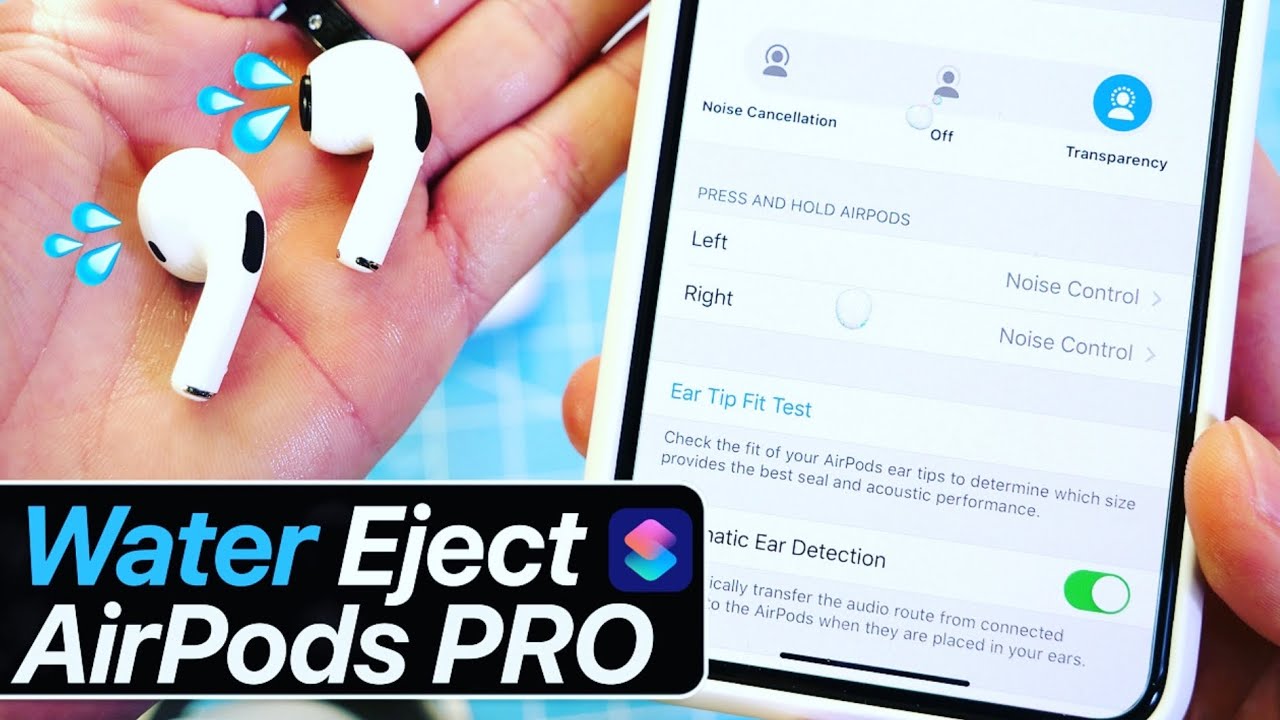
How to clean headphones exposed to salt water or soda
If the headphones touched salt water, pool water, soda, juice, or coffee, the problem is more serious than simple moisture. These liquids can leave residue that keeps attracting moisture after the surface appears dry.
First, turn off the headphones and disconnect all power. Wipe away visible liquid with a clean, damp microfiber cloth. The cloth should be damp, not wet, and you should never pour water over the headphones.
For removable silicone tips, rinse the tips separately with clean water and dry them completely. Do not rinse the electronic parts unless the manufacturer specifically says they can be rinsed.
For salt water or sugary drinks inside the device, contact an authorized repair center. Internal cleaning may require safe disassembly and specialized tools. Drying the outside may protect the appearance but cannot remove residue from a circuit board.

How long does it take for headphones to dry?
Light surface moisture may evaporate within a few hours. However, headphones that were splashed, submerged, or exposed to heavy sweat should dry for at least 24 hours before testing.
Use this general guide:
• Small splash: 12 to 24 hours.
• Heavy rain or sweat: 24 to 48 hours.
• Brief submersion: 48 to 72 hours.
• Salt water, soda, or pool water: Stop using the device and seek professional advice.
These time frames are estimates, not guarantees. A sealed earbud can hold moisture longer than an open over-ear model. Humidity, airflow, design, and the amount of water all affect drying time.
When in doubt, wait longer. A missed day of music is less costly than a damaged battery or circuit board.
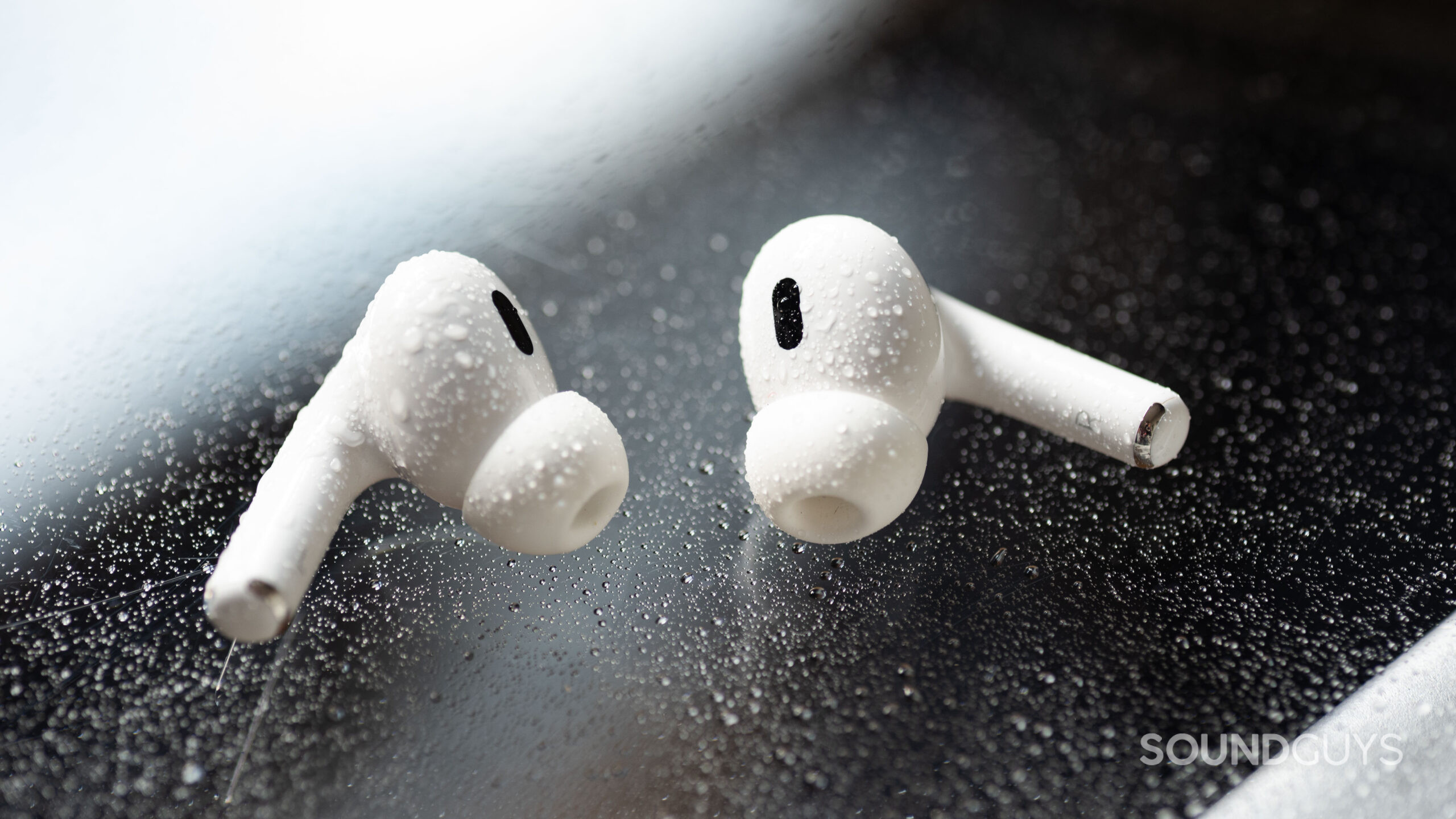
How to tell whether water damaged the headphones
Water damage does not always cause immediate failure. Some symptoms appear days or weeks later.
Watch for:
• Muffled or low-volume sound.
• Crackling, buzzing, or static.
• Audio playing in only one ear.
• Bluetooth cutting out.
• A microphone that sounds distant or weak.
• Buttons that stop responding.
• A charging case that does not recognize the earbuds.
• Unusual heat during charging.
• A battery that drains much faster than normal.
If the headphones become hot, smell burnt, swell, or behave strangely while charging, unplug them immediately and move them away from flammable items. Do not continue using a damaged lithium-ion battery.
A water-resistant rating can reduce risk, but it does not guarantee survival in every situation. Ratings are tested under specific conditions. They may not cover salt water, soap, deep submersion, aging seals, or charging while wet.
Understanding IP ratings
An IP rating shows how well a device resists dust and water under controlled tests. The first number relates to solids, while the second number relates to water.
For example, an IPX4 rating generally indicates protection from water splashes. It does not mean the headphones can be submerged. A higher water rating may allow temporary immersion, but the exact depth and time still matter.
Keep these limits in mind:
• Water resistance is not the same as waterproofing.
• Protection can weaken as seals age or crack.
• Sweat and salt water can be more harmful than fresh water.
• Charging ports should be dry before use.
• Water resistance does not always apply to the charging case.
Check the product manual for the exact rating. If the manual says to dry the device before charging, follow that instruction even if the headphones are advertised as water resistant.
When to seek professional repair
Professional help is wise when the headphones were submerged, exposed to salt water, or show electrical symptoms after drying. It is also the safest choice if the headphones are expensive, under warranty, or contain a sealed battery.
Do not open the device unless you have the correct tools and experience. Opening it may break water seals and can cancel warranty coverage.
Contact the manufacturer or an authorized repair provider if:
• The headphones will not turn on after drying.
• The charging case becomes hot.
• The battery swells.
• The headphones smell burnt.
• The audio remains distorted.
• Corrosion is visible.
• Water entered through a charging port.
• The device was dropped in salt water or a sugary drink.
Some headphones cost less to replace than to repair. Still, professional diagnosis can prevent unsafe charging and may recover valuable or premium equipment.
Practical lessons that prevent repeat damage
The best way to handle wet headphones is to reduce exposure before it happens. Store them in a case when you are not using them, especially near a pool, beach, or gym locker.
A few simple habits help:
• Keep earbuds in a dry case, not loose in a pocket.
• Dry your ears before inserting earbuds after swimming.
• Do not charge headphones immediately after exercise.
• Wipe sweat from the device before storage.
• Keep a few silica gel packets in your electronics drawer.
• Check the charging port before connecting a cable.
• Replace cracked ear tips, cushions, or seals.
• Read the water-resistance instructions for your model.
One lesson worth remembering is that “water resistant” does not mean “safe to ignore.” A device may survive rain but fail after repeated sweat exposure because salt builds up over time.
Frequently Asked Questions About How to Get Water Out of Headphones
Can I use a hair dryer to get water out of headphones?
Avoid a hair dryer, especially on a hot setting. Heat and strong airflow can damage the battery, loosen glue, warp plastic, or push water deeper into the device.
How long should I leave wet headphones to dry?
Leave lightly wet headphones for at least 24 hours and heavily wet headphones for 48 to 72 hours. Do not charge or test them during this time.
Does rice remove water from headphones?
Rice is not a reliable drying method. It can leave dust and starch inside speaker openings, while silica gel and gentle airflow are safer options.
Can I charge headphones after they get wet?
Do not charge wet headphones or a wet charging case. Charging can cause a short circuit, overheating, or battery damage.
What should I do if only one earbud got wet?
Remove both earbuds from the case, turn them off if possible, and dry the wet earbud separately. Keep it out of the charging case until it has dried fully.
Are water-resistant headphones safe after being submerged?
Not always. The result depends on the IP rating, water type, depth, time underwater, and condition of the seals. Dry the headphones carefully and seek repair advice after serious submersion.
Can I use rubbing alcohol to dry wet headphones?
Do not pour rubbing alcohol into the headphones or charging port. It may damage coatings, seals, or plastic parts; use it only for careful external cleaning when the manufacturer permits it.
Conclusion
Learning how to get water out of headphones starts with quick action: turn them off, disconnect power, remove loose moisture, and let them dry with gentle airflow. Avoid heat, rice, forceful shaking, and charging until the headphones are fully dry.
Fresh water may be manageable at home, but salt water, soda, pool water, heat, swelling, or charging problems call for professional help. Use these steps patiently, protect your headphones from future moisture, and share your experience or questions in the comments.
