

Reset TOZO earbuds by placing them in the case, forgetting them in Bluetooth, and holding both touch panels for about 10 seconds.
Learning how to reset TOZO earbuds can fix pairing failures, one-sided audio, charging glitches, and repeated disconnects. The exact button pattern can vary by model, so this guide explains the safest general reset method, model differences, common mistakes, and what to do if the reset does not work.

What a reset does to TOZO earbuds
A reset returns the earbuds to a fresh pairing state. It clears saved Bluetooth connections and helps the left and right earbuds connect to each other again.
Think of a reset as restarting a frozen phone. It does not repair damaged hardware, restore a dead battery, or fix a broken charging case. However, it can solve many software and connection problems.
You may need to reset TOZO earbuds when:
• Only one earbud produces sound.
• The earbuds connect to the wrong device.
• Your phone sees two separate TOZO entries.
• The earbuds keep disconnecting.
• The touch controls stop responding.
• The earbuds refuse to enter pairing mode.
• Audio drops after a firmware or phone update.
A reset usually removes old pairing data from the earbuds. You must pair them with your phone again after the process.

How to reset TOZO earbuds: the standard method
This method works for many popular TOZO true wireless models, including several T6, T10, T12, NC9, A1, and related designs. The touch control timing may differ slightly, so check your model’s manual if the first attempt fails.
Step 1: Charge the earbuds and case
Place both earbuds in the charging case. Make sure the case has enough power to complete the reset.
Clean the metal charging contacts with a dry cotton swab if the earbuds do not show charging lights. An earbud that is not seated correctly may not reset.
Step 2: Remove TOZO from your phone
Before resetting, delete the old Bluetooth record.
On an iPhone:
- Open Settings.
- Tap Bluetooth.
- Find your TOZO earbuds.
- Tap the info icon.
- Select Forget This Device.
- Confirm the choice.
On an Android phone:
- Open Settings.
- Select Connected devices or Bluetooth.
- Tap the gear icon beside your TOZO earbuds.
- Choose Forget, Unpair, or Remove.
- Confirm the action.
Also remove duplicate entries. If you see separate left and right TOZO listings, forget both.
Step 3: Turn off nearby Bluetooth devices
Turn off Bluetooth on tablets, laptops, smart TVs, and other phones nearby. This prevents an old device from connecting during the reset.
This step is easy to skip, but it matters. Bluetooth earbuds often reconnect to the last device they used.
Step 4: Remove both earbuds from the case
Take out the left and right earbuds at the same time. Wait a few seconds for them to power on.
If they do not turn on, place them back in the case, check the charging contacts, and try again.
Step 5: Touch and hold both earbuds
Press and hold the touch panels on both earbuds for around 10 seconds. On some TOZO models, the LED lights flash several times or change color.
Release the panels when the lights indicate that the earbuds have powered off, reset, or entered pairing mode. Avoid tapping one earbud several times unless your model manual specifically says to do so.
Step 6: Put the earbuds back in the case
Return both earbuds to the charging case. Close the lid for about 10 seconds.
Then remove both earbuds together. They should automatically connect to each other and enter pairing mode.
Step 7: Pair again
Open your phone’s Bluetooth settings. Look for one TOZO name, such as TOZO-T6, TOZO-T10, or TOZO-NC9.
Tap the name and accept the pairing request. Play music in both earbuds to confirm that the reset worked.
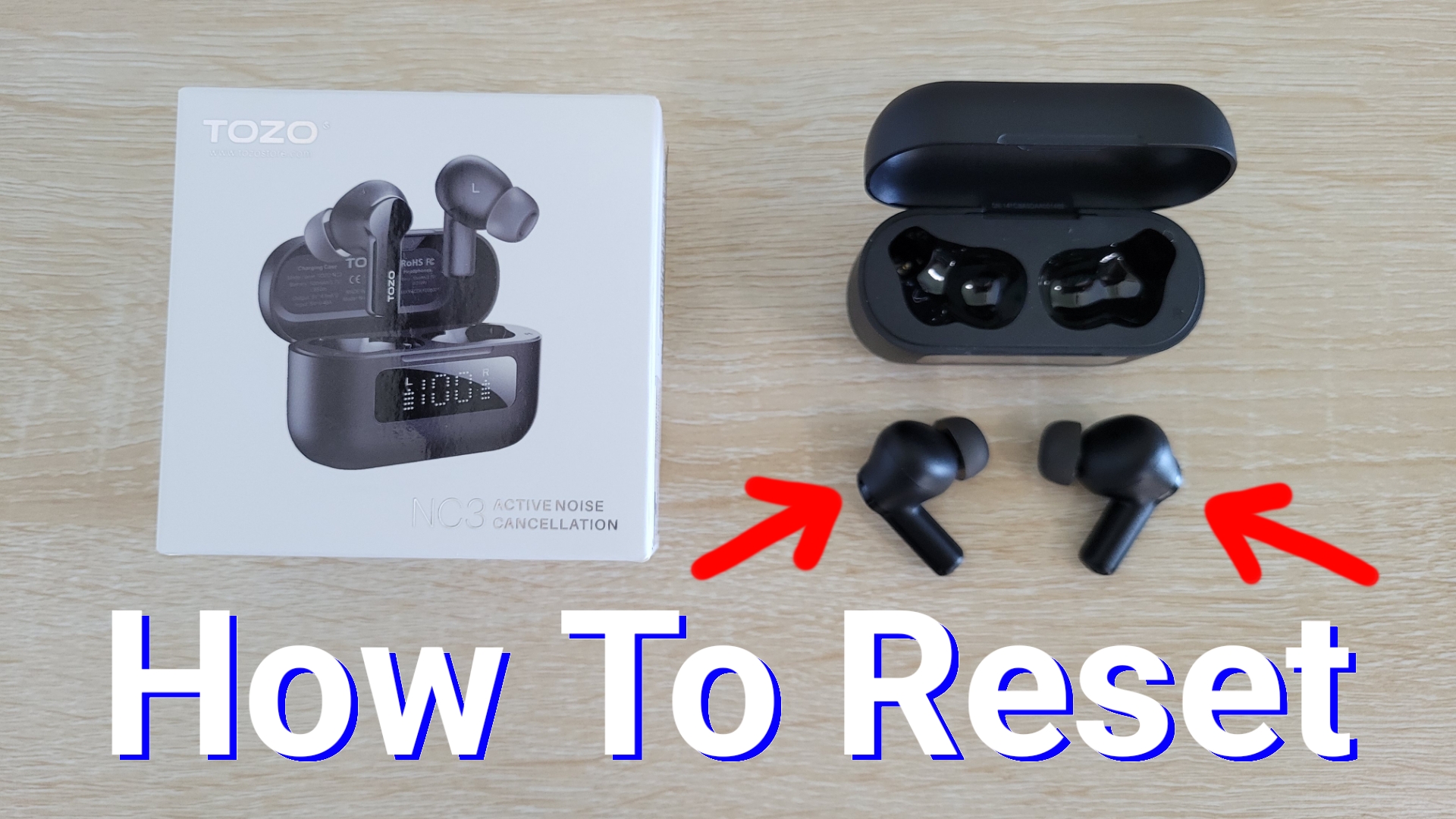
How to reset TOZO earbuds with physical buttons
Some TOZO earbuds use physical buttons instead of touch panels. The general process is similar, but you press the buttons rather than touching the outer surfaces.
Follow these steps:
- Forget the TOZO earbuds from every nearby device.
- Remove both earbuds from the charging case.
- Press and hold the buttons on both earbuds for about 10 seconds.
- Watch for a change in the LED pattern.
- Place both earbuds in the case.
- Remove them together.
- Pair the earbuds with your phone again.
Do not press the buttons with excessive force. A firm, steady press is enough.
Some models may require the earbuds to remain in the case while you press the case button or earbud controls. If the standard method does not work, use the instructions for your exact model.

Model differences to know before resetting
TOZO has released many earbuds over several years. The reset process is not identical across every model.
Common differences include:
• Some models reset with both earbuds outside the case.
• Some models require both earbuds to stay inside the case.
• Some use a case button for pairing or reset.
• Some models use one long touch, while others use several taps.
• LED colors may differ between models.
For this reason, do not rely only on a random button sequence from a different TOZO model. Check the product label, box, user guide, or official support page for exact instructions.
The model name is often printed on the charging case, packaging, or Bluetooth listing. Identifying that name first can save time and prevent repeated failed resets.
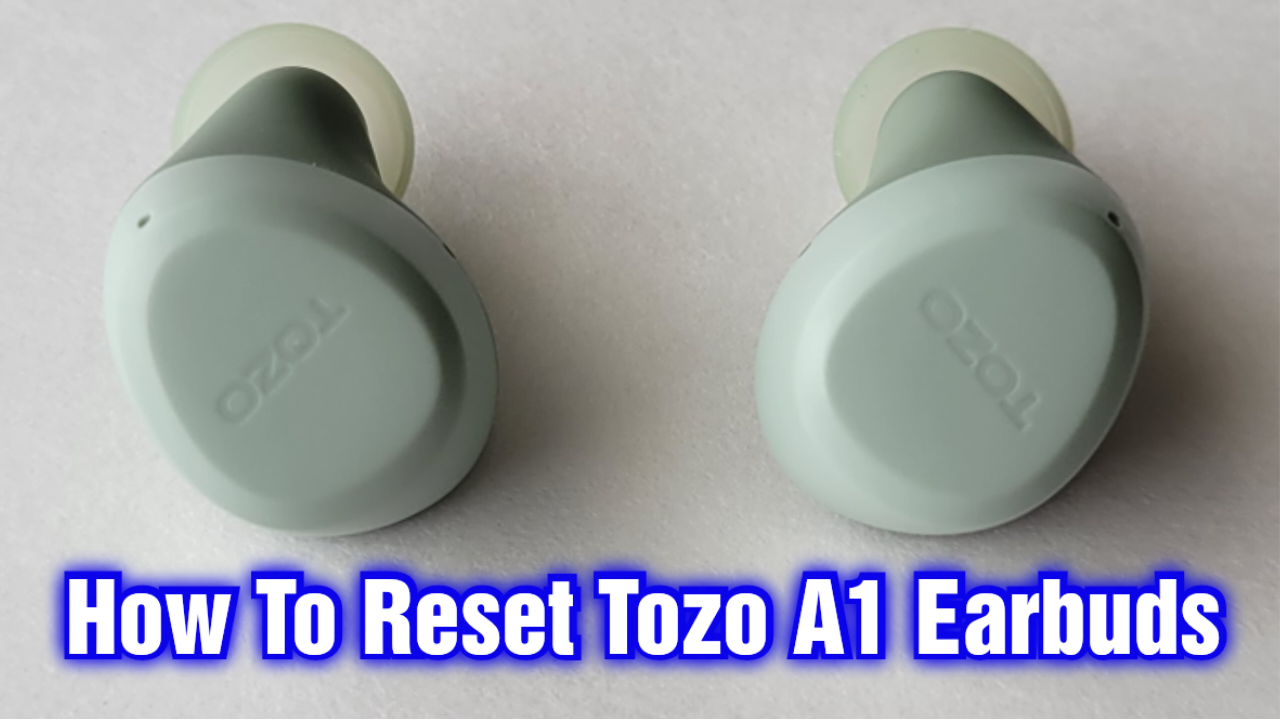
How to reset TOZO earbuds when only one side works
One-sided audio is one of the most common reasons people search for how to reset TOZO earbuds. It often happens when the earbuds lose their internal connection or when the phone pairs with only one side.
Try this full recovery process:
- Forget every TOZO Bluetooth entry on your phone.
- Turn off Bluetooth on nearby devices.
- Place both earbuds in the case.
- Confirm that both earbuds are charging.
- Remove them together.
- Hold both touch panels for about 10 seconds.
- Return them to the case.
- Remove them together once more.
- Turn Bluetooth back on.
- Pair with the single TOZO listing that appears.
If one earbud still does not work, inspect its charging contact. Dirt, skin oil, or pocket lint can stop the earbud from charging. A dry, soft cloth is safer than water or sharp tools.
Also test each earbud alone. If one side has no light, no sound, and no response after charging, the problem may be a weak battery or hardware fault rather than a pairing issue.

How to reset TOZO earbuds when they will not connect
If your phone cannot find the earbuds, start with the basics.
First, charge the case and earbuds for at least 15 to 30 minutes. Then move the case close to the phone and keep other Bluetooth devices away.
Next, reset the phone’s Bluetooth connection:
• Turn Bluetooth off.
• Restart the phone.
• Turn Bluetooth on again.
• Forget old TOZO entries.
• Reset the earbuds.
• Search for a new TOZO device.
On Android, clearing Bluetooth-related system data may help, but the exact menu differs by phone brand and operating system. Use this step only if ordinary pairing fixes fail.
On an iPhone, resetting network settings can remove stubborn Bluetooth problems. This also erases saved Wi-Fi networks, so treat it as a later option rather than a first step.
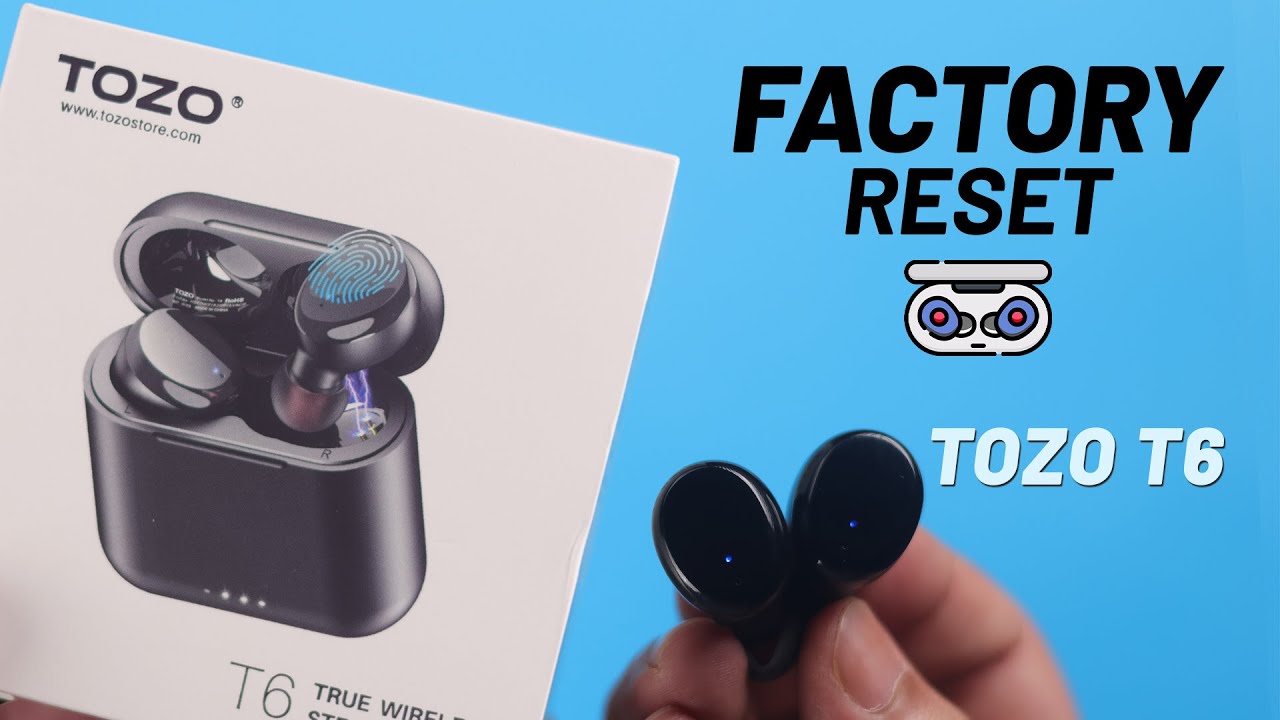
What the TOZO LED lights mean
LED patterns help you understand what the earbuds are doing, but colors can vary by model.
In general:
• A red light often indicates charging or low battery.
• A blue or white light may indicate pairing or connection.
• Flashing lights often show pairing mode.
• No light may mean the earbud is powered off, fully charged, or not making contact.
Do not assume every TOZO model uses the same color code. The user manual for your exact model is the most reliable reference.
If the lights never appear, check the case battery and charging contacts. If one earbud lights up and the other does not, focus on charging and contact cleaning before repeating the reset.

Mistakes to avoid when resetting TOZO earbuds
A reset is simple, but several small mistakes can prevent it from working.
Forgetting the Bluetooth record
Resetting the earbuds without removing the old phone connection can cause automatic reconnection problems. Always forget the TOZO listing first.
Resetting one earbud at a time
Many TOZO models need both earbuds reset together. Removing or pressing only one side may leave the pair out of sync.
Holding the touch panel too briefly
A quick tap may change playback or answer a call. Hold the panel steadily for the full reset period.
Using a wet cleaning method
Water, alcohol drops, pins, and metal tools can damage the charging contacts. Use a dry microfiber cloth or cotton swab.
Pairing before the reset finishes
Wait until both earbuds have returned to pairing mode. Pairing too early can create separate left and right connections.
Ignoring the charging case
The case controls power for many true wireless earbuds. If its battery is empty, the earbuds may appear dead even when the earbuds themselves are fine.
In troubleshooting work, the most common preventable error is rushing the process. A slow, complete reset is usually more effective than repeating a half-finished one.
How to reset TOZO earbuds without a phone
You can reset TOZO earbuds without using a phone. The phone is only needed to remove the saved Bluetooth record and complete pairing afterward.
Use this process:
- Turn off Bluetooth on nearby devices.
- Place both earbuds in the case.
- Remove both earbuds.
- Press or touch both controls for around 10 seconds.
- Place them back in the case.
- Remove them together.
- Wait for the pairing lights.
Once the earbuds reset, use any compatible phone, tablet, or computer to pair them. If an old device connects automatically, turn off Bluetooth on that device first.
When a reset does not fix the problem
A reset cannot solve every earbud issue. Consider these possibilities if your TOZO earbuds still fail:
• The case battery is worn out.
• One earbud has a damaged battery.
• The charging contacts are dirty or bent.
• The speaker mesh is blocked.
• The earbuds suffered water or impact damage.
• The phone has a Bluetooth software problem.
• The model requires a different reset sequence.
Try the earbuds with a second phone. If they work with the second device, the original phone is likely the cause.
If they fail with every device, inspect the case and earbuds for physical damage. Contact TOZO support or the seller if the product is under warranty. Avoid opening the earbuds, since this can create safety risks and may void warranty coverage.
How to prevent future TOZO pairing problems
Good care reduces the need to reset TOZO earbuds.
• Keep the earbuds and case above very low battery levels.
• Store both earbuds in the case after use.
• Clean the charging contacts regularly.
• Keep the earbuds away from water unless the model’s rating supports your use.
• Update your phone’s operating system when practical.
• Remove old Bluetooth entries you no longer use.
• Avoid pairing the earbuds with many devices at the same time.
Bluetooth performance can also suffer in crowded areas with many wireless signals. If problems happen only in airports, gyms, offices, or busy apartments, interference may be part of the cause.
Frequently Asked Questions About How to Reset TOZO Earbuds
How do I reset TOZO earbuds when one earbud is not working?
Forget all TOZO entries from your phone, then reset both earbuds together. Make sure both sides are charging before you press and hold their touch panels.
How long should I hold the TOZO earbuds to reset them?
Many models need a press or touch lasting about 10 seconds. Some models use a different timing, so check the manual if the LED lights do not change.
Will resetting TOZO earbuds delete saved music or phone data?
No. Resetting only removes the earbuds’ stored Bluetooth pairing information. It does not delete music, apps, contacts, or files from your phone.
Why do my TOZO earbuds appear as two Bluetooth devices?
The earbuds may have lost their connection with each other. Forget both Bluetooth entries, reset both earbuds together, and pair only with the single TOZO name that appears afterward.
Do I need to reset TOZO earbuds after changing phones?
Not always. You can usually forget the earbuds on the old phone and pair them with the new one, but a reset helps when the earbuds keep trying to reconnect to the old device.
What should I do if my TOZO earbuds do not light up?
Charge the case and earbuds, then clean the charging contacts with a dry cotton swab. If there are still no lights or signs of charging, the battery, case, or charging circuit may need service.
Can I reset TOZO earbuds without the charging case?
Some models may allow a partial reset outside the case, but many rely on the case for power control. If possible, use the original case and follow the instructions for your exact model.
Conclusion
The best way to reset TOZO earbuds is to forget their Bluetooth connection, charge both earbuds, reset them together, and pair them again as a new device. This process often fixes one-sided sound, failed pairing, random disconnects, and earbuds that appear as separate devices.
Take your time, confirm that both earbuds are charging, and use the model-specific guide when the standard method does not work. If resetting changes nothing, test the earbuds with another phone and contact TOZO support for possible hardware help. Share this guide with anyone struggling with TOZO pairing, and explore your model’s manual for the exact LED and reset instructions.
