

Use your phone’s tracking app, retrace recent steps, and listen for the earbuds’ sound or Bluetooth connection.
Learning how to find lost Bluetooth earbuds is easier when you use a calm, step-by-step search. The best method depends on your earbud brand, battery level, phone settings, and whether the earbuds are still within Bluetooth range. This guide explains proven ways to locate them, what to do when tracking fails, and how to prevent the next loss.
:max_bytes(150000):strip_icc()/lightblue-bluetooth-tracker-2c0e508a83694bbe8117f3ece3a61857.png)
Start with the Most Likely Location
Before opening an app, think back to the last moment you used the earbuds. Small earbuds often vanish in places where you remove them without thinking.
Check these spots first:
• Pockets in the clothes you wore today
• Jacket pockets, bags, and backpacks
• Bed sheets, blankets, and couch cushions
• Car seats, cup holders, and floor mats
• Desk drawers and work areas
• Bathroom counters and kitchen tables
• Gym lockers and exercise equipment
• The area beside your phone charger
Use a flashlight, even during the day. A bright beam can make a white earbud stand out against dark fabric. Move slowly and check from more than one angle.
If one earbud is missing, check the charging case as well. Many people find the case first and then discover that one earbud is still in a pocket, under furniture, or inside a bag.

Use the Earbuds’ Tracking App
The fastest way to find lost Bluetooth earbuds is often the tracking service made for your brand. These apps may show the last known location, play a sound, or guide you to nearby earbuds.
Apple AirPods
Use the Find My app on an iPhone, iPad, or Mac.
Open Find My.
Select the Devices tab.
Tap your AirPods.
Review the map and last known location.
Choose Play Sound if the earbuds are nearby.
Some newer AirPods support Precision Finding. This feature can show direction and distance when compatible hardware is available. It works best when the earbuds have power and are close to your iPhone.
If the AirPods are separated, Find My may show only one earbud at a time. Place the earbud you find in its case, then refresh the app to search for the other one.
Samsung Galaxy Buds
Use the Galaxy Wearable app or Samsung Find, depending on your device and software version.
Look for options such as:
• Ring
• Find My Earbuds
• Last known location
• Search nearby
The ring feature may work even when the earbuds are not actively playing music. However, the earbuds must have battery power and maintain a connection with your phone or the related tracking network.
Google Pixel Buds
For Pixel Buds, use the Pixel Buds settings or Google’s device-finding service. The available features can vary by model and Android version.
You may be able to:
• See the last connected location
• Ring the left or right earbud
• Check the charging case location
• Use a nearby search feature
Update Android and the related app if the earbuds do not appear. An old app version can hide features or prevent a stable connection.
Other Bluetooth earbuds
Many brands offer their own apps. Check the app store for the official app from your earbud maker. Search for features named:
• Find my earbuds
• Locate device
• Ring earbuds
• Last location
• Find nearby
Use the official app whenever possible. Unofficial tracking apps may have limited access to Bluetooth data and can create privacy risks.

Connect to the Earbuds Through Bluetooth
If the earbuds are nearby, your phone may reconnect to them. This is a useful clue when learning how to find lost Bluetooth earbuds.
Open your phone’s Bluetooth settings. Look for the earbuds under saved or available devices. If they show as connected, walk slowly around your home or office.
Move room by room. A stable connection usually means you are getting closer. A weak connection or repeated disconnects may mean you are moving away.
Try these steps:
Turn off Bluetooth on nearby devices that may connect to the earbuds.
Play music or a loud podcast at a safe volume.
Walk slowly while watching the Bluetooth connection.
Search low areas first, such as floors, furniture gaps, and under beds.
Check bags, drawers, and clothing when the signal becomes stronger.
Bluetooth range is not a precise measuring tool. Walls, metal, furniture, and other wireless devices can affect the signal. Many earbuds work at a practical indoor range of about 20 to 30 feet, but the actual distance can be much less.
Do not rely on a connection alone. A phone can remain connected through a wall, while a nearby earbud may disconnect because of interference.
Make the Earbuds Play a Sound
A sound is one of the best ways to find lost Bluetooth earbuds in a quiet room. Use the tracking app or earbud app to play a ring or alert.
Start with the missing earbud rather than the case. If the left earbud is missing, select only the left side when the app offers that choice. This avoids wasting time listening to the earbud you already have.
Turn off fans, televisions, and music. Ask other people in the room to stay quiet for a moment. Then listen near:
• Couch seams
• Under beds
• Laundry baskets
• Car seats
• Coat piles
• Desk areas
• Pet beds
Some earbuds produce a soft tone. Others play a sharper alert. Bring your phone close to the suspected area and repeat the sound several times.
The sound feature has limits. It may not work if the earbud is inside its closed charging case, has a dead battery, is too far away, or is not supported by the app. Water damage may also prevent the earbud from making a sound.
Check the Last Known Location
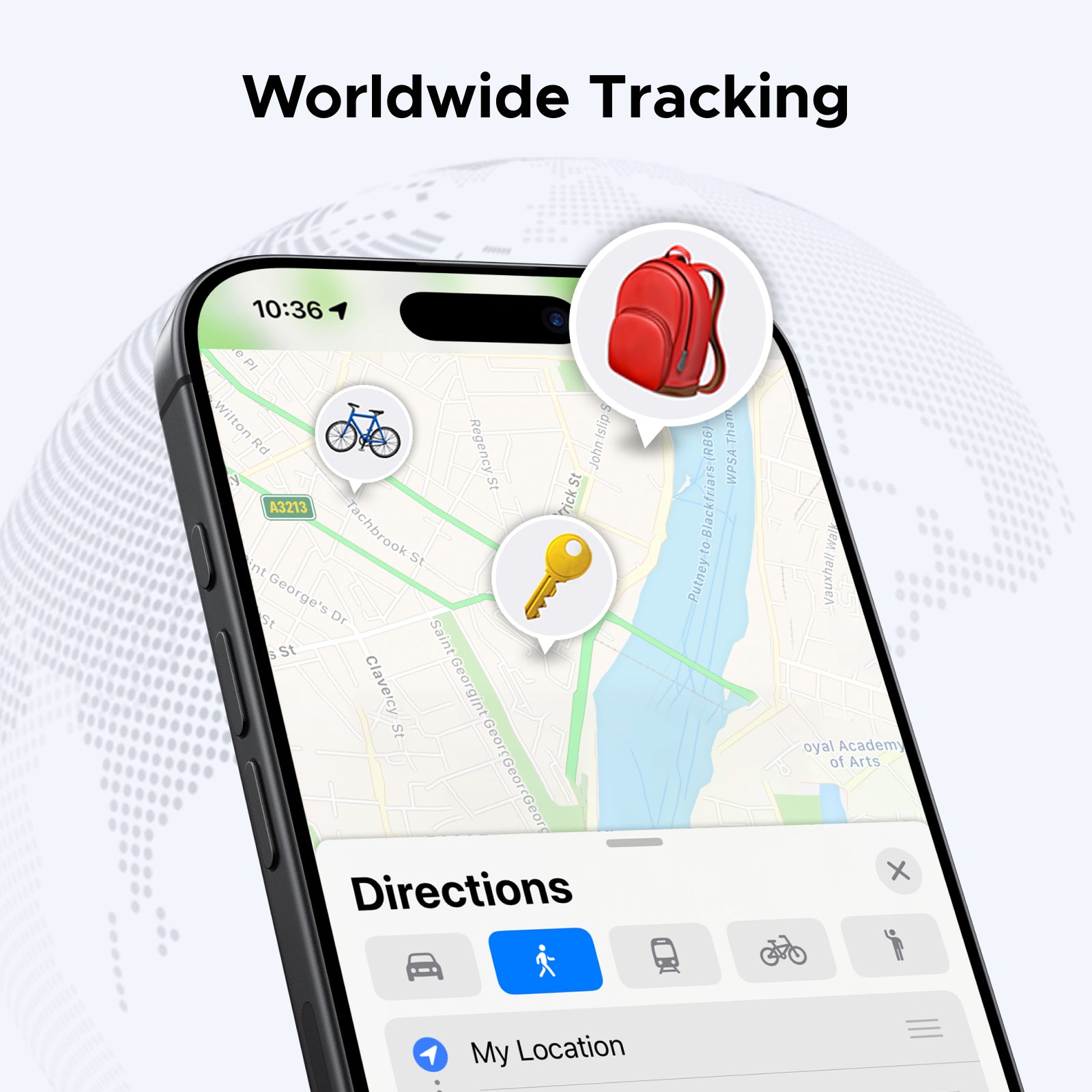
A last known location can show where your phone last communicated with the earbuds. It does not always show the earbuds’ current location.
For example, the map may show your home even if you carried the earbuds to a coffee shop later. The location usually reflects the last successful connection, not a live GPS signal from each earbud.
Use the last known location as a starting point:
Open the tracking app.
Note the time of the last connection.
Remember what you did after that time.
Search the route in reverse order.
Contact places you visited after the last connection.
If the map points to a store, gym, school, or workplace, call its lost-and-found desk. Provide the brand, color, case style, and the date and time you may have left them there.
Be careful with location accuracy. GPS can be off by several feet or more, especially indoors. A map pin may identify a building but not the exact room.
Retrace Your Steps in Reverse
A reverse search often works better than a random search. Start at the last place you remember using the earbuds and move backward through your day.
Imagine the earbuds as small coins that follow your routine. They usually fall out when you sit, stand, change clothes, remove a bag, or reach into a pocket.
Use this search order:
Check the place where you last listened.
Search the path to your next location.
Inspect every seat, table, and doorway.
Check clothing and bags used during the trip.
Search the car, bus, train, or rideshare.
Contact any business or facility you visited.
When searching outdoors, look near curbs, benches, grass edges, storm drains, and parking spaces. Use your phone’s flashlight and search during daylight if possible.
Do not walk quickly while searching. A slow, organized search is less stressful and reduces the chance of overlooking a small white or black earbud.
Search Soft and Hidden Places Carefully
Earbuds often disappear into soft materials. They can slide between cushions or become trapped in fabric folds.
Check these areas with your hands:
• Between couch cushions
• Under removable sofa covers
• Inside blankets and pillowcases
• Under car floor mats
• In the corners of backpacks
• Inside hoodie pockets
• In laundry hampers
• Under rugs
Use a clean, dry cloth or a vacuum crevice tool around furniture edges. Do not use strong suction directly on an earbud unless you protect the nozzle with thin fabric. A loose earbud can be pulled into the vacuum.
If you have pets or small children, search quickly and carefully. Earbuds can look like small toys or food. Keep pets away from the search area until you find them.

What to Do When the Earbuds Are Offline
Finding lost Bluetooth earbuds becomes harder when they are offline. Offline can mean several things:
• The battery is dead.
• The earbuds are inside a closed charging case.
• The earbuds are out of Bluetooth range.
• The phone cannot reach the tracking network.
• The earbuds were reset or removed from the account.
You can still use the last known location and retrace your steps. If the earbuds were recently lost, check every place you visited after the last recorded connection.
Some newer devices can report their location through a crowdsourced finding network. Nearby compatible phones may detect the earbuds and send an encrypted location update. This feature depends on the model, settings, battery, and nearby devices.
There is no reliable way to track every Bluetooth earbud after its battery dies. Bluetooth earbuds usually do not contain a full GPS system. Be cautious of apps that promise exact tracking for any lost earbud.
Check the Charging Case and Battery Status
Many people search for the earbuds but forget the case. The case may be inside a bag, under a car seat, or beside a charger.
If the case is missing, search the places where you normally charge or store it. Check nightstands, desks, kitchen counters, work bags, and cable drawers.
Battery level also matters. If the app shows a recent battery percentage, the earbuds may still be active. If the battery level is missing or has not changed for a long time, the earbuds may be offline.
Some tracking apps show separate battery levels for:
• Left earbud
• Right earbud
• Charging case
A case can hold one earbud while the other is missing. Search for each part separately, even if the app shows one combined location.
Use a Bluetooth Finder App With Care
Third-party Bluetooth scanner apps can sometimes help locate nearby earbuds. They measure signal strength and show whether a Bluetooth device is getting closer or farther away.
These apps have important limits:
• They may not identify the exact earbud.
• Signal strength can change through walls.
• The app may list nearby devices owned by other people.
• Some apps request more permissions than they need.
• They cannot find an earbud with no battery or active signal.
If you use one, choose a trusted app with clear privacy terms. Do not grant contact, microphone, camera, or location access unless the feature truly needs it.
A Bluetooth scanner works best as a directional aid. Walk slowly, compare signal strength, and confirm the device name before assuming you found your earbuds.
Common Mistakes to Avoid
People often lose time because they search in a way that creates more confusion. Avoid these common mistakes:
• Searching only at eye level. Earbuds often fall under furniture.
• Assuming the map shows a live location. It may show only the last connection.
• Playing music at full volume. This can damage hearing and still may not help.
• Resetting the earbuds too soon. A reset can remove useful connection data.
• Searching only for the case. One earbud may be somewhere else.
• Trusting every Bluetooth device listed in a scanner app.
• Moving furniture without checking for fragile items or pets.
• Ignoring public places visited after the last connection.
In my experience helping people troubleshoot missing devices, the biggest mistake is rushing. A calm search with a clear route usually works better than checking the same drawer five times.
When to Report or Replace the Earbuds
If you believe the earbuds were stolen, do not confront anyone. Use the tracking location only as information. Contact the venue, transit agency, or local authorities if appropriate.
For a lost item, report it to:
• The store’s customer service desk
• A school or workplace security office
• Public transit lost and found
• A hotel front desk
• An airport lost property office
Keep the serial number, purchase receipt, color, and model name. These details can help identify the earbuds if someone turns them in.
Replacement decisions depend on cost and age. Check whether your credit card, renter’s insurance, homeowner’s insurance, or extended warranty covers accidental loss. Many standard warranties cover defects but not loss, so review the terms before filing a claim.
How to Prevent Losing Bluetooth Earbuds Again
After you find lost Bluetooth earbuds, create one simple storage habit. Put the earbuds in the case every time you remove them.
These habits can help:
• Use a case with a bright color.
• Attach the case to a bag with a secure clip.
• Turn on the tracking feature before you need it.
• Add a contact label to the case.
• Keep one regular storage spot at home.
• Check the case before leaving a car, desk, or restaurant.
• Avoid placing loose earbuds on beds or soft furniture.
• Charge the case before it reaches a very low level.
A tracking feature is helpful, but it is not a substitute for a routine. The best protection is the same habit used for keys and wallets: one place, every time.
Frequently Asked Questions
Can I find lost Bluetooth earbuds if they are turned off?
You usually cannot track earbuds that have no battery or are fully offline. You can still use the last known location, retrace your route, and contact places you visited.
Can Bluetooth earbuds be tracked without GPS?
Some earbuds can report a location through a phone or crowdsourced finding network, but they usually do not have independent GPS. Basic Bluetooth earbuds may only show the last place they connected to your phone.
How do I find lost Bluetooth earbuds in my house?
Open the earbud tracking app, check whether they are connected, and use the play sound feature. If no sound plays, search furniture gaps, clothing, bags, floors, and charging areas with a flashlight.
Can I find one lost earbud?
Yes, if your app supports separate left and right earbud tracking. Place the earbud you have in the case, then search for the missing side and play its sound if possible.
Why are my lost earbuds not showing on the map?
They may be out of battery, outside the tracking network, inside a closed case, or disconnected from your account. The map may also show only the last known connection rather than the current location.
Do Bluetooth finder apps really work?
They can help locate a nearby earbud that still broadcasts a Bluetooth signal. They cannot reliably find dead, offline, or reset earbuds, and signal strength can be affected by walls and other devices.
Conclusion
Finding lost Bluetooth earbuds is easiest when you combine tracking tools with a careful physical search. Start with the official app, check the last known location, connect through Bluetooth, play a sound, and retrace your route in reverse. Remember that dead batteries, closed cases, distance, and weak tracking support can limit what technology can do.
Stay calm, search low and slow, and check soft places where earbuds can disappear. Once you recover them, turn on tracking and choose one safe storage spot. Use these steps the next time an earbud goes missing, and share your own search tip in the comments.
