

Twist, press, and angle Beats earbuds until they feel secure, seal gently, and stay comfortable without pressure.
Learning how to wear Beats by Dre earbuds is more than pushing them into your ears. The right ear tip, angle, and fit can improve sound, comfort, bass, and stability. This guide explains the correct method for popular models, common fit mistakes, cleaning tips, and ways to keep your earbuds secure during work, travel, and exercise.

How to Wear Beats by Dre Earbuds Correctly
Most Beats earbuds use soft silicone ear tips that sit inside the ear canal. Models such as Beats Studio Buds, Studio Buds+, Beats Fit Pro, and Powerbeats Pro need a slight twist to lock into place.
Follow these steps:
Choose the correct ear tip size. Start with the medium tips, then test smaller or larger tips if the earbuds feel loose or tight.
Identify the left and right earbuds. Each earbud has an “L” or “R” mark.
Hold the earbud with the ear tip facing slightly forward. Do not point it straight into your ear canal.
Place the ear tip gently into your ear. It should rest in the opening without causing sharp pressure.
Twist the earbud backward or downward, depending on the model. This motion helps the tip seal and keeps the body in place.
Press lightly around the earbud to check the fit. Never force it deep into your ear.
Test the seal by speaking, walking, or turning your head. A good fit should stay steady and reduce outside noise without pain.
When learning how to wear Beats by Dre earbuds, think of the earbud as a small cork. It should seal the opening gently, not block the ear with force. If the earbud feels heavy, painful, or loose, the angle or ear tip size may be wrong.

How to Find the Right Ear Tip Size
Ear tip size has a major effect on comfort and sound. Many people assume larger tips create better bass, but the best size is the one that seals your ear without pressure.
A poor seal can cause:
• Weak or thin bass
• Uneven sound between the left and right sides
• Earbuds that fall out during movement
• The need to raise the volume
• Outside noise leaking into your music
A tip that is too large may create pressure, soreness, or a plugged feeling. A tip that is too small may feel comfortable at first but slip out when you walk or sweat.
Try this simple test:
Insert both earbuds with the medium tips.
Play a song with clear bass and vocals.
Compare the sound with the small tips.
Compare it again with the large tips.
Choose the size that gives a full sound and stays comfortable for at least 10 minutes.
Some Beats models include an ear tip fit test in the companion settings on an iPhone or compatible device. Use it when available, but treat it as a guide. Your comfort and stability matter just as much as the test result.
If one ear needs a different size, that is normal. Human ears are not always the same shape. You might use a small tip on the left and a medium tip on the right.
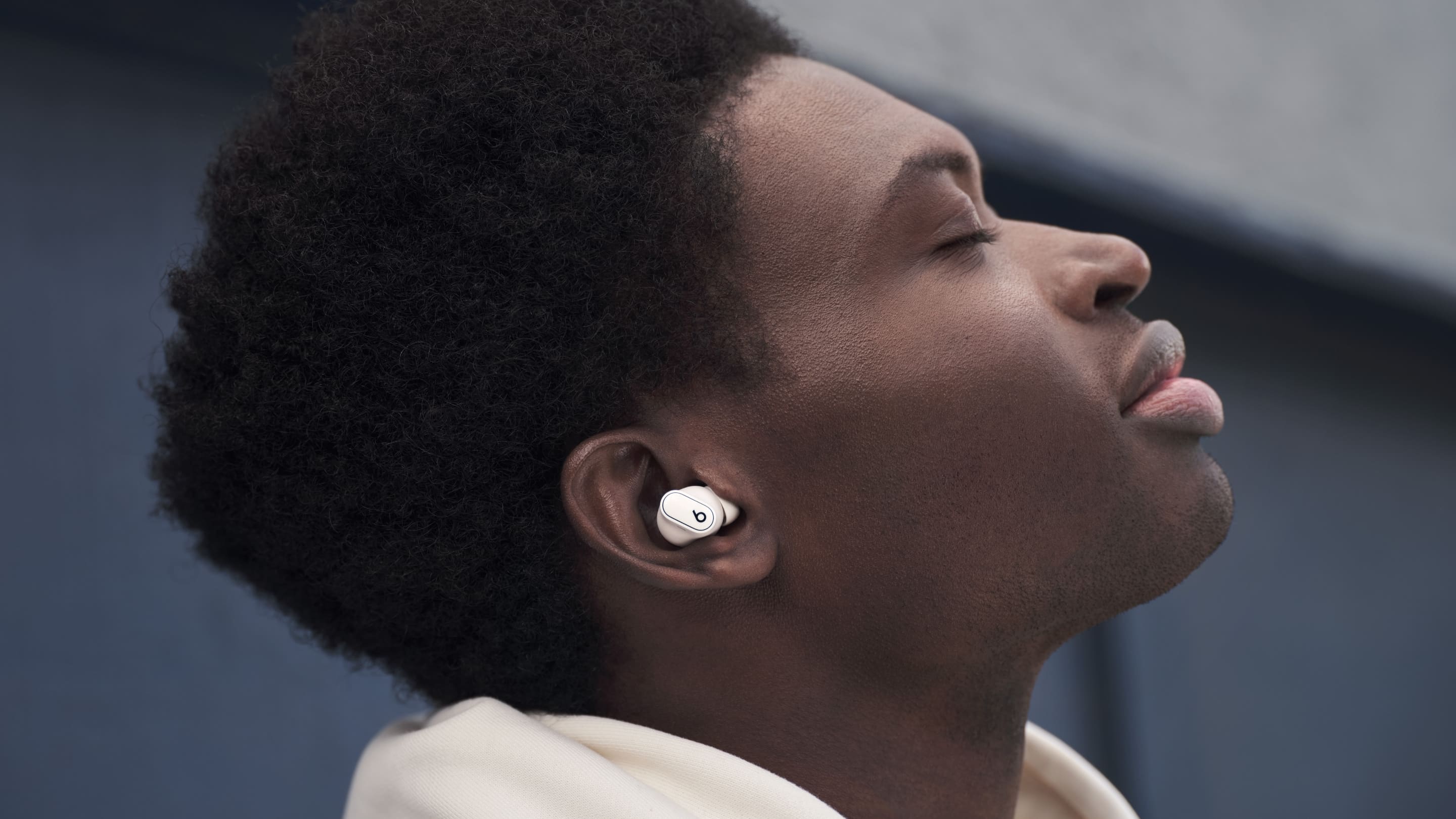
How to Wear Different Beats Earbud Models
The basic method is similar, but each Beats model has a slightly different design.
Beats Studio Buds and Studio Buds+
Studio Buds and Studio Buds+ use a compact shape with silicone ear tips. Insert each earbud at a slight angle, then rotate it until the flat outer surface sits comfortably against your ear.
These earbuds should not point straight down. A slight backward angle often creates a better seal. If the earbuds feel like they are slowly sliding out, try a larger tip or rotate the body slightly toward the back of your head.
Beats Fit Pro
Beats Fit Pro include flexible wing tips. The wing should rest in the upper fold of your outer ear.
To wear Beats Fit Pro:
Insert the ear tip gently.
Rotate the earbud until the wing rests against the upper ear fold.
Press the wing into place with one finger.
Move your jaw and turn your head to test stability.
The wing tip should support the earbud, not dig into your skin. If it causes soreness after a short time, remove the earbud and adjust the angle. A wing tip that presses too hard may be the wrong size or may sit in the wrong part of the ear.
Powerbeats Pro and Powerbeats Pro 2
Powerbeats Pro models use adjustable ear hooks. The hook should sit around the back of your ear, while the ear tip creates the sound seal.
Open the hook slightly, place the ear tip into your ear, and then settle the hook behind your ear. Adjust the angle until the hook feels secure but does not pinch.
Powerbeats models are often a strong choice for running or gym workouts because the hook provides extra support. Still, the ear tip must fit well. The hook alone cannot create good sound or block outside noise.
Beats Flex
Beats Flex use a neckband and traditional ear tips. Insert the tips gently and adjust the cable so it rests comfortably behind your neck.
The neckband should not pull on either earbud. If it does, loosen the cable or reposition the band. The earbuds should sit naturally without tugging.

How to Check if Your Beats Earbuds Fit Properly
A correct fit should feel secure but almost forgettable. You should be able to wear the earbuds without constantly adjusting them.
Use this five point check:
• Comfort: There is no sharp pain or strong pressure.
• Seal: Music sounds full, especially bass and spoken vocals.
• Stability: The earbuds stay in place when you walk or turn your head.
• Balance: Both sides sound equally clear.
• Safety: You can still notice important sounds when transparency mode is active.
A slight feeling of fullness is common with sealed earbuds. However, pain, itching, or lasting soreness is not something to ignore. Remove the earbuds and give your ears a break.
You can also perform a movement test. Walk up stairs, nod your head, open your mouth, and turn your head from side to side. If the earbuds shift, adjust the angle before changing the tip size. Small position changes often solve the problem.
One common mistake is pushing harder when the earbud feels loose. This usually makes comfort worse and does not fix the seal. Remove it, clean the tip, and try a new angle instead.
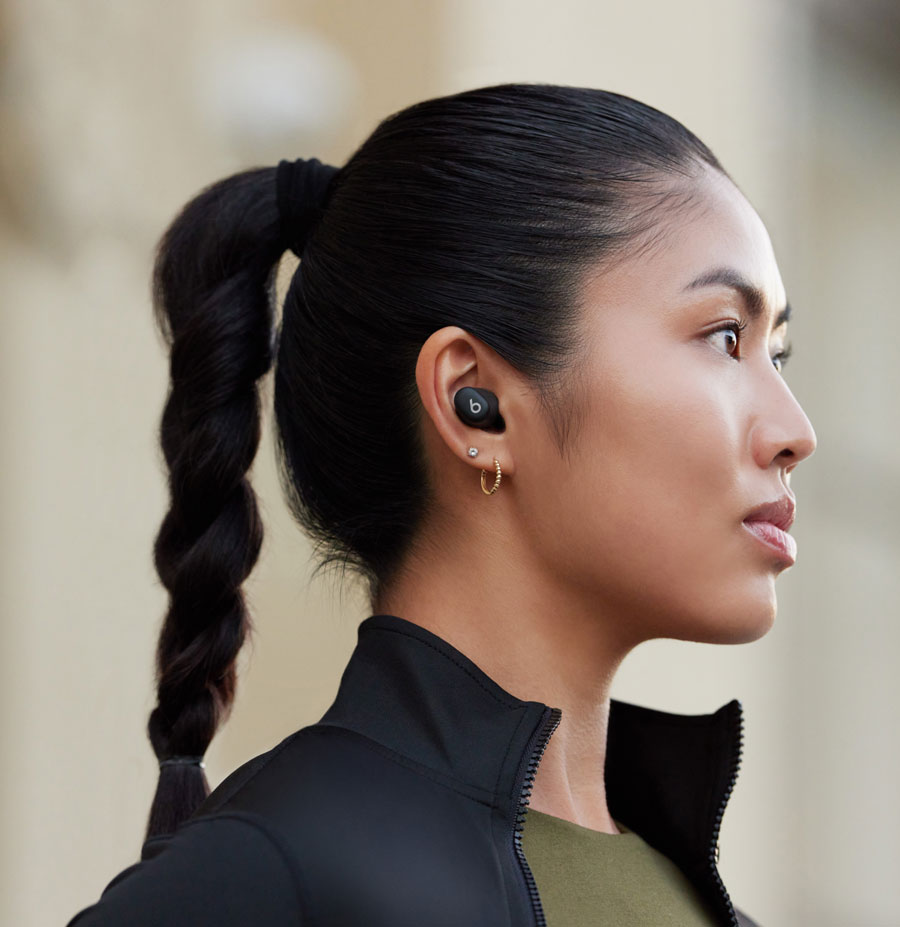
How to Keep Beats Earbuds Secure During Exercise
Sweat, movement, and skin oil can make earbuds less stable. The right model and a clean fit help, but technique matters too.
Before exercise:
Wipe the earbud and ear tip with a soft, dry cloth.
Make sure your ears are dry.
Choose the tip size that feels firm without pressure.
Insert the earbuds before starting your workout.
Use the wing tips or ear hooks correctly if your model has them.
During exercise, avoid adjusting the earbuds with dirty hands. Dirt and sweat can collect around the ear tip and may irritate the skin. If an earbud keeps slipping, stop and fix the fit rather than turning up the volume to overcome outside noise.
For running outdoors, stay aware of traffic and people nearby. Noise cancellation can make music more immersive, but it can also reduce awareness. Use transparency mode or lower the volume when your surroundings require attention.
A useful listening habit is the 60/60 approach: keep the volume near 60 percent or lower and take regular breaks. This is a simple safety guide, not a guarantee. Hearing risk depends on volume, listening time, and personal sensitivity.

Common Mistakes When Wearing Beats by Dre Earbuds
Knowing what not to do can make learning how to wear Beats by Dre earbuds much easier.
Pushing the Earbuds Too Deep
Earbuds should sit at the ear opening, not deep inside the canal. Pushing them too far can cause soreness and may make the sound feel overly blocked.
Using the Same Tip Size in Both Ears
Your ears may need different sizes. If one earbud keeps falling out, test another tip rather than tightening both earbuds.
Skipping the Twist
Many Beats earbuds are designed to lock in with a small rotation. Inserting them without twisting may leave the seal weak.
Wearing Dirty Ear Tips
Wax, dust, and skin oil can reduce grip and affect sound. Clean the tips often, especially after workouts.
Turning Up the Volume to Fix a Poor Seal
A weak seal can make music sound quiet. Increasing the volume may expose your ears to more sound than needed. Fix the fit first.
Ignoring Pain
Discomfort is a signal, not a challenge. Try another tip, change the angle, or take a break. Stop using the earbuds and seek medical advice if pain, discharge, or hearing changes continue.
Wearing Noise Cancellation in Every Situation
Active noise cancellation can be useful on a plane or train. It may be unsuitable when you need to hear alarms, traffic, cyclists, or other people.
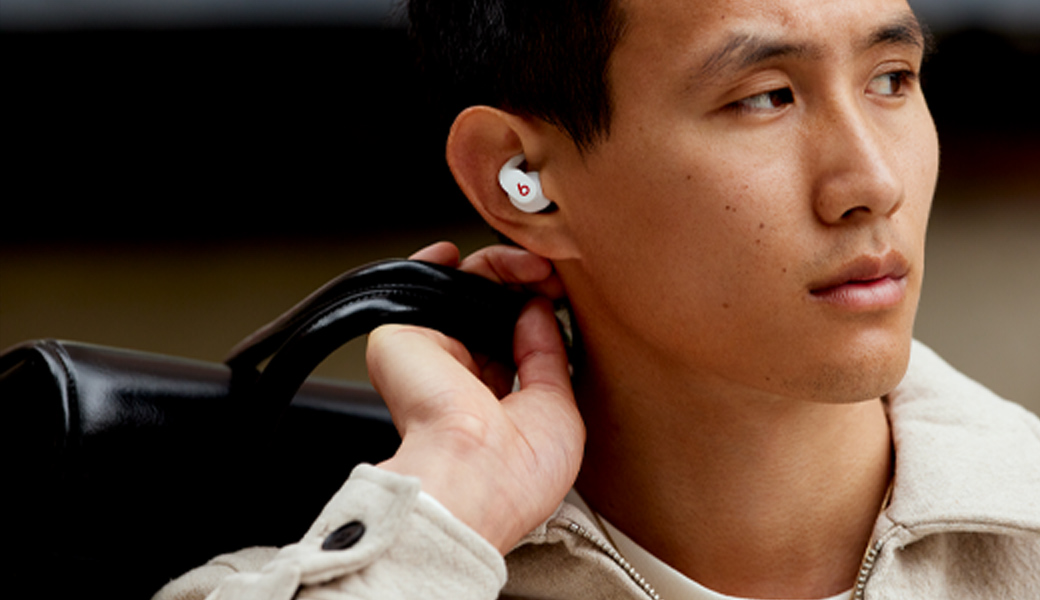
How to Clean and Maintain Beats Earbuds
Clean earbuds sound better and stay more comfortable. Cleaning also helps preserve the grip of the silicone tips.
Remove the ear tips before cleaning them. Wash silicone tips with clean water and a small amount of mild soap if needed. Rinse them well and let them dry fully before putting them back on.
For the earbuds:
• Wipe the outer surface with a soft, dry, lint free cloth.
• Use a dry cotton swab around the speaker mesh.
• Keep liquid away from openings, microphones, and charging contacts.
• Do not use sharp tools to remove wax.
• Do not place wet tips back on the earbuds.
• Clean the charging case with a dry cloth.
Check the speaker mesh regularly. A blocked mesh can make one side sound quieter, which may seem like a connection problem. If the sound remains uneven after cleaning and checking the fit, inspect the balance settings on your phone.
Ear tips can wear out over time. Replace them if they become loose, cracked, stretched, or difficult to clean. Always use tips designed for your specific Beats model.

Comfort and Hearing Safety Tips
The best way to wear Beats by Dre earbuds includes protecting your ears. Earbuds are safe when used responsibly, but loud sound over long periods can contribute to hearing damage.
Keep these habits in mind:
• Use the lowest volume that lets you hear clearly.
• Take short breaks during long listening sessions.
• Lower the volume in quiet rooms.
• Use transparency mode when you need environmental awareness.
• Avoid sharing earbuds unless the tips are cleaned first.
• Stop if you notice ringing, muffled hearing, or pain.
Noise cancellation can help in loud places because it may reduce the need to raise the volume. It does not make loud listening risk free. If you work in a noisy environment, consider hearing protection designed for that setting.
Ear discomfort can also come from pressure, moisture, or an ear infection. Earbuds cannot diagnose a health problem. If symptoms continue after you stop wearing them, speak with a qualified health professional.
A Simple Fit Routine for Daily Use
If you wear Beats earbuds every day, use the same short routine each time. It helps you get a steady fit without repeated adjustments.
Check that the tips and earbuds are clean.
Select the correct left and right sides.
Insert each ear tip at a slight angle.
Twist the earbuds into their secure position.
Check the seal with a short audio clip.
Move your head and jaw.
Set a safe volume before starting your activity.
This routine takes less than a minute. It is especially useful before a commute, workout, video call, or flight.
When helping someone learn how to wear Beats by Dre earbuds, I recommend fixing one factor at a time. Test the angle first, then the tip size, then the ear hook or wing. Changing everything at once makes it hard to know what solved the problem.
Frequently Asked Questions About How to Wear Beats by Dre Earbuds
Should Beats earbuds go deep inside your ears?
No. Beats earbuds should sit securely at the ear opening and create a gentle seal. Pushing them deep into the ear canal can cause discomfort and irritation.
Why do my Beats earbuds keep falling out?
The ear tip may be too small, or the earbuds may need a slight twist after insertion. Clean the tips, test another size, and check whether your model has a wing tip or ear hook that needs adjustment.
Which ear tip size should I use with Beats earbuds?
Use the smallest tip that creates a stable seal without pain or pressure. Different ears may need different sizes, so it is fine to use separate sizes on the left and right.
How do I wear Beats Fit Pro correctly?
Insert the ear tip, then rotate the earbud until the flexible wing rests in the upper fold of your ear. The wing should support the earbud without digging into your skin.
Can I wear Beats earbuds while running?
Yes, many Beats models are designed for active use. Choose a secure fit, keep the earbuds clean and dry, and use transparency mode when you need to hear traffic or other surroundings.
Why does one Beats earbud sound quieter?
A poor seal, blocked speaker mesh, or incorrect fit can make one side sound quieter. Clean the earbud, check the tip, test another size, and review your device’s left and right audio balance.
How long can I safely wear Beats earbuds?
There is no single safe time for everyone because volume and personal sensitivity vary. Keep the volume moderate, take regular breaks, and stop if you notice ringing, muffled hearing, or pain.
Conclusion
Learning how to wear Beats by Dre earbuds comes down to three things: the right tip size, the correct angle, and a gentle twist that creates a secure seal. Your earbuds should feel stable without pain, sound balanced without excessive volume, and remain comfortable during normal movement.
Try the fit routine above with your specific Beats model. Test each ear tip, clean the earbuds often, and adjust the fit before raising the volume. Explore your device’s audio and transparency settings, then share your own fit tips or questions in the comments.
