

Open the charging case, press its button for three seconds, and select your Soundcore earbuds in Bluetooth settings.
If you are trying to learn how to put Soundcore earbuds in pairing mode, the process is usually quick. However, button layouts and touch controls vary across models such as Liberty, Space A40, Life P2, P20i, and A20i. This guide explains the safest steps, common mistakes, and reliable fixes when your earbuds do not appear on your phone.

How to put Soundcore earbuds in pairing mode
Most Soundcore earbuds enter pairing mode through the charging case. Keep both earbuds inside the case, charge them first if needed, and keep the case close to your phone or computer.
Follow these steps:
- Turn on Bluetooth on your phone, tablet, laptop, or other device.
- Place both earbuds inside the charging case.
- Leave the case lid open.
- Press and hold the case button for about three seconds.
- Release the button when the case LED starts flashing white or another pairing signal appears.
- Open your device’s Bluetooth menu.
- Select the name of your earbuds, such as “Soundcore Liberty 4 NC” or “Soundcore P20i.”
- Tap Pair, Connect, or Confirm if your device asks for permission.
That is the standard answer to how to put Soundcore earbuds in pairing mode. The exact light pattern may differ by model, so check the user guide if the LED does not flash as expected.
If your earbuds are brand new, opening the charging case may start pairing mode automatically. If they have already connected to another device, you may need to press the case button manually.

How to put Soundcore earbuds in pairing mode without a case button
Some Soundcore models do not have a clear button on the charging case. Instead, they use touch controls on the earbuds.
Try this method:
- Remove both earbuds from the case.
- Turn off Bluetooth on nearby devices that may connect automatically.
- Touch and hold both earbud control panels at the same time.
- Continue holding for about three seconds.
- Watch for a flashing LED or a voice prompt.
- Search for the earbuds in your device’s Bluetooth settings.
- Select the Soundcore model to finish pairing.
This method can work with models that use touch controls rather than a physical case button. On some earbuds, the touch area is small, so place your finger on the outer panel instead of the speaker opening.
If the earbuds do not respond, return them to the case for ten seconds. Then remove them and try again. Learning how to put Soundcore earbuds in pairing mode often comes down to using the right control method for your model.

Model-specific Soundcore pairing steps
Soundcore uses several pairing designs. The steps below cover common model families, but firmware and regional versions can vary.
Soundcore Liberty earbuds
For many Liberty models:
- Put both earbuds in the case.
- Keep the lid open.
- Press and hold the case button for about three seconds.
- Wait for the LED to flash.
- Choose the earbuds from your Bluetooth list.
Some Liberty earbuds enter pairing mode when you open the case for the first time. If they have been paired before, the case button is usually the more reliable option.
Soundcore Space A40
To pair Space A40 earbuds:
- Place both earbuds in the charging case.
- Open the lid.
- Press and hold the case button for several seconds.
- Wait for the pairing light.
- Select “Soundcore Space A40” on your device.
The Space A40 can also be managed through the Soundcore app after the first Bluetooth connection. The app may help install firmware updates and adjust controls.
Soundcore Life P2
Many Life P2 versions use buttons on the earbuds rather than a case pairing button:
- Remove both earbuds from the case.
- Press and hold the buttons on both earbuds.
- Keep holding until the indicator lights flash.
- Search for the earbuds on your phone.
- Tap the Soundcore name to connect.
Because Life P2 versions can differ, do not rely only on the light color. If the earbuds connect to one another but not to your phone, delete the old Bluetooth record and repeat the process.
Soundcore P20i, R50i, and similar models
For many compact Soundcore models:
- Place both earbuds in the case.
- Keep the lid open.
- Press and hold the case button for around three seconds.
- Wait for the LED to flash.
- Open Bluetooth settings and select the earbuds.
Some versions use touch controls instead. If the case has no button, hold both earbud touch panels for a few seconds after removing them from the case.
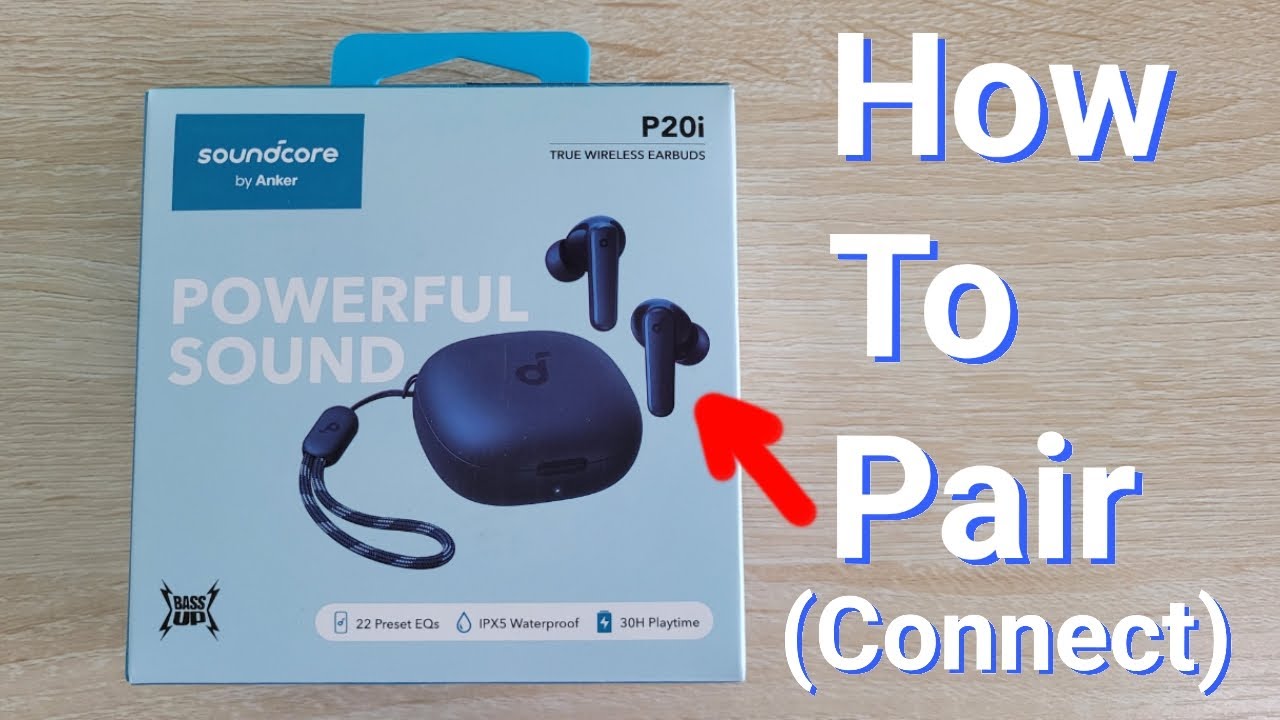
Pairing Soundcore earbuds with a phone
Once the earbuds are in pairing mode, connecting them to a phone is simple.
Android phones
- Open Settings.
- Select Connected devices or Bluetooth.
- Turn Bluetooth on.
- Tap Pair new device if needed.
- Select your Soundcore earbuds.
- Approve the pairing request.
Android menus vary by brand. Samsung, Google Pixel, Motorola, and OnePlus phones may use slightly different labels, but the Bluetooth process is nearly the same.
iPhone
- Open Settings.
- Tap Bluetooth.
- Turn Bluetooth on.
- Wait for the earbuds to appear under Other Devices.
- Tap the Soundcore model name.
If the earbuds appear under My Devices but show Not Connected, tap the name again. If that fails, tap the information icon, choose Forget This Device, and start pairing again.
Windows computers
- Open Settings.
- Select Bluetooth & devices.
- Turn Bluetooth on.
- Choose Add device.
- Select Bluetooth.
- Click the Soundcore earbuds when they appear.
For better call quality, choose the earbuds as both the output and microphone device. Windows may show two audio profiles. The hands-free profile supports calls, while the stereo profile usually provides better music quality.
Mac computers
- Open System Settings.
- Select Bluetooth.
- Turn Bluetooth on.
- Find the Soundcore earbuds.
- Click Connect.
If a Mac connects to the earbuds but produces no sound, open Sound settings and select the Soundcore model as the output device.

What the Soundcore LED lights mean
LED signals help you understand what the earbuds are doing. The exact colors depend on the model, but these patterns are common:
• Flashing white often means the earbuds are ready to pair.
• A steady light may mean the earbuds are charging or connected.
• A red light often indicates low battery or charging.
• Alternating colors may indicate reset mode, pairing mode, or a connection problem.
• No light may mean the case or earbuds need charging.
Do not judge pairing mode by color alone. The most useful clue is a flashing light that appears after you hold the button or touch controls. The user guide for your exact model remains the best reference because Soundcore changes LED behavior across product lines.

Why your Soundcore earbuds do not appear
If you are still unsure how to put Soundcore earbuds in pairing mode, the earbuds may be connected to a different device. Earbuds often reconnect to the last phone, tablet, or computer they used. Turn off Bluetooth on nearby devices before trying again.
Other common causes include:
• The charging case battery is too low.
• One earbud is not seated correctly in the case.
• The case lid is closed during the pairing attempt.
• The earbuds are already saved on your device but are not connected.
• Another person’s phone is connecting to them first.
• The earbuds need a reset.
• The earbuds are too far from the device.
Bluetooth works best when the earbuds are within a few feet of the phone. Thick walls, crowded wireless areas, and active Bluetooth accessories can also cause interference, though distance and an old connection are more common problems.

How to reset Soundcore earbuds before pairing
A reset removes old connection data and gives the earbuds a fresh start. Use it when the earbuds connect to the wrong device, appear twice, or refuse to enter pairing mode.
A common reset process is:
- Forget the earbuds from every connected device.
- Put both earbuds into the charging case.
- Leave the lid open.
- Press and hold the case button for about ten seconds.
- Watch for a flashing LED or a reset signal.
- Close the lid for a few seconds.
- Open the case and try pairing again.
Models without a case button may use both earbud touch controls for about ten seconds. Some products require the earbuds to be removed first, so check the instructions for your exact model before resetting.
Resetting is not the same as charging. It clears Bluetooth information, but it does not repair a damaged battery, blocked charging contact, or broken touch sensor.
Troubleshooting tips that work
In my experience helping people with Bluetooth earbuds, the biggest mistake is repeating the same pairing step without clearing the old connection. Bluetooth can remember a device even when the user believes it has been disconnected. Forgetting the earbuds first often solves the issue faster than pressing the case button again and again.
Try these practical fixes:
- Charge the case and earbuds for at least 15 minutes.
- Clean the metal charging contacts with a dry cotton swab.
- Restart your phone or computer.
- Turn Bluetooth off, wait ten seconds, and turn it back on.
- Move away from other phones, tablets, and laptops.
- Forget every saved Soundcore entry.
- Reset the earbuds.
- Update the Soundcore app and earbud firmware if an update is available.
- Test the earbuds with a second phone.
Avoid using water, alcohol inside the charging case, sharp tools, or excessive force. Moisture and damaged contacts can create a charging problem that looks like a Bluetooth problem.
A useful lesson is to check whether both earbuds charge. If only one earbud powers on, the pair may not enter normal pairing mode. Seat each earbud firmly in the case and confirm that its charging indicator responds.
Pairing through the Soundcore app
The Soundcore app is useful after the first Bluetooth connection. It may let you manage controls, view battery levels, switch noise control modes, and install firmware updates.
Use this order:
- Pair the earbuds through your phone’s Bluetooth settings first.
- Install or open the Soundcore app.
- Sign in or continue without an account if that option is available.
- Choose Add Device.
- Select your earbud model.
- Follow the prompts.
The app does not replace Bluetooth pairing. If the earbuds are not visible in your phone’s Bluetooth menu, putting them in pairing mode must happen first.
Firmware updates can improve stability, but do not remove the earbuds from the case or close the app during an update. Keep the phone and earbuds charged to reduce the chance of interruption.
How to avoid pairing problems next time
Once you know how to put Soundcore earbuds in pairing mode, a few habits can make future connections much easier.
• Keep Bluetooth enabled on your main device.
• Turn Bluetooth off on devices you no longer use with the earbuds.
• Store both earbuds in the case after use.
• Keep the case charged.
• Install firmware updates through the Soundcore app when available.
• Avoid pairing the earbuds with many devices at the same time.
• Remember the case-button method for your exact model.
Soundcore earbuds usually connect automatically to the last compatible device. That convenience can cause confusion when you want to use a new phone. Temporarily disabling Bluetooth on the old device prevents it from taking control.
Frequently asked questions about how to put Soundcore earbuds in pairing mode
How do I put Soundcore earbuds in pairing mode for the first time?
Place both earbuds in the open charging case and press the case button for about three seconds. When the LED flashes, open Bluetooth settings and select the Soundcore model.
Why are my Soundcore earbuds not showing up in Bluetooth?
They may be connected to another nearby device, low on power, or not fully in pairing mode. Turn off Bluetooth on nearby devices, charge the earbuds, and reset them if necessary.
How long should I hold the Soundcore pairing button?
Hold the button for about three seconds for normal pairing mode. A longer press, often around ten seconds, is commonly used for a factory reset, though the timing varies by model.
Can I pair Soundcore earbuds without the charging case?
Usually, you need the case to start pairing or reset the earbuds. Some models without a case button can enter pairing mode by holding both earbud touch controls.
How do I connect Soundcore earbuds to a new phone?
Forget the earbuds from the old phone or turn off its Bluetooth. Then place the earbuds in pairing mode and select them from the new phone’s Bluetooth menu.
Do Soundcore earbuds connect automatically after pairing?
Yes, they usually reconnect to the last device they used when Bluetooth is enabled. If several devices are nearby, another saved device may connect first.
Conclusion
Putting Soundcore earbuds in pairing mode usually takes only a few seconds: place both earbuds in the open case, hold the case button, wait for the flashing light, and select them in Bluetooth settings. Models without a case button may use both earbud touch controls instead.
If pairing fails, charge the earbuds, forget old Bluetooth records, turn off nearby devices, and reset the earbuds. Use the instructions for your exact model when LED patterns or control methods differ. Try these steps now, and explore the Soundcore app or your model’s user guide for additional setup options.
