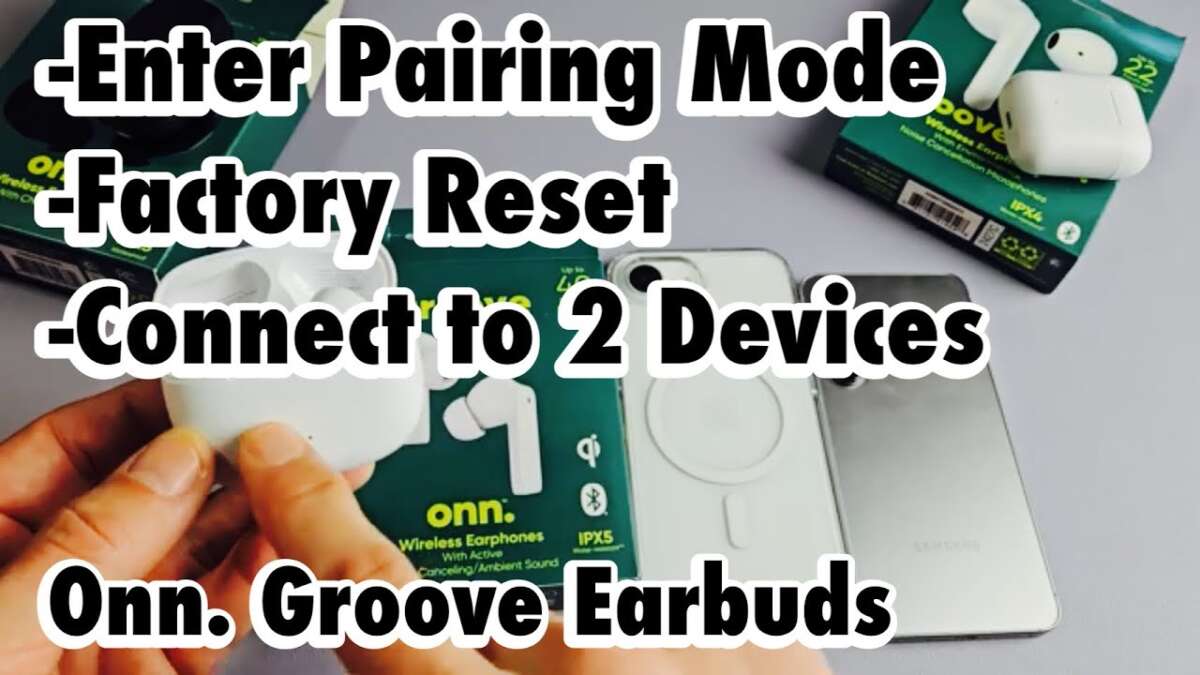
How To Reset Onn Wireless Earbuds: Easy Guide
If your onn wireless earbuds will not connect, connect to the wrong phone, or play sound in only one ear, a reset can often fix the problem. In most cases, you must remove the earbuds from your phone’s Bluetooth list, place both earbuds in the charging case, and use the touch controls to clear the old pairing.
The exact reset gesture can differ by onn model. If holding both earbuds does not work, check the model number on the box, case, or user manual before trying another method.
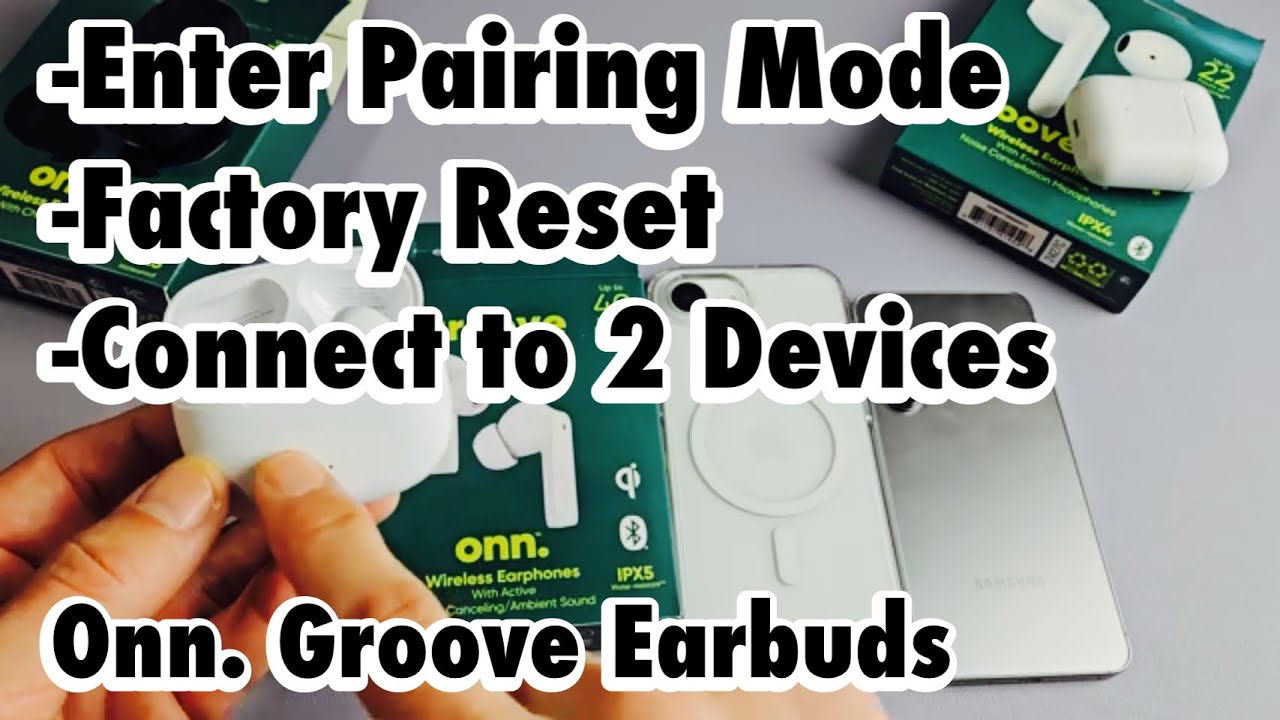
Quick answer: How do you reset onn wireless earbuds?
Use this basic reset process first:
- Charge the case and both earbuds.
- Open your phone’s Bluetooth settings.
- Select your onn earbuds and choose Forget, Unpair, or Remove This Device.
- Turn off Bluetooth on nearby phones, tablets, computers, and TVs.
- Put both earbuds in the charging case.
- Leave the lid open if the earbuds have touch controls.
- Touch and hold both earbuds for about 10 seconds.
- Close the case for a few seconds.
- Open the case and remove both earbuds together.
- Pair them with your phone again as a new device.


If your model does not reset with a 10-second hold, try the model-specific methods below. onn sells several wireless earbud designs, so one reset method does not work for every pair.
Before you reset your onn earbuds
A reset is safe for normal Bluetooth problems, but it does not repair physical damage. It also does not increase battery life, improve sound quality, or restore a worn-out battery.
Before starting, check these items:
- Both earbuds are inside the charging case.
- The case has enough power to charge the earbuds.
- The charging contacts are clean and dry.
- Your phone’s Bluetooth is turned on.
- Other nearby devices are not trying to connect to the earbuds.
- You know the earbuds’ name in your Bluetooth menu.
- You have the onn model number if the first reset method fails.
The model number may appear on the case, the package, the quick-start guide, or a label under the charging case. This matters because onn has released multiple earbuds with different button and touch-control commands.
Reset versus reconnect
A reconnect only starts the Bluetooth connection again. A reset clears stored pairing information from the earbuds and returns them to a fresh pairing state.
Use a reconnect when:
- The earbuds are already listed on your phone.
- They worked recently.
- They connect after Bluetooth is turned off and back on.
Use a reset when:
- The earbuds connect to the wrong device.
- Only one earbud works.
- Your phone finds the earbuds but will not pair.
- The earbuds appear as two separate devices.
- The earbuds stopped connecting after using them with another device.

Method 1: Reset onn wireless earbuds with the charging case
This is the best general method for many onn true wireless earbuds.
Step 1: Forget the earbuds on your phone
Remove the old Bluetooth record before resetting the earbuds.
On an iphone
1. Open Settings.
2. Tap Bluetooth.
3. Find your onn earbuds under My Devices.
4. Tap the information icon next to the earbuds.


6. Confirm the action.
On an Android phone
- Open Settings.
- Tap Connected devices, Connections, or Bluetooth.
- Find the onn earbuds.
- Tap the settings icon beside the device name.
- Choose Forget, Unpair, or Remove.
The wording varies by phone brand and Android version.
Step 2: Turn off nearby Bluetooth devices
Turn off Bluetooth on devices that previously used the earbuds. This includes:
- Another phone
- A tablet
- A laptop
- A Chromebook
- A smart TV
- A streaming device
This prevents the earbuds from reconnecting to the wrong device while you reset them.
Step 3: Put both earbuds in the case
Place the left and right earbuds in their matching slots. Press them down gently so they touch the charging pins.
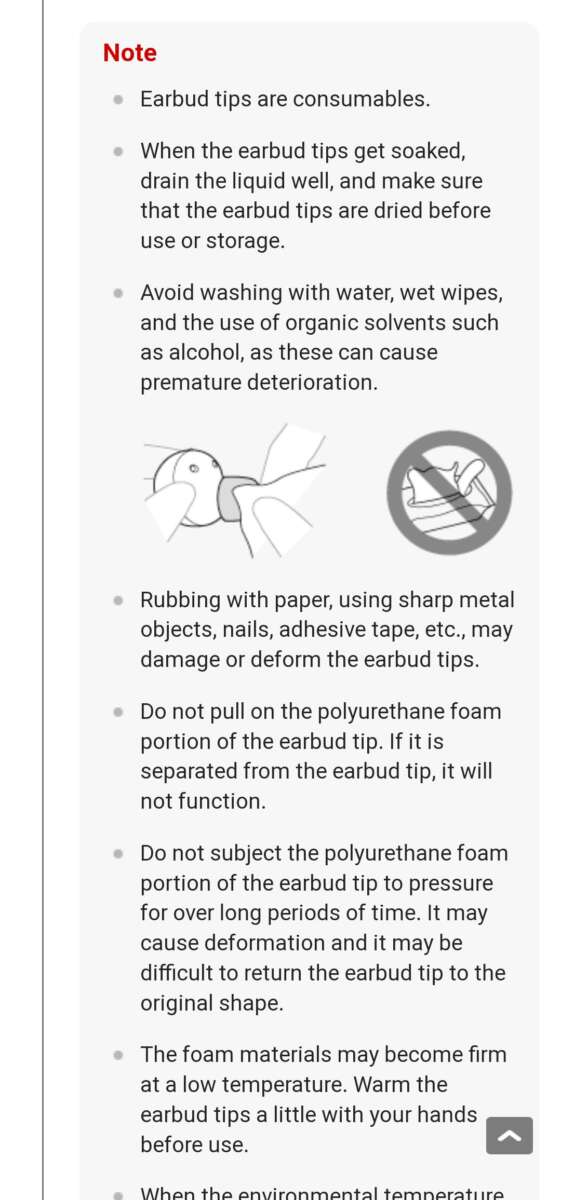
If the earbuds do not show charging lights, clean the metal contacts with a dry cotton swab. Do not use water, household cleaner, or a metal tool.
Step 4: Hold both touch controls
With both earbuds in the case, touch and hold the control area on each earbud for about 10 seconds.
Some onn models require the case lid to remain open. If nothing happens, try the same step with the lid closed, but only if the earbuds remain powered on and responsive.
A light may flash, turn off, or change color. The light pattern depends on the model.
Step 5: Close and reopen the case
Close the lid for about 10 seconds. Then open the case and remove both earbuds at the same time.
Many true wireless earbuds link to each other automatically. Wait several seconds before opening your phone’s Bluetooth menu.
Step 6: Pair the earbuds again
Turn Bluetooth back on and look for the onn device name. Tap it once to pair.
The earbuds may appear under a name such as:


- onn.
- onn. True Wireless Earbuds
- onn. Bluetooth Earbuds
- A model number or short device code
Do not choose separate left and right entries unless your model’s manual specifically tells you to do so. In normal use, the two earbuds should appear as one Bluetooth device.

Method 2: Reset onn earbuds with touch controls outside the case
Some onn earbuds reset from the touch panels after they are removed from the case. Use this method if the case-based reset does not work.
- Forget the earbuds from your phone.
- Turn off Bluetooth on nearby devices.
- Remove both earbuds from the case.
- Turn the earbuds off if they do not turn off automatically.
- Touch and hold both earbuds for around 10 seconds.
- Release the controls when the lights flash or the earbuds power off.
- Put both earbuds back in the case.
- Wait about 10 seconds.
- Remove both earbuds together.
- Pair them again.
Some models use a shorter or longer hold. Do not keep pressing the controls repeatedly if the earbuds start responding. Repeated taps may change the play, pause, or pairing function instead of resetting the device.
If the earbuds still do not reset, use the instructions for the exact model. The model number is more reliable than the product’s general name.

Method 3: Fix onn earbuds that connect as two separate devices
When the left and right earbuds show as separate Bluetooth devices, they have usually lost their link to each other. This is sometimes called a desynchronization problem.
Try this sequence:
- Forget every onn earbud entry from your phone.
- Turn off Bluetooth on the phone.
- Turn off Bluetooth on nearby devices.
- Put both earbuds in the case.
- Confirm that both earbuds are charging.
- Remove both earbuds at the same time.
- Touch and hold both earbuds for about 10 seconds.
- Return both earbuds to the case.
- Remove them together once more.
- Turn Bluetooth on.
- Pair only with the single onn device name that appears.
If one earbud still appears by itself, repeat the reset once. If the result does not change, the problem may involve a dead battery, dirty charging contact, damaged earbud, or model-specific pairing command.
Avoid pairing the left and right earbuds separately unless the instructions for your model require it. Separate pairing can prevent the earbuds from working as a stereo pair.

How to reset onn earbuds when only one earbud works
A one-sided audio problem does not always require a full reset. First, check whether the silent earbud is charging.
Check the charging connection
Remove the silent earbud and place it back in its slot. Look for a charging light or another sign that it is making contact.
Clean the charging contacts on:
- The bottom of the earbud
- The matching pins inside the case
Use a dry, soft cotton swab. If the earbud has moisture on it, allow it to dry fully before placing it in the case.
Check the phone’s audio balance
Your phone may send sound mostly or entirely to one side.


On an iPhone:
- Open Settings.
- Tap Accessibility.
- Tap Audio & Visual.
- Check the Balance slider.
- Return it to the center if needed.
On Android, search Settings for audio balance, left/right balance, or mono audio. The menu name depends on the phone manufacturer.
Reset and pair both earbuds again
If both earbuds charge but only one plays sound:
- Forget the onn earbuds.
- Turn off Bluetooth.
- Put both earbuds in the case.
- Reset them using the case or touch-control method.
- Remove both earbuds together.
- Pair them again.
If one earbud remains silent after a full charge, cleaning, and reset, the issue may be hardware-related rather than a Bluetooth setting.

What the indicator lights mean during a reset
Indicator lights can help, but onn uses different light patterns across models. Do not assume that one color has the same meaning on every pair.
Common signs include:
| Light behavior | What it may indicate |
|---|---|
| Light turns on in the case | The earbud is charging or making contact |
| Light flashes while searching | The earbud is in pairing mode |
| Light stops flashing after pairing | The connection may be complete |
| No light | The battery may be empty, the contact may be dirty, or the earbud may be off |
| Different left and right behavior | The earbuds may not be linked or one may not be charging |
The most useful sign of a successful reset is not a specific color. It is that the old Bluetooth entry is gone and the earbuds appear as a fresh device when you search again.
What to do if your onn earbuds will not reset
Try these checks in order. Start with the steps that are easy and unlikely to cause damage.
1. Charge the case
Connect the case to a working USB power source. Leave it connected for at least 30 minutes before trying again.
A completely drained case may not have enough power to reset or start the earbuds.
2. Charge both earbuds
Place both earbuds in the case and check that they sit firmly on the charging pins. If only one earbud shows a light, adjust its position and clean the contacts.
3. Remove the Bluetooth record
A phone can keep trying to use an old pairing record. Forget the device before every serious reset attempt.
4. Restart your phone
Restarting the phone clears temporary Bluetooth errors. After it restarts, keep Bluetooth off until the earbuds have completed their reset.
5. Try another reset gesture
Depending on the onn model, the reset may require:
- Holding both earbuds for about 10 seconds
- Holding both earbuds for a longer period
- Tapping one or both touch controls several times
- Resetting while the earbuds are in the case
- Resetting after removing the earbuds


Use the supplied manual when possible. Do not guess if the controls perform other functions when tapped.
6. Test with another phone
Pair the earbuds with another nearby phone. If they work there, the original phone may have a Bluetooth setting or saved-device problem.
If they fail on multiple phones after charging and resetting, the issue is more likely to be the earbuds, case, or battery.
7. Stop if the earbuds are damaged
Do not use or charge the earbuds if they are swollen, cracked, unusually hot, wet inside, or giving off an odor. Do not open the battery housing. Contact the retailer or manufacturer for support.
Common mistakes when resetting onn earbuds
Several small mistakes can make a successful reset look like a failure.
Pairing before the reset is complete
Wait until both earbuds have finished their reset cycle. Pairing too early can save the old connection again.
Leaving Bluetooth on nearby devices
A laptop or second phone may connect first. Turn Bluetooth off on devices that have used the earbuds before.
Resetting only one earbud
True wireless earbuds often need both sides to reset together. Keep the left and right earbuds in the case during the same reset attempt.
Ignoring the charging contacts
An earbud cannot reset if it has no power. A dirty contact can also make one earbud appear defective.
Using a generic code
Most onn earbuds do not need a universal Bluetooth PIN. If a phone asks for a code, check the model manual rather than trying random numbers.
Confusing volume problems with reset problems
Low sound may come from blocked speaker grilles, a low phone volume, audio balance, or an active hearing-safety setting. A reset will not remove dirt from the speaker opening or repair a damaged driver.

When should you contact onn or Walmart support?
Contact support when the earbuds still fail after these checks:
- The case does not charge.
- One earbud never shows a charging light.
- The earbuds do not appear on any phone.
- The earbuds become hot while charging.
- The case or earbud is cracked or swollen.
- The same earbud fails after several complete charges.
- The exact model requires a reset command you cannot identify.
Have the model number, purchase information, and a short description of the problem ready. If the earbuds are under the retailer’s return or warranty terms, ask about the available replacement or service process before opening the case.

Frequently asked questions
Will resetting onn earbuds delete music or phone data?
No. Resetting the earbuds only clears their Bluetooth connection information. It does not delete music, photos, contacts, apps, or other data from your phone.


Do I need to reset onn earbuds before pairing them with a new phone?
Not always. First disconnect or forget them on the old phone. If the earbuds keep reconnecting to the old device or the new phone cannot find them, reset them.
Why do my onn earbuds keep disconnecting?
Possible causes include low battery, distance from the phone, radio interference, an old pairing record, or one earbud failing to charge. Charge both earbuds, forget the Bluetooth device, reset the pair, and test them close to the phone.
Can I reset onn earbuds without the charging case?
Often, no. Many true wireless models use the case to power, charge, or reset the earbuds. Some models support a touch-control reset outside the case, but the exact command depends on the model.
How long should onn earbuds take to pair after a reset?
They usually appear in the Bluetooth list within a short time after both earbuds enter pairing mode. If they do not appear, turn Bluetooth off and on, keep the earbuds close to the phone, and repeat the reset only after confirming that both earbuds are charged.
Final steps to get your onn earbuds working again
Start by forgetting the earbuds from your phone, charging both earbuds and the case, and resetting both sides together. Then remove them from the case at the same time and pair them as a new Bluetooth device.
If the general 10-second touch method fails, use the manual for the exact onn model. A reset can solve pairing and synchronization problems, but it cannot fix a failed battery, damaged charging case, or broken earbud.