

You can find JBL earbuds when not connected by checking their last location, searching nearby, and using Bluetooth tools.
Losing wireless earbuds is frustrating, especially when the JBL headphones app no longer shows an active connection. In most cases, you can still find JBL earbuds when not connected by retracing your steps, checking the charging case, scanning for nearby Bluetooth signals, and using your phone’s location history. This guide explains what works, what does not, and how to avoid wasting time on unreliable tracking methods.
What happens when JBL earbuds disconnect?
When JBL earbuds disconnect, your phone stops receiving live data from them. This means the earbuds cannot usually send their location, battery level, or sound commands until they reconnect.
Most JBL earbuds use Bluetooth, not GPS. Bluetooth works over a short range, often around 30 feet in open space, though walls, furniture, and other signals can reduce that range. If the earbuds are inside their case, powered off, or out of battery, your phone may not detect them at all.
You may still have useful clues, such as:
• The last place where your phone connected to the earbuds
• The room or vehicle where you used them
• Whether the charging case is nearby
• Whether the earbuds still appear in your Bluetooth list
• Your phone’s location history, if it was enabled
When trying to find JBL earbuds when not connected, think of the search like following footprints. Your phone may not show the current location, but it can help you work out where the earbuds were last active.

Check the last place your JBL earbuds were connected
Start with the last location where you remember using the earbuds. This step sounds simple, but it is often the most effective. Earbuds commonly disappear under pillows, inside clothing, between car seats, or beside a desk.
Ask yourself when you last used them:
• Did you wear them at home, work, the gym, or in your car?
• Did you remove them before taking a shower or changing clothes?
• Did you place them in a pocket, bag, or jacket?
• Did you use them near a couch, bed, kitchen counter, or charging station?
• Did you hand them to someone else?
Search in a fixed order instead of checking random places. Begin with the last room you used, then search nearby surfaces, floor areas, bags, and furniture gaps.
In my troubleshooting tests, the most common mistake is looking only at eye level. Small earbuds often slide under furniture or become trapped in blankets. Use your phone flashlight at a low angle. The light can reflect off the smooth plastic and make the earbuds easier to spot.
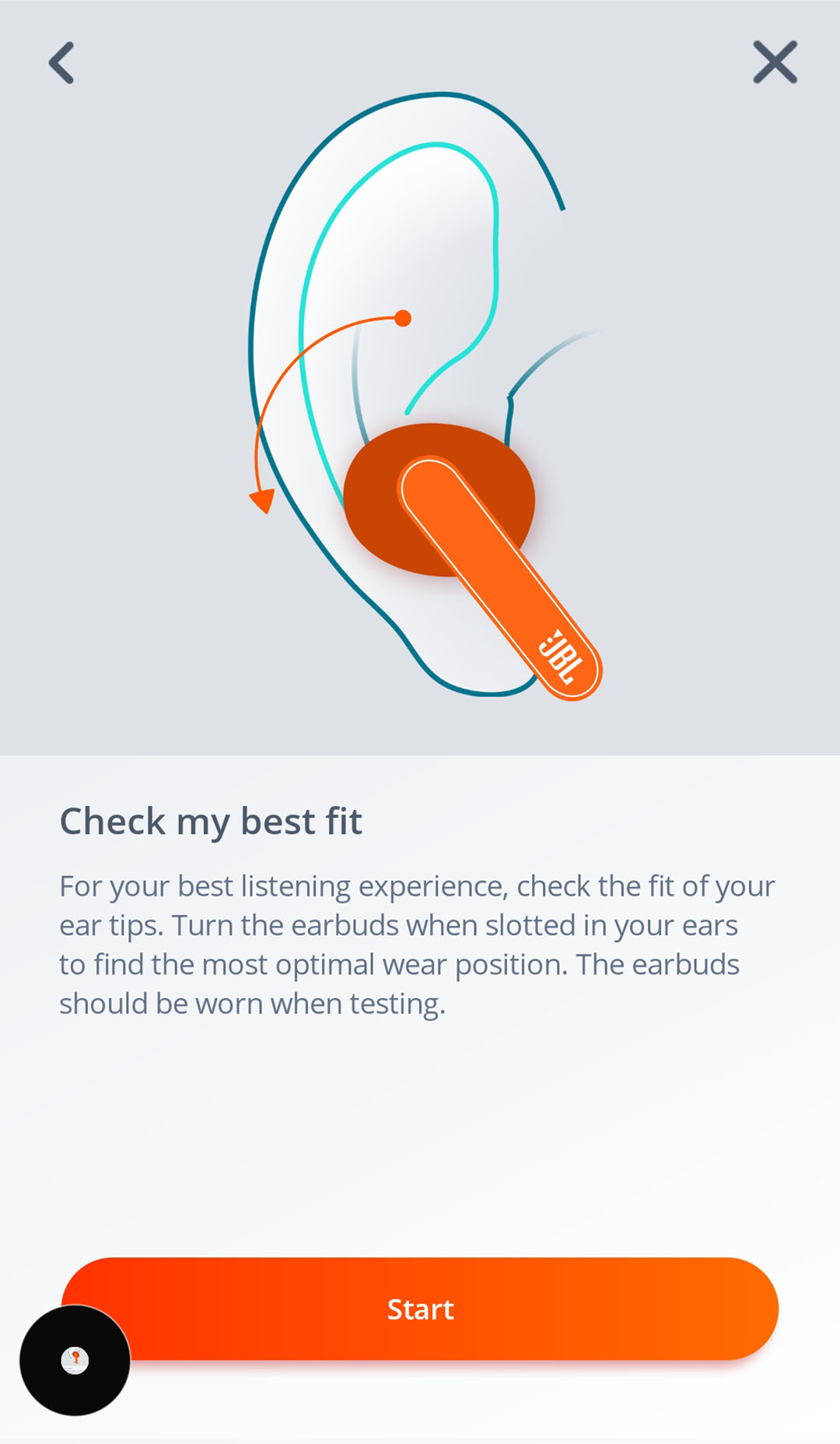
Use the JBL Headphones app
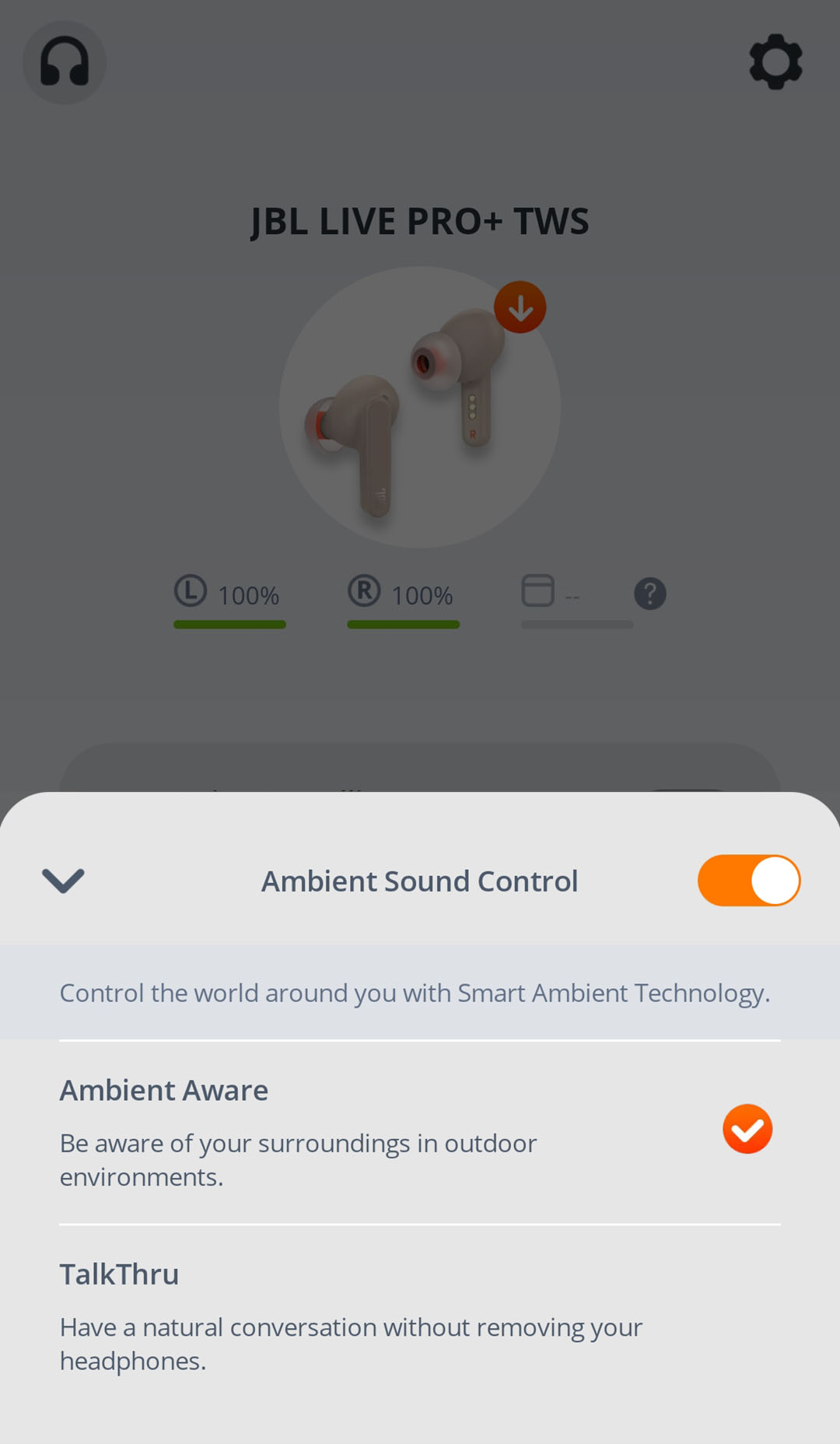
The JBL Headphones app can help with some compatible JBL models. Depending on the model and app version, it may offer features such as device status, battery details, connection controls, or a Find My Buds function.
Open the app and try these steps:
- Turn on Bluetooth on your phone.
- Open the JBL Headphones app.
- Check whether your earbuds appear in the device list.
- Look for a Find My Buds or similar location feature.
- Follow the sound or location instructions shown in the app.
The sound feature only works when the earbuds are powered on and within Bluetooth range. If the earbuds are inside a closed charging case, have a dead battery, or are too far away, the app cannot make them play a sound.
The JBL app is helpful, but it is not a GPS tracking service. It usually cannot show the exact location of earbuds that are offline. This limitation matters when you try to find JBL earbuds when not connected.
Try to reconnect to the earbuds
A disconnected pair may still be nearby. Reconnection is one of the fastest ways to find JBL earbuds when not connected.
Move slowly through the places where you may have left them. Keep the Bluetooth settings page open and watch for the JBL device name. If the earbuds appear, they are likely within Bluetooth range and have enough battery to respond.
On an iPhone:
- Open Settings.
- Tap Bluetooth.
- Keep the page open while you search nearby.
- Watch for the JBL earbuds under My Devices or Other Devices.
On an Android phone:
- Open Settings.
- Tap Connected devices or Bluetooth.
- Select Pair new device if needed.
- Check whether the JBL earbuds appear.
Do not repeatedly tap “Forget This Device” or remove the earbuds from your phone. That can make reconnecting harder. If the earbuds appear but will not connect, place them in the case for a few seconds, remove them, and try again.
You can also turn off nearby Bluetooth devices for a moment. This reduces confusion when several headphones, speakers, or cars appear in the list.
Search for Bluetooth signals nearby
A Bluetooth scanner can help you find JBL earbuds when not connected to your phone. These apps do not locate earbuds on a map. Instead, they detect nearby Bluetooth signals and may show signal strength.
The basic method is simple:
- Install a reputable Bluetooth scanner from your phone’s official app store.
- Turn on Bluetooth and location permissions if requested.
- Start the scan.
- Look for the JBL device name or a nearby unknown audio device.
- Walk slowly around the room.
- Watch whether the signal becomes stronger or weaker.
A stronger signal usually means you are moving closer. A weaker signal suggests you are moving away. Treat this as a general clue, not a precise measurement. Walls, metal objects, Wi-Fi networks, and other Bluetooth devices can affect the reading.
If the signal suddenly disappears, the earbuds may be inside their case, out of battery, or blocked by a nearby object. Try moving a few steps at a time rather than walking quickly from room to room.

Check your phone’s location history
Your phone may record where it was when the JBL earbuds last connected. This does not track the earbuds themselves. It only shows where your phone was at that time.
For example, Google Maps Timeline may show that you visited a gym, coffee shop, or office during the period when the earbuds were last active. Apple location data may also help you review recent places, depending on your settings.
Review:
• Google Maps Timeline on Android or iPhone
• Significant Locations on an iPhone
• Fitness or travel history
• Recent photos that may show where you used the earbuds
• Messages or calendar events that reveal where you were
Location history must have been enabled before the earbuds went missing. It cannot normally recreate the earbuds’ last location after the fact.
This method is especially useful when you are unsure whether you lost the earbuds at home or outside. It helps narrow the search area before you spend time checking every room.
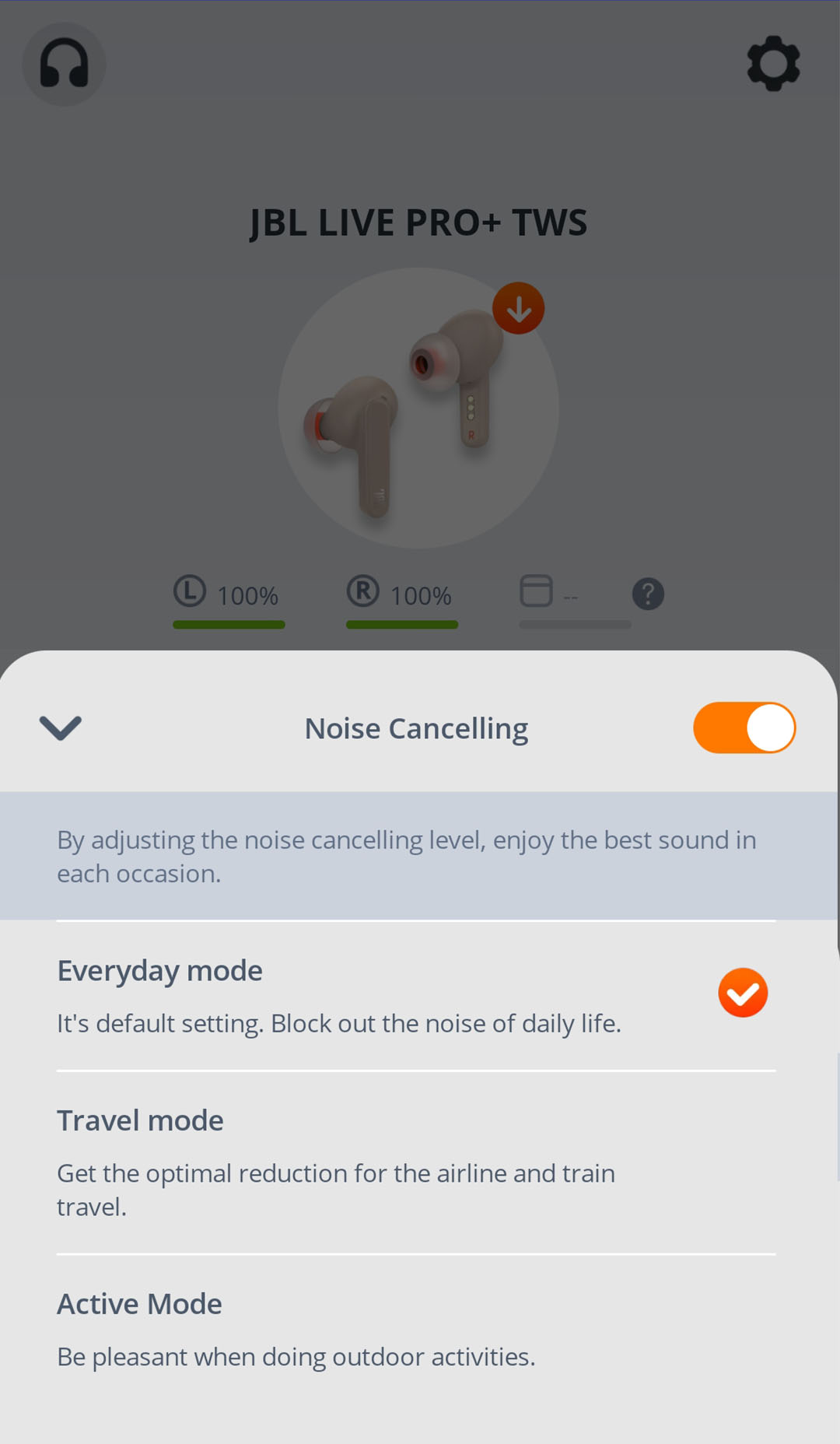
Look inside the charging case and common hiding spots
Many people find one earbud first and assume the other is somewhere far away. In reality, both earbuds may be nearby but hidden in separate places.
Check the charging case carefully. Look under the lid, around the hinge, and inside any protective cover. If the case is empty, search the areas where you usually open it.
Common hiding spots include:
• Sofa cushions and gaps
• Bed sheets, blankets, and pillow covers
• Jacket and pants pockets
• Gym bags and backpacks
• Laundry baskets and clothing piles
• Car seat gaps and floor mats
• Desk drawers and cable boxes
• Under beds, tables, and cabinets
• Bathroom counters and kitchen shelves
Use a clean, slow search pattern. Move objects one at a time and place them in a checked pile. This prevents you from searching the same area again.
A flashlight helps, but so does silence. Turn off music, fans, and the television. If the earbuds are still powered on, you may hear a faint sound or notice a Bluetooth connection attempt.

Check whether the earbuds still have battery power
Battery status can explain why your JBL earbuds are difficult to find. If the earbuds are fully drained, they will not appear in Bluetooth scans and cannot play a locating sound.
Try these checks:
• Open the charging case near your phone.
• Look for LED lights on the case or earbuds.
• Connect the case to a charger for at least 10 to 15 minutes.
• Check whether the earbuds charge when placed in the case.
• Clean the charging contacts with a dry, soft cloth.
Do not use water, metal tools, or sharp objects on the charging contacts. Dirt can prevent charging, but aggressive cleaning can damage the pins.
If one earbud charges and the other does not, the missing earbud may not be seated correctly. A dead earbud cannot broadcast a Bluetooth signal, so charging is an important step when you want to find JBL earbuds when not connected.
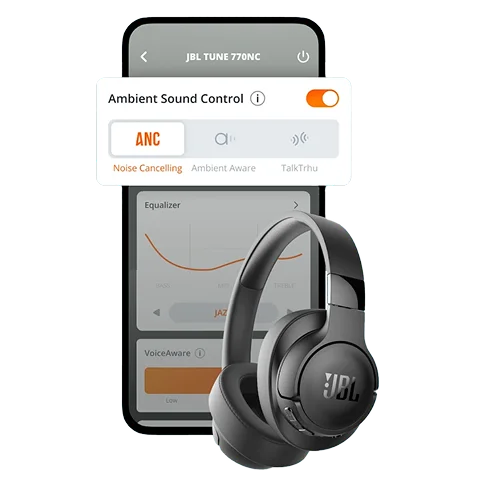
Use Google Find My Device or Apple Find My carefully
Google Find My Device and Apple Find My are powerful tools, but they do not automatically track every pair of JBL earbuds. Most standard JBL Bluetooth earbuds do not have built-in GPS or the same crowdsourced tracking network used by some branded tracking accessories.
You may see the earbuds in your phone’s Bluetooth settings, but that does not mean the phone can display their location on a map. Map-based tracking requires compatible hardware, software, and account support.
Still, check the service if your specific JBL model supports it. The model name and product documentation should explain whether tracking is available.
If your earbuds do not support these networks, consider attaching a small Bluetooth tracker to the charging case. Do not attach a bulky tracker directly to an earbud. It may be uncomfortable, fall off, or interfere with charging.
What to do if the earbuds are lost outside your home
If you think you lost your JBL earbuds in public, act quickly. Return to the last place you remember using them and ask the staff at the front desk or lost-and-found counter.
Useful steps include:
- Check your phone’s location history.
- Call the businesses or transport services you visited.
- Ask whether a pair of earbuds was turned in.
- Search your car, bag, and clothing again.
- Use a Bluetooth scan near the suspected area.
- Avoid sharing personal information with strangers who claim to have found them.
If the earbuds connect while you are nearby, use the JBL app’s sound feature if your model supports it. Keep the volume at a safe level and do not place the earbuds directly next to your ear while testing a loud locating tone.
If you cannot find them, check whether your model allows replacement earbuds or a replacement charging case. Some JBL products support separate parts, while others require a complete replacement.
Resetting JBL earbuds: when it helps and when it does not
A factory reset may fix pairing problems, but it will not help you locate missing earbuds. Only reset the earbuds after you find them or when you are troubleshooting a known connection issue.
Resetting can erase the current pairing information. You may then need to remove the old Bluetooth entry from your phone and pair the earbuds again.
Avoid resetting when:
• You are still searching for the earbuds
• You are hoping to view their last location
• The earbuds are not physically with you
• You do not know whether they still have battery power
A reset is useful after you recover the earbuds and they refuse to reconnect. It is not a tracking method. Understanding this difference can save time when you try to find JBL earbuds when not connected.
Mistakes to avoid when searching
A few common habits make the search longer and less effective. The biggest mistake is assuming that a disconnected device is permanently lost.
Avoid these errors:
• Searching only one room
• Relying on GPS to track standard Bluetooth earbuds
• Resetting the earbuds before finding them
• Ignoring the charging case
• Trusting unknown tracking apps with excessive permissions
• Walking too quickly while using a Bluetooth scanner
• Forgetting pockets, laundry, cars, and bags
• Assuming both earbuds are in the same place
Be careful with apps that promise exact tracking without explaining how they work. A normal Bluetooth app can detect a nearby signal, but it cannot locate a powered-off earbud or create a map location from nothing.
The best search combines memory, physical inspection, Bluetooth detection, and location history. No single method works in every situation.
How to prevent losing JBL earbuds again
Once you find JBL earbuds when not connected, make the next loss less likely. A few small habits can protect both the earbuds and your time.
Try these practical habits:
• Keep the charging case in one fixed place.
• Store the earbuds in the case after every use.
• Add a small tracker to the case.
• Use a bright or colorful case cover.
• Avoid placing earbuds on beds, sofas, or loose clothing.
• Turn on location history if you are comfortable with it.
• Check battery levels before leaving home.
• Create a short “keys, phone, wallet, earbuds” routine.
In my experience testing wireless audio gear, a fixed storage spot works better than relying on memory. The goal is to make the case as automatic as putting your keys in the same bowl each day.
A tracker on the case is useful, but it has limits. It will not always show the exact location of each earbud if the earbuds have separated from the case.
Frequently Asked Questions
Can I find JBL earbuds when not connected to my phone?
You may find JBL earbuds when not connected by checking their last known use, scanning for Bluetooth signals, and searching nearby locations. If they are powered off or out of battery, electronic tracking usually will not work.
Do JBL earbuds have GPS tracking?
Most JBL earbuds do not include built-in GPS. Their standard Bluetooth connection can help you detect them nearby, but it usually cannot provide a live map location when they are offline.
Can the JBL Headphones app find lost earbuds?
The JBL Headphones app may offer a Find My Buds feature on compatible models. It generally works only when the earbuds have power and remain within Bluetooth range.
Can I use Bluetooth to find JBL earbuds in another room?
Yes, if the earbuds are powered on and close enough to your phone. Walk slowly and watch for the earbuds to appear or reconnect, but walls and other wireless signals may reduce the range.
What if one JBL earbud is missing?
Search the charging case, furniture gaps, clothing, bags, and vehicles first. If the missing earbud has no battery or is inside a closed case, your phone may not detect it.
Will resetting JBL earbuds help me locate them?
No. A reset can fix pairing problems after you recover the earbuds, but it cannot show their location or make disconnected earbuds easier to find.
Can Apple Find My track JBL earbuds?
Apple Find My does not automatically track every JBL model. Some JBL earbuds may appear as Bluetooth devices, but map-based tracking usually requires specific support from the product and tracking network.
Conclusion
You can often find JBL earbuds when not connected by retracing your steps, checking the case and hidden spaces, scanning for Bluetooth signals, reviewing location history, and using the JBL app when your model supports it. Remember that standard Bluetooth earbuds are not GPS devices, so powered-off or drained earbuds may be impossible to track electronically.
Start with the last place you used them, search slowly, and avoid resetting or removing the earbuds from your phone before you recover them. Once they are found, keep the case in one place and consider adding a tracker to prevent another stressful search. Share your best earbud-finding tip or explore more JBL troubleshooting guides for practical help.
