How To Use Beats Earbuds: Easy Setup And Tips
To use Beats earbuds, charge them, pair them with your device, and control sound with the touch buttons.
Learning how to use Beats earbuds is simple once you understand pairing, touch controls, charging, and fit. This guide covers the steps for iPhone, Android, and other devices, along with practical tips for better sound, longer battery life, and fewer connection problems.
How to Set Up Beats Earbuds for the First Time
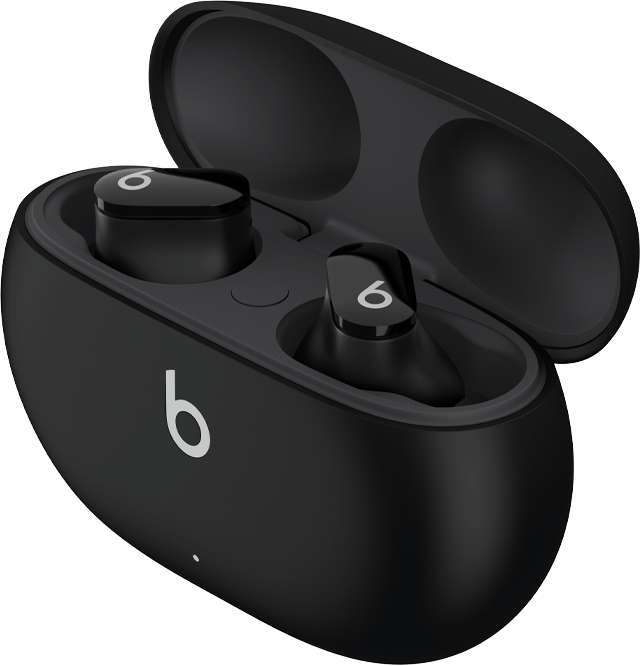
Before you learn how to use Beats earbuds, charge the case and both earbuds. Put the earbuds inside the case, connect the case to power, and wait a few minutes. New earbuds may arrive with some charge, but a full charge gives you a smoother first setup.
Keep your phone near the earbuds during pairing. Turn on Bluetooth, but do not connect through random third-party apps. Most Beats earbuds pair through your phone’s Bluetooth settings or a pop-up setup card.


Follow these steps:
- Remove both earbuds from the charging case.
- Find the setup button on the case.
- Press and hold the button until the status light flashes white.
- Open Bluetooth settings on your phone.
- Select your Beats earbuds from the device list.
- Follow the on-screen instructions to finish setup.
On an iPhone, compatible Beats models may show an Apple pairing animation. On Android, some models support Google Fast Pair. If the pop-up does not appear, standard Bluetooth pairing still works.
After pairing, install the official Beats app on Android if your model supports it. The app can help with firmware updates, battery checks, device settings, and control customization. iPhone users can usually manage compatible Beats features through iOS settings.
How to Pair Beats Earbuds With an iPhone
Beats earbuds work well with iPhone because many models use Apple features such as automatic pairing, iCloud device switching, and Find My support. However, features vary by model and software version.
To pair Beats earbuds with an iPhone:
- Unlock your iPhone.
- Open the charging case near the phone.
- Press and hold the case button if the setup card does not appear.
- Tap Connect when your Beats earbuds appear.
- Follow the instructions on the screen.
- Open Control Center to check the audio output.
If the setup card does not appear, use the manual method:
- Open Settings.
- Tap Bluetooth.
- Turn Bluetooth on.
- Press and hold the Beats case button.
- Tap your Beats model under Other Devices.
Once connected, audio should move to the earbuds automatically. If music still plays through the phone speaker, tap the audio output icon in the music app and choose your Beats earbuds.
A useful tip is to check the Bluetooth device name. If you see more than one similar name, select the one that matches the name printed in your Bluetooth list or Beats app. This prevents pairing with an old or nearby device.
How to Pair Beats Earbuds With Android
The process for Android is also quick. Some Beats earbuds support Google Fast Pair, while others use normal Bluetooth pairing. The exact options depend on the model and your Android version.


Here is how to use Beats earbuds with an Android phone:
- Open Settings on your Android phone.
- Tap Connected devices or Bluetooth.
- Select Pair new device.
- Place the earbuds in the case.
- Open the lid and press the case button until the light flashes white.
- Choose your Beats earbuds from the list.
- Tap Pair.
For compatible models, a Fast Pair notification may appear when you open the case near your Android phone. Tap Connect and accept the requested permissions.
The Beats app for Android can provide extra controls. It may let you view battery levels, update firmware, adjust button functions, and manage some listening features. Not every Apple feature is available on Android, so check your model’s support details.
If your earbuds do not appear, turn Bluetooth off and on. You can also move away from other Bluetooth devices, since a crowded wireless area may make pairing less reliable.

How to Use Beats Earbuds Controls
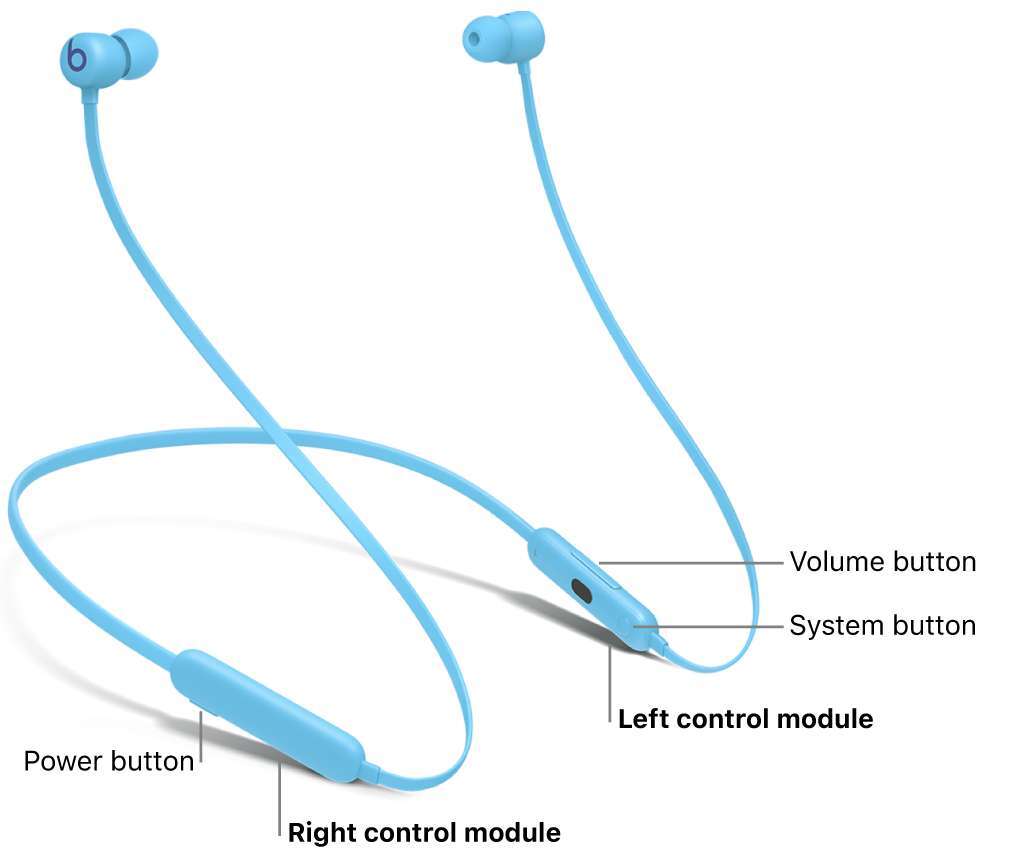
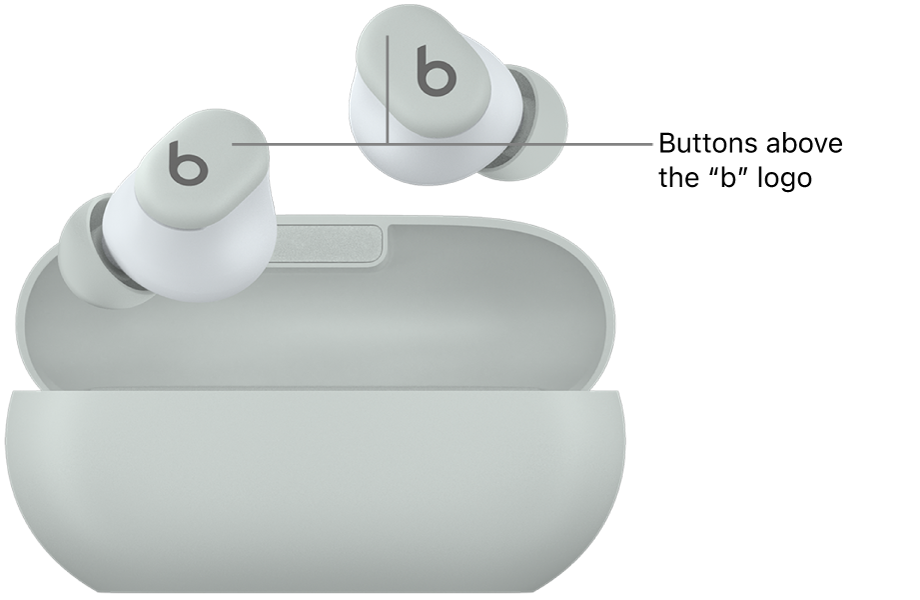
Most Beats earbuds use physical buttons, touch controls, or a mix of both. The controls differ between models, so check the quick-start guide for your specific pair.
Common controls include:
• Play or pause: Press the button once or tap the earbud once.
• Answer a call: Press the button once when the call arrives.
• End a call: Press the button once during the call.
• Skip a track: Press the button twice quickly.
• Return to the previous track: Press the button three times quickly.
• Adjust volume: Use the phone’s volume buttons or compatible earbud controls.
• Activate your voice assistant: Press and hold the assigned button.
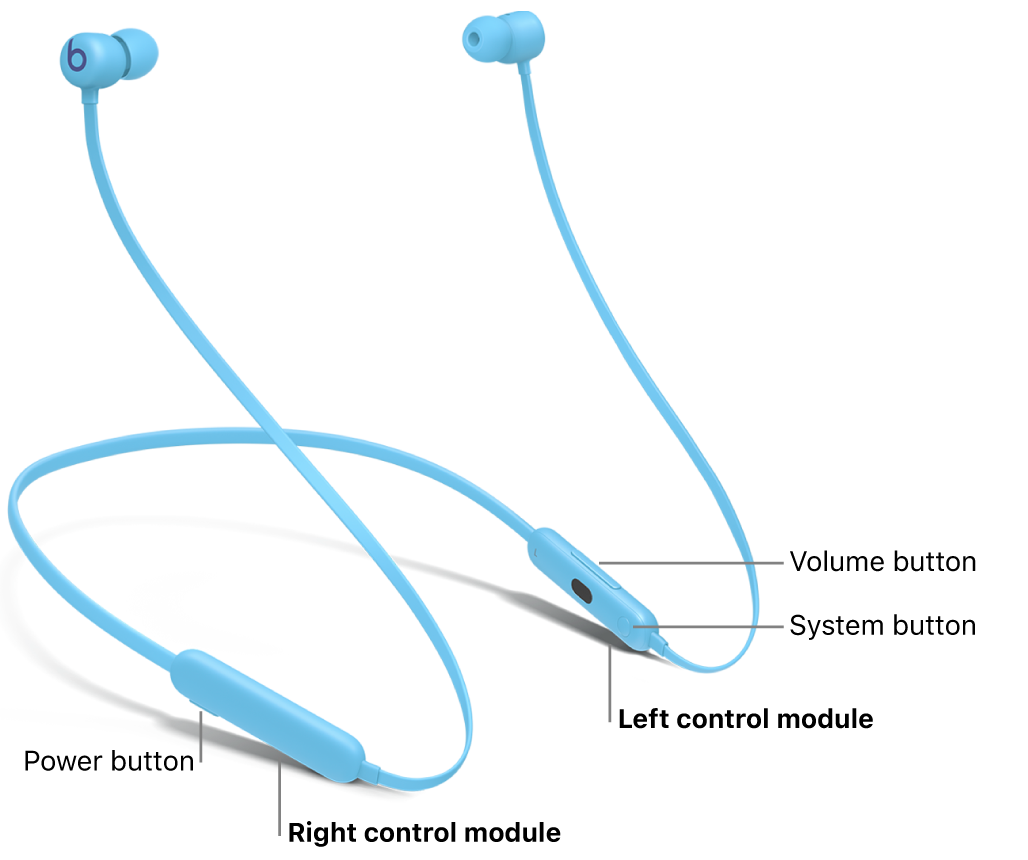
On some Beats models, the “b” button is a physical control. Others use touch areas on the outside of the earbud. Press gently and keep your finger centered on the control area.
When learning how to use Beats earbuds, test one command at a time. A double press that is too slow may register as two separate single presses. A press that is too long may activate Siri or Google Assistant instead of pausing music.


You can often change controls in your phone settings or the Beats app. Custom controls are helpful if you prefer skipping songs, changing noise control modes, or activating an assistant without touching your phone.
How to Use Noise Cancellation and Transparency Mode
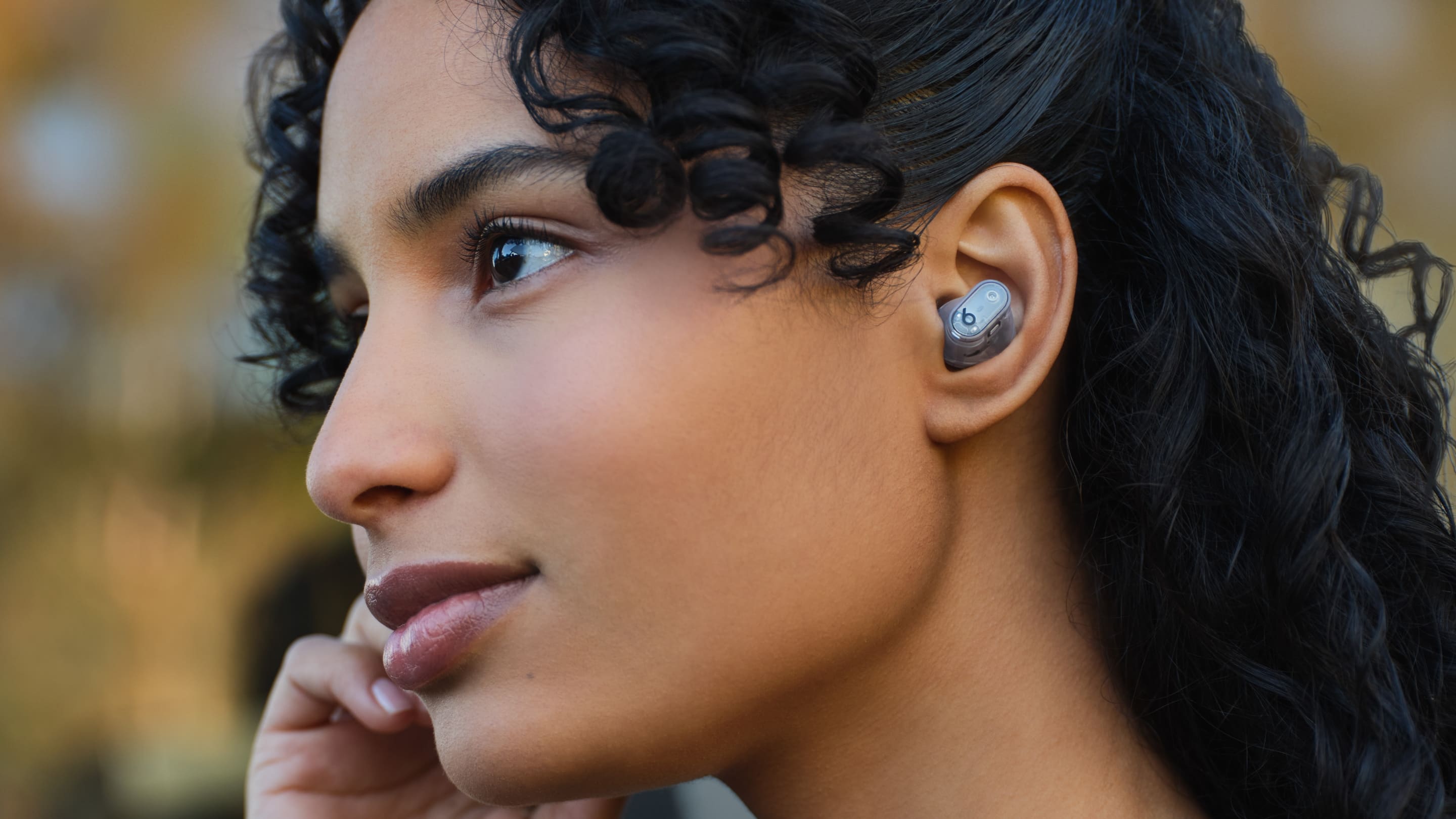
Some Beats models include active noise cancellation, transparency mode, or both. Active noise cancellation uses microphones and electronic processing to reduce outside sounds. Transparency mode lets outside sound pass through, which helps you stay aware of traffic, voices, and announcements.
To change listening modes:
- Connect your Beats earbuds.
- Press and hold the assigned earbud control.
- Listen for the mode notification.
- Release the control when you reach the setting you want.
You may also change the mode from your iPhone’s Control Center or the Beats app. Look for options such as Noise Cancellation, Transparency, and Off.
Noise cancellation works best with a proper seal. If the ear tips are too small, outside noise can leak in and the bass may sound weak. Try the different ear tip sizes that came with your earbuds.
Do not use strong noise cancellation when you need to hear vehicles, alarms, or people nearby. For walking near roads, transparency mode is often the safer choice. No earbuds can replace awareness in busy public places.
How to Get a Comfortable and Secure Fit
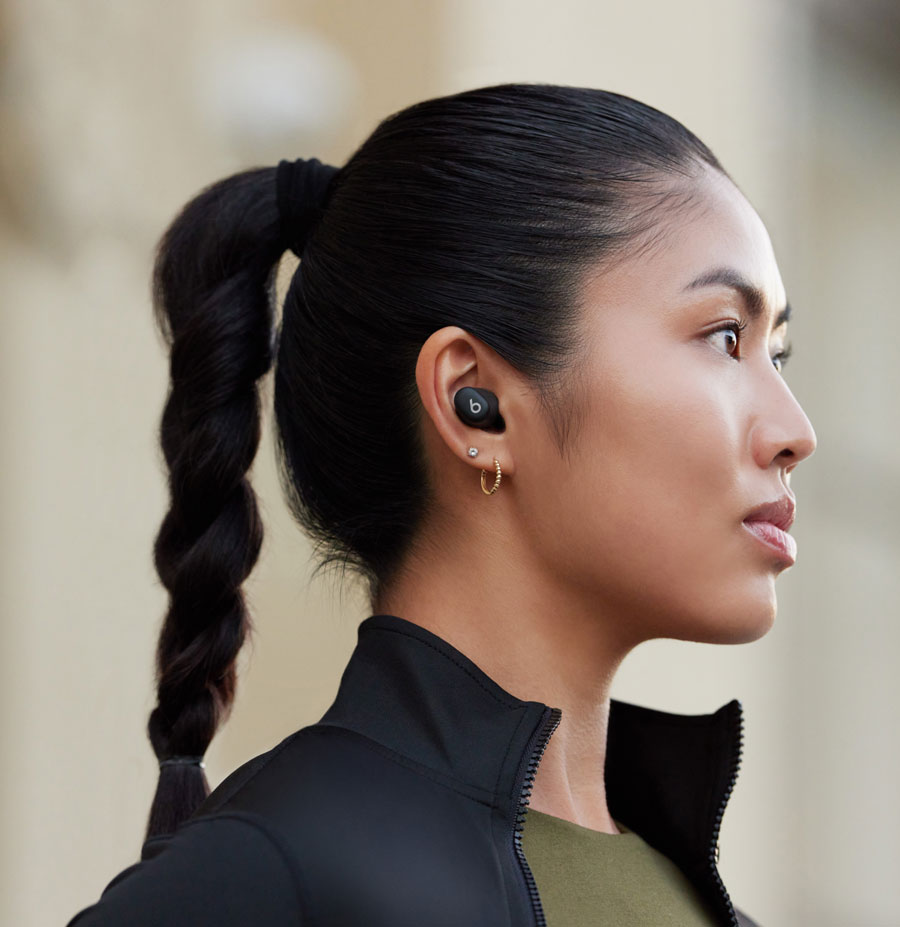
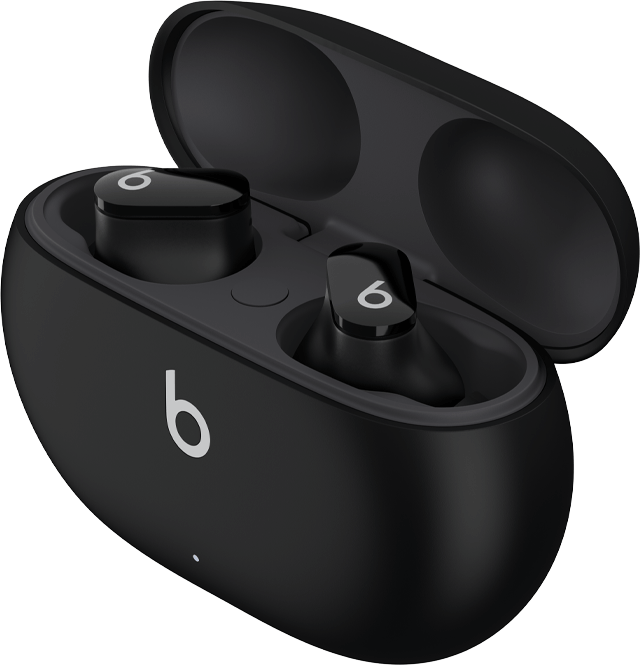
A good fit improves sound, comfort, and call quality. It also helps noise cancellation work as designed. If your Beats earbuds feel loose, do not push them deeper into your ears. Try a different tip size or rotate the earbuds slightly.
Use this simple fit check:
- Choose the ear tip that feels snug but not painful.
- Insert the earbud at a slight angle.
- Twist it gently until it sits securely.
- Shake your head lightly.
- Check whether the seal stays in place.
The right fit should feel stable without creating pressure. Pain, itching, or numbness means you should remove the earbuds and try another size. Long listening sessions should include short breaks.
For sports, models with ear hooks or wing tips can offer more stability. Sweat-resistant models may handle workouts, but water resistance is not the same as waterproofing. Avoid swimming with Beats earbuds unless the product documentation clearly allows it.
In my experience testing wireless earbuds, many sound complaints are really fit complaints. A small change in ear tip size can make a bigger difference than changing an equalizer setting.
How to Charge Beats Earbuds and the Case
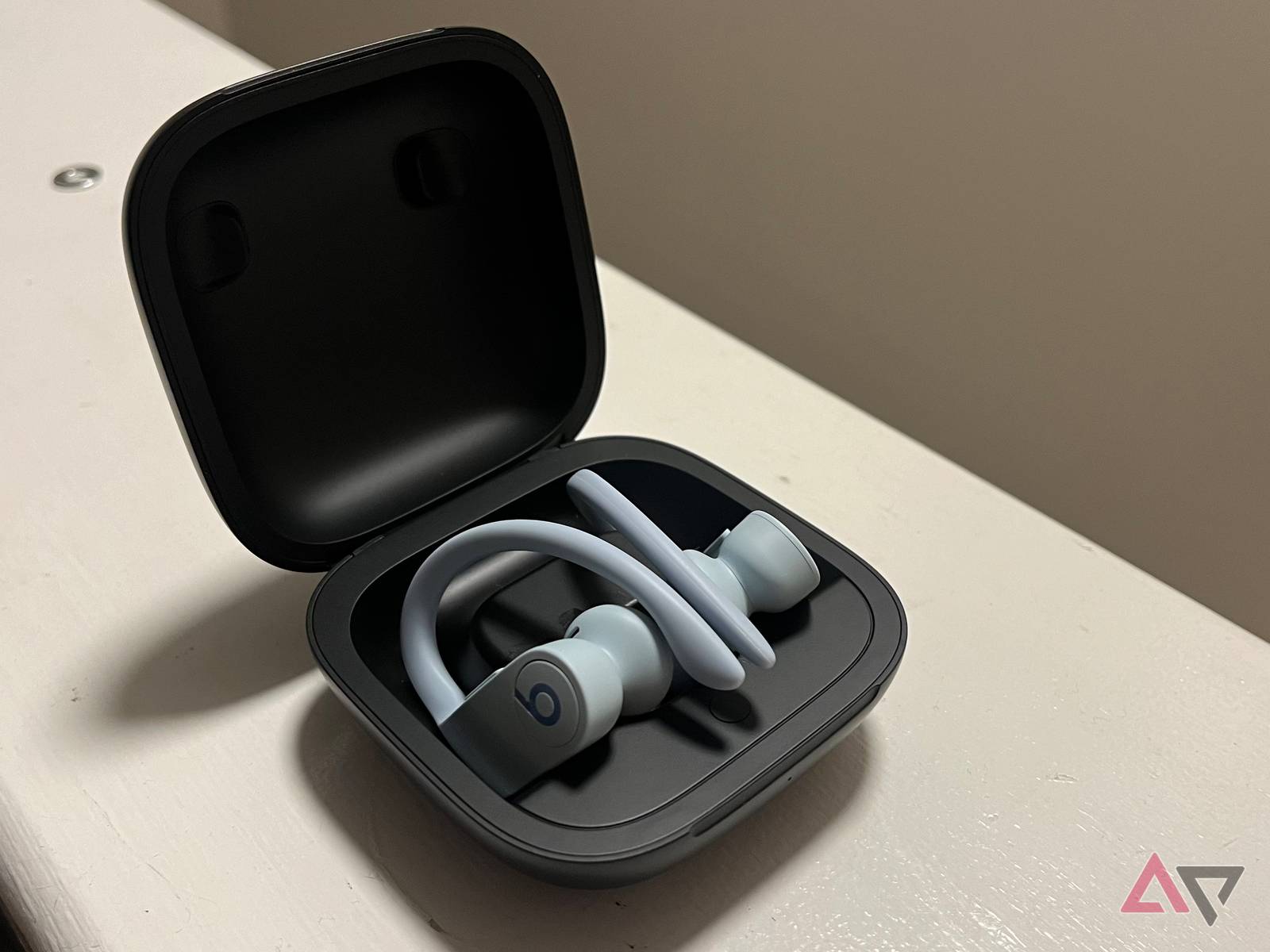
Place the earbuds into the charging case after use. Make sure each earbud sits correctly on its charging contact. The case light should show charging activity, depending on the model.


To charge the case:
- Connect the case to a USB cable and power adapter.
- Use a compatible charging pad if your model supports wireless charging.
- Keep the charging contacts clean.
- Close the lid while charging.
- Check the battery level on your phone or in the Beats app.
Battery life varies by model, volume, listening mode, and call use. Active noise cancellation usually uses more power. Cold or very hot conditions can also affect battery performance.
Do not wait until the battery reaches zero every time. Short, regular charging is convenient and helps you avoid losing audio during travel. Use the correct cable and avoid damaged chargers.
Clean the metal charging contacts with a dry, soft cloth. Do not pour liquid into the case or use sharp tools. Moisture and debris can stop an earbud from charging even when the case itself has power.
How to Use Beats Earbuds for Phone Calls
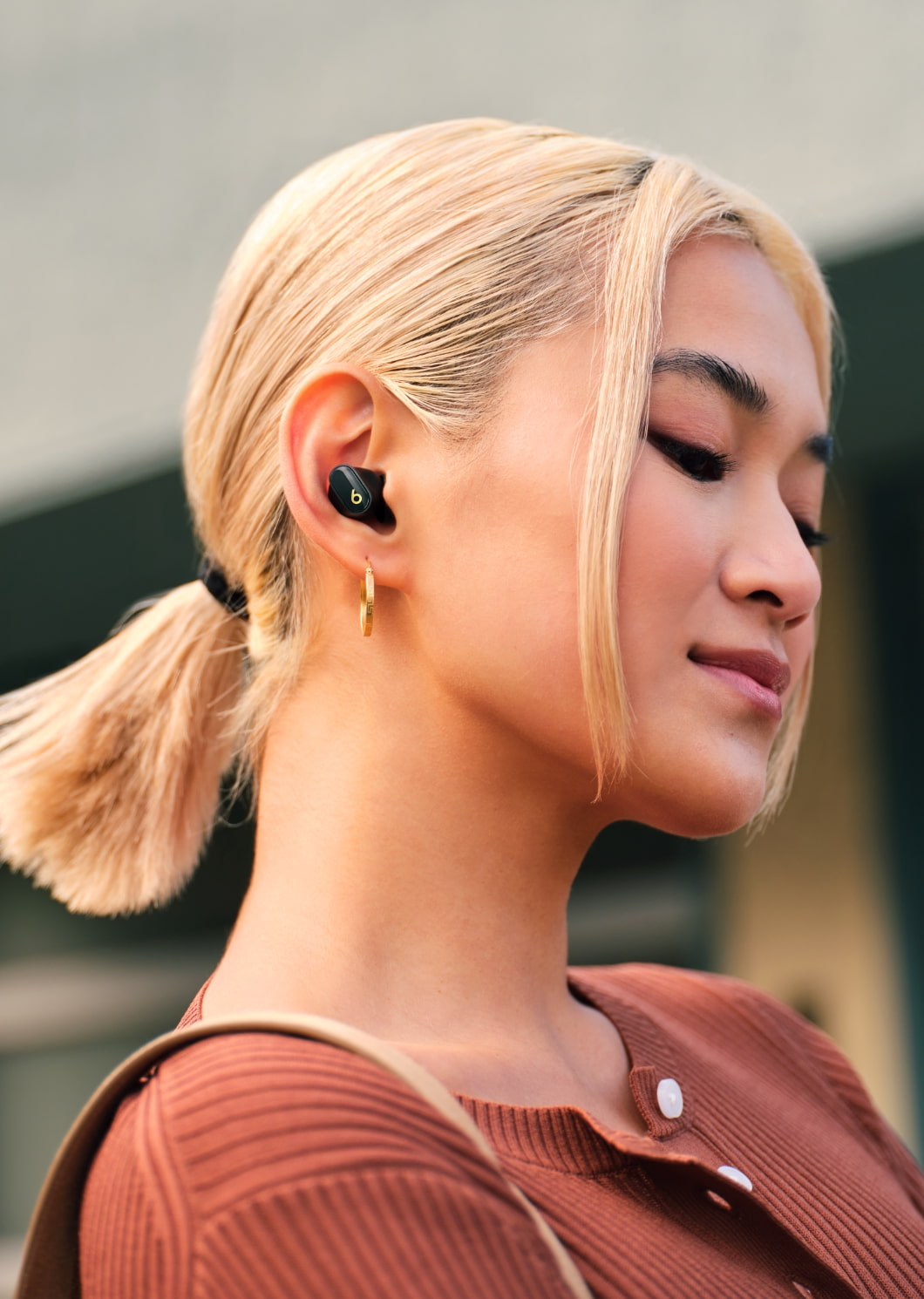
Beats earbuds can use their built-in microphones for phone calls, video meetings, and voice messages. When a call arrives, press the answer control on either earbud if your model supports that option.
For clearer calls:
• Keep the microphone openings free of dust.
• Use the earbuds in a quiet area when possible.
• Make sure both earbuds have a strong connection.
• Speak toward the phone if the environment is very noisy.
• Check the selected microphone setting in your calling app.
Some models automatically switch between microphones. Others may use the microphone on the earbud that you remove or insert. If callers say your voice sounds distant, remove any protective film and clean the microphone openings carefully.
Bluetooth call quality depends on the phone, app, wireless conditions, and surrounding noise. A stable music connection does not always guarantee perfect calls in a busy place.
How to Fix Common Beats Earbuds Problems
Even reliable earbuds can lose connection or fail to charge. Start with simple steps before resetting the device.
If one earbud is not working:
- Put both earbuds in the case.
- Close the lid for about 30 seconds.
- Reopen the case.
- Check the battery level.
- Clean the charging contacts.
- Reconnect the earbuds.
If Beats earbuds will not connect, forget the device in Bluetooth settings. Then place the earbuds in the case, hold the setup button until the light flashes, and pair them again.


If the sound is quiet, check the phone’s volume limit, clean the speaker mesh, and test another app. Also check whether the earbud seal is tight. Earwax or dust can reduce sound, so clean only with a dry, soft tool designed for electronics.
A full reset can solve repeated pairing errors, but it removes saved connection details. The reset method varies by model, so use the instructions for your exact Beats earbuds rather than guessing.

How to Keep Beats Earbuds Clean and Safe
Clean your Beats earbuds often, especially after exercise. Sweat, skin oil, and dust can collect around the ear tips and speaker openings.
Follow these care steps:
• Remove the ear tips and wash them with clean water if the product instructions allow it.
• Dry the tips fully before putting them back.
• Wipe the earbuds with a soft, dry, lint-free cloth.
• Keep the case free from dust and moisture.
• Never insert sharp objects into speaker openings.
• Avoid strong cleaners, sprays, and compressed air.
Earbuds sit inside a warm, closed space, so regular cleaning supports comfort and hygiene. Do not share in-ear earbuds without cleaning them first.
Protect your hearing by keeping the volume at a moderate level. If you need to raise the volume to block nearby noise, improve the fit or use noise cancellation in a safe setting. Ringing, muffled hearing, or pain is a reason to stop listening and seek medical advice.
Tips for Better Sound and Battery Life
The best way to use Beats earbuds is to balance sound quality, comfort, and battery use. Maximum volume is rarely the best setting. A secure fit and clean speaker mesh usually create a clearer sound without extra volume.
Try these practical tips:
• Keep your phone and earbuds within a reasonable Bluetooth range.
• Turn off unused noise modes when you want longer battery life.
• Update the earbuds through the supported phone app.


• Store the earbuds in their case when you are not using them.
• Avoid leaving the case in a hot car or direct sunlight.
• Use a moderate volume during long listening sessions.
• Keep both earbuds charged before travel.
Firmware updates can improve stability, but they may also change available features or control behavior. Install updates through official device software, and keep the earbuds close to your phone during the process.
One mistake I often see is leaving the earbuds outside the case overnight. This can drain the batteries and make the next morning’s commute frustrating. The case is not just storage; it is also the earbuds’ main charging station.
Frequently Asked Questions About How to Use Beats Earbuds
How do you turn on Beats earbuds?
Remove the earbuds from the charging case to turn them on. Most models turn off or enter a low-power state when you return them to the case and close the lid.
How do you put Beats earbuds in pairing mode?
Place the earbuds in the case, open the lid, and press and hold the case button until the status light flashes white. Then select the earbuds in your phone’s Bluetooth settings.
Can you use Beats earbuds with Android?
Yes, Beats earbuds can connect to Android phones through Bluetooth. Some models also support Google Fast Pair and extra settings through the Beats Android app.
Why are my Beats earbuds not connecting?
Check that the earbuds and case have power, then turn Bluetooth off and on. If that fails, forget the earbuds in Bluetooth settings, reset them according to the model instructions, and pair them again.
How do you control volume on Beats earbuds?
Some models let you adjust volume from the earbuds, while others require the phone’s volume buttons or voice assistant. Check the Beats app or model guide to see which controls your earbuds support.
Can you use only one Beats earbud?
Many Beats models support single-earbud use. Put one earbud in the case and use the other, then check that your model supports this feature.
Are Beats earbuds waterproof?
Most Beats earbuds are water or sweat resistant to some degree, but they are not automatically waterproof. Check the official rating for your model and keep the earbuds away from swimming, showers, and deep water.
Conclusion
Using Beats earbuds comes down to a few habits: charge them, pair them correctly, learn the controls, choose the right ear tip, and keep the earbuds clean. Features such as noise cancellation, transparency mode, app controls, and automatic pairing can make daily listening easier, but they vary by model.
Start by pairing your Beats earbuds with your phone and testing each control in a quiet place. Then adjust the fit, update the software, and build safe listening habits. Explore your model’s official settings, and share your own Beats tips or questions in the comments.