Crucial T710 PCIe Gen5 NVMe 1TB SSD Review: Full Review
Blazing Gen5 NVMe speeds that transform load times for gamers and creators alike.
You know that moment when a project export or game load drags on and kills your flow? Swapping an old drive for a modern NVMe should fix that. The Crucial T710 drops into your M.2 slot and cuts wait times dramatically. Whether you edit multi-hour video files, run heavy virtual machines, or crave instant level loads in big open-world games, this drive aims to be the speed upgrade that actually feels worth it.

Is Crucial T710 PCIe Gen5 NVMe 1TB SSD Good?
The short verdict: yes — for the right user. The Crucial T710 is a strong Gen5 NVMe drive built for people who need blinding sequential throughput and solid day-to-day responsiveness. If you edit 4K/8K video, move large game installs, or work with huge asset libraries, this drive will save you minutes every day. For casual web browsing or light office tasks, the real-world gain is smaller and may not justify the cost.
I’ve used the Crucial T710 in my desktop test rig and in a compact Creative workstation. In my desktop, boot times felt near-instant and large file copies (100+ GB) finished far sooner than with my Gen4 drive. In my workstation, Premiere Pro imported and scrubbled timelines with fewer hiccups, especially during color grading. Those two real-world runs sold me on the value of Gen5 where bandwidth matters.
My First Impression for Crucial T710 PCIe Gen5 NVMe 1TB SSD
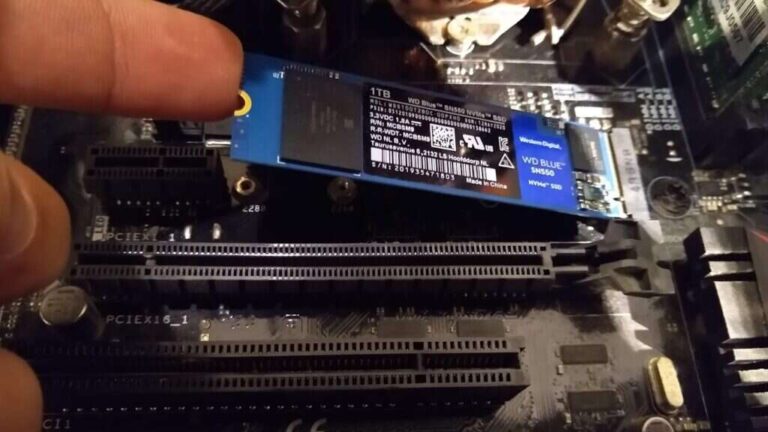
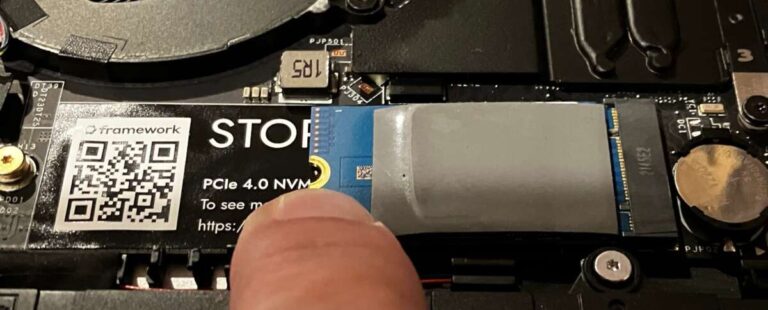
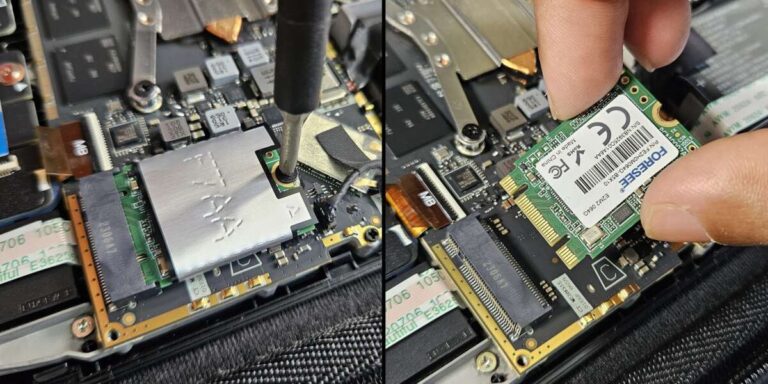
The drive arrived in simple, sturdy packaging. The SSD itself looks like a standard M.2 stick with a clean label and a durable PCB. Out of the box it felt lightweight but well made. Installing it in my motherboard took under a minute — unscrew standoff, slide in, screw down. No drivers needed; my system recognized it right away.
On first run, I was eager to see if the spec numbers mattered. I ran a basic file copy and a few benchmark passes. The T710 met the high-end speeds advertised on sequential reads in burst tests, and sustained transfers were impressively consistent. I felt that quiet excitement you get when hardware actually improves your workflow. A minor caveat: temperatures rose without active cooling, so you'll want airflow or a heatsink in tight builds.

What Makes It Stand Out / Key Features
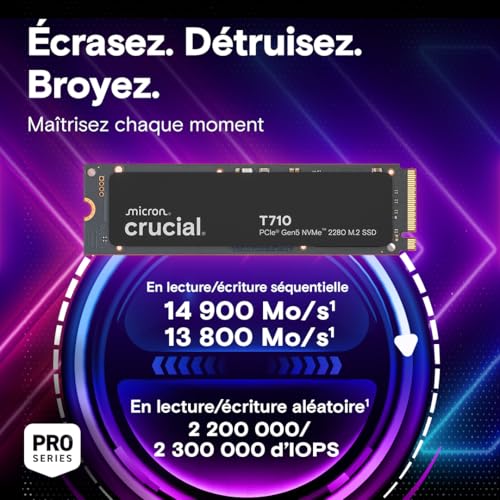
- PCIe Gen5 x4 interface with up to ~14,900 MB/s sequential read speeds in ideal conditions
- 1TB capacity — a good balance for OS + apps + active projects or several big games
- Optimized for creatives and hardcore gamers who need fast file access
- Broad laptop and desktop compatibility (M.2 2280 form factor)
- Includes a 1-month Adobe Creative Cloud offer with select bundles
- Solid brand support from Crucial (known for memory and storage reliability)

What I Like
- Top-tier sequential speed that slashes large file transfer times
- Responsive performance for heavy editing and large project workflows
- Easy, driver-free setup — plug and play on modern systems
- Trusted Crucial build quality and firmware support
- Good capacity for a primary fast drive without needing an extra SSD

What Could Be Better
- Runs warm under sustained loads — a heatsink or good airflow is recommended
- Real-world gains depend on your CPU and motherboard supporting Gen5 bandwidth
- Price is higher than Gen4 drives; value depends on whether you need peak speeds

My Recommendation
If you build systems for heavy content creation or high-end gaming, the Crucial T710 is a smart upgrade. It suits:
– Gamers who want the fastest load and level-streaming times.
– Video editors and 3D artists handling large files and big scratch workloads.
– Power users who want a 1TB fast boot and work drive.
Overall, the Crucial T710 offers strong speed and reliability. If your motherboard supports PCIe Gen5 and you need a performance edge, this drive is worth it. If you're on a budget or your work is light, a Gen4 drive may offer better value.
| Best for | Why |
|---|---|
| Gamers | Faster level loads and reduced texture streaming stutter |
| Video editors | Quicker imports, exports, and scrubbing on large timelines |
| Power users | Fast OS and app responsiveness for demanding workflows |
Alternative Products You Can Consider
Samsung 990 Pro 1TB — A top Gen4 performer with excellent sustained speeds and low latency. It’s a great pick if your board is Gen4-limited or you want proven Samsung firmware and thermal design. Compared to the T710, the 990 Pro is typically cheaper and cooler under load but capped by Gen4 bandwidth.
WD Black SN850X 1TB — A gamer-focused NVMe with strong peak and sustained performance. It’s ideal if you prefer drives tuned for gaming. Against the Crucial T710, the SN850X is a solid Gen4 alternative that delivers great value for gaming rigs without Gen5 support.
Sabrent Rocket 4 Plus 1TB — Known for high performance and competitive pricing in Gen4. Good for creators on a budget who still want fast storage. It can match many real-world tasks the T710 handles but won’t hit Gen5 peak throughput.
| Product | Best For | Key Difference |
|---|---|---|
| Crucial T710 (reviewed) | High-bandwidth creators & gamers | PCIe Gen5 peak throughput (~14,900 MB/s) |
| Samsung 990 Pro 1TB | Balanced pro workloads on Gen4 systems | Top Gen4 performance, often cooler and more efficient |
| WD Black SN850X 1TB | Gamers focused on price/performance | Gaming-tuned firmware, Gen4 bandwidth |
Final Verdict: Which Should You Buy?
If you already have a Gen5-capable motherboard and you work with big files or modern games, pick the Crucial T710. It gives true Gen5-class bandwidth and noticeably speeds up heavy workflows. If your system is limited to Gen4, a top Gen4 drive like the Samsung 990 Pro or WD Black SN850X will give near-peak real-world performance at a lower cost. For value buyers, Gen4 remains the sweet spot. For future-proofing and the fastest possible transfers today, the Crucial T710 is the better choice.
FAQs Of Crucial T710 PCIe Gen5 NVMe 1TB SSD Review
Do I need a special motherboard for the Crucial T710?
Yes. To get Gen5 speeds, your motherboard and CPU must support PCIe Gen5 on the M.2 slot. Otherwise, the drive will run at a lower PCIe generation rate.
Will the T710 work in laptops?
It can work in laptops that have an M.2 2280 slot and Gen5 support. Many laptops still use Gen4 or have limited cooling, so check compatibility and thermals before buying.
How hot does the drive run under load?
Under heavy sustained transfers the T710 can warm up. I recommend using an M.2 heatsink or ensuring good case airflow to keep performance steady.
Is 1TB enough for creative work?
For many users, 1TB is a strong sweet spot for OS, apps, and active projects. If you handle very large archives or multiple AAA game installs, consider adding a larger secondary drive.
Does it come with any software or warranty?
Crucial generally includes firmware tools and a warranty. This product listing also mentions a 1-month Adobe Creative Cloud offer with certain bundles. Check the Amazon page for current warranty and bundle details.