How To Fix Wired Earbuds That Work On One Side: Easy Fixes
If your wired earbuds work on only one side, the cause is often simple: a loose plug, dirt in the audio port, a bad adapter, a damaged cable, or an incorrect audio-balance setting. Start with the fastest checks. Test the earbuds on another device, inspect the plug and cable, check left-right balance, and clean the connection safely. If the same side stays silent on several devices, the earbuds may need repair or replacement.
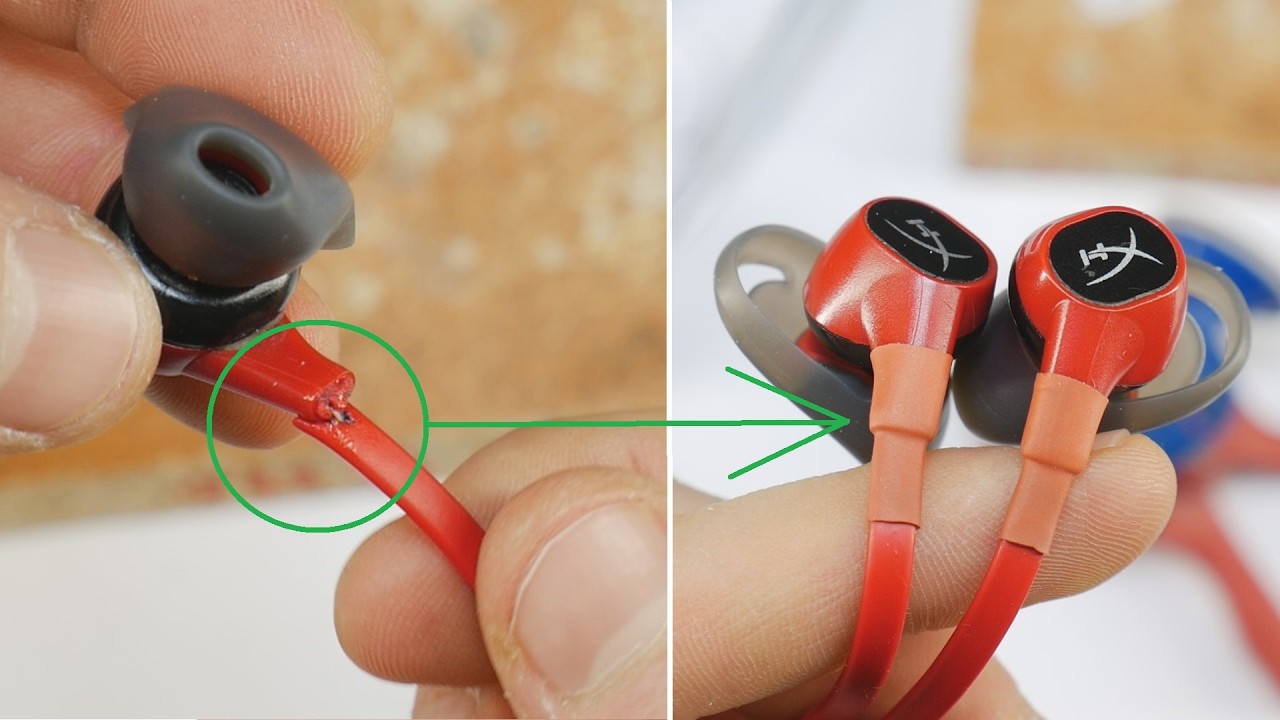
First, find out where the fault is
The quickest way to fix one-sided wired earbuds is to isolate the faulty part. The problem may be the earbuds, the device, the headphone jack, or a USB-C or Lightning adapter.
Follow these checks in order:
- Unplug and reconnect the earbuds. Push the plug in firmly. A plug that is only partly inserted can send sound to one side.
- Play a stereo track or left-right test. Some videos and recordings have sound on one channel only.
- Test the earbuds on another device. Try a phone, tablet, laptop, or desktop computer.
- Test another pair of wired earbuds on the original device.
- Remove any case that may block the plug.
- Restart the device. This can clear a temporary audio or adapter error.


Use the results to narrow down the cause:
| Test result | Most likely cause |
|---|---|
| The same earbud fails on every device | Damaged earbud, cable, or plug |
| The earbuds work on another device | Device setting, jack, or adapter problem |
| Another headset also works on one side | Device setting or hardware problem |
| Sound returns when the plug is moved | Loose plug, dirty jack, or broken wire |
| Sound cuts in and out near the plug | Cable or plug strain damage |
| Only one app has the problem | App, media file, or audio setting |
Do not bend the plug or force it into the port. That may damage the jack or adapter and make the problem worse.
Check the audio balance setting
An audio-balance setting can send nearly all sound to the left or right ear. This is one of the easiest causes to fix.
On an iPhone or iPad
Open:
Settings → Accessibility → Audio & Visual
Find the Balance slider. Move it to the center. Also check Mono Audio. Mono Audio is useful in some cases, but it does not repair a broken earbud. It combines the left and right channels into both ears.
Apple may change menu names slightly between iOS and iPadOS versions. Use the Settings search field if you cannot find “Balance.”
On an Android phone or tablet
Android menus vary by manufacturer and software version. Look under:
- Settings → Accessibility
- Settings → Sound
- Settings → Hearing enhancements
- Settings → Audio adjustment
Find the left-right balance control and place it in the center. Search Settings for balance, audio balance, or mono audio.
On a Windows PC
Open Settings → System → Sound. Select the connected headphones, then check the volume and channel controls. Some Windows versions show separate left and right volume sliders under the device properties.
Also check:
- The app’s own volume controls
– The Windows volume mixer - Mono audio settings
- Accessibility audio options
- The selected output device


A game, video player, or music app may have its own balance control. If only one program has the issue, inspect that program before changing system settings.
On a Mac
Open:
Apple menu → System Settings → Accessibility → Audio
Center the Balance slider. Then open System Settings → Sound and confirm that the wired earbuds are the selected output device.
Sign that this step worked: both earbuds play sound at similar volume during a left-right test. If the balance is centered but one side remains silent on several devices, continue with the physical checks.
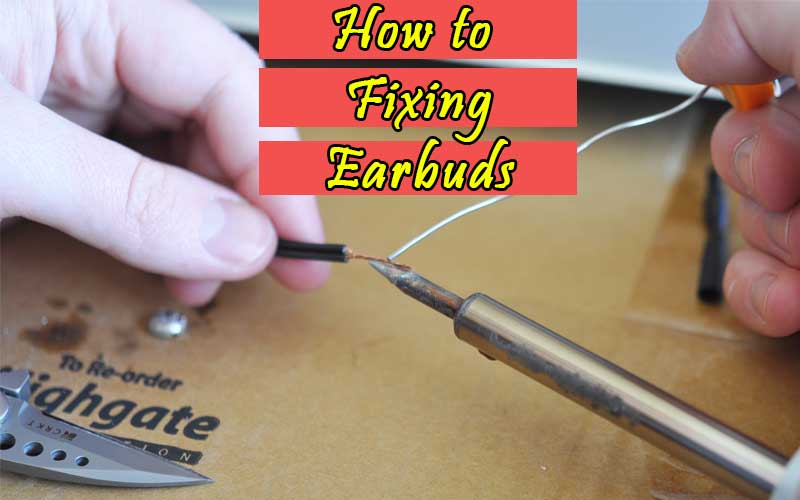
Clean the plug and audio port safely
Dirt, lint, skin oil, and oxidation can stop the plug from making full contact. This is common with phones kept in pockets and laptops used in dusty areas.
Clean the earbud plug
- Unplug the earbuds.
- Wipe the metal plug with a dry, lint-free cloth.
- Check the black insulating rings for cracks or heavy dirt.
- Let the plug dry fully if it has touched moisture.
Do not pour liquid into the plug or port. Avoid metal tools, needles, and pins. They can scratch contacts or cause a short circuit.
Clean a 3.5-millimeter headphone jack
Turn off the device first. Use a soft, dry brush or a small amount of clean, dry air held away from the opening. Do not push lint deeper into the jack.
If the device has a removable case, take it off and reconnect the earbuds. A thick case can prevent the plug from reaching the contacts.
Clean a USB-C or Lightning adapter
If your wired earbuds connect through an adapter, inspect both ends. A damaged adapter can cause one-channel audio even when the earbuds are fine.
Look for:
- Bent or loose connector parts
- Dirt inside the adapter
- Frayed cable sections
- A plug that disconnects when lightly touched
- Heat, odor, or visible damage
Replace a damaged adapter rather than opening it. Small adapters contain delicate electronics and are not designed for home repair.
Test the plug, cable, and strain points
If sound changes when you move the cable, the wire may be broken inside its insulation. The break often occurs near the plug, the Y-split, the in-line control, or the earbud housing.
Play audio at a low volume. Then gently move one section at a time:
- The plug
- The first few inches of cable
- The Y-split
- The in-line microphone or control
- The cable near the silent earbud


If sound cuts in and out, crackles, or returns briefly, the cable is likely damaged. This test is only for diagnosis. Do not keep bending the wire to make the sound return.
Why cable damage affects one side
Most wired stereo earbuds carry separate left and right audio signals through small conductors. If one conductor breaks, one channel can stop working while the other continues.
The cable may look normal from the outside. Internal wires can break after repeated bending, tight wrapping, pulling, or catching the cable on a desk or door.
Taping the cable may hold it in place for a short time, but it does not restore the broken conductor. A repair shop may be able to replace the plug or resolder a wire. With low-cost earbuds, replacement is often more practical.
Check the plug type and adapter
A 3.5 mm plug may look standard, but wired headsets can use different contact layouts. Most modern smartphone headsets use a four-contact TRRS plug for stereo audio and a microphone. Older or unusual devices may use a different wiring standard.
A mismatch can cause:
- One silent channel
- No microphone
- Buzzing or crackling
- Audio that changes when the plug is rotated
- A plug that does not fit fully
If the earbuds worked before on the same device, compatibility is less likely to be the cause. Focus first on damage, dirt, balance settings, and the adapter.
USB-C and Lightning connections
USB-C earbuds and digital adapters may need electronic support from the device. A passive adapter may not work with every phone, tablet, or computer. Some devices also limit accessory functions until the connector is fully inserted.
If the earbuds use USB-C or Lightning:
- Test the earbuds without a hub or extension.
- Try a different compatible adapter.
- Check whether the device detects the accessory.
- Update the device if an audio or accessory update is available.
- Test the adapter with another known-good headset, if possible.
Do not assume that every USB-C audio adapter works with every USB-C port. The connector shape alone does not guarantee identical audio support.

Rule out moisture, magnets, and external controls
Moisture can affect the plug, adapter, or earbud speaker. If the earbuds became wet, disconnect them and let them dry at room temperature. Do not use a hair dryer, oven, heater, or direct high heat.
If the earbuds have an in-line remote, press its buttons several times and check for a stuck button. A damaged remote can sometimes create audio problems, though a failed cable remains more likely when one side cuts out during movement.
Bluetooth is not involved in ordinary wired earbuds. However, some phones can route sound through another connected device or a dock. Check the device’s output selector and disconnect unwanted audio accessories.

Know when the earbud speaker has failed
If one side stays silent after you:


- Center the audio balance
- Test a different app
- Clean the plug
- Try another device
- Try another compatible adapter
- Inspect the cable
then the speaker driver or internal wiring may have failed.
A speaker driver is the small component that turns the electrical audio signal into sound. It can fail after impact, moisture exposure, excessive volume, or ordinary wear. The failure may be permanent even if the earbud looks clean.
Before replacing the earbuds, check whether they are still under warranty. Keep the purchase record if you have it. Do not open sealed earbuds while a warranty claim is possible.
Repair or replace?
| Situation | Practical choice |
|---|---|
| High-end or custom earbuds | Ask the manufacturer or an audio repair shop about service |
| Replaceable cable | Install a compatible replacement cable |
| Broken plug near the end | A technician may replace the plug |
| Cheap sealed earbuds | Replacement is usually simpler |
| Intermittent sound | Stop bending the cable and seek repair before the break grows |
| Wet or hot earbuds | Allow them to dry or cool before testing again |
A repair is worthwhile when the earbuds have a replaceable cable, special fit, or high purchase value. For sealed budget earbuds, labor can cost more than a new pair.

Common mistakes to avoid
Several quick fixes can create new damage.
Do not force the plug
A plug that does not fit may be the wrong connector or blocked by a case. Forcing it can damage the port.
Do not use sharp objects inside the jack
Pins and paper clips can scratch contacts, push lint inward, or short electrical contacts.
Do not flood the port with cleaner
Liquid can reach the device’s internal parts. Use a dry method unless the device maker gives specific cleaning instructions.
Do not test at high volume
High volume will not restore a missing channel. It can make a sudden return of sound uncomfortable and may increase hearing risk.
Do not twist the cable repeatedly
If twisting restores sound, that points to a damaged wire. Repeated twisting usually makes the break worse.
Do not confuse a quiet side with a dead side
Earwax or a blocked mesh may make one earbud sound faint rather than completely silent. Clean the outer mesh only as the manufacturer allows. Never push debris into the speaker opening.
A quick decision path
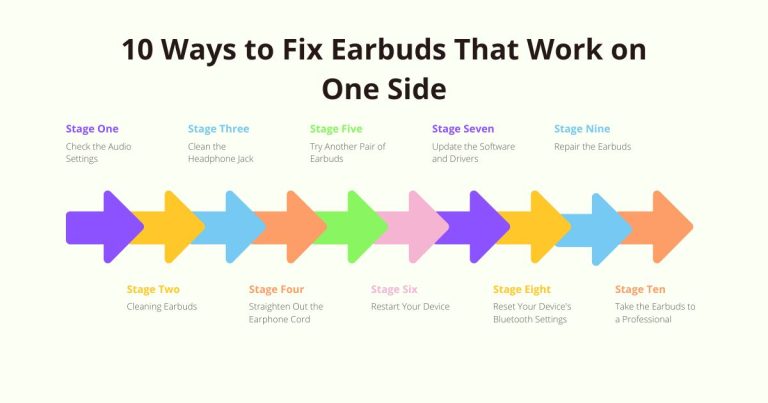
Use this short path when you need an answer fast:
-
Does the issue happen in one app only?
Check the app’s audio balance and output settings. -
Does the issue happen on one device only?
Check the device balance, port, case, and adapter. -
Does the same side fail on multiple devices?
Inspect the cable, plug, and earbud housing. -
Does moving the cable change the sound?
Treat it as cable damage and stop flexing it. -
Did cleaning and a second adapter fail?
Check warranty or replace the earbuds.
The strongest sign of a defective earbud is consistent failure of the same side on several known-good devices. The strongest sign of a device problem is that multiple headsets fail in the same way on that device.


Frequently asked questions
Why do my wired earbuds work on one side but not the other?
The most common causes are a centered-balance error, a plug that is not fully inserted, dirt in the jack, a bad adapter, or a broken wire. Testing the earbuds on another device will usually separate an earbud problem from a device problem.
Can I fix one-sided earbuds without opening them?
Often, yes. Check the audio balance, reconnect the plug, remove the case, clean the external plug, test another device, and try another compatible adapter. If the cable or internal driver is broken, an external fix may not be possible.
Why does one earbud work when I twist the plug?
That usually indicates a loose contact or broken wire near the plug. Twisting changes the position of the damaged conductor for a moment. Replace or repair the plug instead of continuing to twist it.
Does mono audio fix earbuds that work on one side?
Mono audio can send both channels to the working earbud, so it may help you hear the full recording. It does not repair the silent earbud or restore stereo sound.
Can earwax make one wired earbud stop working?
Yes. Wax or debris can block the sound outlet and make one side very quiet. It is less likely to be the cause when the earbud is completely silent and also fails on several devices.
Should I replace the earbuds or the adapter?
Test the adapter with another compatible headset if possible. If several headsets fail on one adapter, replace the adapter. If the same earbud fails with different adapters and devices, replace or repair the earbuds.
Final recommendation
Start with the audio-balance setting and a second-device test. Then clean the plug, remove the case, inspect the adapter, and gently check for cable-related cutouts. If one side still fails everywhere, the earbuds likely have internal damage. Check the warranty or replace them rather than forcing, heating, or repeatedly bending the cable.