How To Make Earbuds Louder: Easy Tips For Better Sound
To make earbuds louder, raise safe device limits, improve the seal, clean the drivers, and fix connection or app settings.
Learning how to make earbuds louder is not only about moving a volume slider. Low sound can come from poor ear tips, blocked speaker meshes, audio limits, weak Bluetooth settings, or damaged hardware. This guide explains safe, tested ways to improve loudness while protecting your hearing and getting clearer sound.
Check the Basics First
Before changing advanced settings, check the simple causes of low volume. A small setting or loose ear tip can make good earbuds sound weak.
Try these steps:
- Turn up the volume on your phone, tablet, or computer.
- Check the volume controls on the earbuds themselves.
- Disconnect and reconnect the earbuds.
- Restart your device.
- Test the earbuds with another app.
- Test them with another phone or computer.


Some phones have separate volume controls for media, calls, alarms, and notifications. Make sure you are changing the media volume while music or video is playing.
Also check the left and right balance. On an iPhone, look under Accessibility and Audio & Visual. On Android, search Settings for “audio balance” or “left/right balance.” A balance slider moved too far to one side can make the total sound seem quiet.
If your earbuds are loud in one app but soft in another, the issue may be the app’s own volume setting. Streaming apps, games, and video players may each have separate controls.
Improve the Earbud Seal
A proper seal is one of the fastest ways to make earbuds louder. It blocks outside noise and helps low tones reach your ears. This is especially important with in-ear models.
Try each ear tip size. Many earbuds include small, medium, and large tips, but your ears may need different sizes. Your left ear and right ear may not even need the same size.
A good seal should feel secure without pain. You should hear less outside noise when the earbuds are inserted. Bass should also sound fuller, since low frequencies escape through gaps.
Use this simple fit test:
- Play a familiar song at a low volume.
- Press the earbuds gently into your ears.
- If the sound becomes fuller, the seal needs improvement.
- Try a different tip size or material.
- Stop if you feel pressure, pain, or dizziness.
Foam ear tips can improve isolation for some people. Silicone tips may feel cooler and easier to clean. Neither option is best for everyone.
Do not push earbuds deep into your ear canal. A tight seal should come from the ear tip, not force.

Clean the Earbud Speaker Mesh
Earwax, dust, skin oil, and pocket lint can block the tiny mesh over the speaker. Even a thin layer may reduce volume and make sound dull.
Clean earbuds carefully:
• Remove the ear tips.


• Wash silicone tips with mild soap and water.
• Let the tips dry fully before putting them back.
• Brush the speaker mesh gently with a dry, soft toothbrush.
• Use a clean, dry cotton swab around the outer surface.
• Wipe the charging contacts with a dry microfiber cloth.
Avoid pouring liquid into the earbuds. Do not use sharp pins, needles, or metal tools. They can damage the mesh or push debris farther inside.
Be careful with compressed air. Strong air pressure may force dust into the housing or damage delicate parts. If the mesh is deeply blocked, professional cleaning is safer.
In my own earbud testing, cleaning often made a bigger difference than using an equalizer. People sometimes assume their earbuds are weak when the real problem is a dirty grille.
Change Phone and Computer Sound Settings
Your device may limit maximum volume. These limits exist for hearing safety, but they can also affect how loud your earbuds seem.
iPhone and iPad
On Apple devices, check these areas:
• Settings > Sounds & Haptics
• Settings > Sounds & Haptics > Headphone Safety
• Settings > Accessibility > Audio & Visual
The Headphone Safety menu may reduce loud audio after exposure to high sound levels. If the volume drops on its own, this setting may be the reason.
Apple devices may also reduce loud sounds based on headphone exposure data. Treat this feature as a safety tool, not a problem to bypass without thought.


Android phones
Android menus vary by brand. Search Settings for:
• Media volume limit
• Volume limit
• Sound quality and effects
• Adapt Sound
• Hearing enhancements
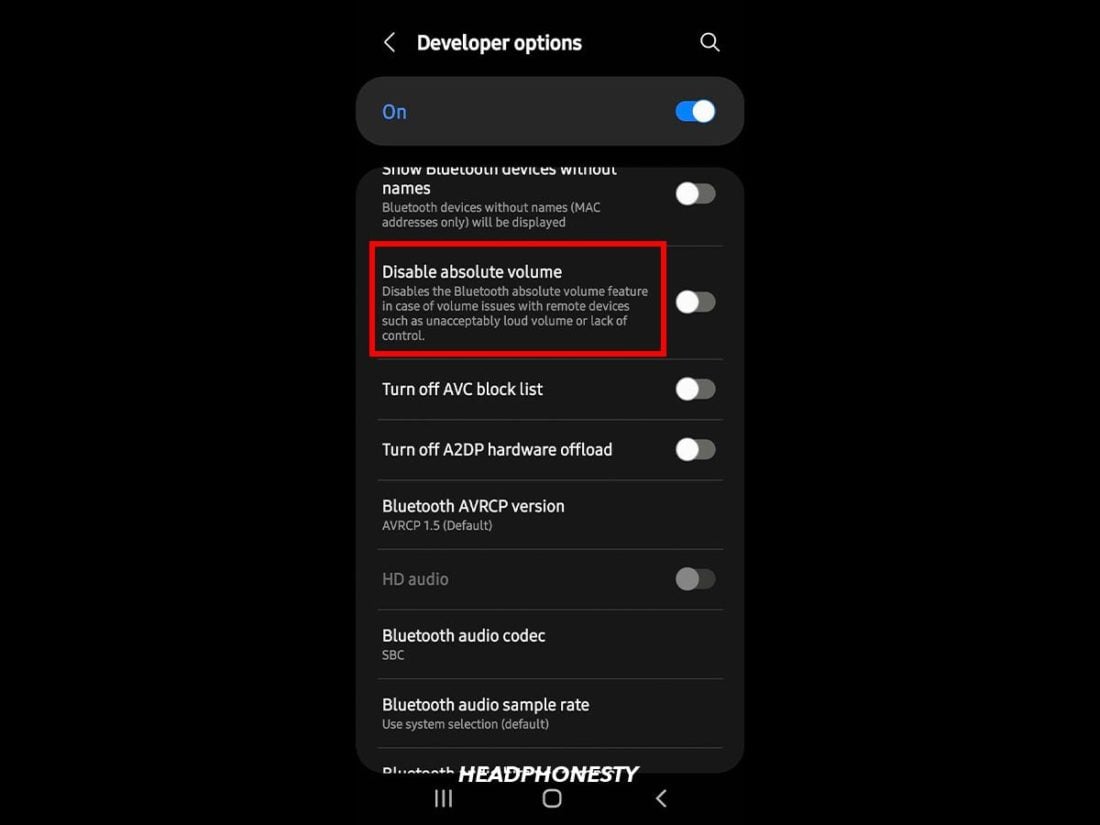
Some Android phones use a volume warning or limit. Other models include a headphone amplifier setting or a sound profile.
Windows computers
On Windows, right-click the speaker icon and open Sound settings. Select your earbuds and confirm that the output volume is high.
Then check:
• Volume mixer levels
• App volume
• Device properties
• Audio enhancements
• Spatial sound
An app may have its own low volume level even when the main Windows volume is high.
Mac computers
On a Mac, open System Settings, choose Sound, and select your earbuds as the output device. Confirm the output balance is centered and the output volume is high.
Use Equalizer Settings With Care
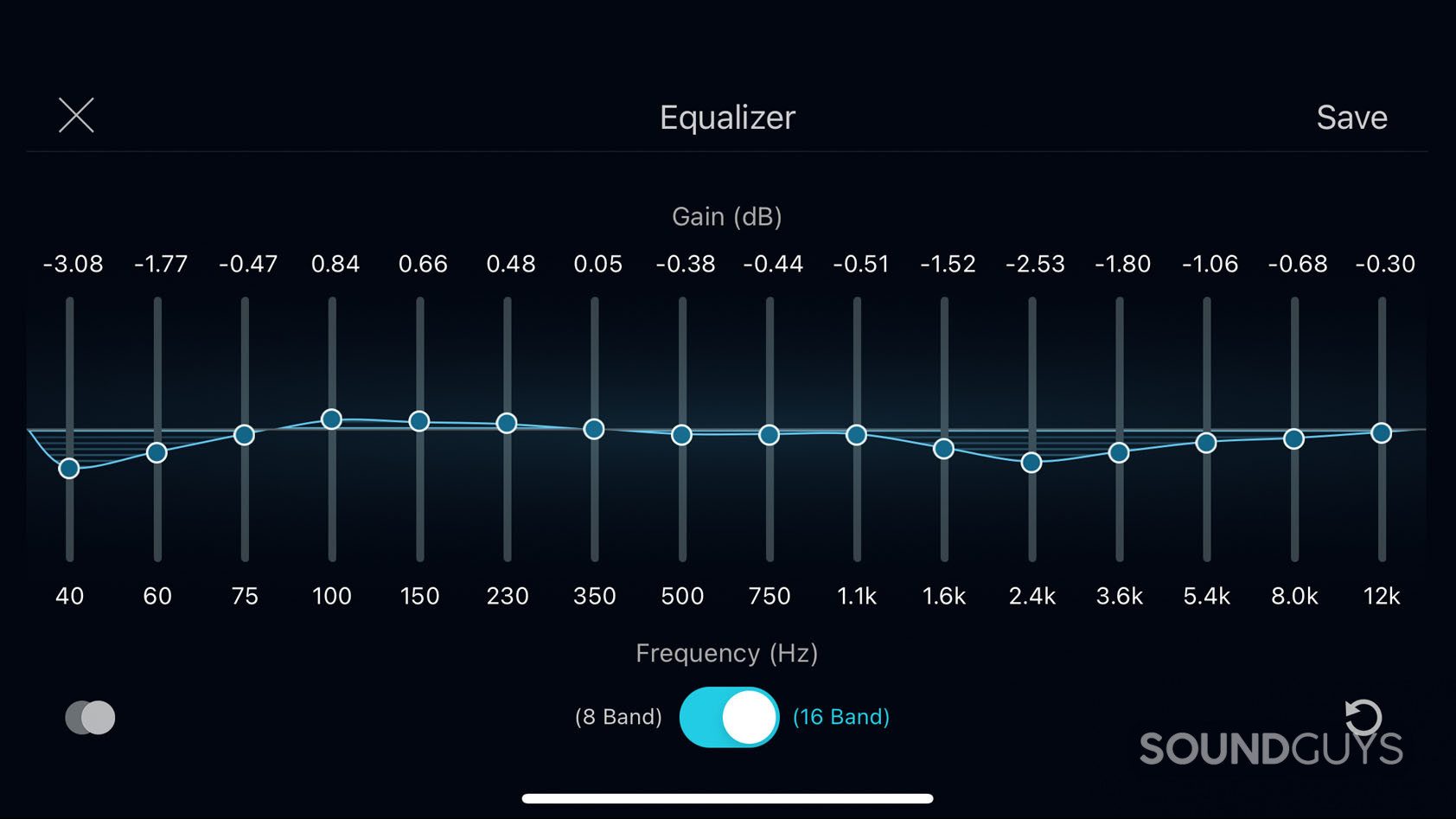
An equalizer can make earbuds sound louder, but it does not always increase their real maximum volume. Instead, it changes the balance between bass, mids, and treble.
For clearer sound, try a small adjustment:
• Raise the midrange slightly for speech and vocals.
• Add a small amount of treble for detail.
• Reduce heavy bass if the sound feels muddy.
Large boosts can cause distortion. They can also make the earbuds work harder and drain the battery faster.


Many music apps offer presets such as Bass Boost, Rock, Pop, or Vocal. Test one preset at a time. Use a familiar song and compare the result at the same volume.
A loudness or volume normalization feature may also affect your experience. Normalization tries to keep songs at similar levels. Turn it off temporarily if you want to test the original recording level.
Do not confuse louder with better. A clear, balanced sound often feels more powerful than a harsh, distorted one.
Turn Off Volume-Lowering Features
Some settings reduce sound by design. They may be useful in daily life, but they can make earbuds seem unusually quiet.
Check for these features:
• Loud sound reduction
• Headphone safety limits
• Volume normalization
• Adaptive sound controls
• Conversation awareness
• Automatic transparency mode
• Battery-saving audio modes
Noise control modes can also change how loud music feels. Try switching between noise cancellation, transparency, and normal mode. A faulty or poorly sealed noise control mode may create a weak or hollow sound.
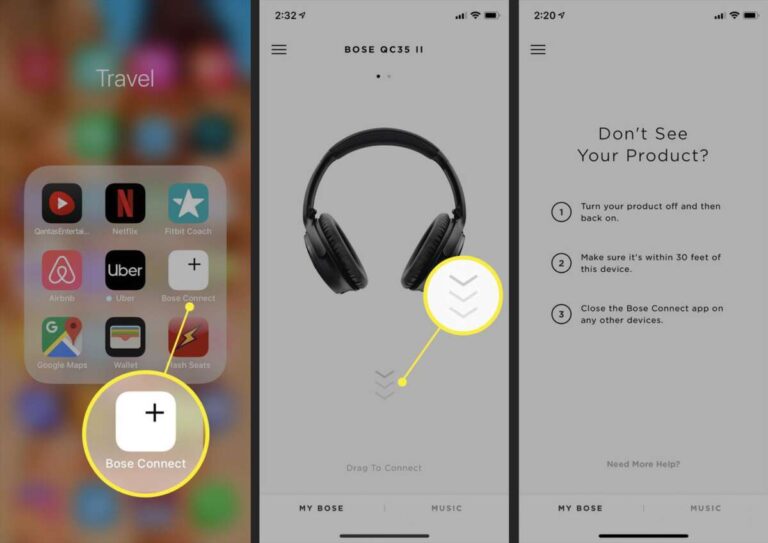
If your earbuds have an app, open it and review the sound settings. Look for firmware updates, custom hearing profiles, and volume controls.
Some hearing tests in earbud apps create a personalized sound profile. These profiles can improve clarity, but an incorrect test may reduce certain frequencies too much. Retest in a quiet room if the result sounds strange.

Improve Bluetooth Audio
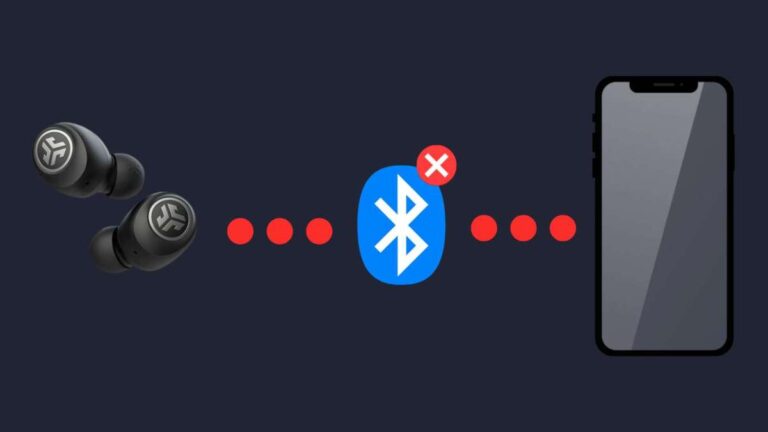
Bluetooth usually does not cause a major volume drop by itself, but connection problems can affect sound quality and stability.
Try these fixes:
- Put the earbuds back in their case.
- Turn Bluetooth off and on.
- Forget the earbuds in Bluetooth settings.
- Pair them again.
- Charge both the earbuds and the case.
- Install firmware updates through the brand’s app.
- Keep the phone close during testing.
A low battery can trigger power-saving behavior on some models. Other earbuds may lower performance when only one side is active.
Check whether your phone connects to the correct Bluetooth profile. A device connected for calls may sound different from one connected for music. On a computer, choose the stereo output instead of the headset or hands-free output when possible.


Bluetooth codecs affect quality and delay more than raw loudness. Still, a poor connection can create drops, distortion, or a thin sound that feels quieter.

Make Earbuds Louder on Specific Devices
How to make earbuds louder on an iPhone
Start by raising media volume and checking Headphone Safety. Then inspect the audio balance and test a different ear tip.
If you use Apple Music, review Sound Check and equalizer settings. If the issue appears only in one app, check that app’s volume controls.
How to make earbuds louder on Android
Check the phone’s media volume limit, audio effects, and equalizer. Samsung, Google Pixel, OnePlus, and other brands may place these settings in different menus.
Use the search box in Settings. Search terms such as “volume limit,” “equalizer,” and “sound effects” usually find the right controls quickly.
How to make earbuds louder on a laptop
Select the earbuds as the active output device. Then check the operating system volume, app volume, communication settings, and sound enhancements.
If the earbuds are loud on your phone but quiet on the laptop, update the Bluetooth driver or remove and re-pair the device.
Know When the Problem Is Hardware
If one earbud remains quiet after cleaning, resetting, and testing it on another device, hardware may be the cause.
Common signs of hardware trouble include:
• Sound that cuts out when you move the earbud
• Crackling at normal volume
• One side that is much quieter
• A loose charging connection
• Moisture inside the housing
• A damaged speaker mesh
• A battery that drains very quickly
Resetting the earbuds can fix software errors. Follow the manufacturer’s reset steps, since the process differs by model.
Do not open sealed earbuds unless you have repair experience. Tiny batteries can be damaged by tools, heat, or punctures. If the product is under warranty, contact the manufacturer before attempting a repair.


An inexpensive replacement may be safer than trying to increase the output of damaged earbuds. More power cannot repair a blocked, torn, or failing speaker.
Protect Your Hearing
The safest way to make earbuds louder is to improve clarity and isolation first. Raising volume to overcome traffic, office noise, or airplane noise can expose your ears to harmful sound levels.
The World Health Organization advises keeping personal audio exposure at a safe level and taking regular breaks. Exact risk depends on volume, time, and the individual. A loud setting for a few minutes is not the same as loud listening for several hours.
Use these habits:
• Keep the volume near the lowest level that feels clear.
• Take breaks during long listening sessions.
• Use noise-canceling earbuds in loud places.
• Avoid turning up volume to cover background noise.
• Stop if you notice ringing, muffled hearing, or ear pain.
A useful rule is the “conversation test.” If you cannot hear someone speaking near you, the volume may be too high. This is not a medical test, but it is a simple warning sign.
If ringing or muffled hearing continues after listening, give your ears a break and consider speaking with a hearing professional.
Mistakes to Avoid
Several popular tricks can make earbuds sound worse or create safety problems.
Do not use random “volume booster” apps without checking their reputation. They may add distortion, aggressive ads, privacy risks, or unsafe output levels.
Avoid these mistakes:
• Boosting every equalizer band to maximum
• Cleaning the mesh with a sharp object
• Using water on the earbud body
• Wearing a poor seal and increasing volume
• Buying an amplifier without checking compatibility
• Ignoring a quiet earbud that may have water damage
• Listening at maximum volume for long periods
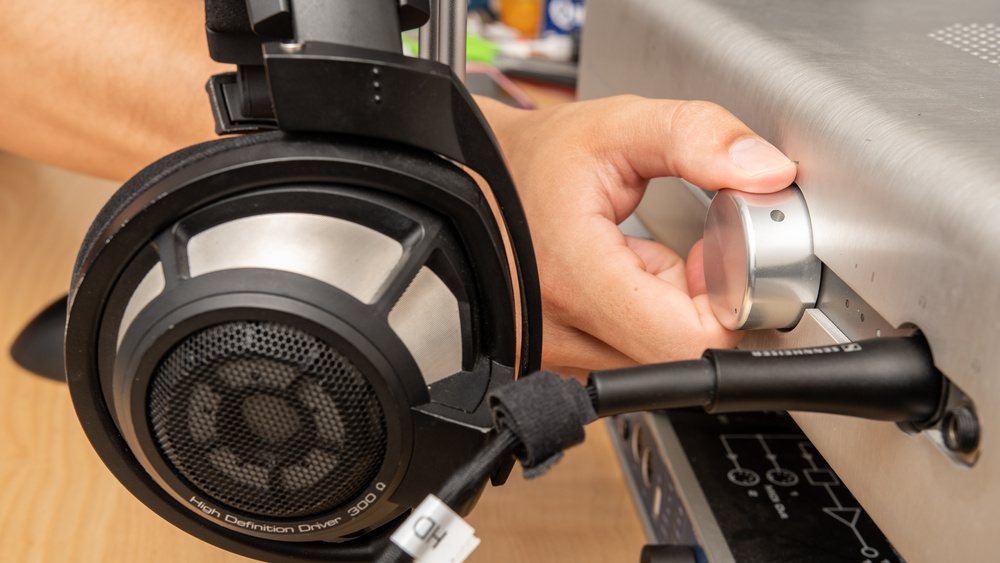
A headphone amplifier may help some wired headphones, but most small Bluetooth earbuds already contain their own amplifier. An external amplifier will not usually make wireless earbuds louder.
The best solution is often simple: clean the earbuds, improve the fit, adjust safe device limits, and test another source.
A Simple Troubleshooting Plan
If you want a quick method for how to make earbuds louder, follow this order:
- Test the earbuds with a different song and app.
- Raise the device and earbud volume.
- Check left and right audio balance.
- Try different ear tips.
- Clean the speaker mesh.
- Turn off unnecessary volume normalization.
- Review phone or computer volume limits.
- Reconnect and reset Bluetooth.
- Update the earbud firmware.
- Test the earbuds on another device.
- Contact support if one side remains quiet.
This order saves time because it starts with free, low-risk fixes. It also helps you identify whether the problem comes from your ears, the earbuds, the device, or the audio source.
Frequently Asked Questions About How to Make Earbuds Louder
Why are my earbuds so quiet even at full volume?
A blocked speaker mesh, poor ear tip seal, volume limit, or low app volume may be the cause. Clean the earbuds, check sound settings, and test them with another device.
Can I make earbuds louder without an app?
Yes. Improve the ear tip seal, clean the speaker mesh, turn off unwanted volume limits, and adjust the built-in equalizer. These steps often work without installing anything.
Do foam tips make earbuds louder?
Foam tips can make earbuds seem louder by creating a better seal and reducing outside noise. They do not increase the earbuds’ actual power output.
Is a volume booster app safe?
Some volume booster apps can cause distortion or expose your ears to unsafe sound levels. Use built-in device controls when possible, and avoid pushing volume beyond a comfortable level.
Why is one earbud quieter than the other?
Earwax, dirt, a blocked mesh, incorrect balance settings, or hardware damage can affect one side. Clean the quiet earbud, check the balance slider, and test it on another device.
Will an amplifier make wireless earbuds louder?
Usually not. Bluetooth earbuds already contain their own amplifier, so an external amplifier normally cannot increase their wireless output.
Can loud earbuds damage hearing?
Yes. Hearing risk depends on both volume and listening time. Lower the volume, take breaks, and stop listening if you notice ringing or muffled hearing.
Conclusion
The most reliable way to make earbuds louder is to improve the basics before forcing the volume higher. Check the fit, clean the speaker mesh, review device limits, adjust the equalizer carefully, and repair Bluetooth or app problems.
A better seal and cleaner sound can give you more detail without unsafe volume. Try the troubleshooting plan today, and share your results or explore your earbud manufacturer’s support resources for model-specific help.