How To Pair Duo 5 3 Earbuds: Easy Pairing Guide
To pair Duo 5.3 earbuds, turn on Bluetooth, open the case, select the earbuds, and confirm the connection.
Learning how to pair Duo 5.3 earbuds is usually quick once the earbuds enter pairing mode. This guide explains the full process, including first-time setup, single-earbud use, reset steps, and fixes for common Bluetooth problems.
What Duo 5.3 Earbuds Need for Pairing
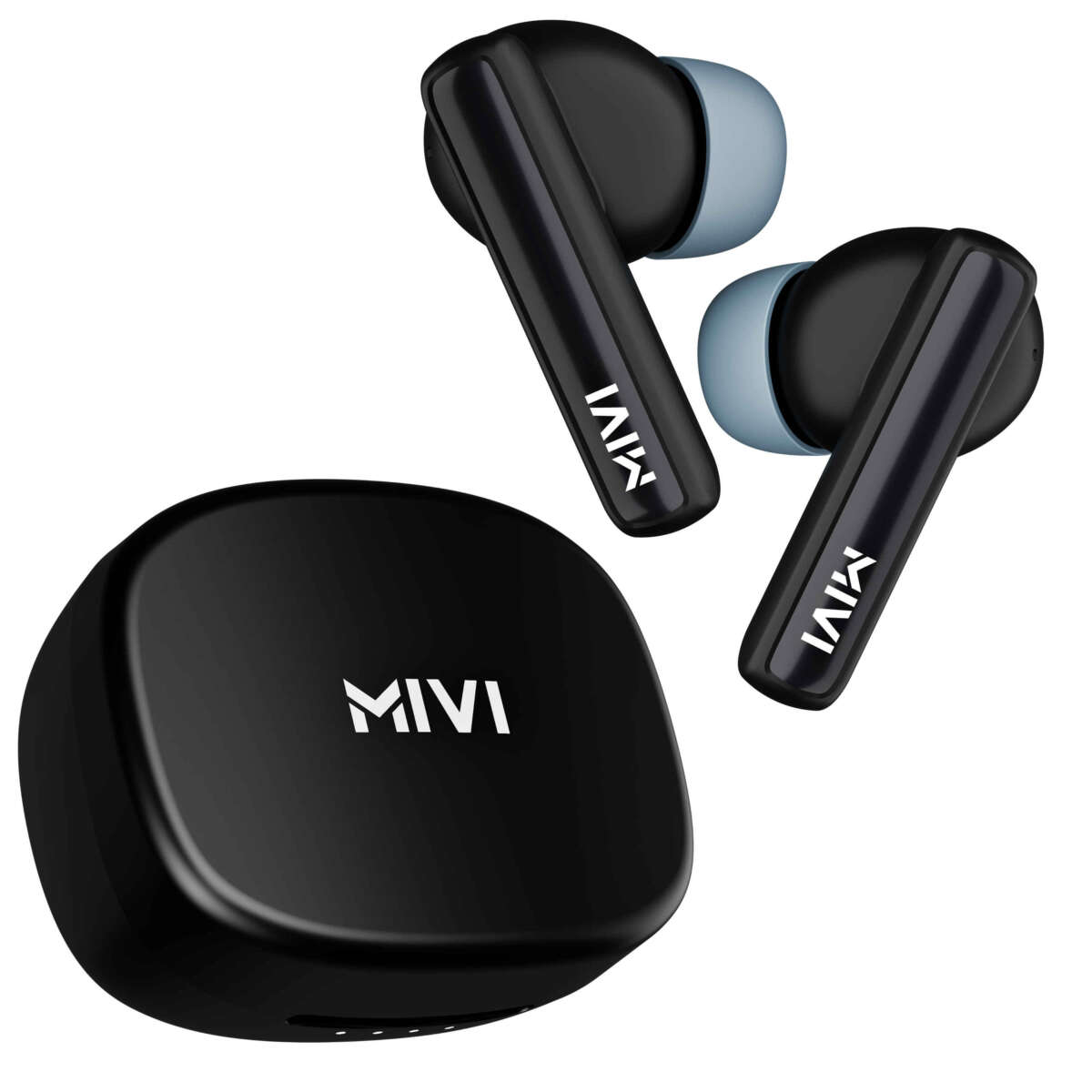
The name “Duo 5.3 earbuds” may describe earbuds that use Bluetooth 5.3 rather than one single brand or model. Bluetooth 5.3 can improve power use, connection handling, and device response, but the basic pairing process remains much the same as other wireless earbuds.
To learn how to pair Duo 5.3 earbuds, you need three things:


• A charged earbud case and earbuds
• A phone, tablet, laptop, or other Bluetooth device
• Bluetooth turned on for the device you want to use
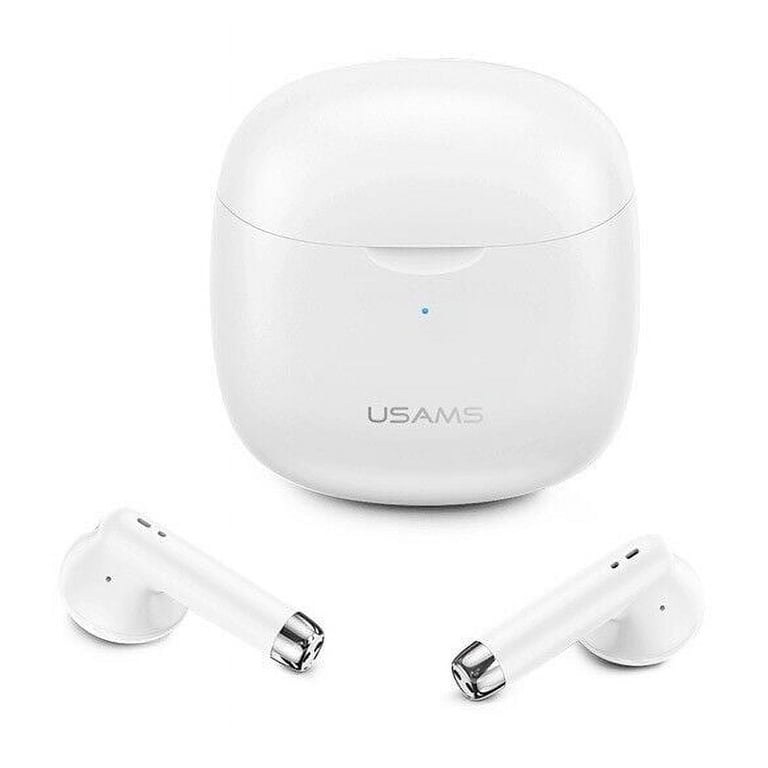
Most earbuds pair through the charging case. Some models use a touch panel, while others use a small button on the case. The exact light color can vary, so use the product manual if your model shows a different signal.
Prepare Your Earbuds Before Pairing
A little preparation prevents most pairing errors. If the earbuds are new, remove any plastic film covering the charging contacts. Keep both earbuds in the case for a few minutes so they can charge.
Before learning how to pair Duo 5.3 earbuds, check these settings:
• Charge the case and both earbuds.
• Keep the earbuds within about 3 feet of your device.
• Turn off Bluetooth on nearby phones that may already be connected.
• Remove the earbuds from their case if the manual says they power on outside the case.
• Make sure your phone or computer is not connected to another audio device.


I have found that nearby phones cause many “earbuds will not connect” complaints. The earbuds may reconnect to an old phone before your new device has time to find them. Turning Bluetooth off on that old device often solves the issue in seconds.

How to Pair Duo 5.3 Earbuds for the First Time
The first pairing usually takes less than two minutes. Follow these steps in order.
-
Place both earbuds inside the charging case.
-
Open the case lid.
-
Press and hold the case button for about 3 to 5 seconds, if your case has one.
-
Watch for a flashing white, blue, or red-and-blue light.
-
Open Settings on your phone or tablet.
-
Select Bluetooth.
-
Turn Bluetooth on.
-
Look under Available Devices or Other Devices.
-
Tap the name that matches your earbuds.
-
Select Pair, Connect, or OK when asked.
-
Wait until the status changes to Connected.
This is the standard answer to how to pair Duo 5.3 earbuds with most Android phones, iPhones, tablets, and computers. If the earbuds appear under a different name, check the case, manual, or packaging for the exact Bluetooth name.
Do not tap several unknown Bluetooth devices at once. Choose the listing that matches the earbud brand or model. Some earbuds show separate names for the left and right sides, but most true wireless sets show one combined name.
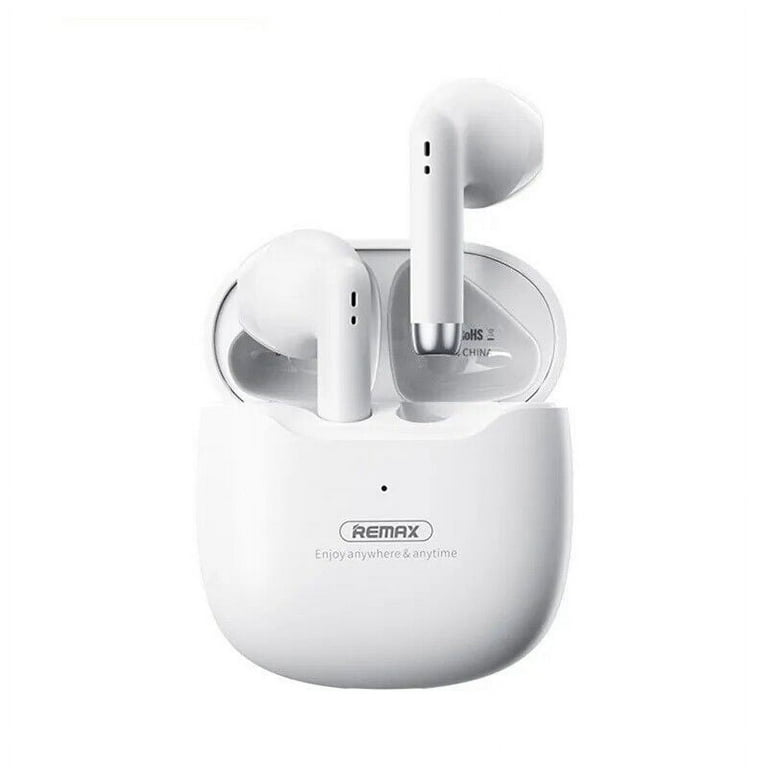
How to Pair Duo 5.3 Earbuds With an iPhone
The iPhone pairing process is simple, but the earbuds must be discoverable first. A flashing indicator usually means they are ready to connect.
Here is how to pair Duo 5.3 earbuds with an iPhone:
-
Open the Settings app.
-
Tap Bluetooth.
-
Turn on the Bluetooth switch.
-
Open the earbud case near the iPhone.
-
Wait for the earbud name under Other Devices.
-
Tap the name.
-
Wait for the word Connected.
If the earbuds do not appear, close the case for 10 seconds. Then open it again and hold the case button until the light flashes. Keep the iPhone unlocked during this process.
After pairing, the earbuds should connect automatically when you open the case. If they do not, select their name under My Devices and tap Connect.
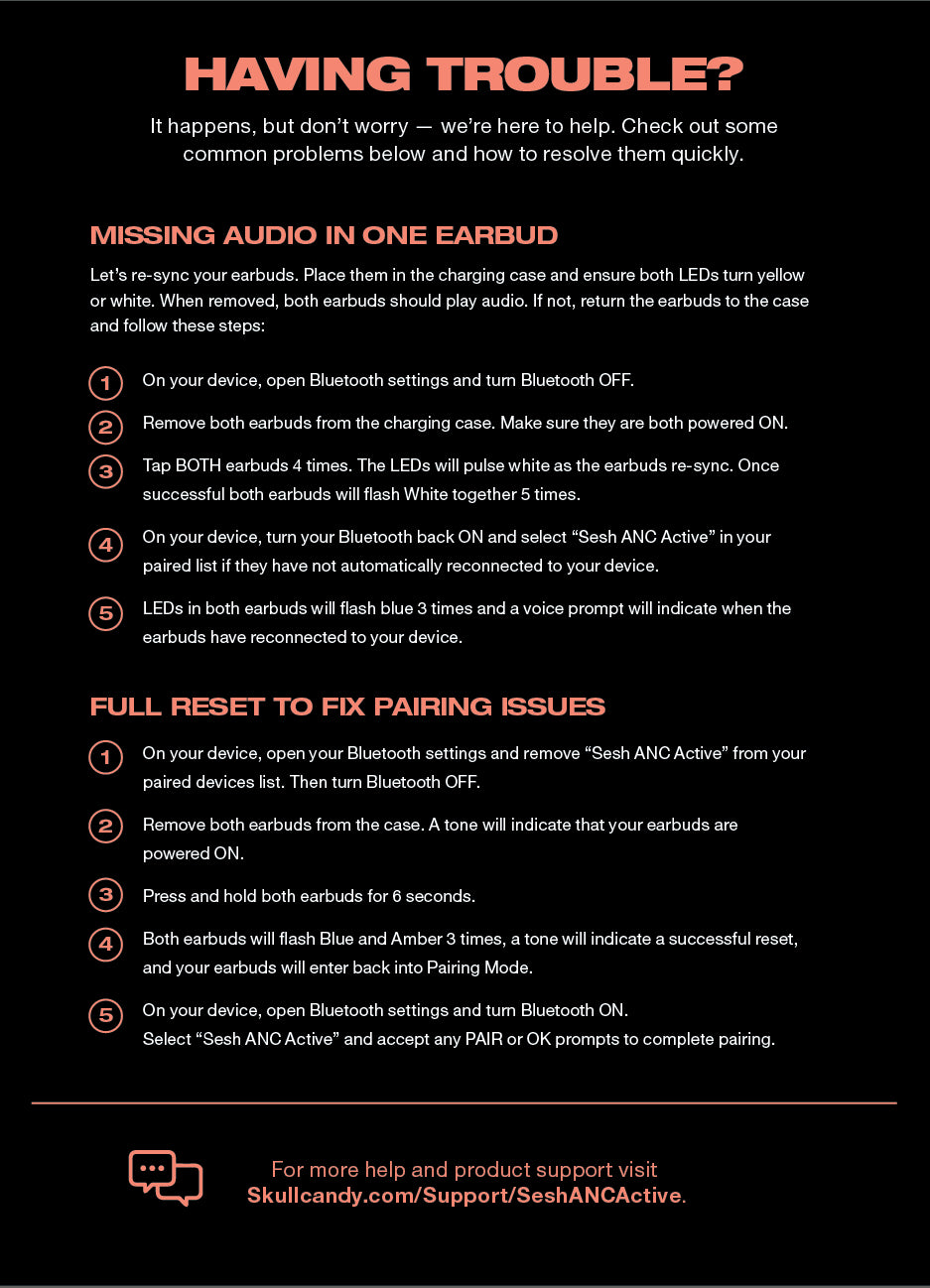
How to Pair Duo 5.3 Earbuds With Android
Android phones use a similar Bluetooth menu. The wording may differ slightly between Samsung, Google Pixel, Motorola, OnePlus, and other brands.
To learn how to pair Duo 5.3 earbuds with Android, use these steps:
-
Open Settings.
-
Tap Connected devices, Connections, or Bluetooth.
-
Choose Pair new device if needed.
-
Open the charging case.
-
Put the earbuds into pairing mode.
-
Tap the earbud name when it appears.
-
Confirm the pairing request.
Some Android phones show a pop-up window when compatible earbuds are nearby. If the pop-up does not appear, use the standard Bluetooth menu. The earbuds can still pair normally.
If Android asks for a PIN, try 0000 or 1234 only if the manual lists one. Most modern wireless earbuds do not require a PIN.


How to Pair Duo 5.3 Earbuds With a Windows PC or Mac
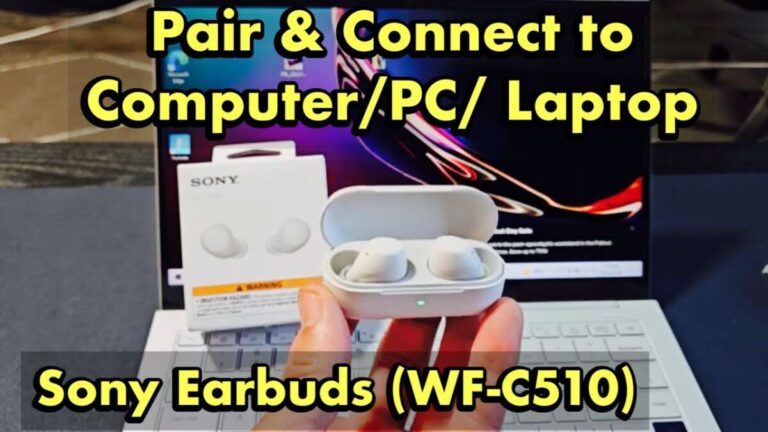
Duo 5.3 earbuds can work with a laptop for music, video calls, and online meetings. The computer must support Bluetooth audio.
Windows
-
Open Settings.
-
Select Bluetooth & devices.
-
Turn Bluetooth on.
-
Click Add device.
-
Choose Bluetooth.
-
Put the earbuds into pairing mode.
-
Select the earbud name.
-
Click Done.
If the earbuds connect but no sound plays, open the sound menu and choose the earbuds as the output device. During calls, also select the earbuds as the microphone and speaker.
Mac
-
Open the Apple menu.
-
Select System Settings.
-
Click Bluetooth.
-
Turn Bluetooth on.
-
Put the earbuds into pairing mode.
-
Find the earbud name.
-
Click Connect.
This process explains how to pair Duo 5.3 earbuds with most current computers. Older laptops may have trouble with newer Bluetooth profiles, so a USB Bluetooth adapter can help.
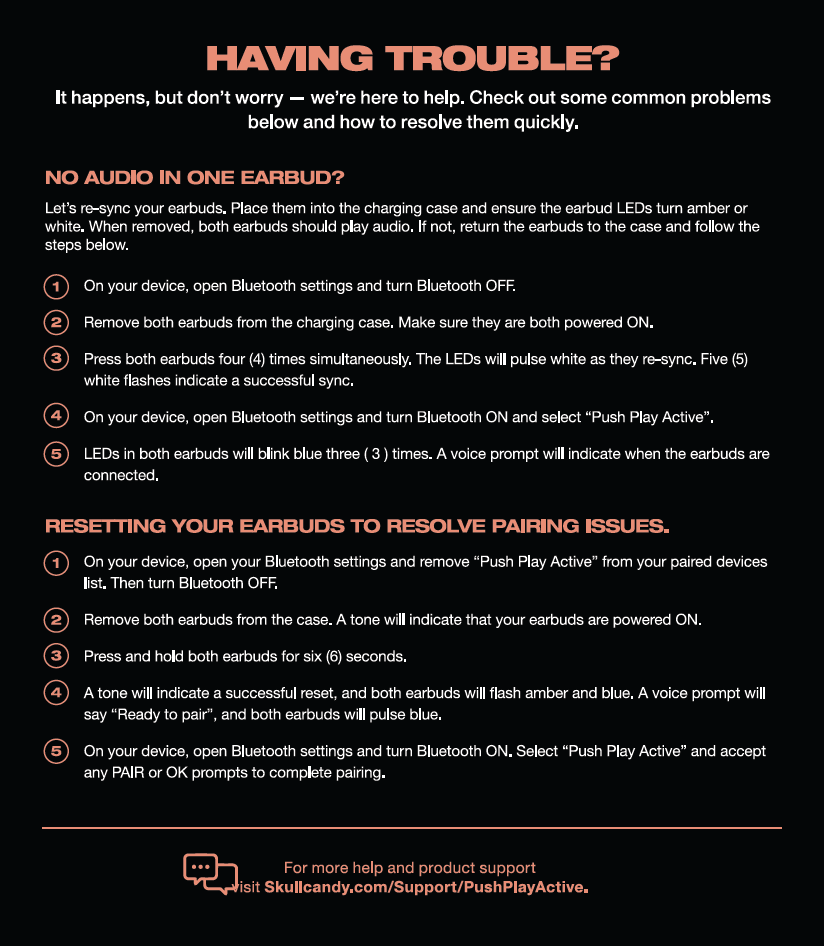
How to Pair Duo 5.3 Earbuds When Only One Earbud Works
Sometimes one earbud connects while the other remains silent. This usually means the earbuds lost their link with each other, not that the quiet earbud is broken.
Use this method:
-
Put both earbuds into the case.
-
Leave the lid open.
-
Forget the earbuds from your phone’s Bluetooth list.
-
Turn Bluetooth off on the phone.
-
Remove both earbuds from the case.
-
Tap or hold both touch panels at the same time for about 10 to 15 seconds.
-
Return both earbuds to the case.
-
Take them out together.
-
Turn Bluetooth back on.
-
Pair the single earbud name that appears.
The reset gesture differs by model. Some Duo 5.3 earbuds use a case button instead of touch controls. If the steps above do not work, use the reset instructions included with your earbuds.
When I troubleshoot this issue, I always reset both earbuds together. Resetting only the silent side often leaves the internal left-right connection out of sync.
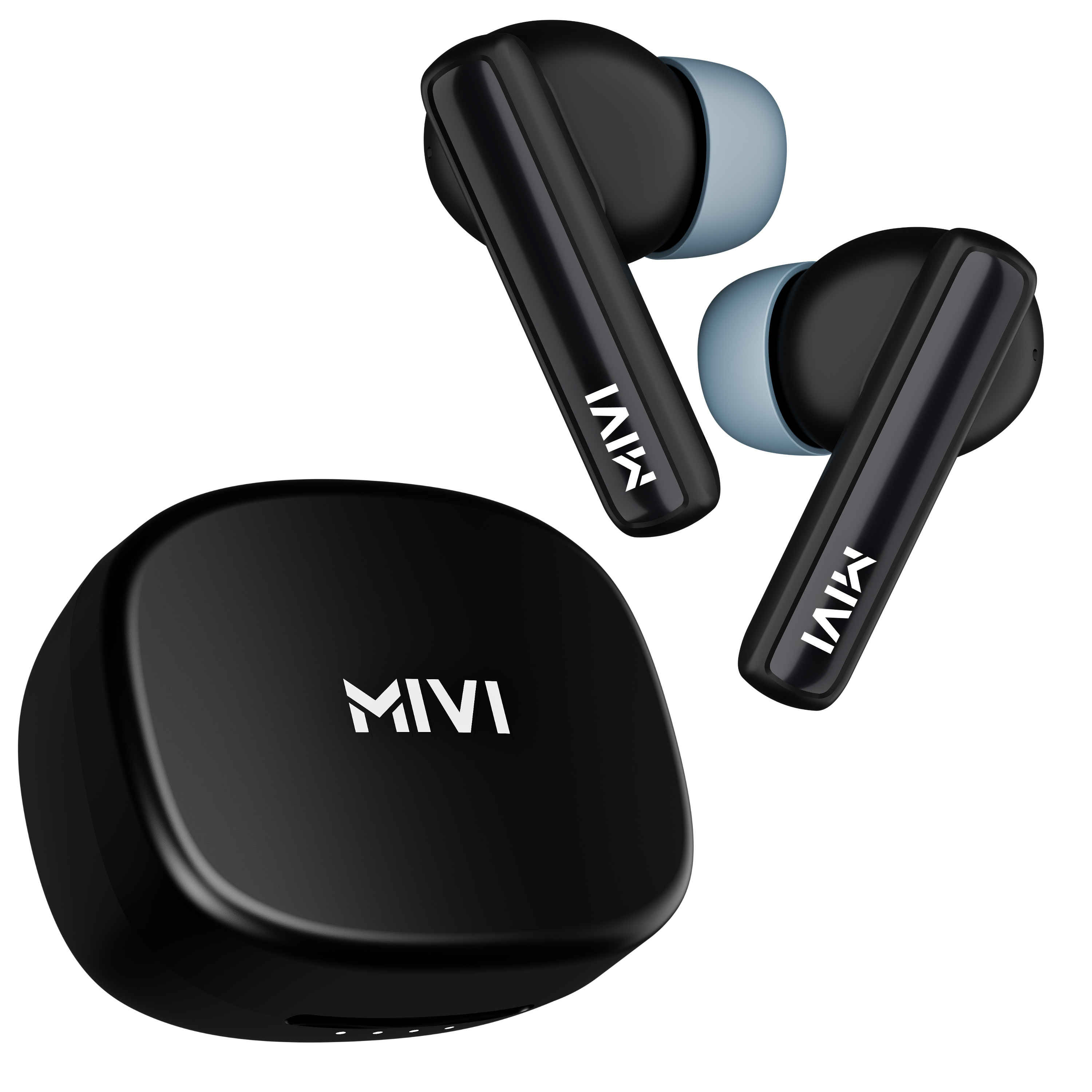
How to Pair Duo 5.3 Earbuds After a Phone Change
A new phone may not connect automatically because the earbuds still remember the old device. Bluetooth earbuds often reconnect to the last device they used.
For how to pair Duo 5.3 earbuds with a new phone, follow these steps:
• Turn Bluetooth off on the old phone.
• Open the new phone’s Bluetooth settings.
• Put the earbuds into pairing mode.
• Select the earbuds from the available device list.


• Confirm the connection.
If the old phone is not nearby, you may still need to erase the previous Bluetooth record. On the new phone, wait for the earbuds to enter pairing mode before selecting them.
If the earbuds never appear, complete a factory reset. A reset clears stored connections and gives the earbuds a clean start.
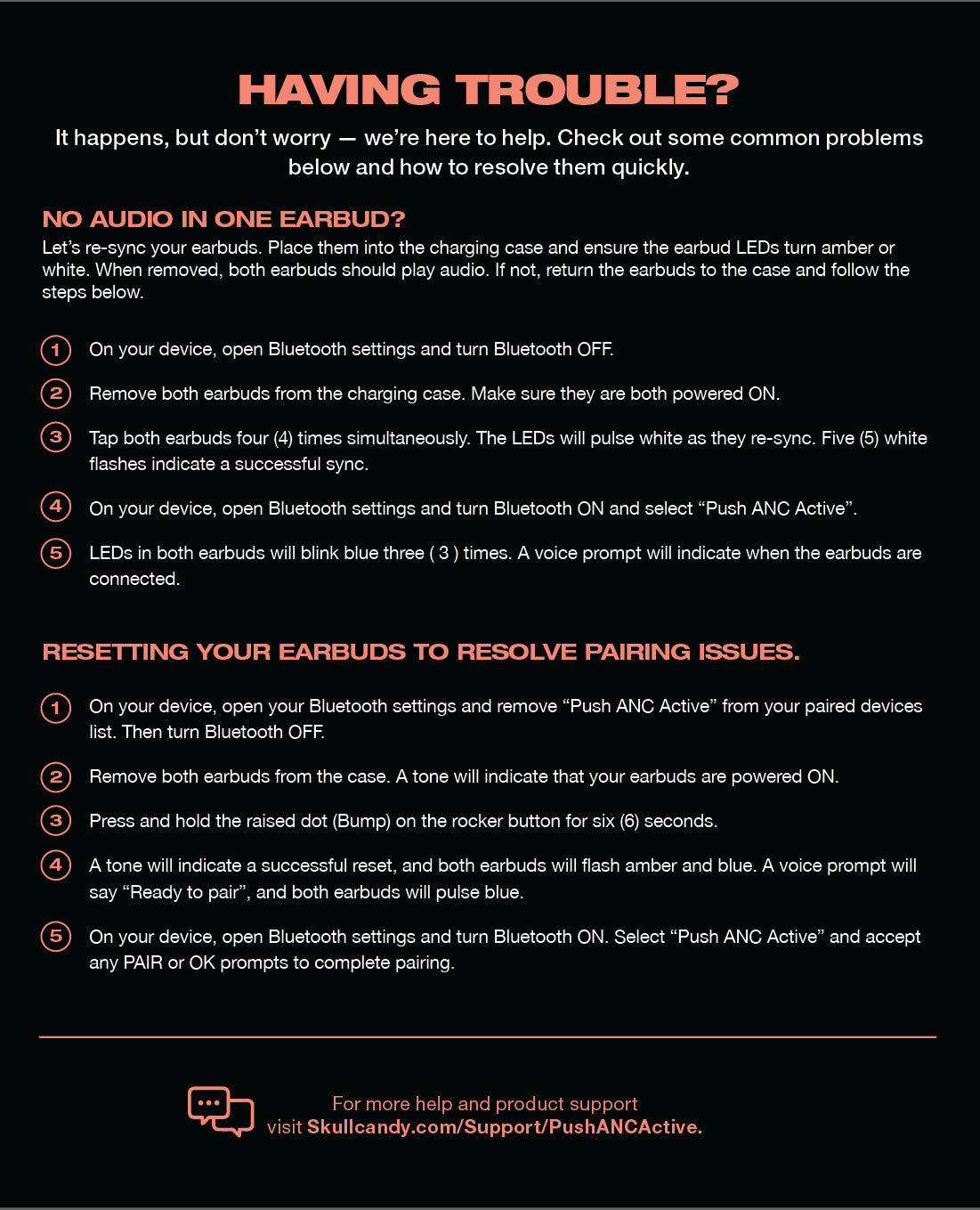
How to Fix Duo 5.3 Earbuds That Will Not Pair
When how to pair Duo 5.3 earbuds does not work, the problem is usually power, pairing mode, distance, or an old saved connection. Work through the fixes below in order.
Check the charging contacts
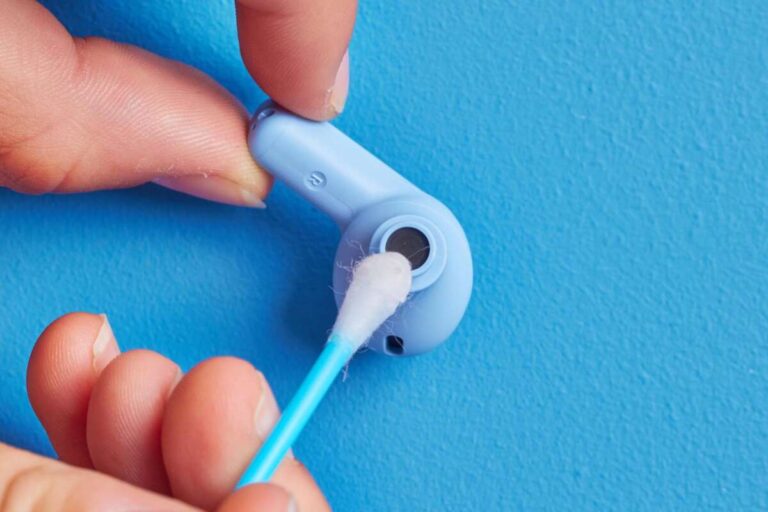
Look at the metal contacts on the earbuds and inside the case. Dust or skin oil can stop an earbud from charging. Wipe the contacts gently with a dry cotton swab.
Restart Bluetooth
Turn Bluetooth off, wait 10 seconds, and turn it on again. This refreshes the wireless scan without restarting the phone.
Forget the old connection
Open the Bluetooth list and tap the gear or information icon beside the earbuds. Choose Forget This Device, Unpair, or Remove Device. Then place the earbuds back into pairing mode.
Move away from other wireless devices
Wi-Fi routers, smartwatches, laptops, and other Bluetooth accessories can make setup confusing. Pair the earbuds in a quiet area with only one phone nearby.
Reset the earbuds
A reset is useful when the earbuds connect to the wrong device, show separate left and right names, or fail after a software update. Follow the model’s reset instructions because button timing varies.
Bluetooth pairing also depends on software. Install available phone updates, but do not assume an update will fix a dead battery or dirty charging contact.

How to Reset Duo 5.3 Earbuds
A factory reset removes stored Bluetooth connections. It is often the best solution when the earbuds keep reconnecting to an old phone.
A common reset method is:
-
Remove the earbuds from the phone’s Bluetooth list.
-
Turn off Bluetooth on nearby devices.
-
Place both earbuds in the charging case.
-
Keep the case open.
-
Press and hold the case button for 10 to 15 seconds.
-
Release the button when the indicator flashes several times.
-
Close and reopen the case.
-
Put the earbuds into pairing mode.
-
Search for them again on your phone.
Some models use touch controls instead. The reset may require holding both earbuds for a set number of seconds. Avoid guessing if the product manual gives a different method.
After a reset, the earbuds behave like new Bluetooth accessories. You will need to pair them again with every device.
Tips for a Stable Duo 5.3 Bluetooth Connection
Knowing how to pair Duo 5.3 earbuds is only the first step. Good daily habits can make the connection more stable.
• Keep the earbuds and phone on the same side of your body when possible.


• Keep the charging case powered.
• Clean the earbud contacts once a week.
• Avoid covering the phone’s Bluetooth area with thick metal objects.
• Disconnect unused devices from the earbud list.
• Keep phone software and earbud firmware current.
• Store the earbuds in their case when not in use.
Bluetooth is designed for short-range use. Walls, crowded wireless areas, and the human body can reduce signal strength. A short audio drop does not always mean the earbuds are defective.
Bluetooth 5.3 can support efficient wireless operation, but it does not make earbuds immune to interference. Real-world range depends on the phone, earbud design, obstacles, and nearby radio signals.
Common Pairing Mistakes to Avoid
Many pairing failures come from small mistakes rather than faulty hardware. Avoid these common problems:
• Searching for the earbuds before putting them into pairing mode.
• Choosing separate left or right entries instead of the main earbud name.
• Leaving Bluetooth active on the old phone.
• Trying to pair while the case battery is empty.
• Removing only one earbud during first-time setup.
• Ignoring a low-battery warning.


• Resetting the earbuds without first forgetting the old connection.
• Pairing from the quick settings panel when the full Bluetooth menu is needed.
The most reliable routine is simple: charge the case, forget the old connection, reset both earbuds if needed, and pair them together. This approach solves most setup problems without extra apps.
Frequently Asked Questions About How to Pair Duo 5.3 Earbuds
How do I put Duo 5.3 earbuds into pairing mode?
Place both earbuds in the case, open the lid, and press the case button until the indicator flashes. If there is no case button, touch and hold both earbuds according to the product manual.
Why are my Duo 5.3 earbuds not showing on Bluetooth?
They may not be in pairing mode, may have a low battery, or may still be connected to another device. Turn off Bluetooth on nearby devices, reset the earbuds, and search again.
Can I use only one Duo 5.3 earbud?
Many true wireless models support single-earbud use, but the feature depends on the design. Pair both earbuds first, then return one earbud to the case and continue using the other.
How do I reset Duo 5.3 earbuds?
Forget the earbuds in your phone’s Bluetooth settings, place both earbuds in the case, and hold the case button or both touch controls for about 10 to 15 seconds. The exact timing may vary by model.
Why do my earbuds connect but have no sound?
Your device may still be using its built-in speaker. Open the sound output menu and select the Duo 5.3 earbuds, then check the volume on both the device and the earbuds.
Do Duo 5.3 earbuds work with an iPhone?
Yes, Bluetooth earbuds generally work with iPhones for music, calls, and video. Some brand-specific features may require a companion app or may not be available on iOS.
Conclusion
The easiest way to pair Duo 5.3 earbuds is to charge both earbuds, place them in pairing mode, open your device’s Bluetooth menu, and select the correct earbud name. If the connection fails, forget the old device, turn off nearby Bluetooth connections, and reset both earbuds together.
Take a minute to follow the steps in order rather than tapping random Bluetooth options. Once your earbuds connect, save this guide for future setup and share your own pairing tips or questions in the comments.