Is Silicon Power SSD Good: Is It Worth Buying?
Introduction
Yes, Silicon Power SSDs can be good, especially for U.S. buyers who want solid everyday performance at a low price. However, Silicon Power sells many SSD models, and their speed, NAND type, endurance, warranty, and support can vary widely.
For a Windows desktop, laptop, gaming PC, or some PlayStation 5 upgrades, a well-chosen Silicon Power SSD may offer good value. It may not be the best choice for heavy professional workloads, long-term data storage, or buyers who want the strongest software and support ecosystem.
The short answer is simple: Silicon Power is a legitimate SSD brand, but you should judge the exact model—not the brand name alone.

Silicon Power SSDs: Quick Verdict
Silicon Power SSDs are usually worth considering when price matters and the drive has suitable specifications for your computer.


| Buyer or use case | Verdict |
|---|---|
| Everyday web, school, and office use | Usually a good fit |
| Budget gaming PC | Often a good value |
| Large file transfers | Depends heavily on the model |
| Laptop upgrade from a hard drive | A major improvement |
| Professional video or 3D work | Choose the model carefully |
| Server, workstation, or business-critical use | Consider a stronger support program |
| Long-term backup storage | Do not rely on an SSD as the only copy |
| PlayStation 5 upgrade | Only compatible PCIe 4.0 models with suitable cooling |
Silicon Power is best viewed as a budget and midrange storage brand. Its drives can be fast and reliable enough for normal use, but specifications can differ even within the same product family.
The key questions are:
- Is the drive SATA or NVMe?
- Does it fit your device?
- What type of NAND flash does it use?
- Does it have a DRAM cache?
- What are its endurance and warranty limits?
- How does its price compare with competing drives?
What Is Silicon Power?
Silicon Power, also known as SP, is a storage and memory company that sells solid-state drives, flash drives, memory cards, portable drives, and computer memory.
Its SSD range includes:
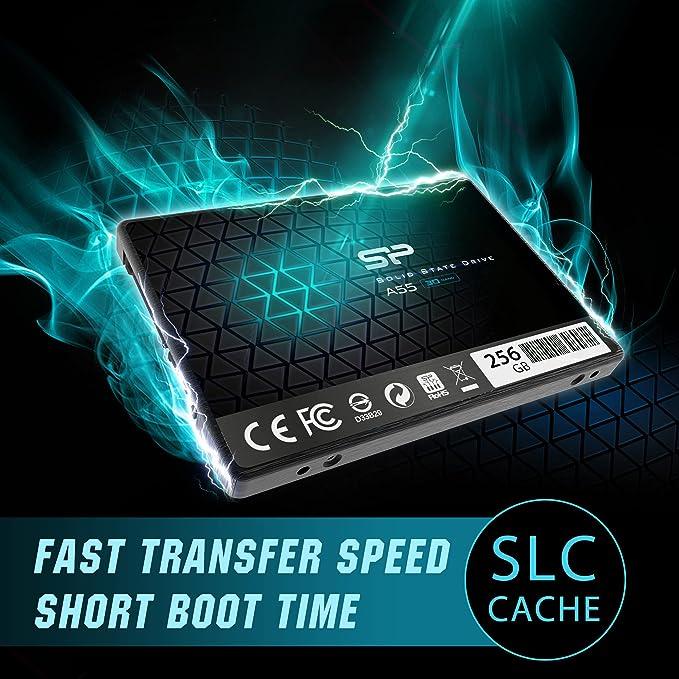
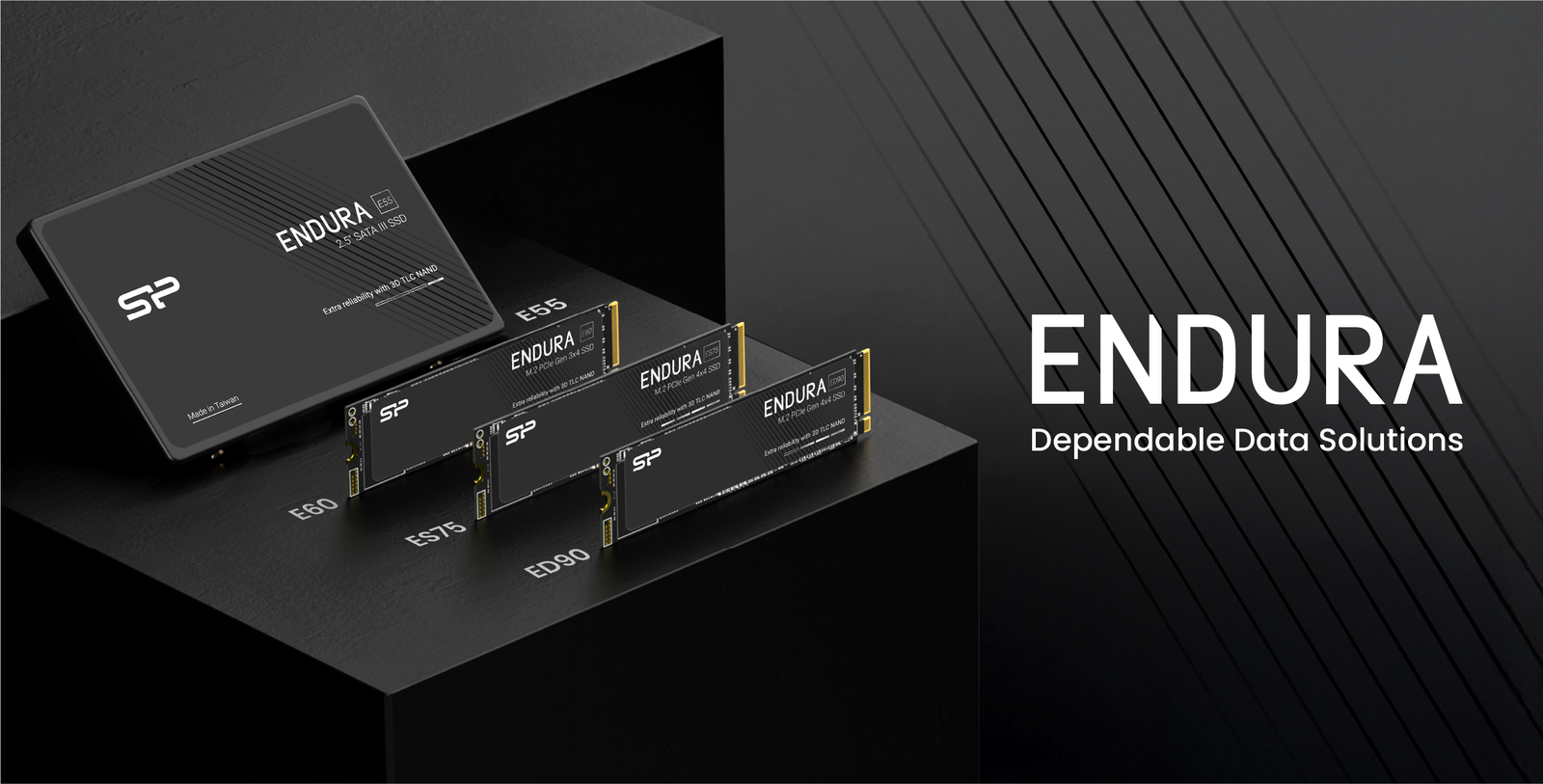
- 2.5-inch SATA SSDs
- M.2 SATA SSDs
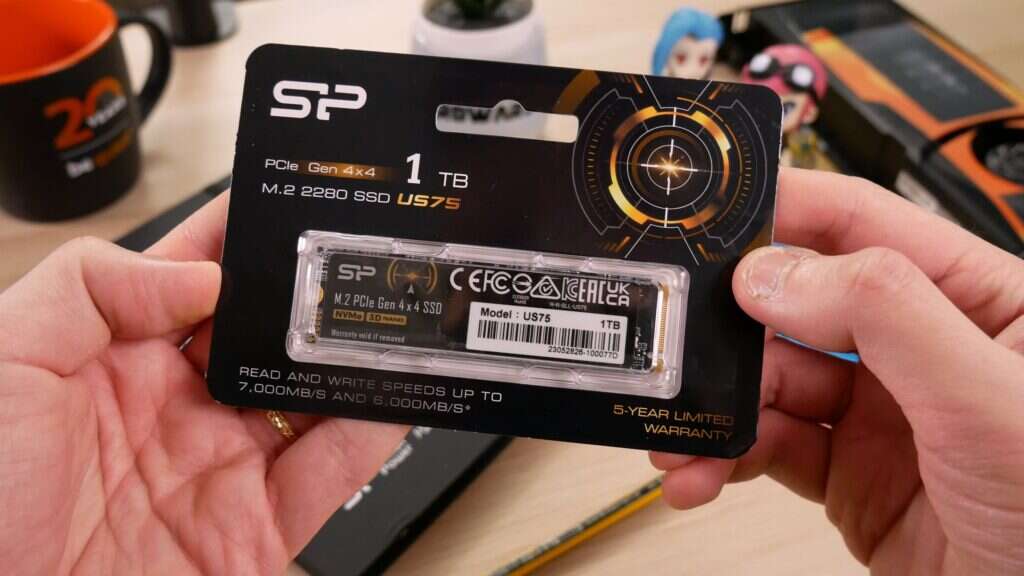
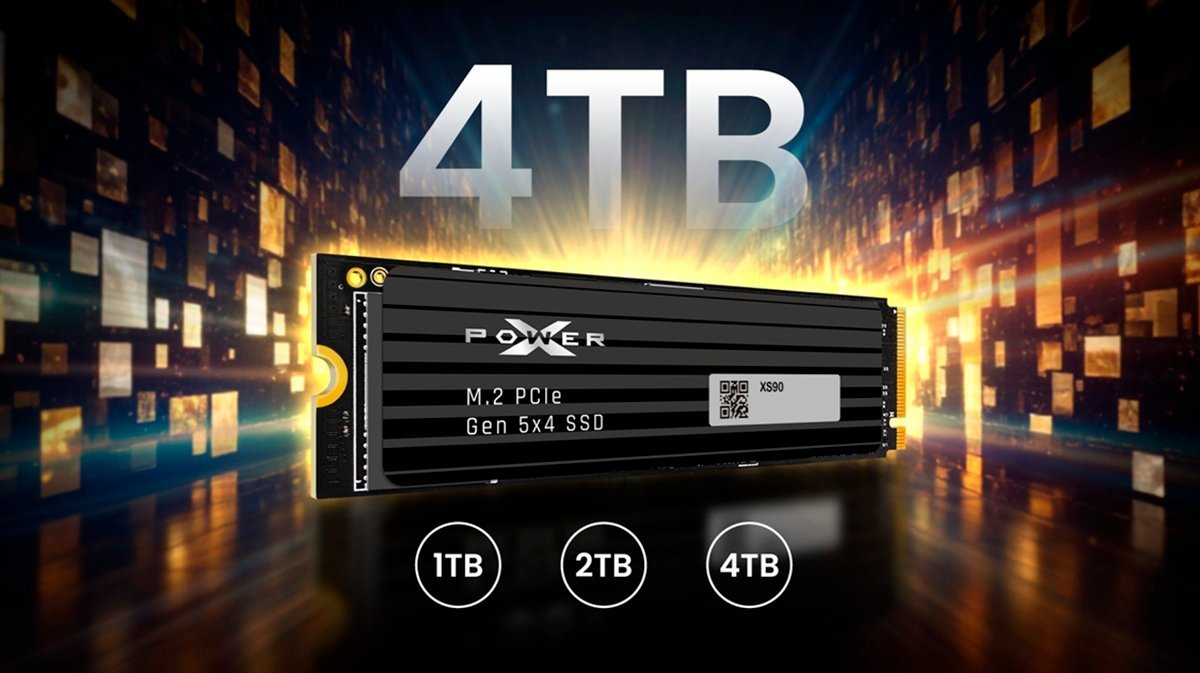
- M.2 NVMe PCIe SSDs
- PCIe 3.0 and PCIe 4.0 models
- Portable external SSDs
The company sells products through U.S. retailers and online stores. Its product line includes entry-level drives and faster models aimed at gaming and high-performance computers.
A Silicon Power SSD does not manufacture every internal component itself. Like many SSD brands, the company may use NAND flash and controllers from different suppliers. Components may also change during a product’s life.
That means two drives with similar names may not deliver identical results. Always check the exact model number, capacity, firmware, and current product page before buying.
Are Silicon Power SSDs Reliable?
Silicon Power SSDs can be reliable for normal consumer use, but reliability depends more on the specific drive and workload than on the logo on the label.
A modern SSD has no spinning platters. It stores data in NAND flash memory and uses a controller to manage reading, writing, error correction, and wear. This design makes SSDs much faster and more resistant to physical shock than traditional hard disk drives.
Still, every SSD has limits.
Factors that affect SSD reliability
NAND type
Most consumer SSDs use 3D TLC or QLC NAND.
- TLC NAND stores three bits per cell.
- QLC NAND stores four bits per cell.


TLC often provides a better balance of speed, endurance, and cost. QLC can reduce the purchase price and increase capacity, but sustained write speed and write endurance may be lower.
Neither type is automatically bad. QLC may work well for games, media libraries, and general storage. TLC is usually more attractive for frequent large writes.
Write endurance
SSD endurance is often listed as TBW, or terabytes written. TBW estimates how much data the drive can write during its rated life under specified conditions.
For example, if a drive has a 600 TBW rating, that does not mean it will suddenly fail at 600 TB. It is a warranty and endurance estimate, not a precise expiration point.
A typical home user may write far less data than a video editor, content creator, or database server. Your workload matters more than the number alone.
Heat
NVMe SSDs can become hot during long transfers. High temperatures may reduce performance through thermal throttling.
A desktop with good airflow may need only the motherboard’s M.2 heatsink. A laptop has less room and may require a drive designed for lower heat. An SSD that fits physically may still be a poor choice if the system cannot cool it.
Firmware and component changes
SSD brands sometimes change controllers or NAND components without changing the retail name. This can affect sustained performance and endurance.
This does not prove that a drive is unreliable. It does mean that old reviews may not perfectly describe the version currently on sale.

How Fast Are Silicon Power SSDs?
Silicon Power SSD speed depends on the interface and model.
SATA SSD speed
A 2.5-inch SATA SSD usually reaches about 500 to 560 MB/s in sequential reads or writes under ideal conditions. The SATA interface limits maximum speed.
That is still much faster than many hard drives. For an older laptop, replacing a hard drive with a SATA SSD can make startup, app loading, and file access feel dramatically quicker.
NVMe SSD speed
NVMe drives use the PCI Express interface. A PCIe 3.0 NVMe drive may offer several times the sequential speed of SATA. PCIe 4.0 drives can be faster still, while newer PCIe 5.0 drives are faster again.
However, advertised sequential speed is not the same as daily performance. Most users notice:
- Faster system startup
- Quicker application loading
- Faster game installation
- Better file search and copying
- Less delay when opening large projects


The difference between two fast NVMe SSDs may be hard to notice during normal web browsing or gaming. Random performance, latency, thermal behavior, and sustained write speed may matter more than the highest advertised number.
Why advertised speed can fall
An SSD may reach its rated speed only when:
- The drive is nearly empty
- The transfer is short
- The system has enough cooling
- The correct PCIe generation is available
- The drive’s cache is not full
- The test uses ideal benchmark software
After the cache fills during a long write, some SSDs slow down. This is normal behavior, especially in budget models.

Silicon Power SATA vs. NVMe: Which Should You Buy?
Choose between SATA and NVMe based on your computer, not only on the benchmark numbers.
| Feature | SATA SSD | NVMe SSD |
|---|---|---|
| Typical form | 2.5-inch or M.2 SATA | M.2 2280 |
| Connection | SATA cable or SATA M.2 slot | PCIe M.2 slot |
| Speed ceiling | About 500–560 MB/s | Higher, depending on PCIe generation |
| Upgrade for older laptops | Often easier | Depends on laptop support |
| Cable use | Usually requires cables | Usually mounts directly |
| Heat | Usually lower | Can be higher |
| Best use | Older PCs and simple upgrades | Newer PCs and gaming systems |
A SATA SSD is the right choice if your computer has a SATA-only bay or does not support NVMe.
An NVMe SSD is usually the better choice for a compatible modern desktop or laptop. Before buying, confirm the slot type. An M.2 slot does not always support NVMe; some M.2 slots support only SATA drives.
Are Silicon Power SSDs Good for Gaming?
Silicon Power SSDs can be good for gaming if the model matches your system and has enough capacity.
A faster SSD can reduce game installation and loading times. It does not usually increase average frame rates because frame rate depends mainly on the processor, graphics card, memory, and game settings.
For a gaming PC, check these points:
- Use NVMe if your system supports it and the price is reasonable.
- Choose at least 1 TB if you install several large games.
- Check whether the drive includes or supports a heatsink.
- Leave some free space for stable performance.
- Compare sustained write behavior if you move large game libraries often.
A PCIe 4.0 Silicon Power SSD can work in many PCIe 3.0 systems, but it will run at the older system’s speed. A PCIe 3.0 drive can also work in some PCIe 4.0 systems, but it will not provide PCIe 4.0 performance.
Silicon Power SSDs and PlayStation 5
A Silicon Power NVMe drive may work as a PS5 expansion drive only if it meets Sony’s requirements for M.2 SSD storage.
Before purchase, verify:
- PCIe 4.0 x4 interface
- M.2 2230, 2242, 2260, 2280, or 22110 size as supported by the console
- Required sequential read performance
- Correct total size, including heatsink
- Suitable cooling
The PS5 has strict physical and performance requirements. Do not assume that every M.2 Silicon Power SSD will work. Check the current PlayStation support guidance and the exact drive dimensions.


Which Silicon Power SSD Specifications Matter Most?
The most useful specifications are compatibility, capacity, NAND type, endurance, warranty, and sustained performance.
1. Interface and form factor
For a desktop or laptop, confirm both:
- Form factor: such as 2.5-inch or M.2 2280
- Interface: such as SATA or PCIe NVMe
An M.2 2280 label describes the size. It does not tell you whether the drive uses SATA or NVMe.
2. Capacity
Common capacities include 500 GB, 1 TB, 2 TB, and larger sizes.
A 1 TB drive does not provide exactly 1,000 GB of usable space. Some capacity is used for formatting, system data, and over-provisioning.
A practical guide:
- 500 GB: Basic Windows PC and a small game library
- 1 TB: Best general-purpose starting point
- 2 TB: Better for large games, photos, and video
- 4 TB or more: Useful for large media collections and project files
Avoid filling an SSD completely. Keeping free space helps the drive manage background operations and maintain performance.
3. DRAM cache
Some SSDs include DRAM. Others use host memory buffer, or HMB, to use a small amount of system memory.
DRAM can help with mapping data and sustained workloads. A DRAM-less SSD is not automatically poor, especially for a budget laptop or game library. However, a DRAM-equipped model may be better for frequent writes and heavier multitasking.
4. Endurance rating
Compare TBW ratings within the same capacity. A 2 TB drive usually has a higher total TBW rating than a 1 TB version of the same family.
Do not compare TBW alone. Also consider:
- Warranty length
- NAND type
- Controller
- Intended workload
- Price per terabyte
5. Warranty
Read the official warranty terms before buying. SSD warranties may end when the stated time limit or TBW limit is reached, whichever comes first.
Keep your receipt and record the exact model and serial number. Retail listings can contain errors, while warranty terms may differ by region and product line.


6. Software support
Some brands offer stronger SSD management tools, firmware update systems, cloning software, and support documentation.
Silicon Power software availability can vary by drive. If easy firmware updates or drive health tools matter to you, check whether the exact model is supported before buying.

Silicon Power SSD Pros and Cons
Advantages
- Competitive pricing
- Broad range of SATA and NVMe products
- Good everyday performance from suitable models
- Large capacity options
- Easy upgrade path for many PCs
- Often much faster than a hard drive
Limitations
- Product specifications vary across models
- Component changes may affect results
- Budget models may slow during long writes
- Software and support may be less extensive than larger brands
- Some drives may have lower endurance than premium alternatives
- Retail listings may not clearly identify the controller or NAND type
The main trade-off is value versus consistency. A Silicon Power SSD can provide strong performance for the money, but a buyer must do more model-level research.
Silicon Power vs. Samsung, Crucial, WD, and Kingston
Silicon Power is not automatically better or worse than Samsung, Crucial, Western Digital, or Kingston. The correct comparison is between exact models with similar capacity, interface, NAND, endurance, and warranty.
| Comparison factor | What to check |
|---|---|
| Price | Cost per usable terabyte |
| Speed | Sequential and random performance |
| Sustained writes | Speed after the cache fills |
| Endurance | TBW rating |
| Warranty | Time and written-data limit |
| Support | Firmware tools and replacement process |
| Consistency | Whether components are clearly documented |
| Cooling | Heat during long workloads |
Premium models may offer stronger sustained performance, software, support, or quality control. Silicon Power may offer a lower price for similar everyday results.
For a normal home PC, paying more for a premium logo may not produce a visible difference. For a workstation that writes hundreds of gigabytes each day, the extra cost may be justified.
How to Choose a Good Silicon Power SSD
Use this checklist before ordering:
-
Identify the computer’s slot.
Check the manual or manufacturer support page. -
Confirm SATA or NVMe.
Do not assume every M.2 slot supports every M.2 drive. -
Choose the correct size.
M.2 2280 is common, but laptops may use shorter sizes. -
Select enough capacity.
A 1 TB model is a sensible starting point for many U.S. users. -
Check the exact model page.
Review interface, rated speed, NAND type, TBW, and warranty. -
Look for independent testing.
Prefer tests that measure full-drive performance and long writes. -
Check the return policy.
This matters if the drive arrives with a different specification or does not work with your system. -
Plan a backup.
A new SSD is not a backup. Keep important files on another drive or a reputable backup service.
A simple value calculation
To compare prices, divide the drive price by its advertised capacity.
For example, a hypothetical $70 1 TB SSD costs:
$70 ÷ 1 TB = $70 per TB
A hypothetical $120 2 TB SSD costs:
$120 ÷ 2 TB = $60 per TB
The 2 TB drive offers a lower cost per terabyte, but price is not the only factor. Check endurance, speed, warranty, and compatibility too.
Common Problems With Silicon Power SSDs
Most installation problems come from compatibility, setup, or system configuration rather than a defective SSD.


The SSD is not detected
Possible causes include:
- Wrong M.2 interface
- Disabled M.2 slot in the BIOS
- Loose connection
- Missing SATA power or data cable
- Outdated motherboard firmware
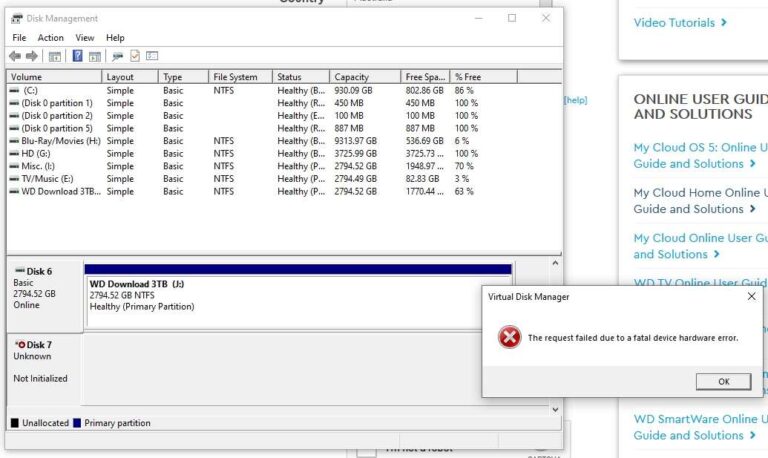
- The drive needs initialization in Windows Disk Management
First, turn off the computer and reseat the drive if you are comfortable doing so. For a new Windows drive, open Disk Management and check whether the disk appears but lacks a partition.
Do not initialize or format a drive that contains files you need.
The drive is slower than advertised
Possible causes include:
- A PCIe 3.0 system running a PCIe 4.0 drive
- A nearly full drive
- Thermal throttling
- A long transfer that filled the cache
- A benchmark using different test conditions
- A SATA connection instead of NVMe
Check the connection and temperature first. Compare the result with tests that use the same capacity and model.
The SSD disappears during use
This can indicate:
- Overheating
- Firmware problems
- A poor connection
- Power-management issues
- A failing drive
Back up important data immediately if the drive is still readable. Avoid repeatedly power-cycling a drive that contains valuable files. If the problem continues, contact the retailer or manufacturer while the warranty is active.
The SSD becomes full quickly
Operating systems, game updates, temporary files, and restore points can consume space faster than expected. Use the operating system’s storage tools to find large files.
Do not delete system folders at random. Move large media files to another drive and keep a separate backup.
What Silicon Power SSDs Are Not Good For
A budget Silicon Power SSD may not be the best tool for every job.
Consider a higher-end or enterprise-focused drive when you need:
- Heavy daily write workloads
- Large, continuous video capture
- Database or server use
- Strong vendor support contracts
- Predictable performance under sustained load
- Higher endurance and power-loss protection
Consumer SSDs generally are not designed to protect active data during sudden power failure unless they specifically include power-loss protection. A desktop with important work should use a reliable backup system and, where appropriate, an uninterruptible power supply.
An SSD also should not be treated as permanent archival media. Store important files in at least two separate locations, with one copy disconnected or protected from accidental deletion and malware.
FAQ: Silicon Power SSDs
Is Silicon Power a trustworthy brand?
Silicon Power is a legitimate storage brand that sells SSDs and other memory products in the United States. Trust should still be judged at the model level because specifications, components, warranty terms, and performance can vary.
How long do Silicon Power SSDs last?
The lifespan depends on the model, workload, temperature, and amount of data written. Use the manufacturer’s TBW rating and warranty as reference points, but keep backups because no SSD is immune to failure.
Is Silicon Power better than Samsung?
Not in every category. Samsung may offer stronger software, support, or sustained performance on some models, while Silicon Power may cost less. Compare exact models rather than brands.
Is Silicon Power good for a laptop?
It can be. Confirm the laptop’s drive type, M.2 size, interface, thickness limits, and cooling. A low-power model may be preferable in a thin laptop.
Is Silicon Power good for a PS5?
Some Silicon Power PCIe 4.0 NVMe models may meet PS5 requirements, but not all do. Verify the exact model’s speed, dimensions, capacity, and heatsink before purchase.
Should you buy a DRAM-less Silicon Power SSD?
A DRAM-less model can be fine for basic storage, browsing, office work, and game storage. Choose a model with DRAM or stronger sustained performance for frequent large writes and demanding professional work.
Final Recommendation
Silicon Power SSDs are good when you choose the right model for your system and workload. They are often a sensible budget option for U.S. desktop, laptop, and gaming-PC users.
For most buyers, look for:
- The correct SATA or NVMe interface
- Enough capacity, preferably 1 TB or more for a main drive
- TLC NAND when the price difference is reasonable
- A clear TBW rating and warranty
- Independent testing of sustained performance
- A return policy that protects your purchase
Do not buy based only on the advertised read speed or the lowest price. Confirm compatibility, keep free space, monitor drive health, and maintain backups. That approach matters more than choosing a particular brand.
Sources and Verification Notes
The technical guidance in this article is based on manufacturer documentation and established storage standards. Product details can change, so verify the exact model before purchase.
Useful references include:
- Silicon Power official SSD product pages
- Silicon Power support and downloads
- Microsoft Disk Management guidance
- Sony PlayStation M.2 SSD requirements
- NVM Express specifications and information
- SATA-IO specifications and resources
This guide does not represent hands-on testing of a specific Silicon Power SSD. Performance claims should be checked against the exact model, capacity, firmware version, and test conditions.