How Long Does It Take For Headphones To Charge: Quick Guide
Most wireless headphones take about 1 to 3 hours to charge fully. True wireless earbuds often need 60 to 120 minutes, while their charging case may take 1.5 to 3 hours. A quick-charge feature may give 1 to 4 hours of playback after 5 to 15 minutes of charging, but the exact time depends on the model, battery level, charger, cable, and temperature.
For headphones sold in the United States, the most reliable answer is in the user manual or the maker’s support page. A USB-C port does not guarantee fast charging, and a higher-watt USB charger does not always reduce charging time.
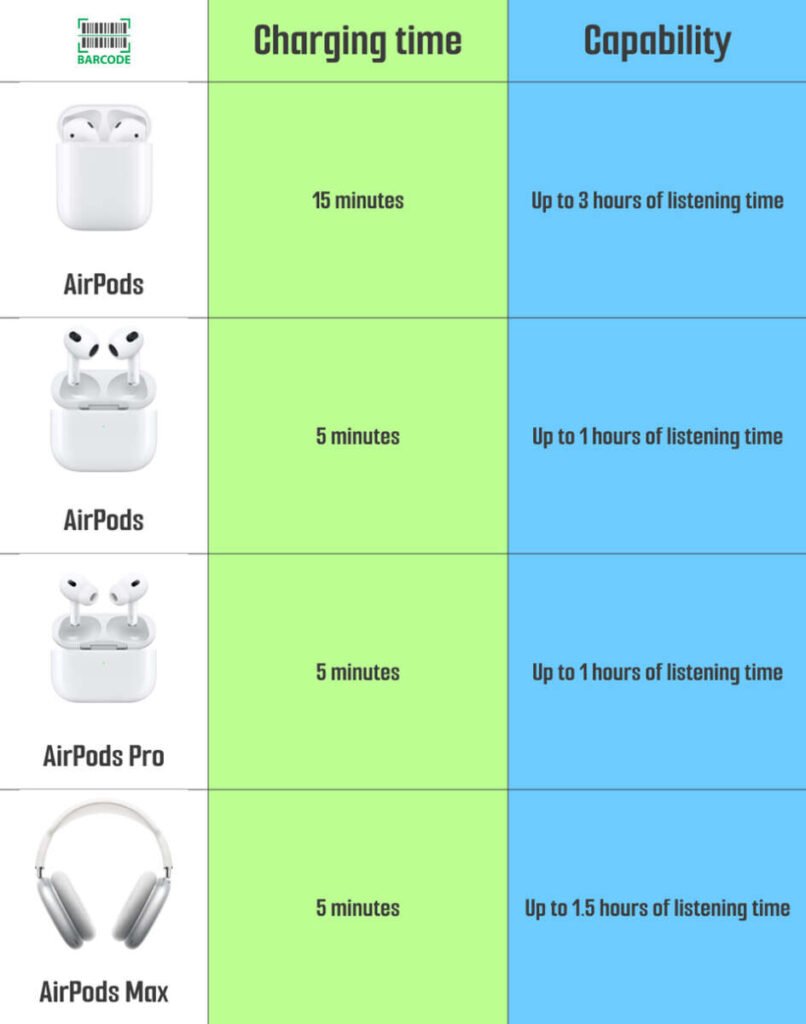
Typical Charging Times for Wireless Headphones
Most over-ear and on-ear wireless headphones charge in 1.5 to 3 hours. Smaller earbuds can charge in less time because they use smaller batteries, but the case adds a second charging step.
| Headphone type | Typical full-charge time | Typical quick-charge benefit |
|---|---|---|
| True wireless earbuds | 1 to 2 hours | 5–15 minutes may provide about 1–3 hours of use |
| Earbud charging case | 1.5 to 3 hours | Depends on the model |
| On-ear wireless headphones | 1 to 2.5 hours | 5–10 minutes may provide several hours |
| Over-ear wireless headphones | 2 to 3 hours | 5–15 minutes may provide several hours |
| Gaming headsets with wireless batteries | 2 to 4 hours | Varies widely |
| Older Bluetooth headphones | 2 to 4 hours | May have no quick-charge mode |
These are general ranges, not guarantees. Some models charge in less than an hour, while others need more than three hours. Noise canceling, larger batteries, wireless charging, and older charging circuits can all change the result.


The fastest way to find your headphone’s expected charge time is to check:
- The printed manual
- The manufacturer’s support page
- The product’s mobile app
- The charging indicator
- The label near the charging port or cable
A full charge normally ends when the indicator changes color, turns off, or shows 100% in the app. Some headphones stop drawing power once the battery is full.
How Long Do Earbuds and Their Case Take to Charge?
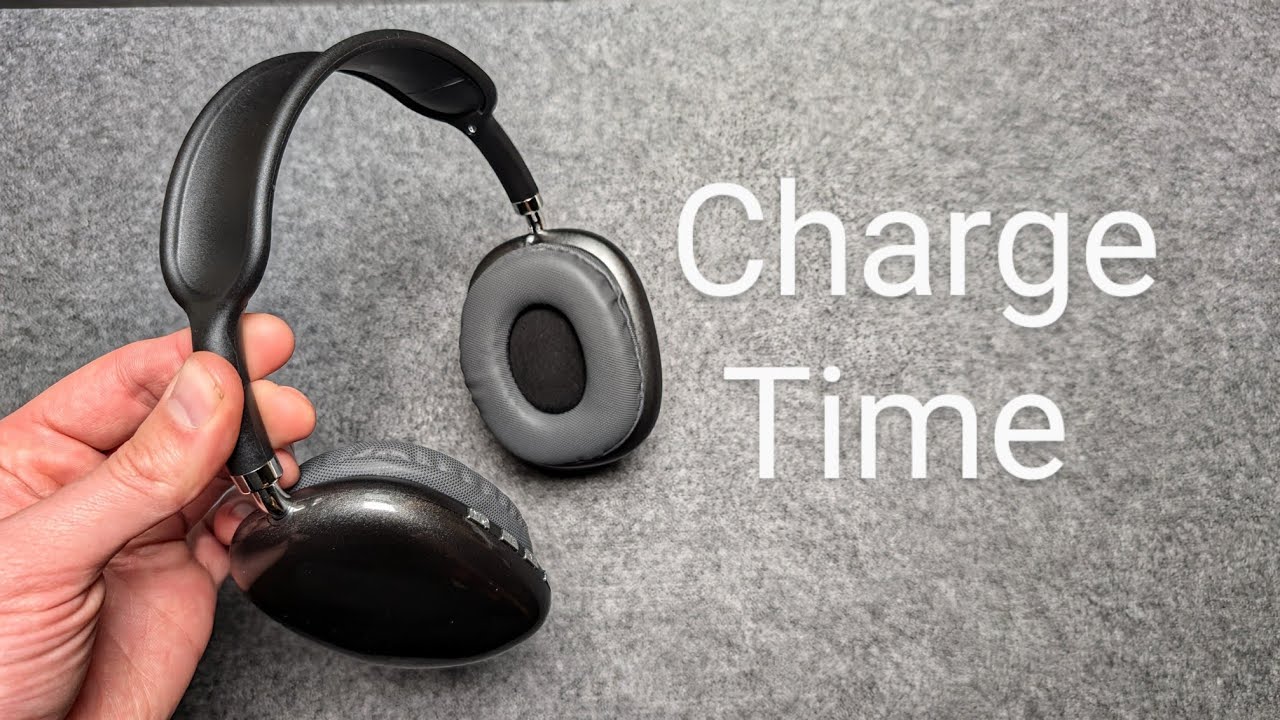
Wireless earbuds usually take about one to two hours to reach a full charge. The charging case often takes longer because it has a larger battery and must store enough energy to recharge both earbuds several times.
The case may charge through:
- USB-C
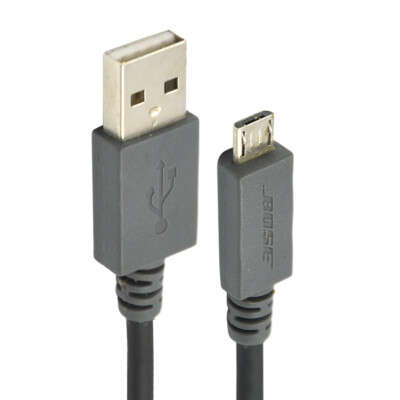
- Micro-USB on older models
- A wireless charging pad
- A brand-specific charging dock
Wireless charging is often more convenient than wired charging, but it may be slower. Heat can also build up if the case is poorly aligned on the pad. If the case feels unusually hot, move it to a cool, hard surface and use a wired cable when practical.
Earbuds can show a full charge before the case is full. Check both battery levels in the phone’s Bluetooth menu or the manufacturer’s app. On some phones, the case battery appears only when the lid is open or the earbuds are inside.
A useful rule is:
- Earbuds alone: about 60–120 minutes
– Case alone: about 90–180 minutes - Earbuds plus case: charge time depends on the case’s power level and the charging design
You do not usually need to wait for the case to reach 100% before using the earbuds. Even a short charge can provide enough listening time for a commute, work call, or flight.

What Factors Change Headphone Charging Time?
Charging time changes mainly because of the battery level, power system, temperature, and battery age. The same pair of headphones may charge at different speeds on different days.
Starting battery level
A nearly empty battery takes much longer than a battery that is already half full. Charging also tends to slow near the final few percentage points. This helps manage heat and protect the lithium-ion battery.


For example, a headphone battery may gain 50% in less than an hour but need another hour to reach 100%. That does not always indicate a problem.
Charger and cable
Use a cable that fits correctly and a charger that follows the headphone maker’s instructions. A damaged, loose, or low-quality cable can reduce charging speed or cause the connection to stop.
Most headphones draw only the power they can safely use. Plugging them into a high-power USB-C adapter does not necessarily make them charge faster. The headphones, cable, and charger must all support the same charging behavior.
A computer USB port may charge headphones more slowly than a wall adapter. The computer may also stop supplying power when it sleeps.
Headphone use during charging
Some headphones can play audio while connected to power. Others disable Bluetooth or stop playback during charging. Using the headphones while charging can make the process take longer because the battery receives power while also supplying the headphones.
For the shortest charge time, turn the headphones off and leave them connected until the indicator shows a full charge.
Temperature
Lithium-ion batteries charge best within a moderate room-temperature range. A very hot car, direct sunlight, or freezing conditions can slow charging or stop it.
Do not charge headphones under a pillow, inside a closed case, or next to a heater. Poor airflow traps heat and may damage the battery.
Battery age
Rechargeable batteries lose capacity over time. An older battery may appear to charge quickly but run out quickly too. It may also remain at one percentage for a long time or shut down soon after showing a full charge.
A longer charging time alone does not prove that the battery needs replacement. Compare the result with the manufacturer’s stated time and check the cable, charger, port, and temperature first.
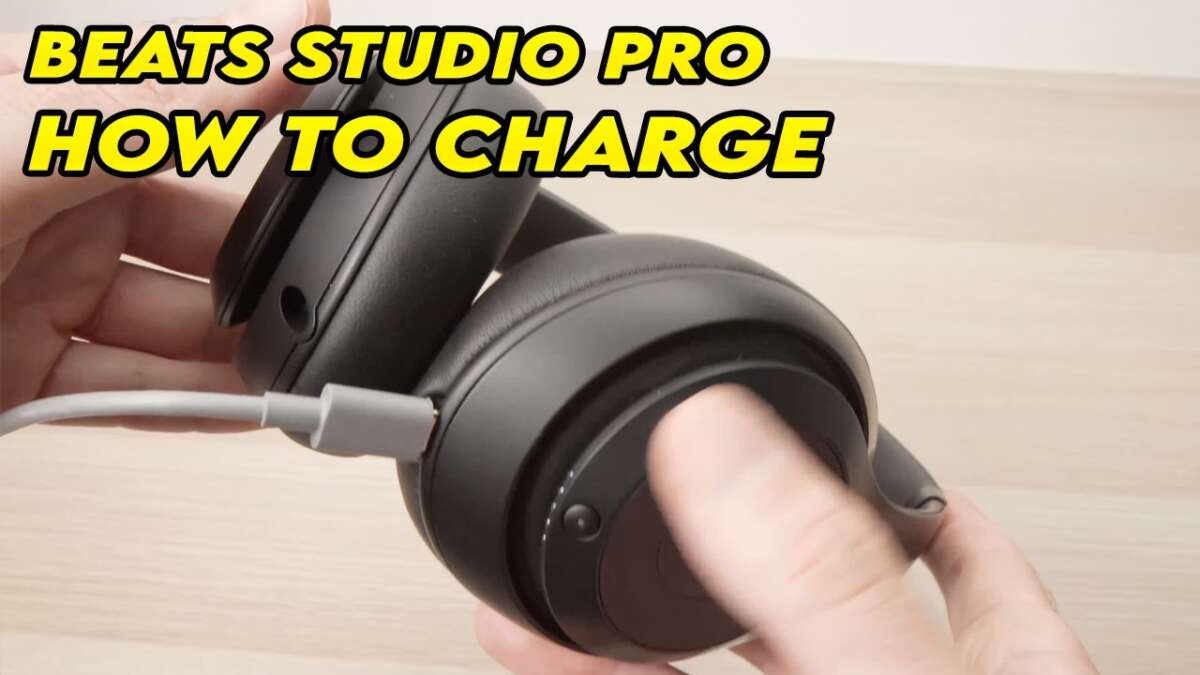
How to Charge Headphones Correctly
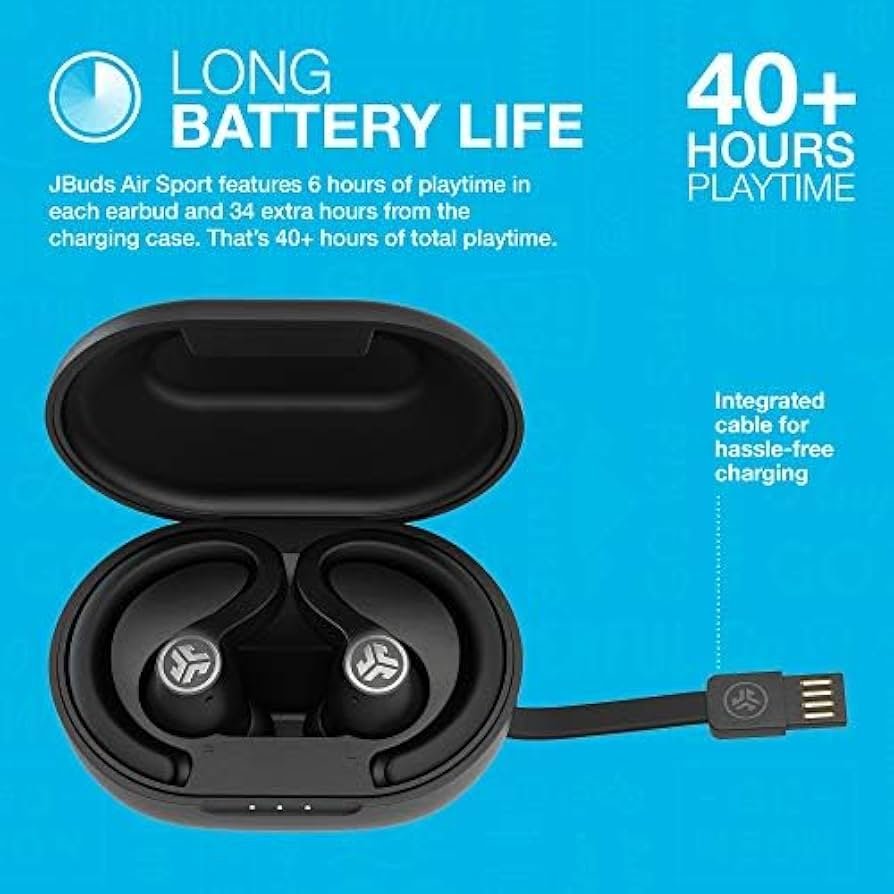
Follow these steps for a normal wired charge:
- Check the charging port. Remove lint or dirt carefully. Do not push metal objects into the port.
- Use the supplied cable when possible. If it is missing, use a compatible replacement in good condition.
- Connect the cable firmly. Make sure the plug is fully seated in the headphones or case.
- Connect to a suitable power source. A wall adapter, computer port, or approved charging pad may work.
- Look for the charging indicator. A light, sound, screen message, or app status should confirm charging.
- Leave the device still while it charges. Avoid bending the cable or moving the connector.
- Disconnect after the normal charge period. Follow the instructions for the specific model.
A successful charge usually has three signs:
- The indicator shows charging at the start.
- The battery percentage rises in the app or phone settings.
- The light changes, turns off, or reports full charge at the end.
If the headphones support a charging case, place each earbud in the correct slot. The contacts must touch the metal points in the case. Dirt, earwax, or a misaligned earbud can prevent one side from charging.


Why Are My Headphones Taking So Long to Charge?
If headphones take much longer than the maker’s stated time, start with the simplest and safest checks. A slow charge is often caused by the cable, power source, port, or battery indicator rather than the headphones themselves.
1. Check whether charging has started
Connect the cable and watch for a light or battery message. If nothing changes, the headphones may not be charging at all.
Try a different compatible cable and a different power source. Avoid repeatedly forcing a loose plug into the port.
2. Inspect the cable and port
Look for:
- A frayed cable
- A bent connector
- Dust or lint in the port
- A plug that feels loose
- Corrosion or liquid exposure
Use a soft, dry brush or follow the manufacturer’s cleaning instructions. Do not pour liquid into the port or scrape it with a pin.
3. Stop using the headphones during charging
Playback, noise canceling, a microphone, or a wireless connection can consume power while the battery is charging. Turn the headphones off if the model allows it.
4. Let the headphones cool down
If the headphones feel hot, unplug them and let them return to room temperature. Do not place them in a refrigerator or freezer. Extreme temperature changes can create moisture inside the device.
5. Check the battery reading
Phone and app readings are estimates. A battery may stay at 99% for a while because the charging system reduces power near full capacity. Restarting the headphones or updating the companion app may correct a stuck display.
6. Reset or update the headphones
If the manufacturer recommends a reset, follow its exact steps. A reset can fix software problems, but it may erase pairing information and saved settings.
7. Contact the manufacturer
Seek support if the headphones:
- Never show a charging light
- Charge only when the cable is held at an angle
- Become hot, swell, leak, or smell unusual
- Lose most of their battery within minutes
- Take far longer than the documented charging time
Stop using a battery that is swollen, cracked, leaking, or producing smoke. Move away from it and contact the manufacturer or local emergency services if there is an immediate fire risk. Do not throw a damaged lithium-ion battery in household trash.

Can You Leave Headphones Charging Overnight?
Most modern headphones include charging controls that reduce or stop the charging current when the battery is full. However, the safest practice is to follow the manufacturer’s instructions and charge on a hard, open surface.
Overnight charging is less concerning when:


- The cable and charger are undamaged
- The headphones are away from heat and moisture
- The battery is not swollen or damaged
- The charger is approved or compatible
- The device is not covered by bedding or clothing
Do not charge headphones on a bed, sofa, or other surface that can trap heat. Do not use a visibly damaged battery or cable.
Leaving a healthy device connected occasionally is not usually the main cause of rapid battery wear. Heat, age, repeated deep discharge, and poor battery quality can matter more. Still, unplugging the headphones after they reach a full charge is a sensible habit when convenient.

How Much Listening Time Does a Short Charge Provide?
A short charge can provide anywhere from a few minutes to several hours of listening. The result depends on the battery size, volume, noise canceling, wireless connection, and the model’s quick-charge system.
A manufacturer may state a result such as “10 minutes provides 3 hours.” Treat that as a model-specific rating under stated test conditions, not a universal rule. Real use may produce less time.
Playback also uses more power when you:
- Turn the volume up
- Use active noise cancellation
- Make voice or video calls
- Use a gaming microphone
- Keep Bluetooth connections active
- Use high-bitrate or specialized wireless modes
If you need headphones for a short trip, charge them for 10 to 15 minutes and check the battery level before leaving. For a full day of use, charge the headphones fully and carry the case or a wired backup if the model supports one.

Common Charging Mistakes to Avoid
Avoid these mistakes because they can slow charging, damage the port, or create a safety problem:
- Using a damaged or loose cable
- Charging in direct sun or inside a hot vehicle
- Covering the headphones with blankets
- Using a wet charging port
- Cleaning the port with a sharp metal tool
- Assuming every USB-C charger offers the same speed
- Judging battery health from one charge cycle
- Ignoring swelling, smoke, leaks, or strong chemical smells
- Buying a replacement battery without checking model compatibility
Do not rely only on a phone’s battery percentage. Use the charging light and the manufacturer’s app or manual as well.

Frequently Asked Questions
How long does it take to charge Bluetooth headphones?
Most Bluetooth headphones take about 1.5 to 3 hours for a full charge. Smaller models may finish in about an hour, while large over-ear or gaming headphones may take longer.
How long do AirPods or other wireless earbuds take to charge?
Many wireless earbuds take about one to two hours in the case. The case itself often takes 1.5 to 3 hours through a cable, though the exact time depends on the model and charging method.
Can I use headphones while they are charging?
Some headphones allow playback while connected to power, but others disable wireless use during charging. Using them can increase the total charge time and may create more heat.
Why do my headphones charge but die quickly?
A worn battery is one possible cause. High volume, active noise cancellation, calls, weak wireless connections, or a faulty battery reading can also reduce runtime. Test with another cable and check the manufacturer’s battery guidance before replacing the device.


Is fast charging safe for headphones?
Fast charging is generally safe when the headphones are designed to support it and you use a compatible charger. Do not modify the charger or use a damaged cable to increase charging speed.
Bottom Line
Wireless headphones usually need 1 to 3 hours for a full charge. Earbuds often take 60 to 120 minutes, while a charging case may need 1.5 to 3 hours. A short 5- to 15-minute charge may provide several hours of use if the model supports quick charging.
For the best result, use a sound cable and compatible charger, keep the device cool, confirm that the charging indicator is active, and check the model’s manual for its exact time. If charging is far slower than documented or the battery becomes hot, swollen, or damaged, stop using it and contact the manufacturer.