What Is The Largest SSD Drive: Top Capacity Picks
The largest SSD drive available today holds up to 122.88TB, but it is built for data centers, not typical PCs.
The answer to what is the largest SSD drive depends on how you define “largest.” Enterprise SSDs can reach 122.88TB, while high-capacity consumer SSDs usually stop at 8TB. This guide explains the current capacity records, the biggest practical drives, their costs, and what to check before buying one.
What Is the Largest SSD Drive?
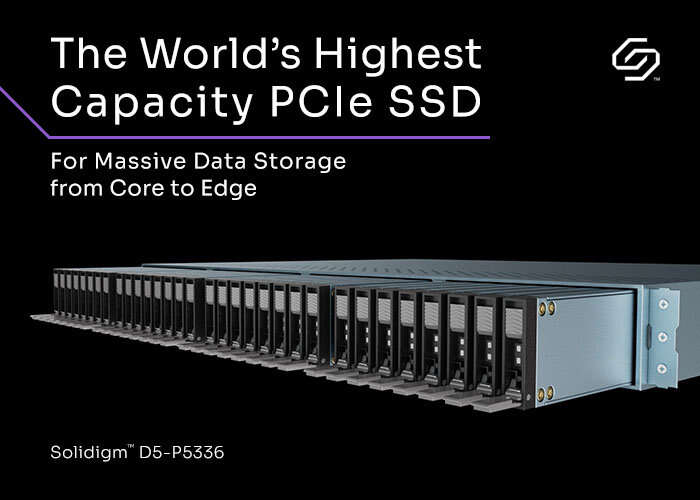
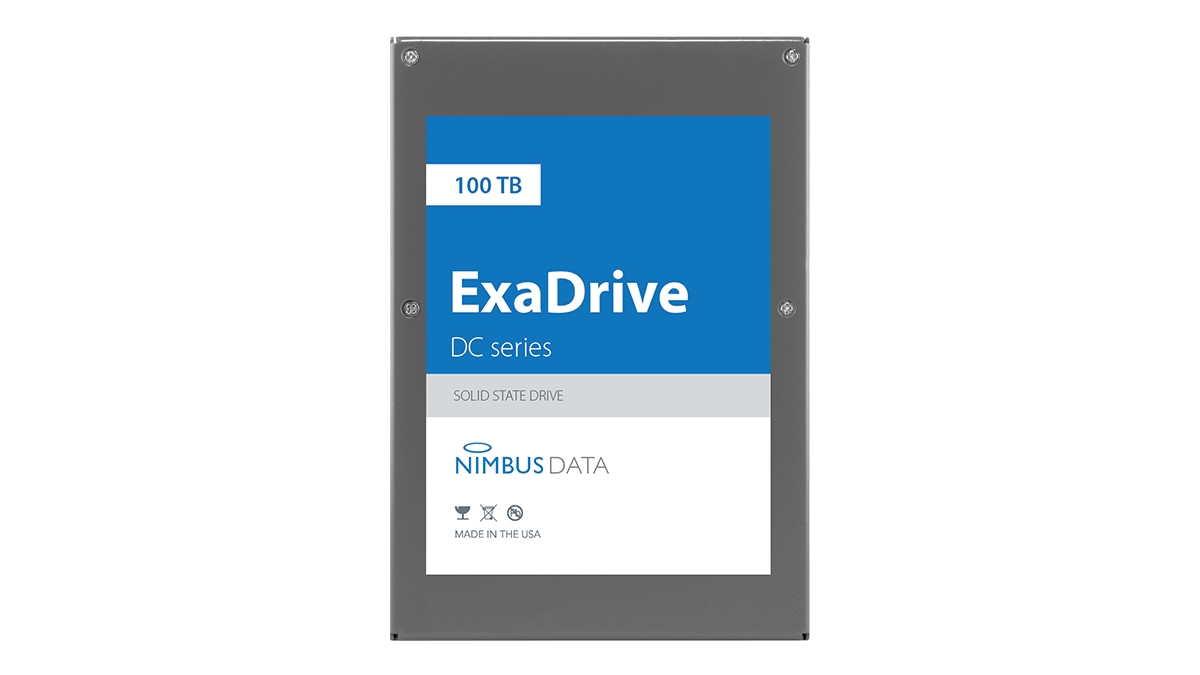
The largest widely available SSD capacity is about 122.88TB. Drives in this range include enterprise models such as the Solidigm D5-P5336 and similar high-density data center SSDs. These products use QLC NAND flash and are designed for servers, cloud storage, artificial intelligence workloads, and large databases.
Some manufacturers have announced or sampled SSDs above 122TB. However, an announced drive is not always available for normal purchase. Supply, interface, firmware, regional sales, and system support all affect what qualifies as the largest SSD drive in real-world use.


For most people, the answer is much smaller:
• 8TB is a common maximum for high-capacity consumer M.2 and 2.5-inch SSDs.
• 16TB to 32TB SSDs are available in some enterprise and industrial product lines.
• 61.44TB to 122.88TB SSDs target data centers and large storage arrays.
A useful way to think about this is simple: a consumer SSD is like a large home closet, while a 122.88TB enterprise SSD is closer to a warehouse shelf.
The Current Largest SSD Capacity
The largest SSD drive category currently centers on 122.88TB enterprise models. Solidigm’s D5-P5336 family is one of the best-known examples. It uses PCIe technology and QLC NAND to offer very high capacity in a relatively compact data center form factor.
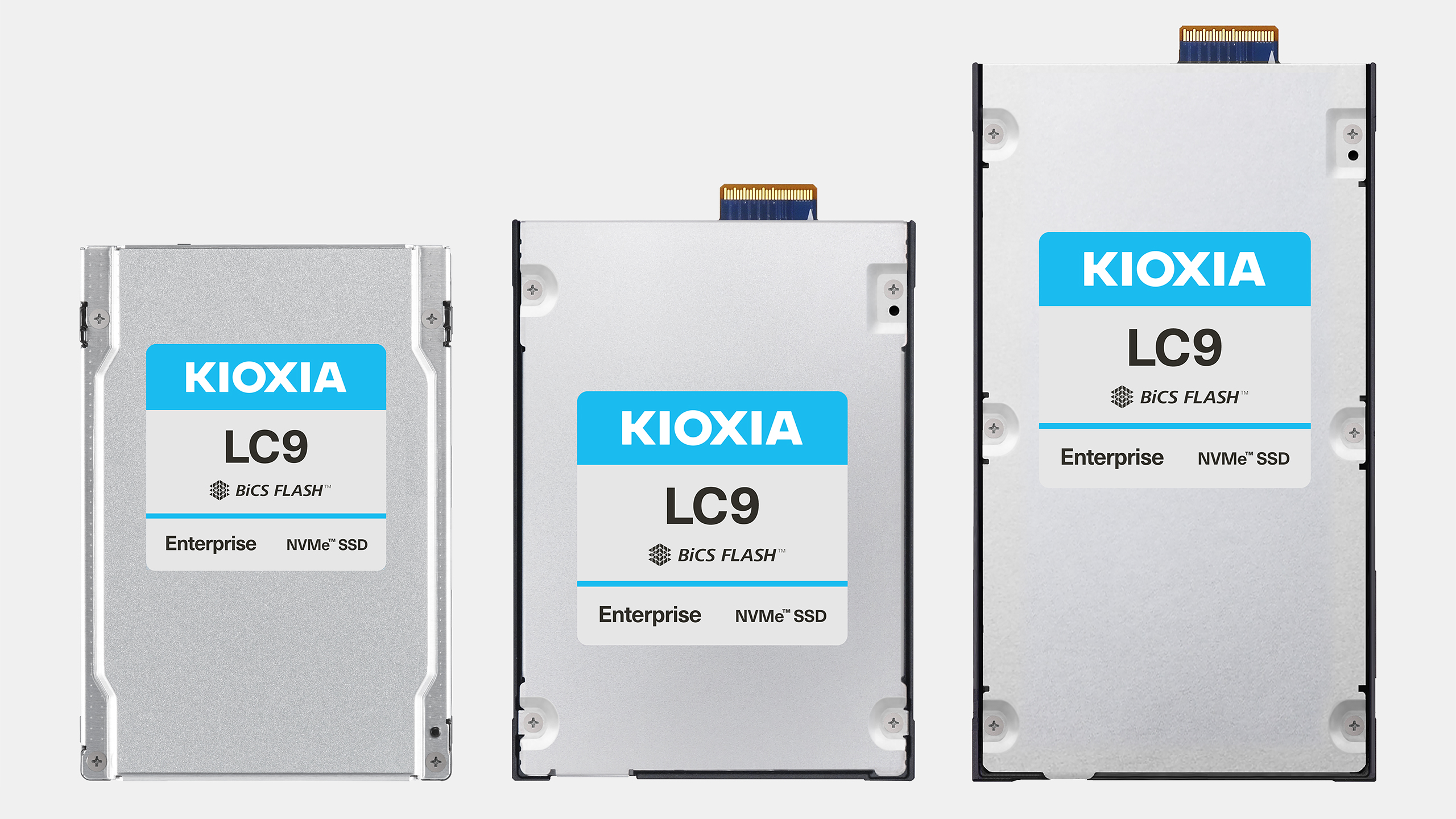
Kioxia and other storage companies have also developed ultra-high-capacity enterprise SSDs around the same range. These drives are often sold directly to server makers, cloud providers, and enterprise storage companies rather than through ordinary computer stores.
The key details include:
• Capacity: Up to 122.88TB per drive
• NAND type: Usually QLC 3D NAND
• Interface: Commonly PCIe NVMe
• Main market: Cloud storage, AI data, archives, and content libraries
• Typical format: 2.5-inch U.2, U.3, EDSFF, or similar enterprise designs


• Price: Often many thousands of dollars, depending on supply and contract terms
The largest SSD drive is not always the fastest SSD drive. High capacity often comes with trade-offs in write endurance, sustained performance, power use, and price.
Is There a Larger SSD Than 122.88TB?
Some companies have announced SSD designs and product road maps that go beyond 122.88TB. These may use newer NAND densities, larger enterprise form factors, or multiple flash packages inside one enclosure.
Still, buyers should separate three terms:
• Announced: The company has revealed the product.
• Sampled: Selected customers can test it.
• Shipping: The product can be ordered and delivered at scale.
For a reliable buying decision, focus on shipping products with a published data sheet, warranty, endurance rating, and system compatibility.
Largest Consumer SSD vs. Largest Enterprise SSD
The largest SSD drive for a home computer is very different from the largest SSD drive for a server. Consumer drives focus on price, speed, low noise, and easy installation. Enterprise drives focus on capacity, predictable performance, endurance, and service life.
An 8TB consumer NVMe SSD can work well in a desktop PC, gaming computer, or workstation. It usually connects through an M.2 slot and draws power from the motherboard. Installation is simple, but the computer must support the drive’s physical size and capacity.
Enterprise SSDs can reach 30.72TB, 61.44TB, or 122.88TB. They may need:
• A U.2, U.3, EDSFF, or PCIe server bay
• Adequate cooling
• Server-grade power delivery
• NVMe backplane support
• Firmware compatibility
• A motherboard or storage controller that recognizes large drives


A common mistake is to see a low price on an enterprise SSD and assume it will work in a regular laptop. The connector, firmware, power needs, and physical design may make that impossible.
How Much Storage Do You Really Need?
The largest SSD drive can sound exciting, but capacity should match the workload. More storage does not automatically make a computer faster. It may also cost more and create a larger backup problem.
Here is a practical guide:
• 500GB: Suitable for basic office work and light browsing.
• 1TB: A strong choice for most home and school computers.
• 2TB: Useful for gaming, photo libraries, and general creative work.
• 4TB: Better for video editing, large software collections, and many games.
• 8TB: Ideal for serious workstation use, media production, and large local archives.
• 16TB or more: Usually intended for servers, business storage, or specialized workstations.
Games, photos, and videos can fill a drive quickly. A modern game may use more than 100GB, while high-resolution video can consume hundreds of gigabytes in a single project.
I have seen people buy the biggest drive they can find, only to discover that their backup drive is too small. A better plan is to budget for both the main SSD and a second copy of important files.
SSD Capacity, Speed, and NAND Type
SSD capacity is only one part of performance. The type of NAND flash inside the drive affects speed, endurance, and cost.
SLC, MLC, TLC, and QLC NAND
• SLC stores one bit per cell and offers excellent endurance, but it is expensive.
• MLC stores two bits per cell and balances speed and endurance.
• TLC stores three bits per cell and is common in high-quality consumer SSDs.


• QLC stores four bits per cell and allows very large capacities at a lower cost.
The largest SSD drive often uses QLC NAND because QLC can store more data in less physical space. The trade-off is lower write endurance and slower sustained writes after the drive’s cache fills.
For example, a QLC SSD may write a large video project quickly at first. After its dynamic cache is full, write speeds can drop sharply. That may not matter for game storage, but it can matter for daily video production or heavy database work.
Why SSD Advertised Capacity Looks Smaller
A drive advertised as 1TB does not show exactly 1,000GB in Windows or macOS. Manufacturers use decimal units, while many operating systems display capacity in binary-based units.
The drive also reserves some space for:
• File system data
• Overprovisioning
• Bad block replacement
• Wear leveling
• Firmware operations
This is normal and does not mean the drive is defective.

Largest SSD Drive Form Factors
The physical shape of an SSD matters as much as its capacity. The largest SSD drive may not fit inside a laptop or desktop computer.
M.2 SSDs
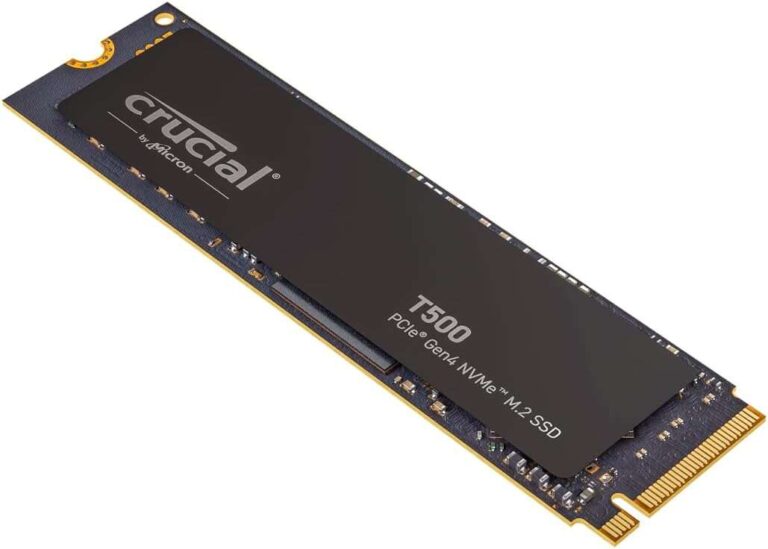
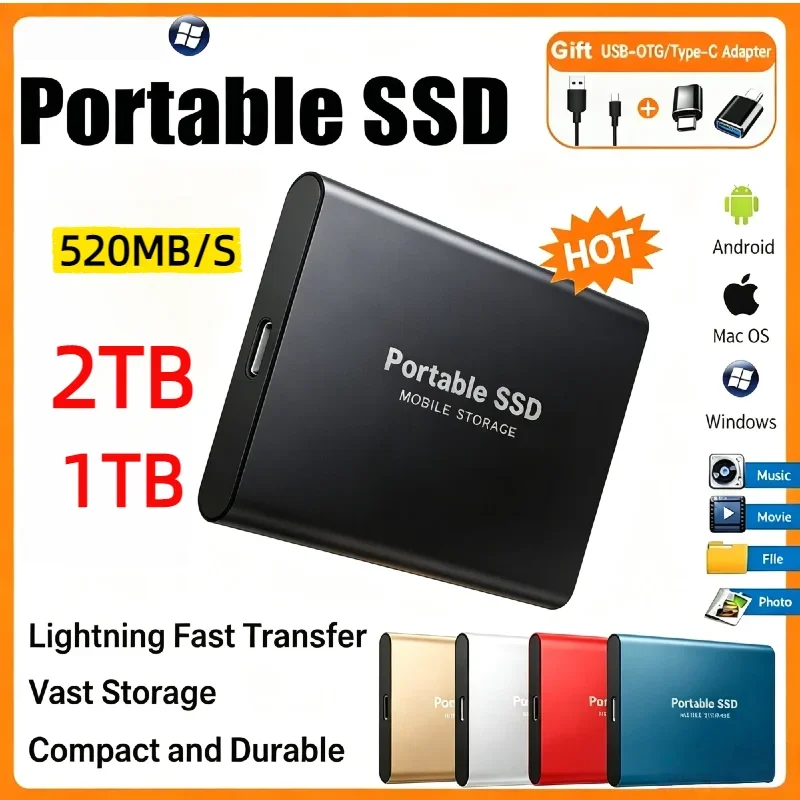
M.2 drives are small, flat circuit boards. They are common in laptops and desktops. Consumer M.2 SSDs usually offer capacities up to 8TB, although availability changes over time.
Check the following before buying:
• M.2 2280 size support
• PCIe generation
• NVMe support
• Motherboard clearance
• Heatsink space
2.5-Inch SATA SSDs
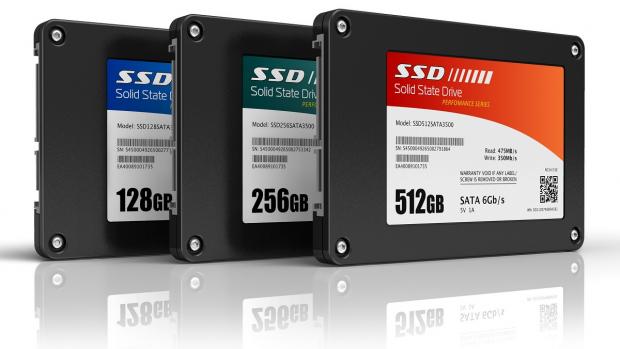
2.5-inch SATA SSDs fit many older desktops and laptops. They are easy to install, but SATA limits performance to roughly 500 to 550MB per second in real-world use.
High-capacity SATA SSDs exist, but they are usually more expensive per terabyte than modern NVMe models.


U.2 and U.3 SSDs
U.2 and U.3 drives are common in servers. They provide a cable-based connection and support enterprise features. These drives may reach much higher capacities than standard consumer M.2 products.
EDSFF SSDs
Enterprise and Data Center Standard Form Factor drives are designed for high-density server systems. They offer better cooling, service access, and scaling than many consumer designs.

What Is the Largest SSD Drive for Gaming?
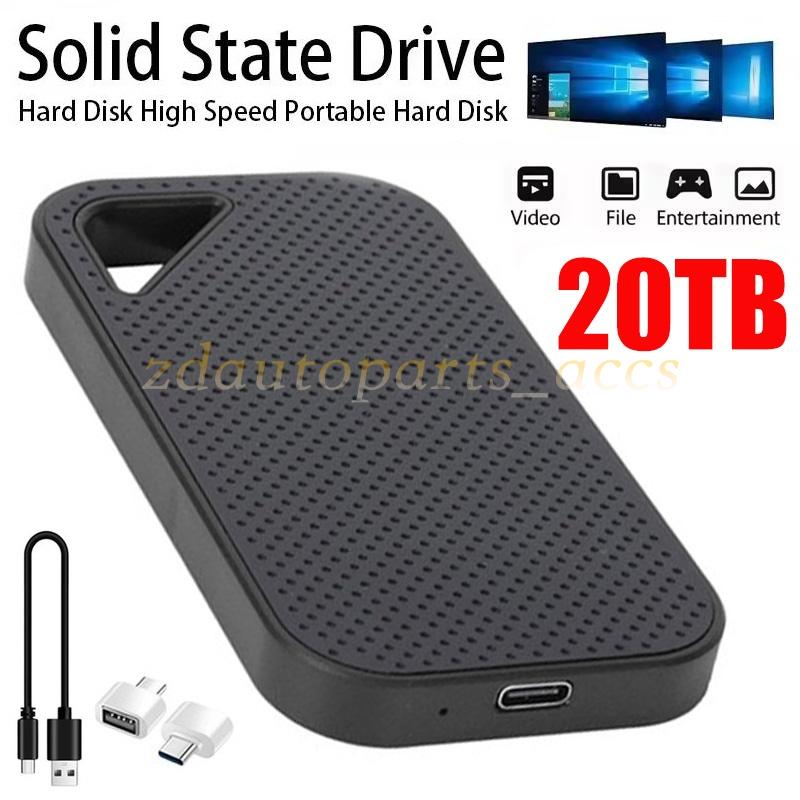
For gaming, an 8TB consumer NVMe SSD is among the largest practical choices. It can hold a large game library, operating system, creative applications, and personal files.
A 122.88TB enterprise SSD is usually not a smart gaming purchase. It may cost more than the entire gaming PC, require special hardware, and provide little benefit in game load times.
When choosing a gaming SSD, focus on:
• PCIe 4.0 NVMe support
• At least 1TB or 2TB of capacity
• A good warranty
• Strong random read performance
• A built-in or compatible heatsink
• A reliable storage software tool
PCIe 5.0 SSDs can offer higher benchmark numbers, but many games do not load much faster than they do on good PCIe 4.0 drives. Capacity and price often matter more than peak sequential speed.

What Is the Largest SSD Drive for Video Editing?
Professional video editors may benefit from 4TB, 8TB, or larger SSDs. High-resolution footage takes up huge amounts of space, especially when working with RAW, 8K, or high-bitrate formats.
A practical editing setup often uses separate drives:
• One SSD for the operating system and applications
• One fast SSD for active project files


• One SSD or hard drive for completed projects
• One backup stored away from the computer
The largest SSD drive is not always the best editing drive. A smaller TLC SSD with stable sustained write performance can outperform a larger QLC SSD during long transfers.
For professional work, check the drive’s endurance rating. This is often listed as TBW, or terabytes written. A higher TBW rating suggests that the drive is designed to handle more writing over its warranty period.
Benefits of a Very Large SSD
A high-capacity SSD offers several clear benefits.
• Fewer drives: You can store more data in one device.
• Less cable clutter: This is especially helpful in compact systems.
• Faster access: SSDs provide much lower latency than hard disk drives.
• Lower noise: SSDs have no moving parts.
• Easier file management: Projects and libraries can stay in one location.
• Better server density: Data centers can store more data in fewer drive bays.
Large SSDs also make it easier to work with large files. A video editor can keep multiple projects available without constantly moving files between drives.

Limitations of the Largest SSD Drives
The largest SSD drive comes with important limitations. Price is the most obvious one. Enterprise SSDs can cost far more than consumer drives with similar raw capacity.
Other concerns include:
• Higher power use
• More heat
• Limited retail availability
• Specialized connectors
• Expensive replacements
• Complex warranty terms
• Lower write endurance in some QLC models
• Difficult data recovery after failure
SSDs are reliable, but no SSD should be treated as a backup. Flash memory can fail, firmware can become corrupted, and accidental deletion can happen instantly.
Use the 3-2-1 backup rule:
-
Keep three copies of important data.
-
Store those copies on at least two types of media.
-
Keep one copy in a separate location or cloud service.
This rule matters even more when one drive contains a very large amount of irreplaceable data.
How to Choose the Right High-Capacity SSD
Use this process before buying the largest SSD drive you can find.
-
Measure your real storage needs. Check how much space you use now and estimate your growth for three years.
-
Confirm compatibility. Check the slot, interface, size, firmware support, and operating system.
-
Compare NAND types. TLC is often better for heavy writes, while QLC can offer more capacity at a lower price.
-
Review endurance. Look for TBW, warranty length, and workload ratings.
-
Check sustained speed. Do not rely only on short benchmark results.
-
Plan cooling. NVMe drives can throttle when they become hot.
-
Buy from a trusted seller. Counterfeit and refurbished drives can report false capacity.
-
Create a backup plan. Decide where your second and third copies will live.
A simple capacity test is also worthwhile. New drives should be tested with a trusted utility before you store important files. This can reveal false-capacity products and early failures.
Frequently Asked Questions About What Is the Largest SSD Drive
What is the largest SSD drive available today?
Enterprise SSDs with capacities up to 122.88TB are among the largest widely available products. They are designed for data centers and usually require specialized server hardware.
What is the largest SSD for a normal desktop PC?
High-capacity consumer NVMe SSDs commonly reach 8TB. A desktop may support more than one drive, which is often cheaper and easier than installing one enterprise SSD.
Is a 122.88TB SSD good for gaming?
Usually, no. It is extremely expensive and may not work with standard gaming hardware, while a 2TB, 4TB, or 8TB consumer NVMe SSD provides better value.
Are larger SSDs faster?
Not always. Capacity and speed are separate specifications, and some high-capacity QLC SSDs can slow down during long writes after their cache fills.
Is QLC SSD storage reliable?
QLC SSDs can be reliable for normal consumer workloads, game libraries, media storage, and read-heavy tasks. For constant writing, professional workloads, and servers, a TLC or enterprise SSD may offer better endurance.
Can I use an enterprise SSD in a laptop?
Most enterprise SSDs will not work in a typical laptop. They may use U.2, U.3, EDSFF, or specialized PCIe connections and may also need more power and cooling.
Do large SSDs need backups?
Yes. Capacity does not protect data from failure, theft, malware, or accidental deletion. Important files should have multiple backups, including one stored separately.
Conclusion
The largest SSD drive available in common enterprise storage reaches about 122.88TB, while the largest practical consumer SSDs are generally around 8TB. Enterprise drives deliver enormous capacity, but they require special hardware, careful cooling, and a much larger budget.
For most buyers, the best choice is not the largest SSD drive. It is the drive that matches the computer, workload, speed needs, endurance rating, and backup plan. Measure your storage use, compare total cost, and choose a trusted model from a reputable seller. Share your storage needs or current setup in the comments, and explore more storage guides before making your next upgrade.