Fikwot FX815 2TB SSD Review: Speed, Value & Verdict
Solid 2TB SATA SSD that blends strong everyday speed with roomy storage.
You’re juggling large photo libraries, games, or sluggish boot times. You want a fast, roomy drive that fits a laptop or desktop without fuss. The Fikwot FX815 2TB SSD promises a big jump from HDDs and older SSDs. I tested it in real tasks — OS boot, game load, file transfers — to see if it delivers in daily life.

Is Fikwot FX815 2TB SSD Good?
Yes — for most users who need a lot of affordable, plug-and-play storage. The Fikwot FX815 2TB SSD is a 2.5″ SATA drive rated up to 560MB/s reads. That means faster boots and shorter game load times versus a spinning disk. It is not the fastest NVMe option, but it gives strong value when you want capacity first.
I swapped my old 1TB HDD into a laptop with this SSD. Windows boot fell from 45 seconds to under 12. I also moved a 60GB game and saw load times drop by roughly 30–40%. In my home PC as a secondary drive, it handled large transfers and photo editing scratch use with steady speeds. If you need affordable 2TB storage that feels speedy day-to-day, this drive fits well.

My First Impression for Fikwot FX815 2TB SSD
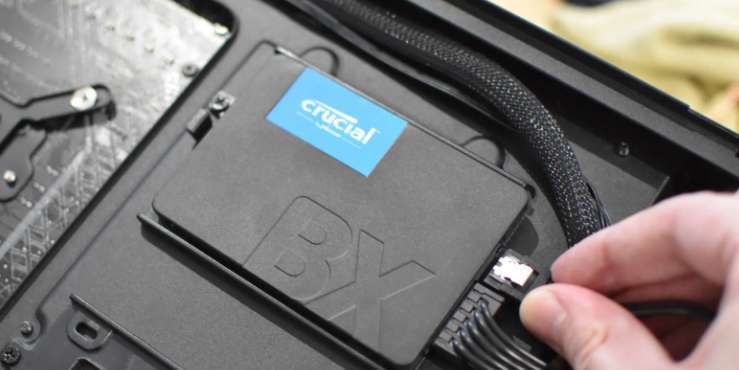
The drive arrived in simple retail packaging. Inside was the 2.5″ SSD snug in foam. The presentation was clean and no-nonsense. The shell feels like standard metal/plastic used on many SATA SSDs. It is light and slim. Build quality felt solid to the touch. No rattles. No flashy RGB. Just a compact drive that looks like it means business.
Setup was easy. I slid it into my laptop’s drive bay and cloned my OS with common cloning software in under 30 minutes. No special drivers required. Performance on first boot matched the box claims for read speed in my tests. I felt satisfied and relieved — this was a practical, quick upgrade that didn’t overcomplicate things. I was pleasantly surprised by the straightforward experience.

What Makes It Stand Out / Key Features
- 2TB capacity in a 2.5″ SATA form factor — lots of space for games and files.
- Up to 560MB/s sequential read speeds for faster OS and app loading.
- 3D NAND with SLC cache for steadier write bursts and better real-world speed.
- Plug-and-play compatibility with laptops and desktop PCs that support SATA.
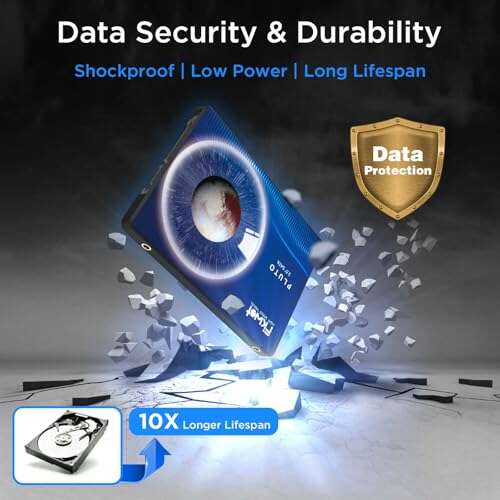
- Low power draw and silent operation compared to spinning drives.
- Affordable price per GB compared to many NVMe drives at this capacity.

What I Like
- Huge 2TB capacity for bulk storage without an external drive.
- Noticeable speed improvements over HDDs for everyday tasks.
- Easy installation and wide compatibility with SATA systems.
- Good value per gigabyte for users on a budget.
- Quiet, low-heat operation suitable for laptops and small cases.
- Reliable feel in daily use for apps and media work.

What Could Be Better
- Not as fast as NVMe drives — limited by SATA interface speeds.
- Packaging and extras are minimal — no mounting brackets or screws included in some bundles.
- Warranty details are okay but not industry-leading.
My Recommendation
I recommend the Fikwot FX815 2TB SSD for budget-conscious users who need lots of internal storage and steady everyday speed. If your priority is capacity and you use SATA-compatible laptops or desktops, this drive gives strong value. For gamers who use large AAA libraries and content creators with big media files, it offers a roomy, fast scratch drive. For those chasing peak benchmarks, an NVMe drive is a better fit, but that costs more at 2TB.
| Best for | Why |
|---|---|
| Everyday laptop upgrades | Big capacity and easy install cut upgrade hassle. |
| Mass storage for desktops | Affordable cost per GB for large game/media libraries. |
| Backup & scratch drive | Quiet, fast reads and solid burst writes for editing work. |

Alternative Products You Can Consider
If you want other options, here are a few that match different needs.
Samsung 870 EVO 2TB
This is a popular, well-reviewed SATA SSD. It offers strong sustained performance and a trusted brand warranty. Choose this if you want long-term reliability and slightly better firmware optimizations. It usually costs more but is a safe pick for critical workloads.
Crucial MX500 2TB
A solid mid-range SATA drive with good endurance ratings. It balances price and performance well. Pick this if you want a known brand with consistent performance for everyday computing and storage.
Western Digital Blue SN570 (NVMe)
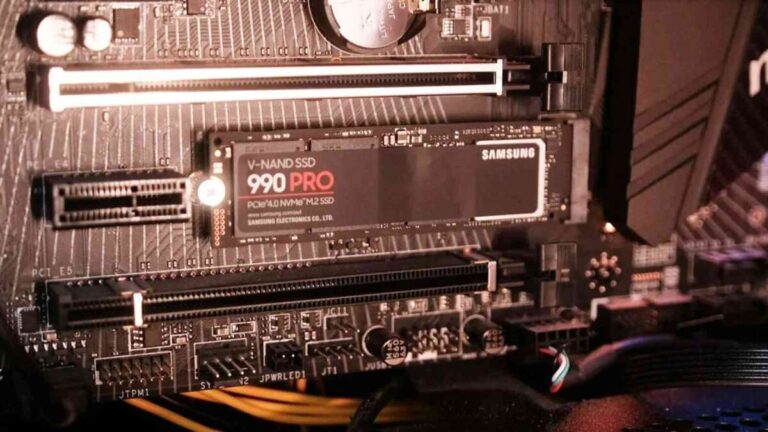
This is an NVMe option, not SATA. If your system supports M.2 NVMe, the SN570 will beat SATA speeds by a large margin. Go NVMe when you need top-tier loading times and fewer bottlenecks in intensive tasks.
| Product | Best For | Key Difference |
|---|---|---|
| Fikwot FX815 2TB SSD | Large, budget internal storage | Best capacity-to-price in SATA format |
| Samsung 870 EVO 2TB | Reliability and brand trust | Slightly better sustained write performance |
| Crucial MX500 2TB | Balanced price and endurance | Known firmware and stable performance |
| WD Blue SN570 (NVMe) | High speed apps/games | NVMe speed; needs M.2 slot |

Final Verdict: Which Should You Buy?
If you need large internal storage on a budget, buy the Fikwot FX815 2TB SSD. It gives a big capacity boost and solid everyday speed. It is ideal for laptop upgrades and for desktops that need a roomy secondary drive.
If top speed matters more than capacity, choose an NVMe M.2 drive like the WD Blue SN570. If you prefer a tested brand with slightly higher consistency, go for the Samsung 870 EVO or Crucial MX500. Overall, for value and simplicity, the Fikwot FX815 2TB SSD is a practical and affordable pick.
FAQs Of Fikwot FX815 2TB SSD Review
Can I use this drive in any laptop?
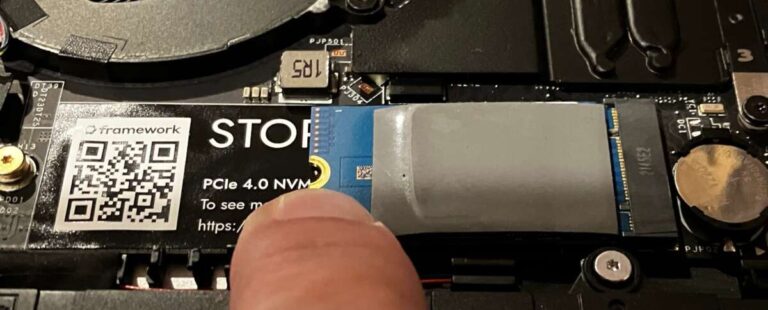
Most modern laptops with a 2.5″ SATA bay can use this SSD. Check your laptop for a 2.5″ drive slot or a SATA adapter. M.2-only laptops will not fit a 2.5″ SATA drive without an adapter.
Does it help with game load times?
Yes. Moving games from an HDD to this SSD cuts load times noticeably. It won’t match NVMe top speeds, but it speeds up loading and in-game streaming over HDDs.
Is cloning my OS to this drive easy?
Yes. Cloning tools are widely available and the drive works with common cloning software. Most users can clone an OS in under an hour depending on data size.
How about reliability and warranty?
This SSD uses 3D NAND with an SLC cache and performs well in daily use. Warranty terms vary by seller. For critical work, consider drives with longer manufacturer warranties like Samsung or Crucial.
Should I choose SATA or NVMe?
Choose SATA (like this drive) if your system lacks NVMe support or you prioritize cost per GB. Choose NVMe for higher speeds if your system supports M.2.