How To Turn On JBL Earbuds: Quick Easy Guide
To turn on JBL earbuds, remove them from the charging case or press and hold each earbud’s power button.
Learning how to turn on JBL earbuds is simple, but the exact method can vary between JBL Tune, Live, Club, Endurance, and Wave models. Most JBL true wireless earbuds power on by opening the case and removing both buds, while some models need a touch or button press. This guide explains each method, common problems, charging checks, and pairing tips so you can start listening without guesswork.

How to turn on JBL earbuds
Most JBL true wireless earbuds turn on automatically when you remove them from the charging case. The case wakes the earbuds and sends power to their internal circuits.
Follow these steps:
- Place both earbuds inside the charging case.
- Check that the case has some battery power.
- Open the case lid.
- Remove both earbuds.
- Wait a few seconds for the indicator lights to flash or turn on.
- Listen for a startup sound or check your phone’s Bluetooth menu.


If the earbuds do not turn on, place them back in the case. Make sure each earbud sits correctly on its charging pins. Then remove them again.
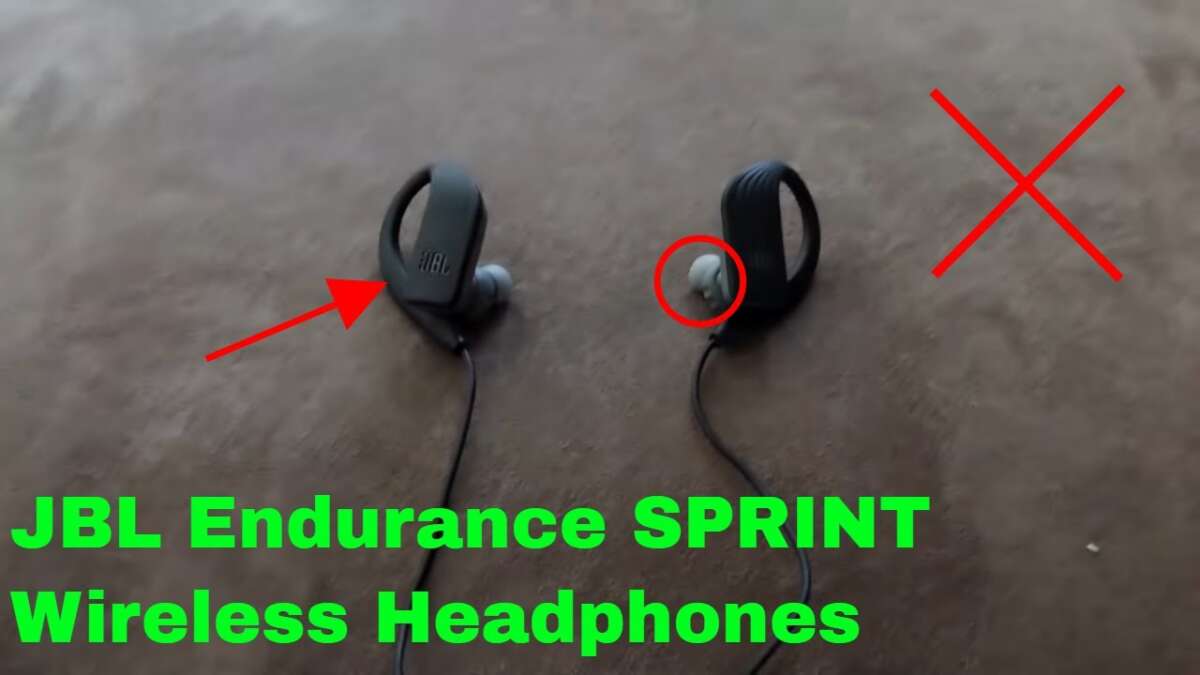
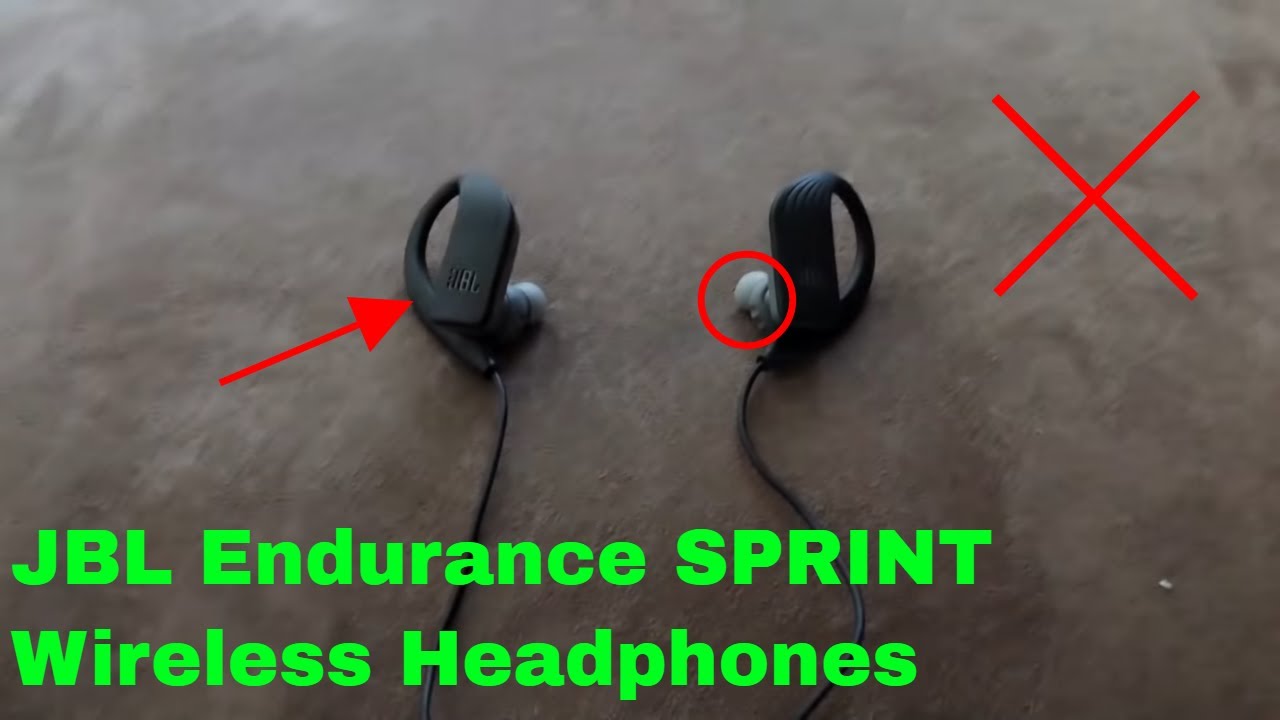
Some JBL earbuds use physical buttons. For these models, press and hold the button on each earbud for about two to five seconds. Release the button when the light turns on or you hear a power-up tone.
How to turn on JBL earbuds without the charging case
You may still be able to turn on JBL earbuds when the charging case is not nearby. This depends on the model and whether the earbuds were turned off manually.
For JBL earbuds with physical buttons:
- Remove the earbuds from your ears or hold them safely in your hand.
- Press and hold the button on the right earbud.
- Continue holding it for two to five seconds.
- Repeat the process on the left earbud if needed.
- Watch for a flashing light or listen for a tone.
For JBL earbuds with touch controls, touch and hold the outer panel of each earbud. A hold of two to five seconds often turns the earbuds on, but the exact timing can differ.
This method may not work if the earbuds are fully discharged. It may also fail if the earbuds were placed into manual shutdown mode. In that case, the charging case is usually the most reliable way to restart them.

How to turn on JBL earbuds with touch controls
Many JBL wireless earbuds use touch sensors rather than raised buttons. The touch area is usually located on the flat outer surface of each earbud.
To turn on JBL earbuds with touch controls:
- Take the earbuds out of the case.
- Find the smooth touch panel on each earbud.
- Touch and hold the panel for several seconds.
- Wait for the LED to light up or blink.
- Release the panel when you hear the startup tone.
Do not tap the earbud quickly several times. Quick taps may play or pause music, skip a track, answer a call, or activate a voice assistant.


Keep your fingers dry while using touch controls. Water, sweat, gloves, and thick hair can prevent the sensor from reading your touch. If the earbuds are dirty, gently clean the touch surface with a dry, soft cloth.

How to know if JBL earbuds are on
JBL earbuds give several signs when they are powered on. The clearest sign is a flashing LED on the earbud or a sound that plays shortly after removal from the case.
Look for these signs:
• The earbud LED flashes white, blue, or another model-specific color.
• Your phone shows the earbuds in its Bluetooth list.
• You hear a startup sound.
• The earbuds connect to a device they have used before.
• Music plays when you press the play button or start audio.
LED colors can vary by model. A blinking blue light often means pairing or connection activity. A red or orange light may signal low battery or charging. Check the manual for your specific JBL model if the light pattern is unclear.
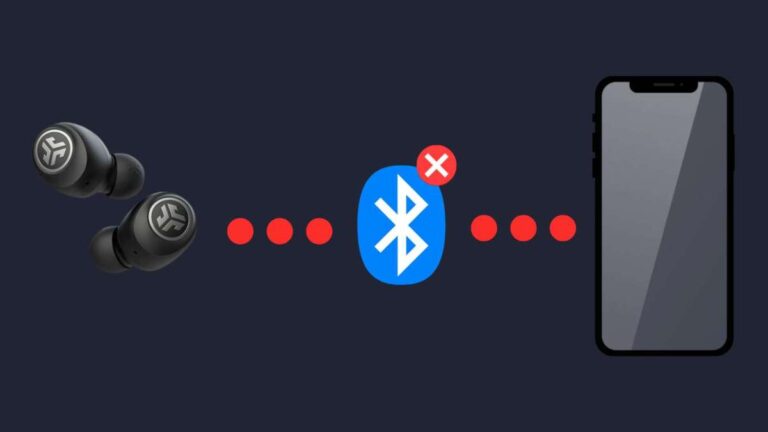
Remember that turning on JBL earbuds is not the same as connecting them. The earbuds can be powered on but disconnected from your phone.

How to turn on JBL earbuds and connect them to Bluetooth
After you turn on JBL earbuds, they may connect to the last phone, tablet, or computer they used. If they are new or have been reset, you may need to pair them manually.
Use this process:
- Turn on JBL earbuds by removing them from the case.
- Open the Bluetooth settings on your device.
- Turn Bluetooth on.
- Look for the JBL model name in the available devices list.
- Tap the name to connect.
- Wait for the status to show “Connected.”
If the earbuds do not appear, place them back in the case and remove them again. You can also press and hold the touch panel or button to place them in pairing mode.
Keep your phone close to the earbuds during setup. Bluetooth works best when there are few walls, metal objects, or other wireless devices between them. If the earbuds connect to another nearby device, turn Bluetooth off on that device for a moment.

What to do when JBL earbuds will not turn on
If your JBL earbuds do not respond, the issue is often power, charging contact, or a software state. Start with the simple checks before trying a reset.
Check the charging case
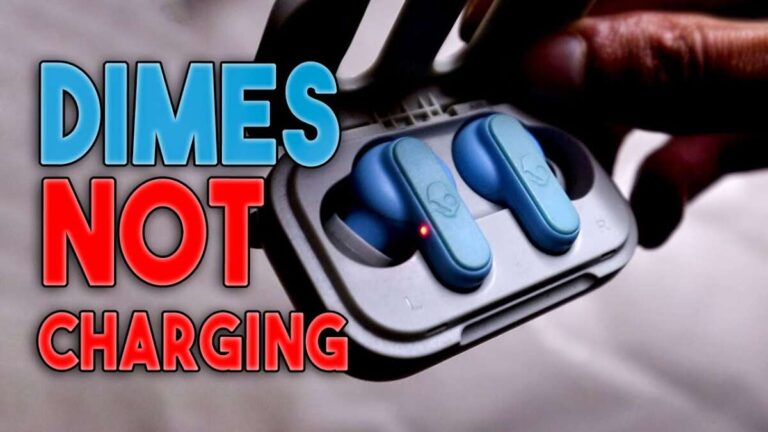
Connect the case to a working USB charger. Leave it connected for at least 15 to 30 minutes. If the case light does not turn on, try another cable, power adapter, or USB port.
Clean the charging contacts
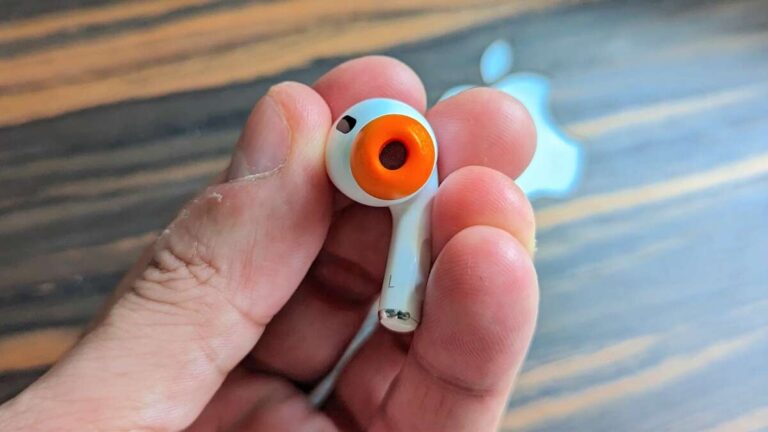
Dust or earwax can block the metal charging contacts. Use a dry cotton swab or soft cloth to clean the contacts on the earbuds and inside the case.


Do not pour liquid into the case. Avoid metal tools, as they can damage the contacts or cause a short circuit.
Seat the earbuds correctly
Place each earbud into its matching slot. The charging light should respond when the earbud touches the pins. If one earbud sits loosely, adjust it until it rests firmly in the case.
Charge the earbuds fully
A deeply drained earbud may need more time before its light turns on. Charge both earbuds and the case for at least one hour before testing them again.
Try a manual startup
Remove the earbuds and press or hold their buttons. For touch models, hold the outer panels for several seconds. The correct control depends on the model.
In my troubleshooting experience, the most common mistake is assuming the earbuds are broken when the case itself has no charge. The case is like a small garage and battery station. If the garage has no power, the earbuds may not wake up or charge.
How to turn on one JBL earbud
You can often use one JBL earbud by itself. This is useful when you want to hear your surroundings or save battery during a long call.
To turn on one JBL earbud:
- Leave the other earbud in the charging case.
- Remove the earbud you want to use.
- Wait for its LED to flash or light up.
- Open your device’s Bluetooth settings.
- Select the JBL earbuds if they do not connect automatically.
Some JBL models support independent left and right earbud use. Other models rely on one earbud acting as the main connection. If the single earbud does not connect, place both earbuds in the case, close the lid, and try again.
You may also need to forget the old Bluetooth connection and pair the earbuds again. This can solve a situation where one earbud turns on but does not produce sound.

How to turn off JBL earbuds
Knowing how to turn off JBL earbuds can help preserve battery life. Most true wireless JBL earbuds turn off when you place them back into the charging case and close the lid.
You can also turn off some models manually:
- Press and hold the button on an earbud.
- Continue holding until the LED turns off.
- Repeat on the other earbud if necessary.
On touch models, press and hold the touch panel until the shutdown tone plays. The exact control can vary, so avoid holding the panel while music is playing unless you are sure of the function.
If the earbuds stay connected after you place them in the case, check that the case has power and that the charging contacts are clean. The earbuds may not shut down if they do not detect the case correctly.

How to reset JBL earbuds
A reset can help when JBL earbuds will not turn on correctly, fail to pair, or connect to only one device. Reset instructions differ across JBL product families, so use the instructions for your model whenever possible.


A common reset process looks like this:
- Remove the earbuds from the case.
- Make sure they are powered on.
- Press and hold the button or touch panel on one earbud.
- Continue holding for about 10 to 15 seconds.
- Wait for the LED pattern or reset tone.
- Place the earbuds back into the case.
- Forget the old JBL connection on your phone.
- Remove the earbuds and pair them again.
Some JBL models use a triple tap followed by a long press. Others require the JBL Headphones app. A reset erases saved pairing information, so you will need to connect the earbuds again afterward.
Do not reset the earbuds repeatedly without checking the model instructions. A reset cannot repair a damaged battery, broken button, or failed charging contact.
JBL earbuds power and battery tips
Proper charging habits can make startup more reliable. Lithium-ion batteries work best when they are protected from extreme heat, cold, and long periods of total discharge.
Use these practical tips:
• Keep the charging case above a low battery level.
• Store the earbuds inside the case when you are not using them.
• Clean sweat and moisture from the earbuds before charging.
• Avoid leaving the case in a hot car or direct sunlight.
• Use a safe, compatible USB charging cable.
• Update the JBL Headphones app when an official update is available.
• Do not force the lid closed if an earbud is not seated correctly.
Battery life varies by model, volume level, Bluetooth features, and active noise cancellation. A battery indicator on your phone can help, but it may not always show the exact level of each earbud.
Common mistakes when turning on JBL earbuds
Small setup mistakes can make working earbuds seem dead. Avoid these common errors:
• Pressing the touch panel for too short a time.


• Assuming the earbuds are charging when the case has no power.
• Placing the left earbud in the right charging slot.
• Trying to pair before the earbuds enter pairing mode.
• Leaving the earbuds connected to another phone.
• Using wet fingers on touch controls.
• Ignoring dirt on the charging pins.
• Resetting the earbuds before checking the battery.
One useful habit is to test each earbud separately. This helps you identify whether the problem affects both earbuds, one earbud, or only the charging case.
If the earbuds remain unresponsive after charging, cleaning, and resetting, contact JBL support or an authorized service center. A failed battery or internal fault needs professional attention.
Frequently Asked Questions About How to Turn On JBL Earbuds
How do I turn on JBL earbuds for the first time?
Open the charging case and remove both earbuds. They should turn on automatically and enter pairing mode if they have not been connected before.
Why will my JBL earbuds not turn on?
The earbuds may have a drained battery, dirty charging contacts, or a case with no power. Charge the case, clean the contacts, and place the earbuds back into the case before trying again.
How long should I hold the JBL earbud button?
Many JBL models respond to a two to five second press. Some models use different controls, so check the instructions for your exact JBL earbud model.
Can I turn on JBL earbuds without the case?
Some JBL earbuds can turn on when you press or hold their buttons or touch panels. If the earbuds were fully shut down or have no battery, you may need the charging case.
Why do my JBL earbuds turn on but not connect?
They may still be connected to another phone or may not be in pairing mode. Turn off Bluetooth on nearby devices, forget the old JBL connection, and pair the earbuds again.
How do I turn on only one JBL earbud?
Leave one earbud in the case and remove the other. If the model supports independent use, the single earbud should power on and connect to your device.


Do JBL earbuds turn on automatically?
Most JBL true wireless earbuds turn on when removed from a charged case. Some older or button-controlled models may require you to press and hold a button.
Conclusion
To turn on JBL earbuds, start by charging the case, opening the lid, and removing the earbuds. If they do not wake up, press and hold the buttons or touch panels, clean the charging contacts, and check the Bluetooth connection. A reset can solve pairing problems, but it should be a later step rather than the first one.
Once you know your model’s controls, starting your listening session takes only a few seconds. Try the steps above, keep the case charged, and check the model guide when the controls differ. If you found another useful JBL earbud tip, share it in the comments or explore more practical wireless audio guides.