

Yes, a 240GB SSD is enough for Windows 11, but free space can become tight with apps, games, and updates.
The question “is 240gb ssd enough for windows 11” depends on how you use your computer. Windows 11 can run well on this drive, but smart storage planning matters. After checking real-world Windows installs, updates, apps, and personal files, I’ll show where a 240GB SSD works, where it struggles, and when a 500GB or larger SSD is the better choice.
Is 240GB SSD Enough for Windows 11?
Yes, a 240GB SSD is enough for Windows 11 on a basic computer. It meets Microsoft’s 64GB minimum storage requirement, and Windows 11 usually uses far less than the full capacity after a clean install.
However, a 240GB SSD does not provide 240GB of usable space. SSD makers use decimal measurements, while Windows reports storage in a different format. A 240GB drive usually shows about 223GB of usable capacity before formatting and system files.
After installing Windows 11, drivers, updates, and common programs, you may have around 170GB to 190GB free. That sounds like plenty, but the space can disappear quickly when you add large games, videos, photos, or creative software.
The simple answer to “is 240gb ssd enough for windows 11” is:
• Yes, for web browsing, schoolwork, office tasks, streaming, and light apps.
• Yes, for a low-cost upgrade from a hard disk drive.
• Maybe, for light gaming and photo editing.
• No, if you plan to install many modern games or store large media files.
How Much Space Does Windows 11 Need?
Microsoft lists 64GB as the minimum storage capacity for Windows 11. This number means the drive must have at least 64GB of total capacity. It does not mean that 64GB provides a comfortable long-term Windows experience.
Windows 11 needs space for more than the main operating system. It also creates temporary files, update backups, recovery data, virtual memory, and hibernation files.
A typical Windows 11 installation may use space for:
• Core Windows files
• Device drivers
• Windows Update files
• Temporary installation data
• System restore points
• Page file memory
• Hibernation data
• Optional language packs
• Recovery tools
Windows also needs free space to install updates. If your drive is almost full, a major update may fail or ask you to remove files first. That is why the minimum requirement should be treated as a starting point, not a target.
For a smooth experience, try to keep at least 20GB to 30GB free on a 240GB SSD. More free space is even better. Solid-state drives can slow down when they are nearly full because they need empty blocks to manage data.
How Much Usable Space Does a 240GB SSD Have?
A new 240GB SSD usually offers about 223GB of usable space in Windows. The difference comes from how storage companies and operating systems measure gigabytes.
The drive may also lose a small amount of capacity after formatting. Windows then uses part of the drive for system files, updates, recovery tools, and hidden folders.
Here is a realistic example:
| Storage use | Approximate space |
|---|---|
| Advertised SSD capacity | 240GB |
| Usable capacity in Windows | About 223GB |
| Fresh Windows 11 installation | About 25GB to 35GB |
| Drivers and updates | About 5GB to 15GB |
| Common apps | About 10GB to 30GB |
| Space left for personal use | About 140GB to 180GB |
These numbers vary by system. A laptop with extra drivers, recovery files, and bundled software may use more space. A clean desktop installation may use less.
This is an important part of understanding “is 240gb ssd enough for windows 11.” The answer should be based on usable space, not the number printed on the SSD box.

What Can You Store on a 240GB SSD?
A 240GB SSD can handle a normal collection of files if you manage it well. It works especially well for users who store photos and documents in cloud services or on another drive.
A basic setup may include:
• Windows 11
• Microsoft 365 or another office suite
• A web browser
• Video call software
• Music and streaming apps
• School or work documents
• Several small programs
• A few older or small games
Documents usually take very little space. Thousands of text files may use less storage than one modern game. Photos can take more room, especially if you use high-resolution cameras or RAW files.
Videos are the biggest concern. A single high-quality movie can use several gigabytes. Long 4K recordings can fill a 240GB SSD surprisingly fast.
A 240GB SSD is often enough for a family computer, office PC, school laptop, or secondary desktop. It is less suitable as the only drive in a gaming PC or video editing workstation.
Is 240GB SSD Enough for Gaming on Windows 11?
A 240GB SSD can run games on Windows 11, but it is not ideal for a modern gaming library. Many current games require 50GB to 150GB each, and some large titles need even more after updates and downloadable content.
For example, a 240GB SSD might hold:
• Windows 11 and basic apps
• One large modern game
• Several small games
• A limited number of older games
Installing two or three large games can leave very little free space. That creates problems for Windows updates and may reduce the drive’s performance.
If you only play one main game at a time, a 240GB SSD may be enough. You can uninstall games you no longer play and reinstall them later. A second SSD or hard drive is also a practical solution.
For gaming, I usually recommend at least:
• 500GB for a budget gaming computer
• 1TB for most modern gaming PCs
• 2TB or more for a large game library
This makes the answer to “is 240gb ssd enough for windows 11” different for gamers. The operating system fits, but the games are what consume the remaining space.
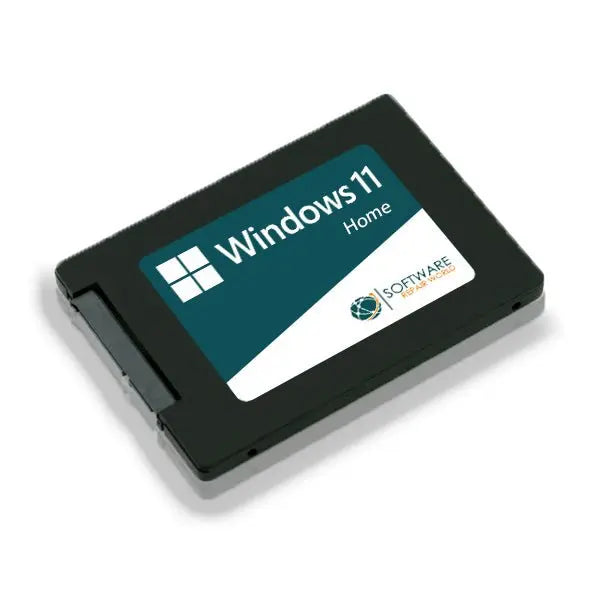
Is 240GB SSD Enough for Work or School?
For office work and school tasks, a 240GB SSD is usually enough. Windows 11, a browser, office programs, PDF tools, and communication apps should fit comfortably.
Cloud storage also makes a big difference. Services that store files online can reduce the amount of local storage you need. You can keep large files online and download only the items you use often.
A 240GB SSD works well for:
• Essays and reports
• Spreadsheets
• Presentations
• Online classes
• Research
• Web browsing
• Light programming
Programming can require more storage if you install large development tools, virtual machines, or many software libraries. Android development and game development may quickly exceed the limits of a small drive.
If your work includes large databases, virtual machines, or local video files, a 500GB SSD is a safer choice. Still, for typical school and office use, “is 240gb ssd enough for windows 11” has a clear yes answer.
Is 240GB SSD Enough for Photo and Video Editing?
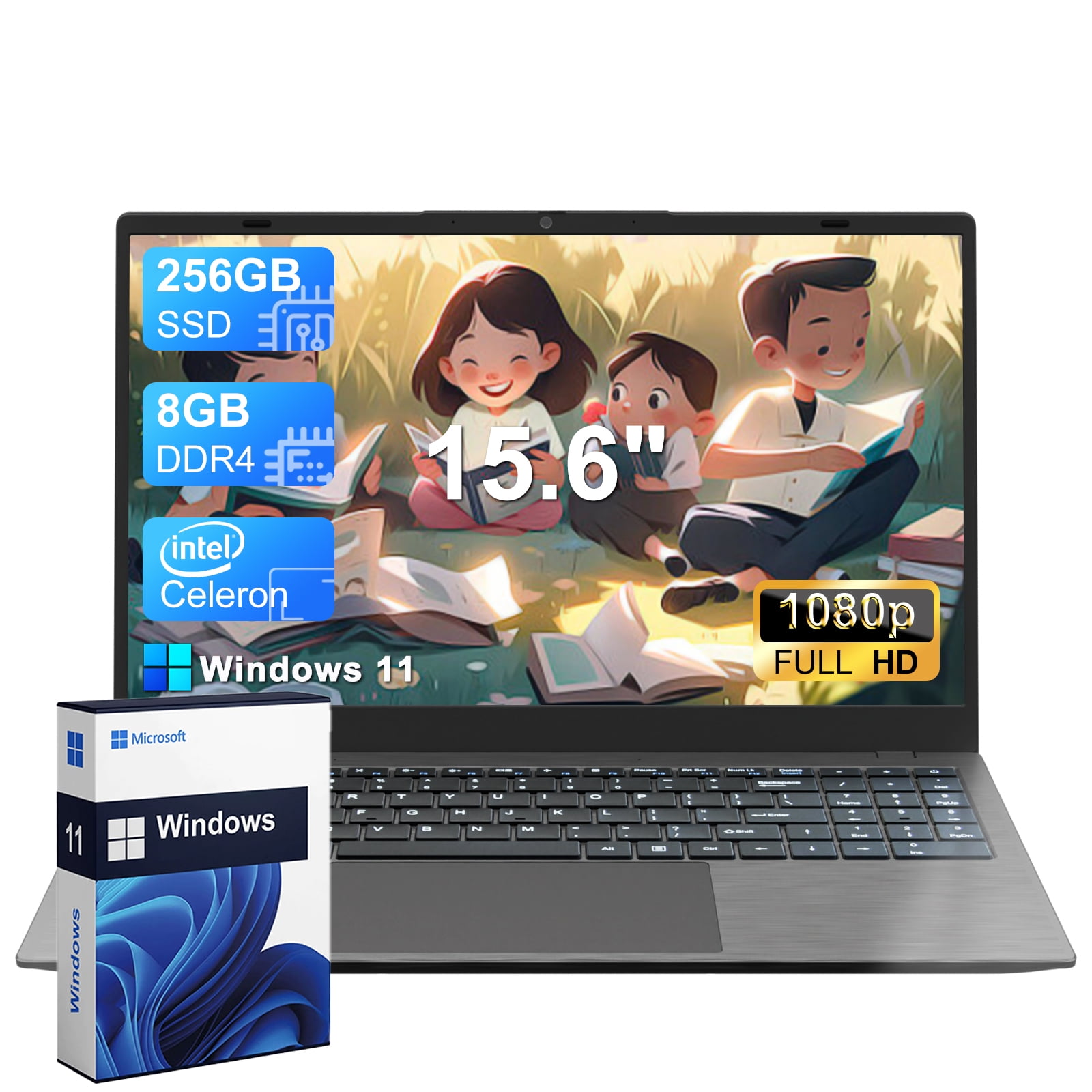
A 240GB SSD can support light photo editing, but it is not a good main drive for serious video work. Editing programs need room for project files, previews, cache data, and temporary exports.
Photo editing may work well when you store your image library on an external drive. Simple JPEG files take modest space, but RAW files can use tens of megabytes each. A large photo collection can grow faster than expected.
Video editing needs much more storage. A short 4K project may use hundreds of gigabytes when you include source clips, proxy files, audio, render files, and exports.
For creative work, consider this setup:
• 500GB or 1TB SSD for Windows and editing programs
• A second 1TB or 2TB SSD for active projects
• An external hard drive for backups and archives
• Cloud storage for important files
The answer to “is 240gb ssd enough for windows 11” is yes for light editing, but no for a busy professional workflow. The operating system is not the main problem. Your project files are.

Benefits of Using a 240GB SSD for Windows 11
A 240GB SSD has several strengths. It is often affordable, easy to install, and much faster than an older hard disk drive.
The main benefits include:
• Faster startup times
• Quicker app launches
• Better system response
• Lower noise because there are no moving parts
• Lower power use than many hard drives
• Affordable storage for older computers
• A simple way to improve an aging laptop
A small SSD can make an old computer feel new again. Replacing a slow hard drive often produces a larger speed improvement than adding more memory, especially during startup and program loading.
For a budget PC, a 240GB SSD can be a smart first upgrade. You can use it for Windows 11 and add a second drive later for games and files.
Limitations of a 240GB SSD
The biggest weakness is limited space. A 240GB SSD leaves less room for growth than a 500GB or 1TB model.
Common problems include:
• Storage warnings after several large updates
• Less room for games
• Difficulty storing video files
• More frequent file cleanup
• Less space for restore points
• Problems caused by large temporary files
• Reduced flexibility when installing new software
Windows may show a low storage warning when free space drops too far. At that point, you may need to clear temporary files, remove old downloads, move personal files, or uninstall apps.
Another issue is the cost difference. Larger SSDs often provide better value per gigabyte. If a 500GB SSD costs only slightly more than a 240GB model, the larger drive is usually the better long-term purchase.
This is why the best answer to “is 240gb ssd enough for windows 11” includes your future needs. A drive that works today may feel restrictive next year.
How to Keep Windows 11 Comfortable on a 240GB SSD
Good storage habits can make a 240GB SSD last much longer. You do not need to constantly delete important files. You simply need to watch where your space goes.
Use these practical tips:
Turn on Storage Sense in Windows 11. It can remove temporary files and empty the Recycle Bin automatically.
Keep your Downloads folder under control. Installer files and large downloads often remain there for months.
Move photos, videos, and music to another drive or cloud storage.
Uninstall programs and games you no longer use.
Avoid storing multiple copies of the same file.
Keep at least 20GB to 30GB free when possible.
Use an external drive for backups instead of keeping every backup on the system SSD.
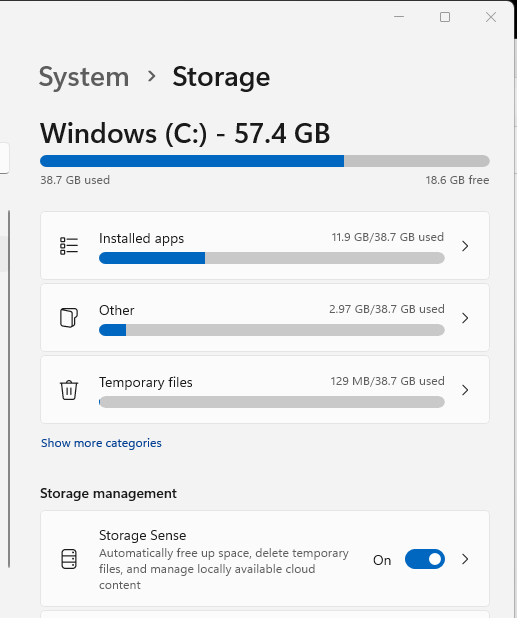
Review storage usage through Settings, System, and Storage.
Disable hibernation only if you understand the trade-off and do not use it.
Store large game libraries on a second SSD.
One lesson I often see with small system drives is that users blame Windows when the real issue is unmanaged downloads, old installers, and game files. A quick monthly storage check can prevent most problems.
How to Check Free Space in Windows 11
Checking your available space takes less than a minute. This helps you decide whether a 240GB SSD still meets your needs.
Follow these steps:
Open the Start menu.
Select Settings.
Choose System.
Click Storage.
Review the storage categories.
Windows will show how much space is used by apps, temporary files, documents, pictures, and the operating system. Select a category to find large files or programs.
You can also open File Explorer, select This PC, and view the free space on your C: drive. If the drive has less than 15% free space, cleanup or an upgrade is worth considering.
Do not delete unknown folders from the Windows directory. Use built-in tools such as Storage Sense and Disk Cleanup. If you are unsure, back up your files before making changes.
Should You Buy a 240GB or 500GB SSD for Windows 11?
A 240GB SSD is the cheapest option, but a 500GB SSD offers a more comfortable experience. The right choice depends on your budget and workload.
Choose a 240GB SSD if:
• You need a low-cost Windows upgrade.
• You use cloud storage.
• You have a second drive.
• You mainly browse, work, or study.
• You install only a few programs.
Choose a 500GB SSD if:
• You play modern games.
• You store photos locally.
• You use creative software.
• You want more space for updates.
• You plan to keep the PC for several years.
• You do not want to manage storage every week.
Choose a 1TB SSD if:
• You have a large game library.
• You edit photos or videos.
• You use virtual machines.
• You store many high-resolution files.
• You want the best balance of space and convenience.
When people ask me “is 240gb ssd enough for windows 11,” I usually ask what they will install after Windows. That question gives a more useful answer than looking only at Microsoft’s minimum requirement.
Can You Install Windows 11 on a 240GB SSD?
Yes, you can install Windows 11 on a 240GB SSD if the computer also meets the other requirements. These include a compatible 64-bit processor, sufficient memory, Secure Boot capability, and TPM 2.0 support.
Before installing, back up your personal files. A clean installation can erase the drive, depending on the installation method you use.
You should also confirm that:
• The SSD is detected in the firmware settings.
• The computer supports Windows 11.
• You have a valid Windows license or digital activation.
• Important drivers are available.
• Your files are backed up elsewhere.
After installation, run Windows Update and install the correct motherboard or laptop drivers. Then check the remaining free space before adding large programs.
Common Mistakes to Avoid With a 240GB SSD
Many storage problems come from simple mistakes. Avoiding them can make a small SSD feel much larger.
Do not fill the drive to its maximum capacity. An SSD needs some unused space for normal maintenance and efficient performance.
Do not use the same 240GB SSD for Windows, a large game library, video projects, and full backups. A backup stored on the same physical drive cannot protect you from drive failure.
Do not assume cloud storage is a complete backup. Sync services can copy accidental deletions or damaged files. Keep at least one separate backup on an external drive.
Also, do not buy a very old SSD without checking its health. Drive age, write history, warranty status, and performance can matter more than capacity alone.
Frequently Asked Questions About Is 240GB SSD Enough for Windows 11
Can Windows 11 run on a 240GB SSD?
Yes, Windows 11 can run on a 240GB SSD. The drive is well above the operating system’s 64GB minimum capacity requirement, although other hardware requirements must also be met.
How much free space should Windows 11 have?
Try to keep at least 20GB to 30GB free for updates, temporary files, and normal system use. More free space is helpful if you install large apps or games.
Is a 240GB SSD enough for Windows 11 and gaming?
It can be enough for Windows 11 and a few small games. Modern games can use most of the remaining space, so a 500GB or 1TB SSD is better for regular gaming.
Is 240GB enough for Windows 11 and Microsoft Office?
Yes, it is normally enough for Windows 11, Microsoft Office, browsers, and everyday work. Large personal files, videos, and many programs may still require another drive.
Should I use a 240GB SSD as my boot drive?
Yes, a 240GB SSD can work well as a boot drive. Keep Windows and essential apps on it, then store games, videos, and backups on a second drive.
Does a nearly full 240GB SSD slow down Windows 11?
It can. Very low free space gives Windows less room for temporary files and SSD maintenance, which may affect updates and overall responsiveness.
Is a 500GB SSD better than a 240GB SSD for Windows 11?
A 500GB SSD is more comfortable and usually offers better long-term value. It gives you more room for apps, games, updates, and personal files.
Conclusion
So, is 240gb ssd enough for windows 11? Yes, it is enough for the operating system and everyday tasks. It works well for browsing, school, office work, streaming, and light software use.
The limits appear when you add modern games, large media files, creative projects, or virtual machines. A 240GB SSD is best as a budget system drive or part of a two-drive setup. For a more relaxed experience, choose a 500GB SSD, and consider 1TB if you expect heavy storage needs.
Check your current storage use, keep free space available, and plan large files for a second drive. If this guide helped you choose the right Windows 11 SSD, explore more storage tips and share your experience in the comments.
