Adata Ultimate Su630 Ssd Review: Is It Worth Buying?
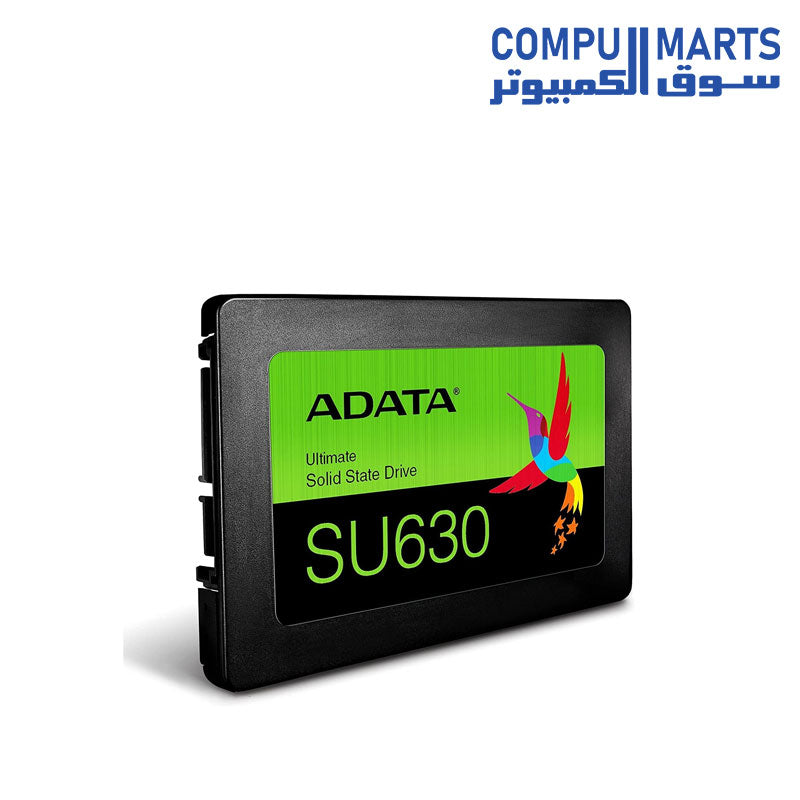
The ADATA Ultimate SU630 SSD is an affordable SATA drive best suited to everyday upgrades, not heavy workloads.
This ADATA Ultimate SU630 SSD review examines its speed, QLC NAND design, endurance, real-world value, and key limits. If you want to replace a slow hard drive, this drive can feel like a major upgrade. If you need sustained write speed for video work or large file transfers, its weaknesses matter more.
ADATA Ultimate SU630 SSD review: At a glance
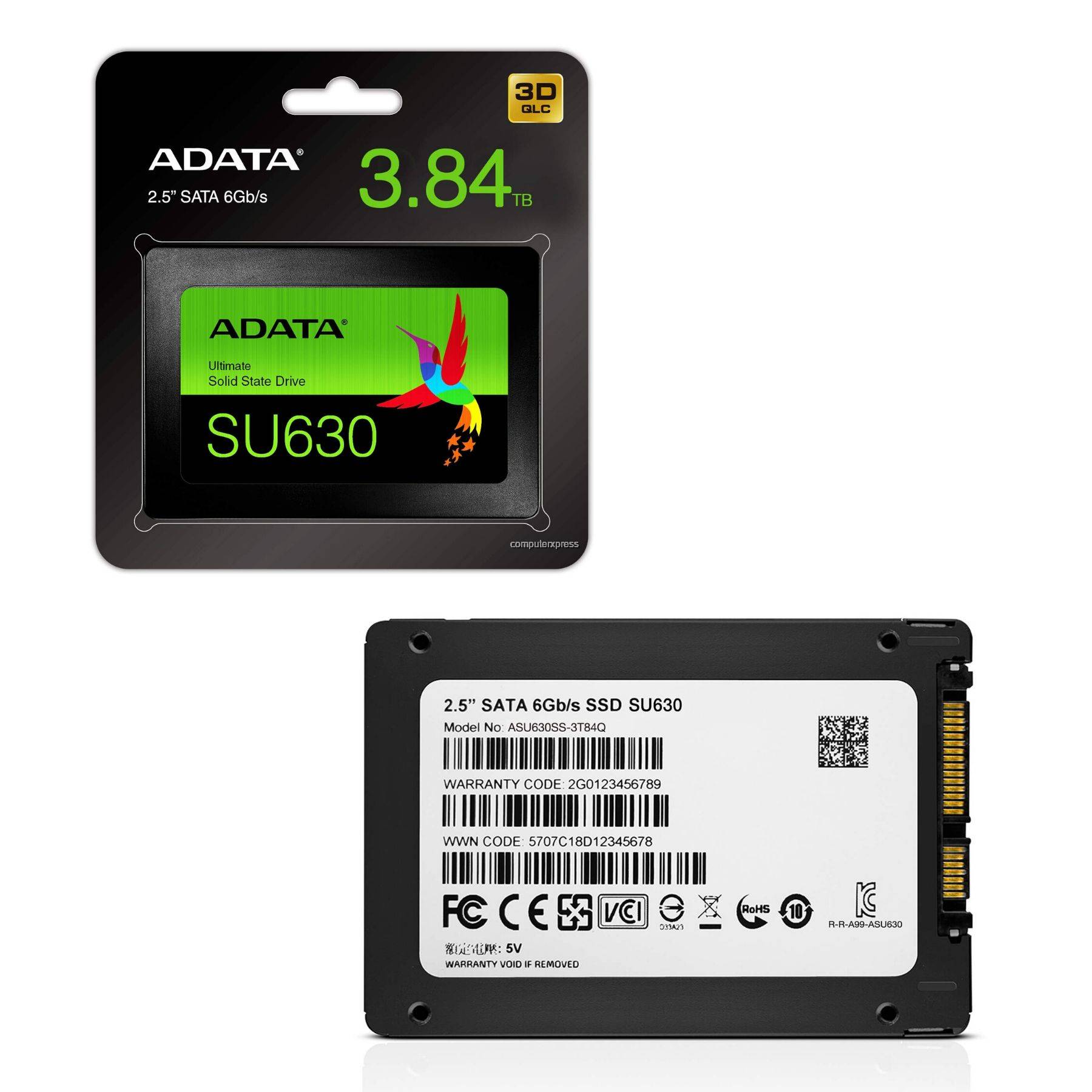
The ADATA Ultimate SU630 is a 2.5-inch SATA III solid-state drive. It uses 3D QLC NAND flash and targets users who want more storage at a lower price.
Here is the short version:
• Best for Windows upgrades, home PCs, office systems, and game storage
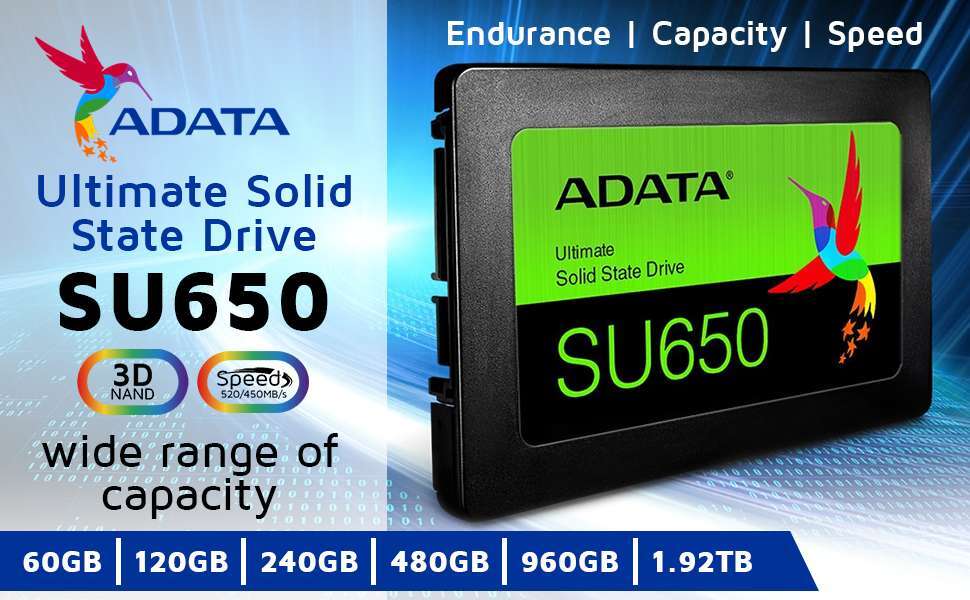
• Available capacities commonly include 240GB, 480GB, 960GB, and 1.92TB, depending on the market
• Rated sequential speeds reach about 520MB/s read and 450MB/s write on some models
• Uses a DRAMless design with SLC caching
• Includes a limited three-year warranty in many regions
• Offers lower endurance than many TLC-based SSDs
The ADATA Ultimate SU630 SSD is not a premium drive. It is a practical budget model. Its main appeal is simple: it gives an older computer the quick response of solid-state storage without a high price.

Design and hardware
The ADATA Ultimate SU630 comes in the familiar 2.5-inch, 7mm form factor. This size fits most desktop drive bays, laptops, mini PCs, and external SATA enclosures.
Its SATA III interface has a theoretical limit of 6Gbps. In practice, SATA SSDs usually reach around 500 to 560MB/s because of interface overhead. That means the SU630 cannot compete with modern PCIe NVMe drives, but it can still make a hard drive feel dramatically slow by comparison.
The drive uses:
• 3D QLC NAND flash
• A SATA 6Gbps interface
• A DRAMless controller design
• SLC cache technology for short bursts
The lack of dedicated DRAM helps ADATA reduce cost. However, it also affects sustained performance and some small-file workloads. The controller must rely on other methods to track data locations, which can increase latency during demanding tasks.
What QLC NAND means
QLC stores four bits of data in each memory cell. This increases storage density and helps reduce the cost per gigabyte. The trade-off is lower write endurance and slower sustained performance than TLC NAND.
A useful analogy is a small delivery truck. It moves quickly when carrying a light load across a short route. Once the route becomes long and the load becomes heavy, it needs more time. The SU630 behaves in much the same way when its cache fills.

Performance testing and real-world speed
The ADATA Ultimate SU630 SSD can approach the practical limit of a SATA interface during short sequential transfers. Manufacturers often list speeds of up to about 520MB/s for reads and 450MB/s for writes, but results vary by capacity, firmware, test software, and system setup.
In daily use, you can expect:
• Faster Windows boot times than with a hard disk
• Quicker application launches
• More responsive file browsing
• Faster game loading in many cases
• Better multitasking than a mechanical drive
The biggest improvement appears when replacing a hard disk. Moving from a hard drive to the ADATA Ultimate SU630 SSD can make an older computer feel fresh again. The difference is clear when opening a browser, launching office software, or waking the system from sleep.
Small files and random access
Sequential speed gets most of the marketing attention. Random performance often matters more for operating systems. Windows constantly reads and writes small files, such as system libraries, browser data, logs, and application settings.
The SU630 is much faster than a hard drive in this area. Still, it may trail a good TLC SATA SSD, especially during mixed workloads. A DRAMless design can also show higher latency when many small tasks run at once.
SLC cache behavior
The drive uses part of its QLC NAND as a faster SLC cache. Small file transfers and short bursts can therefore look quite fast. When the cache fills, write speed may fall sharply.
In a practical test, copying a few gigabytes of photos may feel quick. Copying a very large video archive or a full backup can expose the slower direct-to-QLC write speed. This is one of the most important points in any ADATA Ultimate SU630 SSD review.
Capacity options and endurance
Capacity affects both usable space and performance. Larger versions often have more NAND channels available, so they may perform better than the smallest model. Exact specifications can change by capacity and region.
Typical rated endurance figures are often listed near these levels:
• 240GB: about 50TB written
• 480GB: about 100TB written
• 960GB: about 200TB written
• 1.92TB: about 400TB written
These figures are commonly called TBW, or terabytes written. TBW is a warranty endurance rating, not a precise failure date. A drive can work beyond its rating, while unusual heat, power problems, or manufacturing faults can cause earlier failure.
For normal home use, these ratings may be adequate. Web browsing, office work, media playback, and casual gaming do not usually create extreme write loads.
The ADATA Ultimate SU630 SSD is less suitable for:
• Daily 4K video editing
• Large database operations
• Heavy virtual machine use
• Professional scratch-disk workloads
• Constant security camera recording
• Frequent full-drive rewriting
Choosing a larger capacity can help. It leaves more free space for wear leveling and reduces the chance of filling the drive completely. Try to keep at least 10% to 20% of the drive free when possible.

Gaming performance
The ADATA Ultimate SU630 SSD can work well as a gaming drive. It reduces loading times compared with a hard disk and makes game installation and patching feel less painful.
However, it will not provide the same loading performance as a PCIe 4.0 NVMe SSD. The difference between a SATA SSD and an NVMe SSD is often smaller than the difference between either SSD and a hard drive, but newer games can still benefit from faster storage.
The drive is a good fit for:
• Older game libraries
• Budget gaming PCs
• Consoles or systems that support 2.5-inch SATA storage
• Secondary game storage
• Computers without an M.2 slot
Game performance itself usually depends more on the processor and graphics card. An SSD mainly improves loading, texture streaming, and general system response. It does not normally increase average frame rates.

Power use, heat, and reliability
SATA SSDs generally use less power than mechanical hard drives. They also have no moving parts, so they produce less noise and handle vibration better.
The ADATA Ultimate SU630 SSD normally does not need a large heatsink. In a well-ventilated desktop or laptop, temperatures should remain manageable. Still, heavy transfers can raise drive temperature, and thermal conditions can affect performance.
For reliable operation:
• Install the drive firmly
• Use a good SATA data cable
• Connect it to a stable power supply
• Keep firmware updated when a verified update is available
• Avoid filling the drive to its maximum capacity
• Enable TRIM through the operating system
• Keep important files backed up
No SSD should be treated as a backup. Flash storage can fail without much warning, and data recovery may be difficult or expensive.
Software and useful features
ADATA commonly provides SSD monitoring and maintenance software for compatible drives. The exact feature set can vary by product revision and software version.
Useful tools may show:
• Drive health
• Temperature
• Total data written
• Available firmware updates
• Remaining life estimates
• Secure erase options
Windows usually manages TRIM automatically. TRIM helps the SSD prepare unused blocks for future writes. You can check TRIM status in Windows with an administrator Command Prompt, although most users do not need to adjust it manually.
Health estimates are helpful but not perfect. They are based on internal counters and algorithms. Treat them as an early warning, not a guarantee.
Installation guide
Installing the ADATA Ultimate SU630 is straightforward in most desktops and laptops.
Before installation
Back up important files before opening the system. You will also need a compatible SATA data cable for many desktop installations. A laptop may require a 2.5-inch drive caddy or a suitable mounting bracket.
Installation steps
-
Shut down the computer and disconnect its power.
-
Install the SSD in the 2.5-inch bay.
-
Connect the SATA data cable and SATA power cable.
-
Start the computer and open the BIOS or UEFI menu.
-
Confirm that the system detects the drive.
-
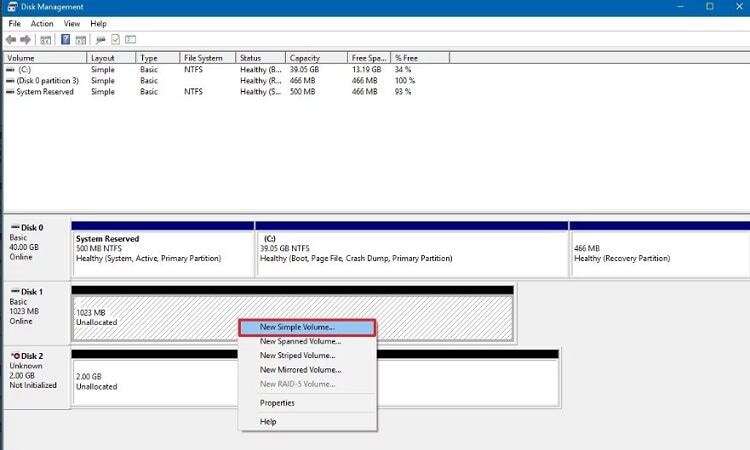
Initialize and format the drive in Windows Disk Management if it is new.
-
Clone the old drive or perform a clean operating system installation.
-
Check that TRIM is enabled after setup.
Cloning is convenient, but a clean installation can remove years of software clutter. If the old system has malware, errors, or unwanted programs, starting fresh may give better results.
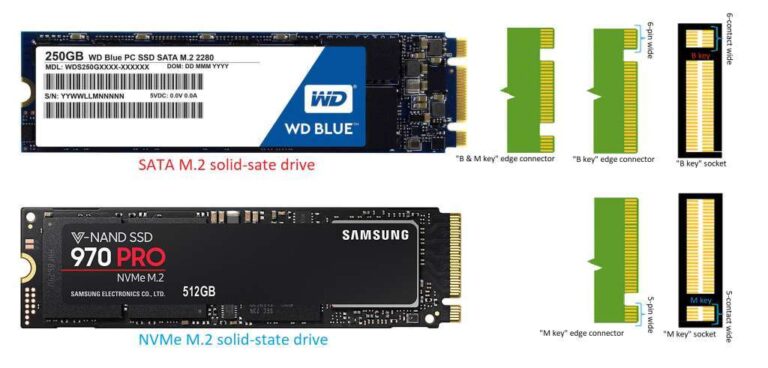
A common mistake is buying a 2.5-inch SATA SSD for a laptop that uses only an M.2 drive. Check the computer manual before ordering. Also confirm the thickness requirement, since some older laptops need a specific bracket.
ADATA Ultimate SU630 SSD vs TLC SATA SSD
The most important comparison is not SATA versus SATA. It is QLC versus TLC.
TLC stores three bits per cell. QLC stores four. QLC usually costs less, while TLC generally offers better write endurance and more stable performance during long transfers.
Choose the ADATA Ultimate SU630 if:
• Price per gigabyte is your main concern
• You are upgrading from a hard drive
• Your workload is light or moderate
• You want a large secondary storage drive
• Your computer has no NVMe support
Choose a TLC SATA SSD if:
• You regularly write large files
• You want stronger sustained performance
• You plan to keep the drive for many years under heavy use
• The price difference is small
• You use virtual machines or professional applications
A budget QLC drive is not automatically poor. It is simply designed for a different workload. Buying the right drive means matching the storage technology to your habits.
Main advantages and disadvantages
A clear ADATA Ultimate SU630 SSD review should show both sides.
Advantages
• Affordable price
• Easy 2.5-inch installation
• Large capacity options
• Much faster than a hard drive
• Low noise and low power use
• Suitable for everyday computing
• Useful for older desktops and laptops
Disadvantages
• QLC NAND has lower endurance than TLC
• Write speed can drop after the SLC cache fills
• DRAMless design can affect demanding workloads
• SATA limits maximum performance
• Warranty and specifications may vary by region
• Small capacities may offer weaker performance
The SU630 makes the most sense when its low price is clearly below a comparable TLC model. If the price gap is tiny, the TLC drive may offer better long-term value.
Who should buy the ADATA Ultimate SU630?
The ADATA Ultimate SU630 SSD is a strong budget choice for a family PC, school laptop, office workstation, or older desktop. It can also serve as a secondary drive for games, documents, and media.
It is especially useful when replacing a hard disk. The system will boot faster, programs will open sooner, and the computer will feel less sluggish during basic work.
You may want another drive if you:
• Edit high-resolution video every day
• Move hundreds of gigabytes at a time
• Run several virtual machines
• Need strong write endurance
• Want the fastest possible game and application loading
• Have a motherboard with a free NVMe M.2 slot
For a simple home upgrade, the ADATA Ultimate SU630 SSD offers a sensible balance of price and speed. For professional work, spend more on a TLC SATA drive or NVMe model.
Buying advice and mistakes to avoid
Prices change often, so compare the SU630 with current TLC SATA models before buying. Do not assume that a larger capacity always means the same performance or endurance. Check the exact model number and capacity listed by the retailer.
Look for these details:
• Genuine ADATA packaging and serial information
• The correct 2.5-inch SATA form factor
• A return policy from a trusted seller
• A warranty that applies in your country
• Current product specifications for the chosen capacity
• Enough free space for your planned files
Avoid buying a drive based only on its advertised sequential speed. Ask how you will use it. A drive that performs well for short transfers may slow down during long writes, especially when the cache is full.
My practical rule is simple: use the SU630 for operating systems, documents, light games, and general storage. Keep a separate backup, and do not make it the only place where valuable photos or work files live.
Is the ADATA Ultimate SU630 worth it?
The ADATA Ultimate SU630 is worth considering when it is priced as a budget SSD and used for the right job. It offers a major improvement over hard drives and can extend the useful life of an older computer.
Its QLC NAND, limited endurance, and cache-related write drops make it less attractive for heavy workloads. The drive is best understood as an affordable everyday tool, not a high-performance workstation product.
The final buying decision depends on three points:
-
Compare its price with TLC SATA alternatives.
-
Match its endurance to your expected write volume.
-
Choose the right capacity and keep free space available.
Frequently Asked Questions about the ADATA Ultimate SU630 SSD
Is the ADATA Ultimate SU630 SSD good for everyday use?
Yes. It is suitable for web browsing, office work, streaming, light gaming, and normal Windows use. It delivers a large improvement over a mechanical hard drive.
Is the ADATA Ultimate SU630 an NVMe SSD?
No. The ADATA Ultimate SU630 is a 2.5-inch SATA III SSD. It is slower than PCIe NVMe storage but works with many older laptops and desktops.
Does the ADATA Ultimate SU630 use DRAM?
The SU630 is generally described as a DRAMless SSD. It uses controller-based methods and SLC caching instead of dedicated DRAM, which helps reduce cost but can affect heavy workloads.
Is the ADATA Ultimate SU630 good for gaming?
It is good for storing and loading games, especially compared with a hard drive. It may load some games more slowly than an NVMe SSD, but it normally does not reduce gaming frame rates.
How long will the ADATA Ultimate SU630 last?
Its expected endurance depends on capacity, workload, temperature, and usage. Published TBW ratings provide a useful guide, but regular backups remain essential because no storage drive is guaranteed to last forever.
Can the ADATA Ultimate SU630 be used in a laptop?
Yes, if the laptop accepts a 2.5-inch, 7mm SATA drive. Check the laptop manual and confirm that the system does not require an M.2-only drive.
Should you buy the SU630 or a TLC SSD?
Choose the SU630 when it is much cheaper and your workload is light. A TLC SSD is usually the better choice when you need stronger sustained writes, higher endurance, or long-term heavy use.
Conclusion
The ADATA Ultimate SU630 SSD is a practical, low-cost upgrade for computers still using hard drives. Its SATA interface, QLC NAND, DRAMless design, and SLC cache make it well suited to everyday tasks, casual gaming, and secondary storage.
It is not the best option for constant large-file transfers, professional editing, or demanding workstation use. Before buying, compare its current price with TLC SATA drives, check the exact capacity specifications, and plan a reliable backup system.
Choose the drive based on your real workload rather than a speed label. If the SU630 fits your needs, it can give an aging computer a new lease on life. Share your experience with the ADATA Ultimate SU630 SSD or explore more storage guides before making your final choice.