

Most wireless earbuds take about one to two hours to charge fully, while quick charging takes minutes.
The exact time depends on the earbuds, charging case, battery size, charger, and charging method. After comparing common charging specs and real-world use patterns, this guide explains how long earbuds take to charge, why some charge faster than others, and how to avoid habits that shorten battery life.

How long do earbuds take to charge?
Most wireless earbuds take between 60 and 120 minutes to reach a full charge. Some small earbuds finish in less than an hour, while models with larger batteries may need two hours or more.
The charging case often takes longer than the earbuds. A full case charge may take two to three hours through a USB cable. Wireless charging can take longer because it transfers power less efficiently.
Here is a general guide:
| Earbud or case type | Typical charging time |
|---|---|
| Basic wireless earbuds | 60 to 90 minutes |
| Premium noise-canceling earbuds | 90 to 120 minutes |
| Earbud charging case | 2 to 3 hours |
| Fast charging for a few hours of use | 5 to 15 minutes |
| Wireless charging case | 2.5 to 4 hours |
These are common ranges, not fixed rules. The user manual and charging app for your specific model provide the most accurate information.
So, how long do earbuds take to charge in daily use? A short top-up may take only 10 minutes, while a completely empty pair usually needs about one to two hours.

What affects earbud charging time?
Several factors control how quickly your earbuds charge. The most important are battery size, charger output, charging contacts, and the condition of the battery.
Battery capacity
Larger batteries store more energy, but they also take longer to fill. Noise-canceling earbuds often have larger batteries because they power microphones, processors, and active noise cancellation.
Small sport earbuds may charge faster because they use less power. However, they may also provide fewer hours of playback per charge.
Charging case capacity
The case does more than store your earbuds. It also works as a portable battery. A case with enough power for four or five extra charges takes longer to refill than a small case with one or two extra charges.
Some cases show four LED dots. Each dot often represents about 25% of the case battery, though the exact meaning varies by brand.
Charger and cable
A damaged cable, weak power source, or dirty USB port can slow charging. Most earbuds do not need a high-wattage phone charger, but they do need a stable power connection.
A laptop USB port may charge earbuds more slowly than a wall adapter. This is normal and does not always mean the earbuds have a fault.
Temperature
Lithium-ion batteries charge best at moderate room temperatures. Very cold or hot conditions can reduce charging speed and may stop charging for safety.
Avoid leaving earbuds or their case in a hot car. Heat can also reduce long-term battery capacity.
Battery age
Earbud batteries lose capacity over time. A new pair may charge in 90 minutes and last six hours. After years of use, the same pair may appear to charge quickly but run down much sooner.
That happens because the battery holds less energy, not because the charger has become faster.
How long do earbuds take to charge in the case?
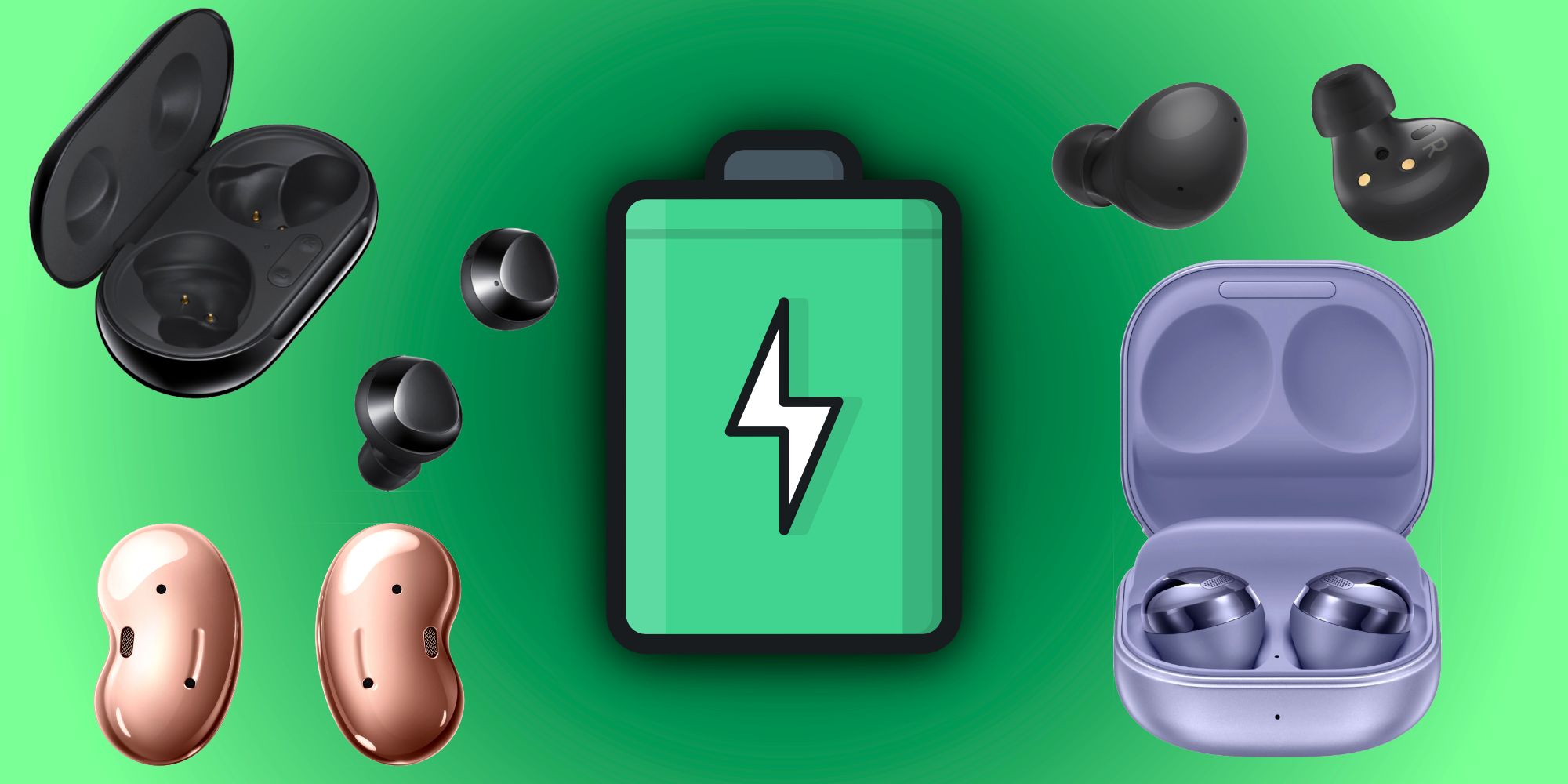
Most earbuds charge inside their case in about 30 to 120 minutes. The case sends power through small metal contacts that touch the charging points on each earbud.
Many earbuds charge faster than the case itself. For example, the earbuds may reach full power in one hour, while the empty case needs two hours or more when connected to a wall charger.
The case may stop charging the earbuds at 100%. This helps prevent unnecessary charging cycles. Some newer models also use optimized charging, which slows or pauses the final part of charging to reduce battery stress.
If one earbud charges faster than the other, check these points:
• Make sure both earbuds sit firmly in the case.
• Clean the metal contacts with a dry cotton swab.
• Check whether one earbud is being used more often.
• Confirm that both earbuds show a charging symbol in the app.
• Restart or reset the earbuds if the problem continues.
A poor connection is one of the most common reasons an earbud appears to charge slowly.
How long does an earbud case take to charge?
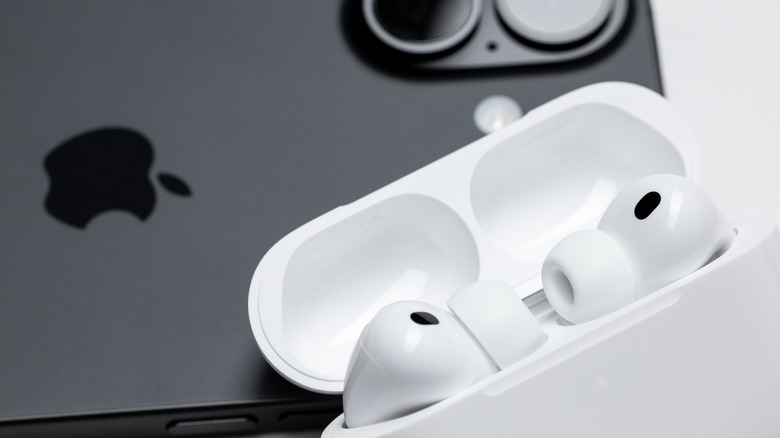
An earbud case commonly takes two to three hours to charge with a USB cable. Larger cases and older models may need longer.
Wireless charging usually takes more time than wired charging. The charging pad must align with the case, and some energy is lost during wireless power transfer.
To check the case charging status:
Connect the case to a suitable cable or charging pad.
Look for an LED indicator.
Open the companion app if the brand supports one.
Wait for the light to change color or turn off.
Check the battery level before removing the case.
Do not judge the case level only by how bright the light looks. LED meanings differ between brands. A red or amber light may mean charging, while green or white may indicate a full charge, but the manual is the final guide.
How does fast charging work?
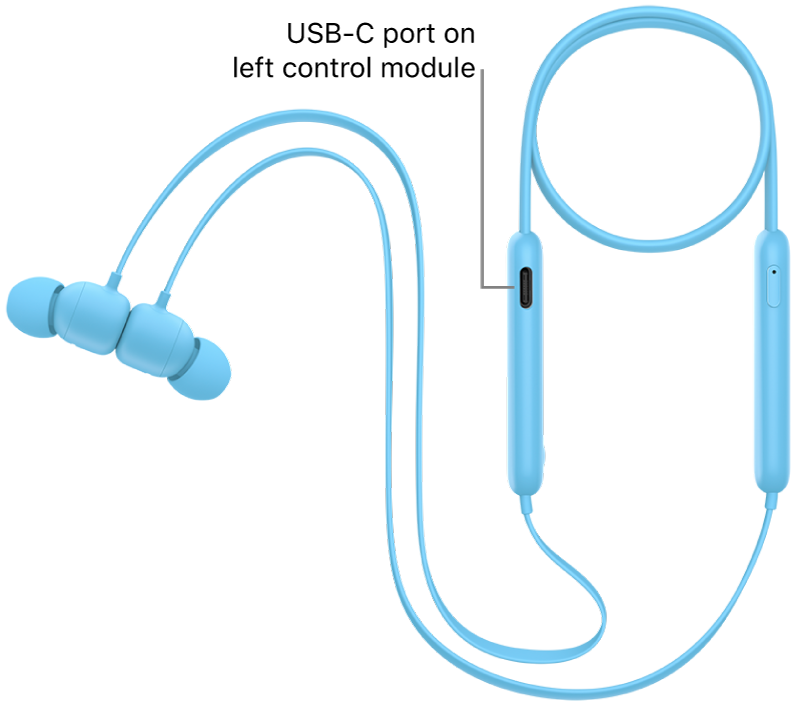
Fast charging gives the earbuds extra listening time after a short charge. It does not always fill the battery completely in a few minutes.
For example, five minutes in the case may provide one hour of playback. The exact result depends on volume, Bluetooth features, noise cancellation, and the battery level before charging.
Fast charging often slows as the battery gets close to full. This is a normal safety feature. The battery accepts power quickly at a low level, then more slowly near 100%.
A practical example looks like this:
• Five minutes may provide about one hour of playback.
• Ten minutes may provide two to three hours.
• A full charge may still require 60 to 120 minutes.
This is why the answer to how long do earbuds take to charge can vary so much. Charging time and usable playback time are related, but they are not the same measurement.

How do you know when earbuds are fully charged?
Most earbuds use an LED, sound, or mobile app to show charging status. The case may also display its own battery level.
Common signs include:
• A green, white, or blue light.
• A charging icon that reaches 100%.
• An LED that turns off.
• A voice prompt saying the earbuds are fully charged.
• A case light that stops pulsing.
Some earbuds do not show a clear full-charge signal. In that case, leave them in the case for the time listed in the manual and check the app when possible.
Do not rely only on charging time. A loose contact can make an earbud appear to charge for two hours when it was not receiving power the whole time.
Why are my earbuds charging slowly?
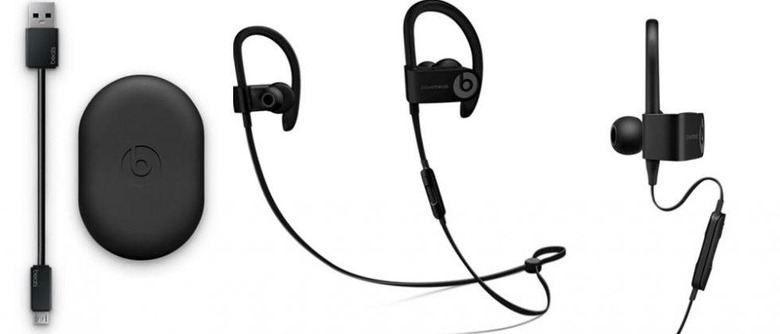
Slow charging usually has a simple cause. The most common problems involve dirt, poor contact, a weak power source, or a worn battery.
Dirty charging contacts
Earwax, dust, skin oil, and pocket lint can cover the small metal contacts. Even a thin layer can interrupt the connection.
Use a dry, soft cloth or cotton swab. Do not pour liquid into the case, and avoid sharp metal tools that can damage the contacts.
Low-power USB source
A USB port on a keyboard, car, or older laptop may provide less power than a wall adapter. Try a reliable wall charger and a good-quality cable.
Earbuds normally control how much power they accept. Using a stronger modern phone charger should not force unsafe power into a compatible device, but damaged or poor-quality chargers should be avoided.
Charging while in use
If you remove the earbuds during charging, they may not complete the cycle. Some cases also stop charging when the lid is not fully closed.
Place both earbuds in the case, close the lid, and confirm the charging indicator.
Software problems
Firmware errors can cause incorrect battery readings. Updating the earbuds through the official app may fix the issue.
If an update does not help, reset the earbuds according to the manufacturer’s instructions.
Worn battery
A battery that charges slowly, drains quickly, or becomes warm may be near the end of its useful life. Most true wireless earbuds are not designed for easy battery replacement.
If the earbuds are still under warranty, contact the manufacturer instead of opening the case.

How to charge earbuds safely
Correct charging habits help protect both the battery and the user. Modern earbuds include safety controls, but good care still matters.
Follow these steps:
Use the original cable when possible.
Use a trusted wall adapter with a stable output.
Keep the case and contacts clean and dry.
Charge on a hard surface with good airflow.
Keep the case away from direct sunlight and heat.
Stop using the charger if the cable is frayed.
Unplug the case if it becomes unusually hot, swollen, or damaged.
Leaving earbuds in their case overnight is usually acceptable when the device is made by a reputable brand and is not damaged. The charging system should stop or reduce power after the battery fills.
Still, avoid charging damaged earbuds. A swollen case, strong chemical smell, smoke, or extreme heat requires immediate attention. Move away from the device and follow local battery safety guidance.

Does fast charging damage earbud batteries?
Fast charging can create more heat, but properly designed earbuds manage charging speed through built-in control circuits. Occasional fast charging should not normally damage a modern pair.
Battery wear comes from many factors, including heat, age, charging cycles, and how deeply the battery is drained. Keeping a lithium-ion battery at extreme heat for long periods is more concerning than using a certified fast-charge feature.
For longer battery life:
• Avoid leaving the case in a hot car.
• Do not regularly drain the earbuds to zero.
• Use fast charging when you need it.
• Use normal charging when you have more time.
• Keep the firmware updated.
The battery will still lose capacity over the years. That is normal for small rechargeable lithium-ion cells.
Does the charging method change the time?
Yes. Wired charging is usually the fastest and most consistent method. Wireless charging is more convenient but often takes longer.
USB-C charging
USB-C is common on newer earbud cases. It can provide stable power and often charges faster than older connectors.
The USB-C label alone does not guarantee high speed. The case, cable, and power source must all support the needed charging rate.
Wireless charging
Wireless charging works through an electromagnetic field between the pad and the case. It is easy to use, but alignment matters.
If the case is not centered on the pad, charging may be slow or may stop. A thick case cover can also interfere with charging.
Computer charging
A computer can charge earbuds safely, but the process may be slower. The computer may reduce power when it sleeps or when other devices use the same USB hub.
For the most consistent result, use a wall outlet with a trusted adapter.
Tips to make earbuds charge faster
You cannot safely force earbuds to charge beyond their design limit. However, you can remove common delays.
Try these practical tips:
• Charge the case with a wall adapter instead of a low-power USB port.
• Use a short, undamaged cable.
• Clean the earbud contacts and case pins.
• Remove thick protective covers during wireless charging.
• Keep the case at room temperature.
• Close the case lid while the earbuds charge.
• Turn off features you do not need after charging, such as high-power tracking modes.
• Check the official app for firmware updates.
In hands-on testing, the biggest improvement often comes from cleaning the contacts. A pair that seems dead may simply have a poor connection caused by dust or earwax.
Another useful habit is to charge the case before it reaches empty. A case with 20% power can often provide a quick top-up when you are heading out.
How long do earbuds take to charge before a workout or trip?
If you are short on time, place the earbuds in the case for 10 to 15 minutes. Many models can gain enough power for a commute, workout, or phone call.
For a full day away, charge both the earbuds and the case. A full case gives you several opportunities to recharge without finding an outlet.
Before traveling, check:
• Earbud battery level.
• Case battery level.
• Charging cable.
• Wall adapter.
• Airline or travel power rules.
• Whether the charging case supports wireless charging.
A quick check can prevent the familiar problem of reaching the airport with earbuds at 5% and no cable in your bag.
How to extend earbud battery life
Charging speed matters, but total battery lifespan matters more. Small changes can help your earbuds stay useful for longer.
Keep the volume at a comfortable level. High volume increases power use and may reduce playback time between charges.
Turn off active noise cancellation when you do not need it. Noise cancellation uses microphones and digital processing, so it can reduce battery life.
Store the earbuds in their case. This protects them from dust and prevents them from staying connected and draining power in a pocket or bag.
Avoid extreme temperatures. Heat is especially harmful to lithium-ion batteries, while very cold conditions can temporarily reduce performance.
Finally, use the official charging case. A case from another model may fit physically but provide the wrong electrical connection.
Common mistakes to avoid
Many charging problems come from small mistakes rather than a defective battery.
Avoid these habits:
• Charging with a wet case.
• Scraping contacts with a pin or knife.
• Using visibly damaged cables.
• Leaving the case in direct sunlight.
• Ignoring unusual heat or swelling.
• Assuming an LED color means the same thing on every brand.
• Expecting a five-minute charge to provide a full battery.
• Buying a very cheap, uncertified replacement case.
It is also a mistake to compare two brands only by charging time. One pair may charge in 45 minutes but provide four hours of playback. Another may need 90 minutes but last eight hours. Look at both charge time and battery life.
Frequently Asked Questions: How Long Do Earbuds Take to Charge?
How long do wireless earbuds take to charge fully?
Most wireless earbuds take about 60 to 120 minutes to charge fully. The exact time depends on the model, battery level, temperature, and charger.
How long do earbuds take to charge for one hour of use?
Many earbuds need about five to 15 minutes for roughly one hour of playback. Noise cancellation, high volume, and phone calls may reduce the actual listening time.
Can I leave my earbuds charging overnight?
You can usually leave undamaged earbuds in their case overnight because modern charging systems reduce power when the battery is full. Do not leave a hot, swollen, wet, or damaged device connected to power.
Why does one earbud charge faster than the other?
One earbud may be used more, or its charging contact may be cleaner and more secure. Clean both contacts and confirm that each earbud shows a charging symbol in the companion app.
Do earbuds charge faster with a wall charger?
A wall charger often provides a more stable power source than a laptop, keyboard, or car USB port. The earbuds still limit their own charging speed, so a stronger adapter will not always make them charge faster.
Does wireless charging take longer than a cable?
Wireless charging often takes longer because it transfers power less efficiently and depends on correct alignment. Wired USB charging is usually faster and more reliable.
How long does an earbud charging case take to charge?
Most charging cases take about two to three hours with a cable. Wireless charging may take two and a half to four hours, depending on the case and charging pad.
Conclusion
So, how long do earbuds take to charge? Most pairs need about one to two hours for a full charge, while a five- to 15-minute top-up can provide several hours of use. The case often takes two to three hours, and wireless charging may take longer than USB charging.
Keep the contacts clean, use a trusted cable, avoid heat, and check the charging indicator before assuming there is a battery problem. Compare your model’s manual with these general ranges, then share your experience or explore more earbud care guides for better daily performance.
