

Yes, a 500GB SSD is enough for gaming if you manage your game library carefully.
For many PC gamers, a 500GB SSD offers fast loading, smooth system performance, and enough room for several favorite games. However, modern games can be very large, so the real answer depends on your operating system, game sizes, download habits, and tolerance for uninstalling older titles.
Is a 500GB SSD enough for gaming?
For most casual and budget-conscious gamers, a 500GB SSD is enough for gaming. It can hold Windows, essential apps, and several large games while keeping load times far better than a traditional hard drive.
The main issue is usable space. A drive sold as 500GB usually provides about 465GB of usable capacity after formatting. Windows, updates, recovery files, drivers, and applications can use another 50GB to 100GB over time.
That leaves roughly 350GB to 400GB for games on a fresh gaming PC. This is still useful, but it is not a huge amount of space when some modern games require 100GB or more.

How much usable space does a 500GB SSD provide?
Storage manufacturers use decimal measurements, while operating systems often display capacity differently. Because of this, a 500GB SSD usually appears as about 465GB in Windows.
You should also avoid filling an SSD to its maximum capacity. Keeping around 10% to 20% free space can help maintain performance and give the drive room for temporary files, updates, and background maintenance.
A realistic storage plan may look like this:
• 465GB: Approximate capacity shown by the operating system
• 60GB to 100GB: Windows, drivers, apps, and system files
• 40GB to 80GB: Free space reserved for updates and SSD health
• 285GB to 365GB: Practical space for games and personal files
This means a 500GB SSD is enough for gaming, but you should not treat the full advertised capacity as game storage.

How many games can a 500GB SSD hold?
The number of games depends on the type of games you play. Indie games may use less than 5GB, while major open-world games can take more than 100GB after patches and downloadable content.
Here is a rough example:
• Five large games at 60GB each: 300GB
• Three large games at 100GB each: 300GB
• Ten smaller games at 20GB each: 200GB
• A mix of two large games and 10 smaller games: About 300GB to 400GB
Popular competitive games may also grow over time. Texture packs, seasonal content, and high-resolution assets can increase their size well beyond the original download.
If you mainly play one or two online games, a 500GB SSD is enough for gaming. It may even feel spacious. If you install every new release, you will likely need a second drive.
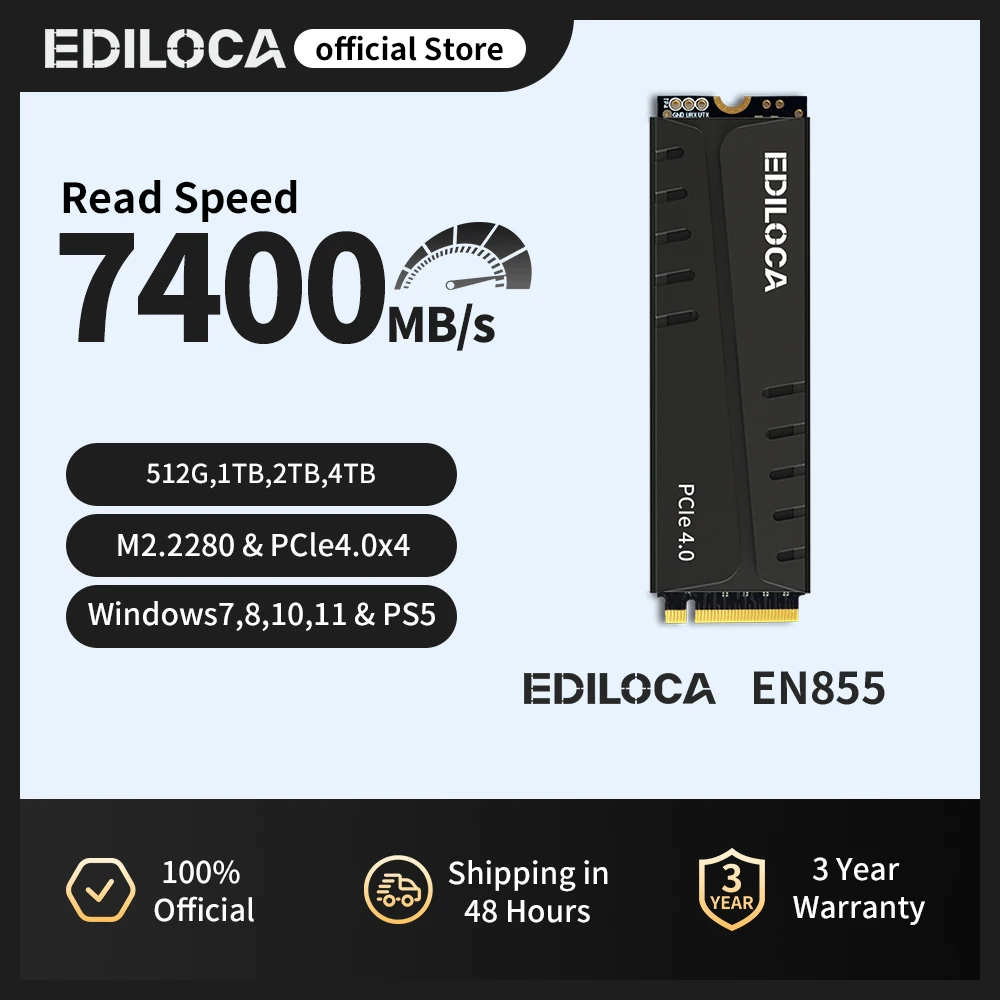
Why a 500GB SSD is good for gaming
An SSD does more than store your games. It improves the way your computer starts, loads levels, and handles files during play.
Faster game loading
Games installed on an SSD generally load much faster than games installed on a hard disk drive. The exact improvement depends on the game, CPU, and system design, but the difference is easy to notice.
An SSD can reduce long loading screens and help you return to the action sooner. Open-world games may also stream maps and textures more smoothly from fast storage.
Better system responsiveness
With Windows and your main games on the same SSD, your computer feels more responsive. Programs open faster, updates install more quickly, and file searches take less time.
This does not usually increase average frame rates. Your graphics card and processor control most in-game performance. The SSD mainly improves loading and general system speed.
Lower noise and power use
Unlike a hard drive, a solid-state drive has no spinning platters or moving read heads. It runs quietly and usually uses less power.
That makes a 500GB SSD a good choice for small gaming PCs, laptops, and compact builds where heat and noise matter.
Affordable upgrade path
A 500GB SSD is often cheaper than a 1TB or 2TB model. It can serve as a practical starting point, especially if your budget is also covering a graphics card, memory, or a new power supply.
You can later add a second SSD without replacing the first one, as long as your motherboard or laptop supports the required connection.

The main limits of a 500GB SSD for gaming
The biggest weakness is not speed. It is capacity.
Modern games have become much larger because they include detailed textures, large maps, voice files, cinematic content, and multiple language packs. A single game can consume a large share of your drive.
A 500GB SSD may feel limiting if you:
• Install several new AAA games at the same time
• Keep multiple games with large texture packs
• Store recordings, screenshots, and video clips
• Use the SSD for games, work files, and media
• Download games through several launchers
• Keep every game installed “just in case”
Game launchers also need temporary space during installation and updates. A game that takes 100GB may need extra free space while an update is unpacked and installed.
This is why a nearly full drive can create frustration. You may have enough space for the game itself but not enough room to update it.

Does SSD capacity affect gaming performance?
SSD capacity does not directly determine your frame rate. A 500GB SSD and a 2TB SSD with similar technology can deliver similar gaming performance.
The type of SSD matters more. SATA SSDs are much faster than hard drives, while NVMe SSDs use a faster PCIe connection. In many games, the difference between a SATA SSD and an NVMe SSD is smaller than the difference between either SSD and a hard drive.
Capacity can still affect performance indirectly. When an SSD becomes nearly full, it may have less room for temporary data and internal maintenance. Keeping free space available is a simple way to support consistent performance.
For most gaming systems, prioritize these factors:
Choose an SSD that fits your motherboard or laptop.
Check whether the drive uses SATA or NVMe.
Select a trusted model with a suitable warranty.
Keep at least 10% to 20% of the drive free.
Compare price per gigabyte before buying.

How to make a 500GB SSD enough for gaming
A few simple habits can make a small gaming drive work much better.
Install only the games you play
It is easy to collect games during sales and forget about them. Instead, keep your active games on the SSD and store less-used titles elsewhere.
Most launchers let you move games between drives. Steam, the Xbox app, Epic Games Launcher, and other platforms offer storage management tools, though the exact steps vary.
Use a second drive for older games
A secondary hard drive can store games that do not require fast loading. This is useful for older titles, smaller indie games, emulators, and personal files.
You can move a game back to the SSD when you plan to play it often. This approach gives you both speed and extra space.
Remove unused high-resolution packs
Some games install optional texture packs or language files. If you do not need them, removing them can save many gigabytes.
Check the settings or properties menu in your game launcher before deleting anything manually. Removing files from the installation folder may cause errors.
Keep recordings on another drive
Game clips and screenshots can quietly consume storage. A few high-quality recordings may take more space than several smaller games.
Set your recording software to save files on a secondary drive or external storage. Review and delete old clips on a regular schedule.
Watch free space before updates
Try to keep more space free than the game’s listed download size. Large updates may need room to download, unpack, and replace old files.
A good rule is to keep at least 50GB free when possible. You may need more for very large games.
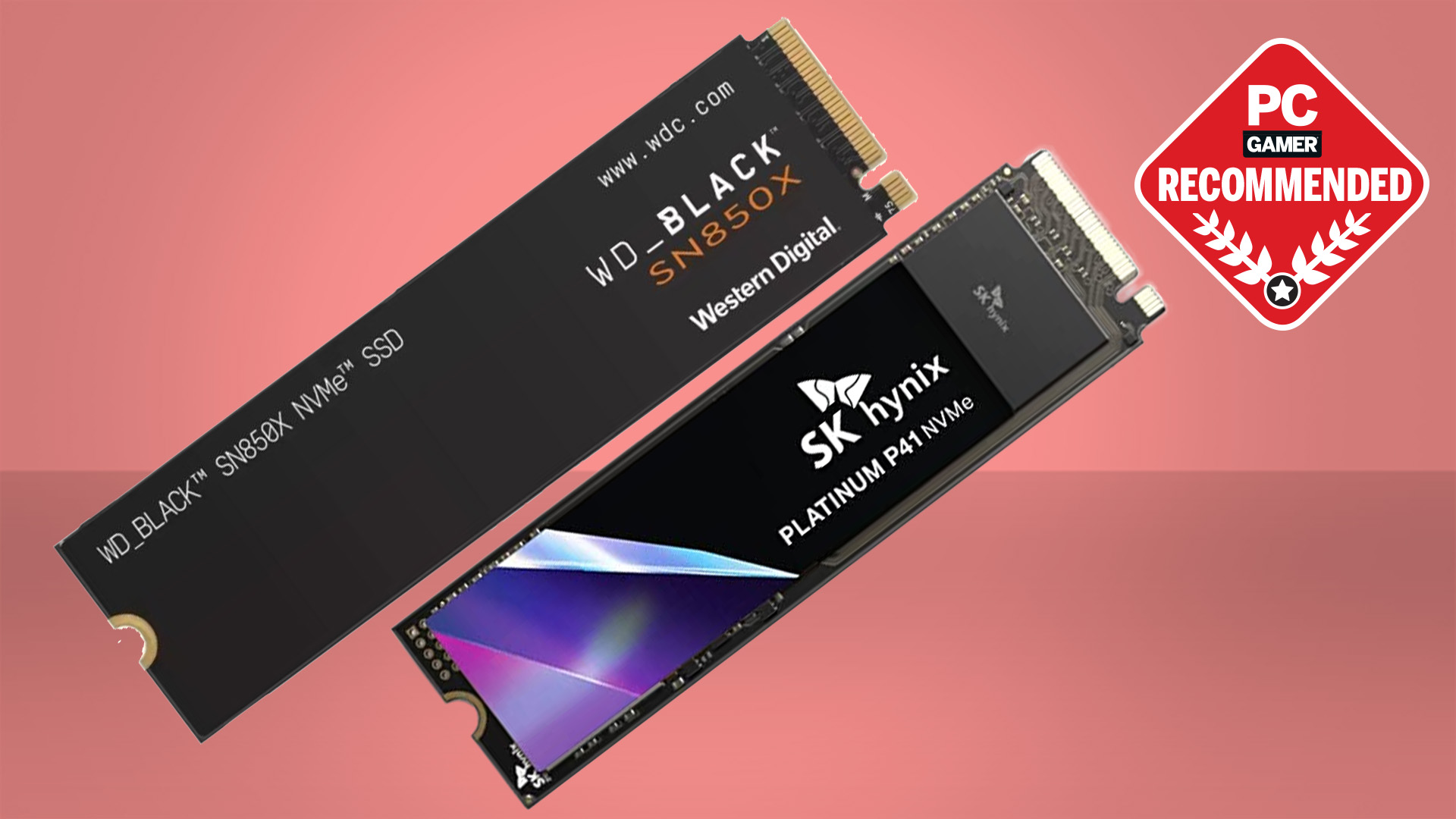
Is a 500GB SSD enough for gaming on a laptop?
A 500GB SSD is enough for gaming on a laptop if you play a small group of games and do not store many personal files on the internal drive.
Laptop upgrades can be more difficult than desktop upgrades. Some laptops have a replaceable M.2 SSD, while others use a soldered storage chip or have only one drive slot.
Before buying a laptop with 500GB of storage, check:
• Whether the SSD can be replaced
• Whether the laptop has a second M.2 or 2.5-inch drive bay
• The maximum supported drive capacity
• Whether opening the laptop affects the warranty
• How much storage Windows uses before you install games
If the storage cannot be upgraded, a 1TB model may offer better long-term value. External SSDs can help, but they may not provide the same convenience as internal storage.
Is a 500GB SSD enough for gaming on a console?
The answer depends on the console and the size of its operating system files. A 500GB drive may provide less usable storage than expected after system reservations.
On consoles, large first-party games can quickly fill the drive. Many players keep a small group of active games installed and archive the rest.
An external drive can help with storage management, but current-generation consoles may require games to run from a supported internal drive or an approved expansion card. Always check the console maker’s storage rules before buying an upgrade.
For console gaming, 1TB is often a more comfortable choice. Still, a 500GB SSD can work well if you mostly play a few games at a time.
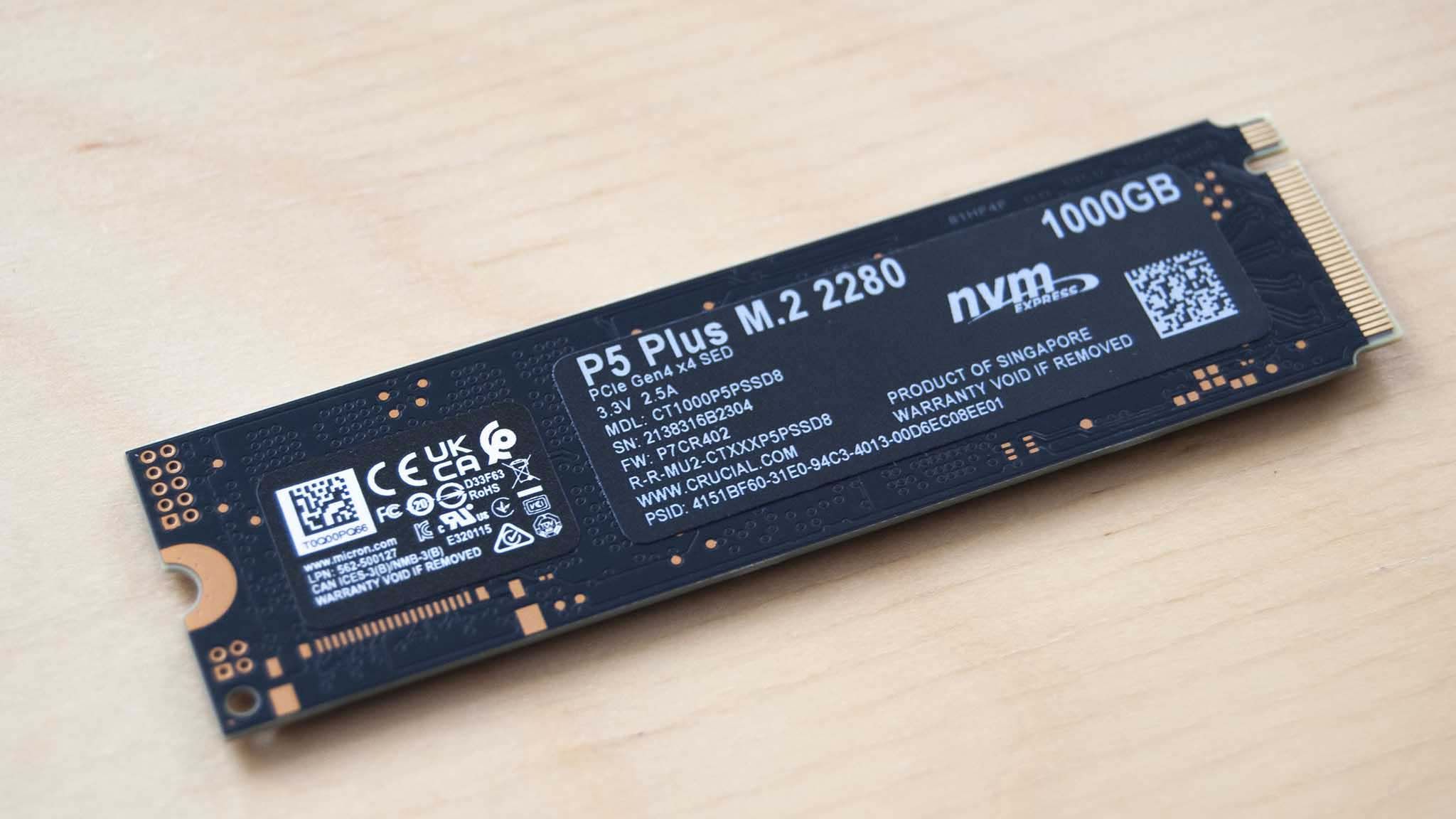
When should you buy a 1TB or 2TB SSD?
A 1TB SSD is a better choice if you want less storage management. It offers about twice the practical game space of a 500GB drive and gives updates more room to work.
Choose 2TB if you have a large library, download many new releases, or use the PC for game recording and media storage. The larger drive may also offer better value when the price per gigabyte is close to a smaller model.
A larger SSD makes the most sense when:
• You play several large games every month
• You dislike uninstalling and reinstalling games
• You store videos, music, and photos on the same PC
• You want room for future releases
• Your computer has only one storage slot
In builds I have reviewed, storage is one of the most common regrets after the purchase. Many gamers save money with a 500GB drive, then add another drive within a year because modern game installs keep growing.
Common mistakes to avoid with a 500GB gaming SSD
A small drive can work well, but poor storage habits can make it feel slow and stressful.
Avoid these mistakes:
• Filling the SSD until only a few gigabytes remain
• Installing Windows and every game on the same small partition
• Ignoring temporary files and old downloads
• Buying an incompatible M.2 drive
• Assuming SSD storage increases graphics performance
• Using a low-quality drive with poor endurance
• Forgetting that updates need extra working space
It is also wise to check the drive’s warranty and endurance rating. Terabytes written, often shown as TBW, estimate how much data the drive can handle over its warranty period. Gaming usually does not create extreme write workloads, but a reputable model is still the safer choice.
A practical storage plan for PC gamers
If you already own a 500GB SSD, you do not need to replace it right away. Use it as your main Windows and gaming drive, then add storage only when your habits require it.
A simple setup could look like this:
Install Windows and important applications on the 500GB SSD.
Keep your most-played games on that drive.
Store older games on a secondary SSD or hard drive.
Save recordings and large downloads somewhere else.
Keep at least 50GB free for updates when possible.
Review the drive every few weeks and remove unused files.
This setup gives you the speed benefits of an SSD without forcing every game to live on the fastest drive.
Frequently Asked Questions About Is 500GB SSD Enough for Gaming
Is 500GB SSD enough for gaming and Windows?
Yes, a 500GB SSD can hold Windows, common applications, and several games. After system files and free-space protection, expect roughly 285GB to 365GB for games and other personal data.
Is 500GB SSD enough for gaming in 2025?
A 500GB SSD remains enough for gaming if you play a limited number of titles at once. Gamers with many large AAA games will find a 1TB SSD more convenient.
Is 500GB SSD enough for gaming and streaming?
Yes, but save recorded video on another drive whenever possible. Streaming itself does not require much storage, while local recordings can consume dozens of gigabytes quickly.
Is 500GB SSD enough for gaming on a budget PC?
Yes, it is a sensible starting point for a budget gaming PC. It gives you fast loading and leaves more money for parts that affect frame rates, such as the graphics card.
Is 500GB SSD enough for gaming, or should I buy 1TB?
Buy 500GB if you play a few games and are comfortable managing storage. Choose 1TB if you want more freedom, keep many games installed, or plan to use the PC for files and media.
Does a 500GB SSD improve FPS?
Usually, no. An SSD mainly improves boot times, game loading, and system responsiveness, while the graphics card and processor have a much larger effect on frame rates.
Conclusion
A 500GB SSD is enough for gaming when you focus on a smaller active library and keep large files under control. It offers fast loading, quiet operation, and a strong upgrade over a hard drive, but its usable capacity is closer to 465GB before Windows and other files take space.
For casual gamers, esports players, and budget PC builders, 500GB can be a smart choice. For players who keep many large games installed, a 1TB or 2TB SSD will provide a smoother long-term experience. Check your current library, protect some free space, and choose the capacity that matches how you really play.
