How To Play Electric Guitar With Headphones: Easy Guide
You can play an electric guitar with headphones in a U.S. apartment, dorm, bedroom, or shared home without using a loud speaker. The key is simple: plug your guitar into a device that has a headphone output. That device may be a guitar amp with a headphone jack, a multi-effects unit, a headphone amp, or an audio interface connected to a computer or phone.
You cannot plug most headphones straight into a passive electric guitar. The guitar produces a very small instrument-level signal, while headphones need a stronger headphone-level signal.
Quick answer
Choose one of these setups:


- Guitar → practice amp with headphone output → headphones
- Guitar → multi-effects pedal or modeling unit → headphones
- Guitar → USB audio interface → computer or mobile device → headphones
- Guitar → dedicated headphone guitar amp → headphones
Use the headphone output on the device, not the guitar itself. Start with the volume low, then raise it slowly.

What you need before you start
Your basic setup needs four items:
- An electric guitar
- A standard 1/4-inch instrument cable
- A device that can drive headphones
- Headphones with the correct plug or adapter
Your guitar
Most standard electric guitars work with all four setups. A guitar with passive pickups does not need a battery. An active guitar may need a fresh battery for its preamp to work.
If your guitar uses active pickups and produces no sound, check the battery first. Many active systems turn on when you insert a cable into the guitar’s output jack.
Your headphones
Many guitar devices use a 1/4-inch headphone jack. Most consumer headphones use a 3.5 mm plug.
A simple 3.5 mm-to-1/4-inch adapter can solve this. Use a stereo adapter made for headphones. Do not force a plug into a jack that does not match it.
Headphones with a closed-back design can reduce sound leaking into the room. Open-back headphones may sound more spacious, but people nearby may hear some of your guitar.
Your output device
The output device shapes and powers the sound. A guitar signal by itself usually sounds thin through a normal headphone system because electric guitars need amplification and speaker-style filtering.
A useful device must provide at least one of these:


- Guitar amplification
- Amp and speaker simulation
- Headphone amplification
- Audio interface monitoring
- A compatible guitar app
Method 1: Use a practice amp with a headphone jack
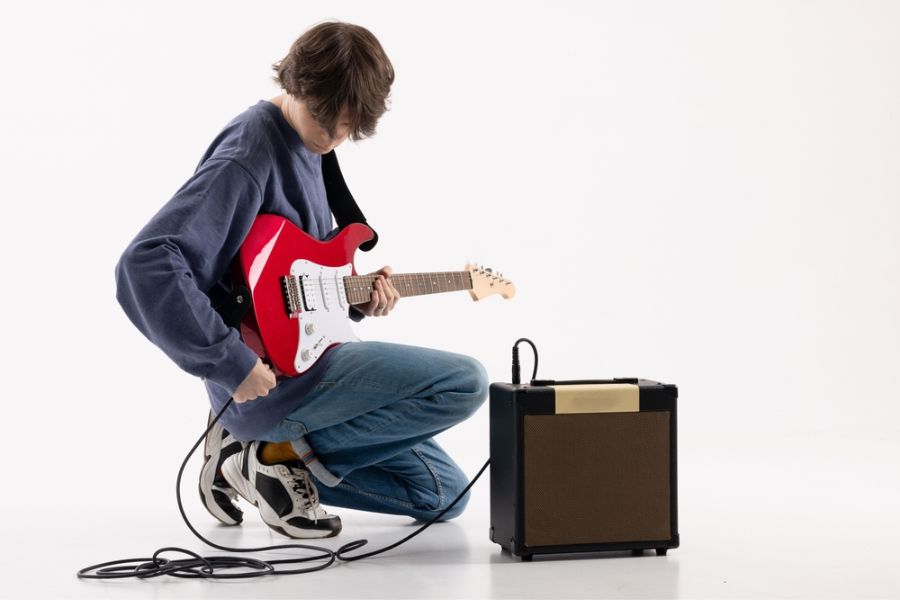
A small practice amp is often the easiest way to play electric guitar with headphones. Many practice amps include clean and overdrive sounds, tone controls, effects, and a headphone or phones output.
Steps
- Turn the amp volume all the way down.
- Turn the amp off if the manual tells you to connect headphones while powered down.
- Plug the guitar cable into the guitar.
- Plug the other end into the amp’s input.
- Connect your headphones to the amp’s headphone or phones jack.
- Turn on the amp.
- Play one note.
- Raise the volume slowly until it reaches a safe, comfortable level.
Some amps mute their speaker when headphones are connected. Others may label the jack “recording out,” “phones,” or “headphones.” Check the manual for your exact model.
Why this setup works
the amp receives the weak guitar signal and boosts it. It then applies its tone controls and, on many models, a speaker simulation. The headphone output sends that processed sound to your headphones.
This is usually the best starting point for a beginner who wants a simple, low-cost setup with no computer.
If the amp has no sound
Check the signal path in this order:
- Is the guitar cable fully inserted?
- Is the guitar volume control turned up?
- Is the amp input set to the correct channel?
- Is the amp’s gain or master volume above zero?
- Are the headphones connected to the headphone jack rather than an input?
- Does the guitar need a new battery?
- Does the amp mute its speaker only, or does it require a special plug?
Try the headphones with another device. This helps show whether the problem is the headphones or the guitar setup.
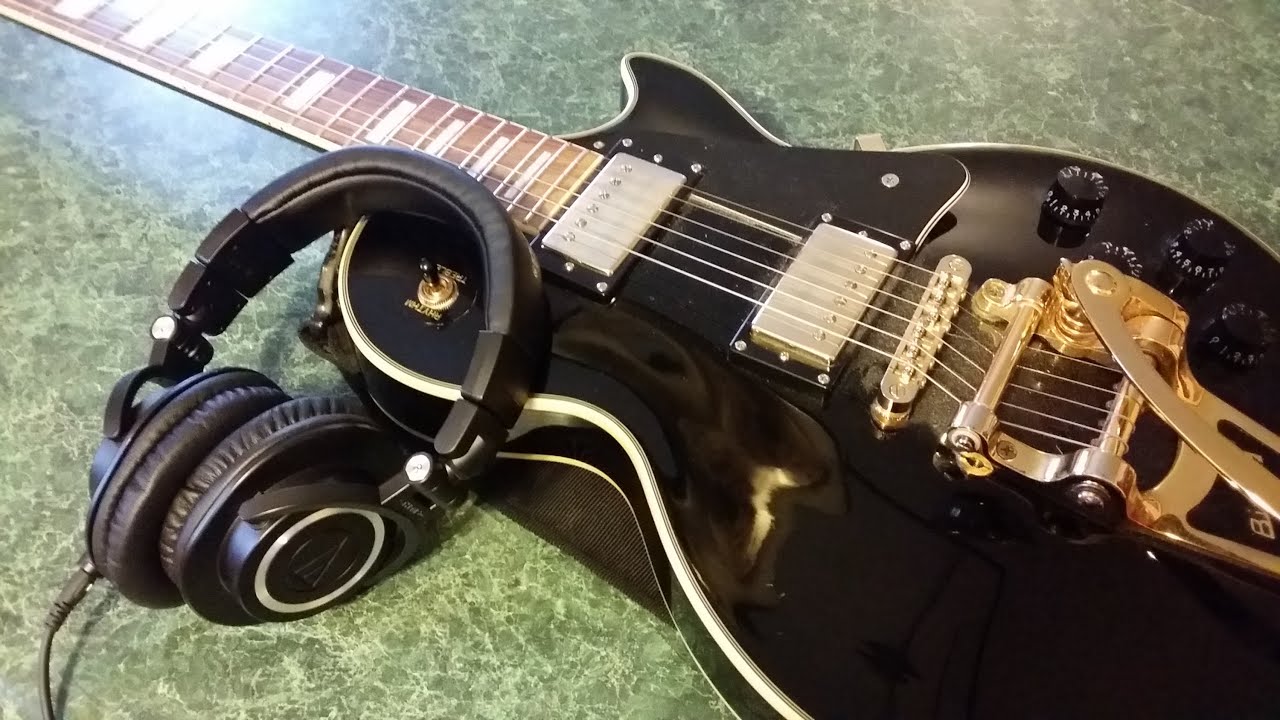
Method 2: Use a headphone guitar amp
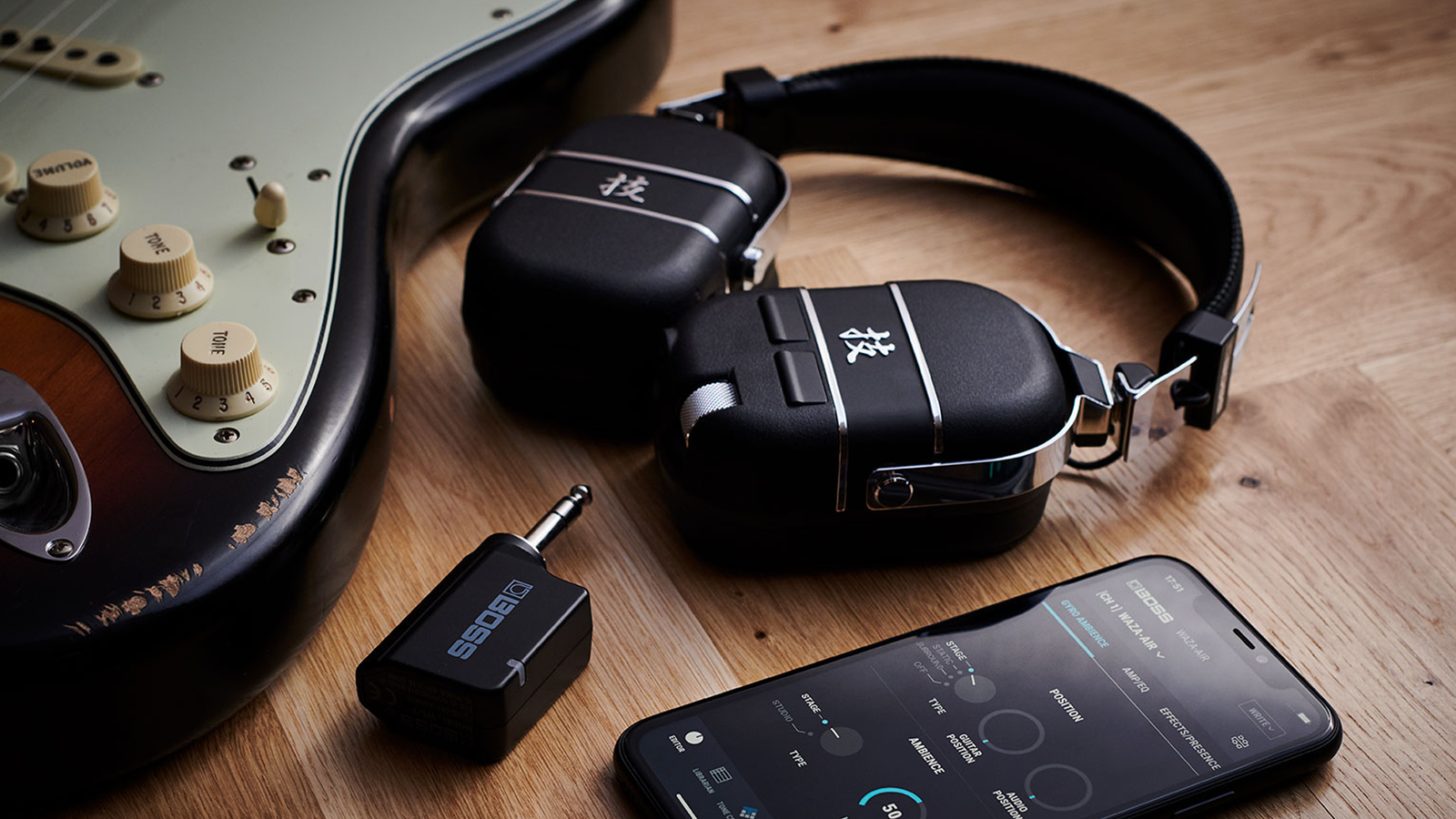
A headphone guitar amp is a small device made for private practice. Some plug directly into the guitar. Others connect with a short instrument cable.
These units often include:
- Headphone amplification
- Clean and distorted amp sounds
- Basic effects
- A rechargeable or replaceable battery
- An auxiliary input for music from a phone
- USB recording on some models
Steps
- Charge the unit or install its batteries.
- Turn its volume down.
- Connect it to the guitar or use a cable, depending on the design.
- Plug in your headphones.
- Select a clean or driven sound.
- Play softly and raise the volume as needed.
A direct-plug model is convenient, but it may not fit well on every guitar. Check the space around the guitar’s output jack before buying one.
When this method makes sense
Choose a headphone guitar amp if you want:
- The smallest possible setup
- Fast practice with no computer
- A device for travel
- A simple way to play in a U.S. apartment or dorm
- An auxiliary input for playing along with music


Its main limit is control. A small unit may offer fewer sounds and less flexible recording than an audio interface or modeling unit.
Method 3: Use a multi-effects pedal or modeling unit
A multi-effects processor can act as a complete headphone rig. It may contain digital versions of amplifiers, speaker cabinets, distortion pedals, delay, reverb, chorus, and other effects.
The signal path usually looks like this:
Guitar → multi-effects unit → headphones
Steps
- Connect the guitar to the unit’s guitar input.
- Connect headphones to the unit’s headphone output.
- Select a preset or create a basic clean patch.
- Confirm that the unit’s output is set for headphones.
- Start with the output level low.
- Adjust the amp, cabinet, and effect settings.
Many units have separate outputs for headphones, an amplifier, a mixer, or recording equipment. Use the headphone output when available.
Why the cabinet setting matters
A real guitar speaker changes the tone in a major way. A guitar amp without a speaker or speaker simulation can sound harsh through headphones.
A cabinet simulation, impulse response, or speaker emulation recreates part of that filtering. If your tone sounds sharp and unpleasant, check whether the cabinet simulation is disabled.
Playing along with music
Some processors accept music through:
- An auxiliary input
- Bluetooth audio
- USB audio
- A computer connection
The guitar and backing track may use separate volume controls. Keep the music low enough that you can hear your guitar clearly.
Avoid sending a speaker-level output into a headphone jack or another device input. Match each connection to the function described in the manufacturer’s manual.

Method 4: Use an audio interface and computer
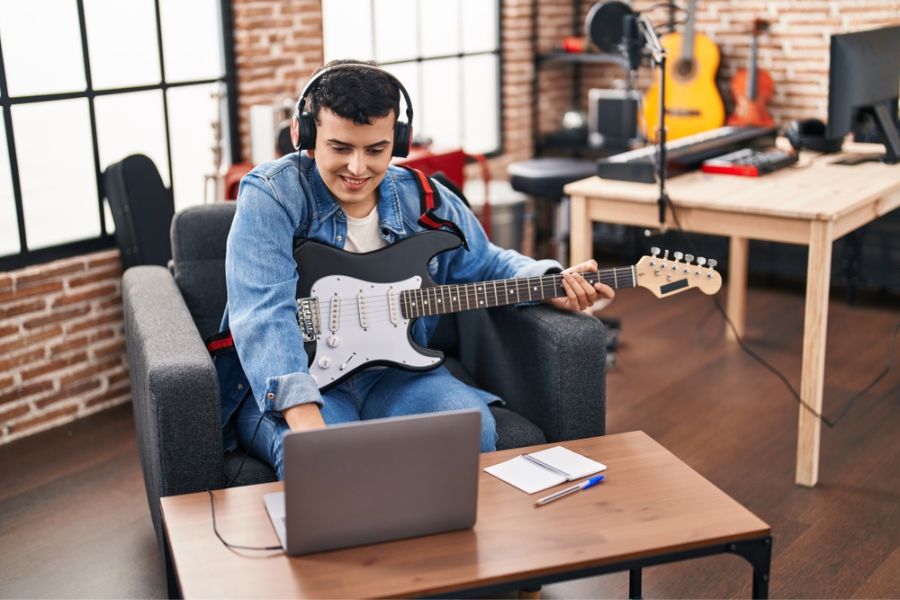
An audio interface lets you play through guitar software on a computer. This setup can provide amp modeling, effects, recording, lessons, backing tracks, and metronomes.
The normal signal path is:
Guitar → audio interface instrument input → computer software → interface headphone output → headphones
What you need
- A USB audio interface with an instrument input
- A USB cable
- A computer or compatible mobile device
- Headphones
- Guitar amp and effects software, if desired


Many interfaces include a high-impedance input marked “instrument,” “Hi-Z,” or “guitar.” Use that input instead of a line input.
Steps
- Install the interface driver or control software if the manufacturer requires it.
- Connect the interface to the computer.
- Plug the guitar into the instrument input.
- Plug headphones into the interface, not the computer, when possible.
- Open your recording or amp-modeling software.
- Select the interface as the input and output device.
- Turn on input monitoring in the software if needed.
- Start with the interface gain low.
- Play hard and raise the input gain until the signal is strong but does not clip.
- Lower the headphone level before making changes.
A clipped signal sounds harsh and distorted even when the modeled amp is set clean. Watch the interface’s input meter. Keep the signal below the clipping point.
Direct monitoring versus software monitoring
Direct monitoring sends the guitar from the interface straight to the headphones. It usually has very little delay, but it may not include software effects.
Software monitoring sends the guitar through the computer program before it reaches your headphones. This allows amp models and effects, but it can create latency.
Latency is the delay between picking the string and hearing the sound. A small delay can feel normal. A larger delay can make timing difficult.
To reduce latency:
- Use the interface’s official driver on Windows when available.
- Lower the audio buffer size.
- Close unused programs.
- Use direct monitoring when you do not need software effects.
- Keep the computer and audio software updated.
Very low buffer settings can create clicks or dropouts. Raise the buffer if the audio becomes unstable.
Method 5: Use a phone or tablet
A phone or tablet can work, but the connection needs more care. A passive guitar cannot normally connect directly to a phone’s headphone jack and produce a useful amplified guitar sound.
You generally need a compatible guitar interface or a small USB audio interface.
Common mobile setup
Guitar → mobile guitar interface → phone or tablet → headphones
Depending on the device, you may also need:
- A USB-C or Lightning adapter
- A powered hub
- A compatible recording or amp-modeling app
- Headphones connected to the interface or mobile device
Check compatibility before buying an adapter. Some mobile devices provide power, while others may need an externally powered connection.
Avoid this common mistake
A passive headphone adapter only changes the plug shape. It does not convert a guitar signal into a headphone signal, add amplification, or provide amp modeling.


If the phone does not recognize the interface, check:
- The adapter type
- The phone’s operating system
- Whether the interface needs external power
- The app’s audio input settings
- Whether headphones are connected to the correct output

Which headphone setup should you choose?
Use this table to match the setup to your needs.
| Setup | Best for | Main benefit | Main limitation |
|---|---|---|---|
| Practice amp | Beginners and home practice | Simple and easy to use | Fewer recording features |
| Headphone guitar amp | Travel and quick practice | Very small setup | Limited controls on some models |
| Multi-effects unit | Several tones and effects | Flexible without a computer | Takes time to learn |
| Audio interface | Recording and software amps | Most recording flexibility | Requires a computer or mobile device |
| Phone interface | Mobile practice | Portable and app-based | Compatibility may vary |
The simplest choice is usually a practice amp or headphone guitar amp. Choose an audio interface if recording, online lessons, or software amp models matter most.
How to set the right volume
Start quieter than you think you need. Headphones place the sound close to your ears, so a level that seems acceptable at first can become tiring during a long session.
The National Institute for Occupational Safety and Health lists 85 dBA over an eight-hour workday as a recommended exposure limit, with less allowable time as sound levels rise. That workplace guidance does not tell you the exact volume of your headphones, but it supports a cautious approach: keep the level moderate and take breaks.
Use these habits:
- Turn the volume down before connecting headphones.
- Raise it slowly while playing.
- Stop if your ears ring or feel muffled.
- Take quiet breaks during long practice sessions.
- Do not increase the level to cover a loud backing track.
- Keep one ear free only when the situation requires awareness of your surroundings; this is not a substitute for a safe volume.
If you cannot hear your guitar at a moderate level, adjust the mix, amp tone, or backing track rather than simply turning everything up.
How to get a good headphone guitar tone
A good headphone tone starts with the correct signal path. Use a guitar input, an amp model, and a cabinet or speaker simulation when your device provides those options.
Try this basic patch:
- Select a clean amp.
- Set gain low or moderate.
- Set bass, middle, and treble near the middle.
- Add a small amount of reverb.
- Keep delay off at first.
- Play open chords and single notes.
- Adjust one control at a time.
If the sound is too bright, lower the treble or presence. If it is muddy, reduce bass and low mids. If it feels weak, check the input level and cabinet simulation before adding more gain.
Distortion can make poor technique less clear. Start with a clean sound so you can hear unwanted string noise and uneven picking.
How to play along with songs
There are several ways to hear your guitar and music together:
- Use an auxiliary input on a practice amp or headphone amp.
- Play music from the same computer that runs your guitar software.
- Use a multi-effects unit with USB or Bluetooth audio.
- Use a mobile app that combines backing tracks and guitar input.
Set the backing track below your guitar at first. You should hear your timing, string noise, and note endings. If the music masks your guitar, turn down the track instead of raising the guitar to an unsafe level.


For learning, slow the song down only if the app preserves a usable pitch. Practice with a metronome when you need to improve timing rather than copying the full recording.

Common problems and fixes
I hear no sound
Check the signal path from the guitar to the headphones.
- Confirm that the cable is plugged into the guitar output.
- Turn up the guitar volume.
- Select the instrument input.
- Raise the device’s input gain.
- Confirm that the headphone plug is fully inserted.
- Check the software input and output settings.
- Test the cable and headphones separately.
If the device has a tuner, see whether the tuner detects the guitar. If it does not, the problem is likely before the device’s input.
The sound is delayed
The most likely cause is software monitoring latency.
Try direct monitoring first. If you need amp software, lower the buffer size and use the correct interface driver. A faster computer does not always solve latency if the audio driver or buffer settings are wrong.
The sound is distorted when the amp is clean
The input signal may be clipping. Lower the interface gain or instrument input level. Also check whether a boost, overdrive, or limiter is active in the software.
There are two different kinds of distortion:
- Intentional distortion: created by an overdrive or amp model
- Unwanted clipping: caused by a signal level that is too high
Lowering the headphone volume will not fix input clipping. Lower the input gain instead.
The tone sounds harsh
Check whether the amp model has a cabinet or speaker simulation enabled. A direct amp model without speaker filtering can sound unusually bright through headphones.
You can also lower presence and treble. Avoid making large EQ changes before checking the cabinet setting.
I hear buzzing or humming
Possible causes include:
- A poor or damaged instrument cable
- Electrical interference
- A guitar with single-coil pickups near a computer or power supply
- A ground issue in connected equipment
- A noisy effects chain
Move the guitar away from power adapters and computer screens. Test the guitar with only one cable and one device. If the noise remains strong, stop using damaged equipment and have the setup checked by a qualified technician.
Do not defeat the grounding pin on U.S. power cords. Do not open powered audio equipment unless you are trained to work safely with electronics.
The sound comes from the speaker and headphones
Some devices do not mute the speaker when headphones are connected. Others use a separate setting for speaker and headphone output.
Read the manual for the exact device. Do not assume that every jack labeled “out” is a headphone output.

Common mistakes to avoid
Plugging headphones into the guitar
A guitar output is not a headphone amplifier. You need an amp, headphone amp, modeling unit, or audio interface between the guitar and headphones.
Using the wrong output
A line output, speaker output, and headphone output are not interchangeable. A speaker output can damage headphones or connected equipment.
Use only the output named for headphones, phones, or a compatible recording connection.
Forgetting the cabinet simulation
This is one of the most common causes of a harsh digital guitar tone. Enable the cabinet or speaker simulation when using a modeler or software amp.
Setting the volume before connecting headphones
A device may remember its last volume setting. Always lower the output before you connect headphones.
Using a guitar amp head without a proper load
A tube amp head may require a speaker cabinet or approved load device. Do not connect headphones directly to a speaker output unless the manufacturer specifically designed that output for headphones.
A load box or attenuator must match the amplifier’s power rating and impedance. If you are unsure, consult the amp manual or a qualified amp technician.
Charging and playing without checking mobile power needs
Some phone and tablet setups cannot power an audio interface for long. Others need a powered hub or a compatible adapter. Check the interface and mobile device requirements before starting a session.
Key takeaways
- You need an amplifier, modeler, headphone amp, or audio interface between your electric guitar and headphones.
- A practice amp with a headphone output is the easiest setup for most beginners.
- An audio interface is the most flexible option for recording and software amp models.
- Start with the volume low and raise it slowly.
- Use cabinet simulation for a more natural headphone tone.
- Reduce latency with direct monitoring, a suitable driver, and a sensible buffer size.
- Never connect headphones to a speaker output unless the equipment specifically supports it.
Frequently asked questions
Can I play an electric guitar with Bluetooth headphones?
You can use Bluetooth headphones only if the guitar device supports Bluetooth audio output. Bluetooth can add delay, so wired headphones are usually better for playing. A Bluetooth connection designed for receiving music may not work as a real-time guitar monitor.
Can I use regular earbuds with an electric guitar?
Yes, if you connect the earbuds to a suitable headphone output and use the correct adapter. Earbuds may produce less comfortable or less balanced results than full-size headphones, but they can work.
Do I need an amplifier to use headphones with an electric guitar?
You need some form of amplification or signal processing. It does not have to be a traditional speaker amp. A headphone amp, multi-effects processor, audio interface, or software amp can perform that role.
Can I record guitar while wearing headphones?
Yes. Connect the guitar to an audio interface, select the interface as the input, and monitor through the interface’s headphone output. Use a clean input level and watch for clipping.
Why does my guitar sound different through headphones than through an amp?
Headphones and guitar speakers reproduce sound in different ways. The difference may also come from cabinet simulation, EQ, room reflections, pickup position, or the amp’s volume. Compare the setups at similar volume levels before changing the tone.
Final recommendation
For the fastest start, use an electric guitar, an instrument cable, and a practice amp with a dedicated headphone output. For recording, online lessons, and a wider range of sounds, use a USB audio interface with guitar software. In either case, connect your headphones to the device that processes the guitar signal, begin at low volume, and increase it only as needed.
Sources and further reading
- National Institute for Occupational Safety and Health: Recommended Exposure Limit for Occupational Noise
- Focusrite: Audio interface setup and monitoring support
- Fender Support
- BOSS Support
- The user manual for your exact guitar amp, modeling unit, interface, headphones, and mobile adapter remains the most specific source for connection and output limits.