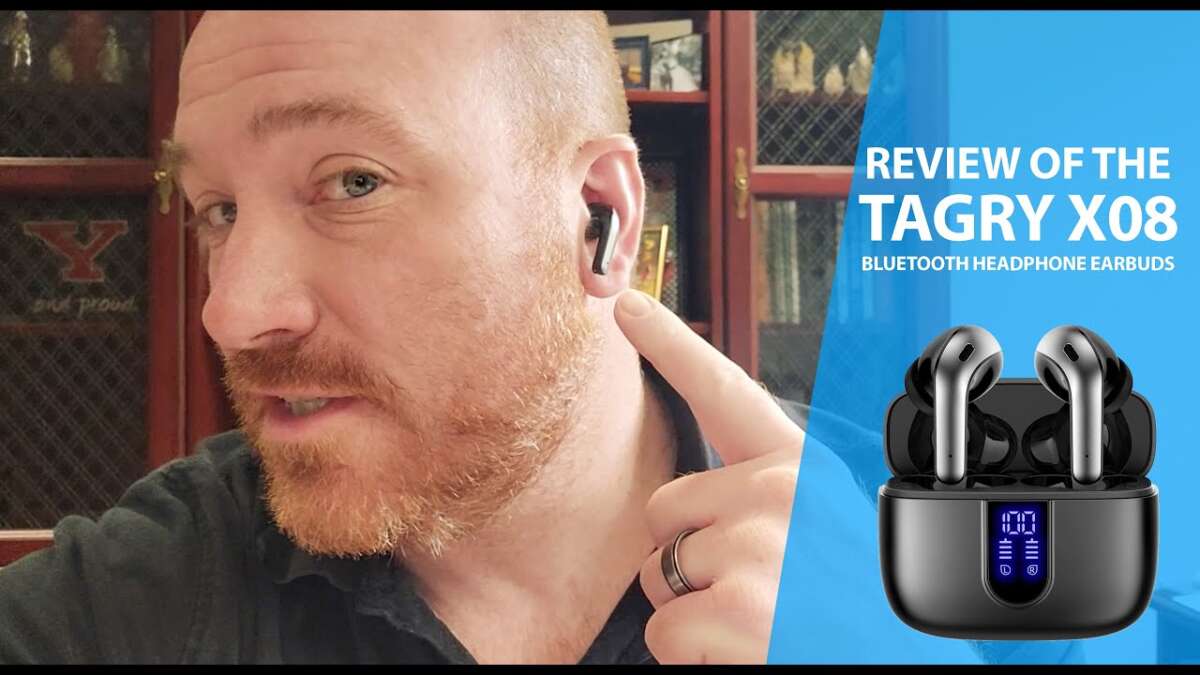
How To Pair X08 Earbuds: Easy Bluetooth Setup Guide
Pairing X08 earbuds in the United States usually takes only a few minutes. First, charge the earbuds, place them in the charging case, then open the case and put the earbuds into pairing mode. On your device, open Bluetooth settings, select X08, and confirm the connection.
The name may appear as X08, X08 TWS, X08 Earbuds, or a brand-specific version. Several manufacturers sell earbuds under the X08 name, so the button layout and reset method may differ. If the steps below do not work, use the instructions printed on the case, box, or user manual.
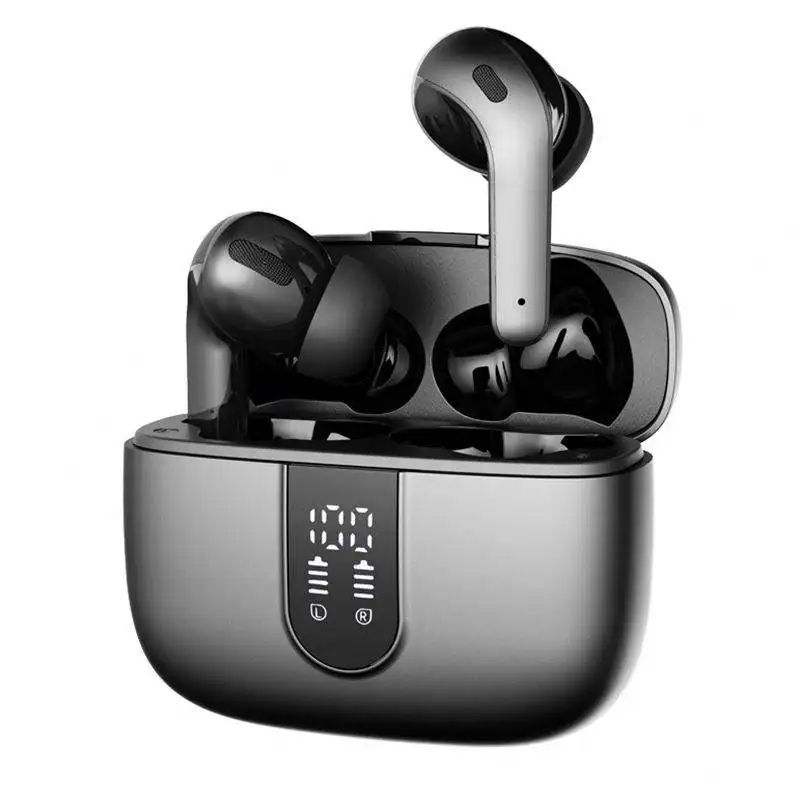
Before You Pair X08 Earbuds
Check these basics before opening Bluetooth settings. A low battery, an old connection, or earbuds that are still linked to another device can stop pairing.
You will need:
- The left and right X08 earbuds
- The charging case
- A charged iPhone, Android phone, tablet, Mac, or Windows PC
- Bluetooth turned on
- The earbuds within a few feet of the device


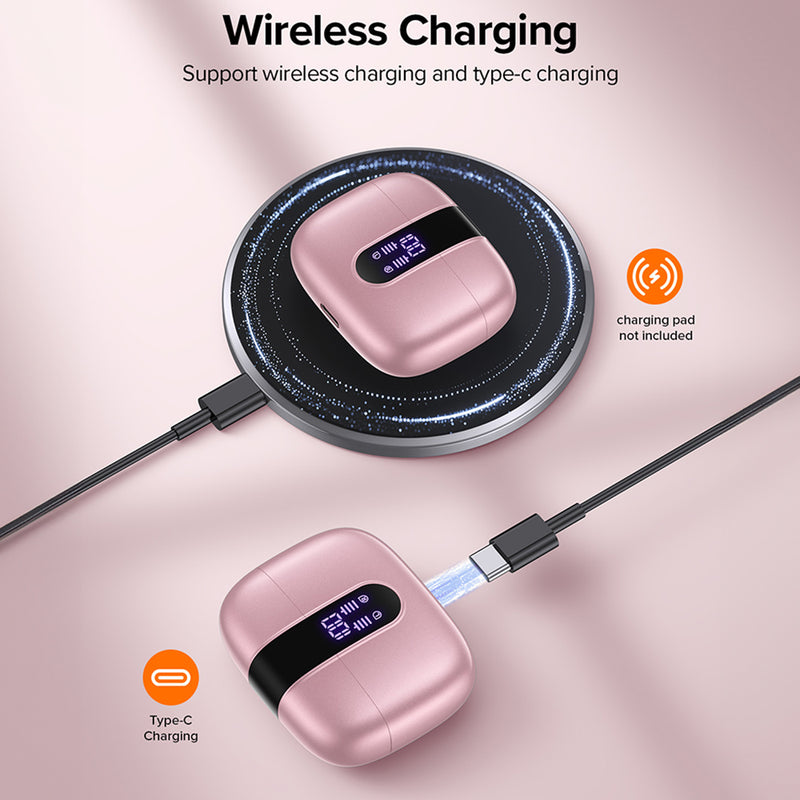
Charge the earbuds and case for at least a short time if they are new or have been stored for weeks. Remove any clear plastic film from the charging contacts. The film can block charging and make the earbuds appear dead.
If the earbuds were paired with another phone, turn Bluetooth off on that phone for now. This prevents the X08 earbuds from reconnecting to the old device before your new device can find them.
What pairing mode means
Pairing mode allows the earbuds to appear in a device’s Bluetooth list. Many X08 versions enter this mode when you open the case and remove both earbuds. Their indicator lights may flash white, blue, red, or another color.
The exact light pattern depends on the manufacturer. Treat the flashing light as a useful clue, not a universal code.

How to Pair X08 Earbuds With an iPhone
Follow these steps to connect X08 earbuds to an iPhone in the United States or elsewhere:
- Open the charging case.
- Remove both earbuds. If they do not turn on, press and hold each touch panel or power button for several seconds.
- Wait for the earbuds to enter pairing mode. A flashing light often means they are ready.
- On the iPhone, open Settings.
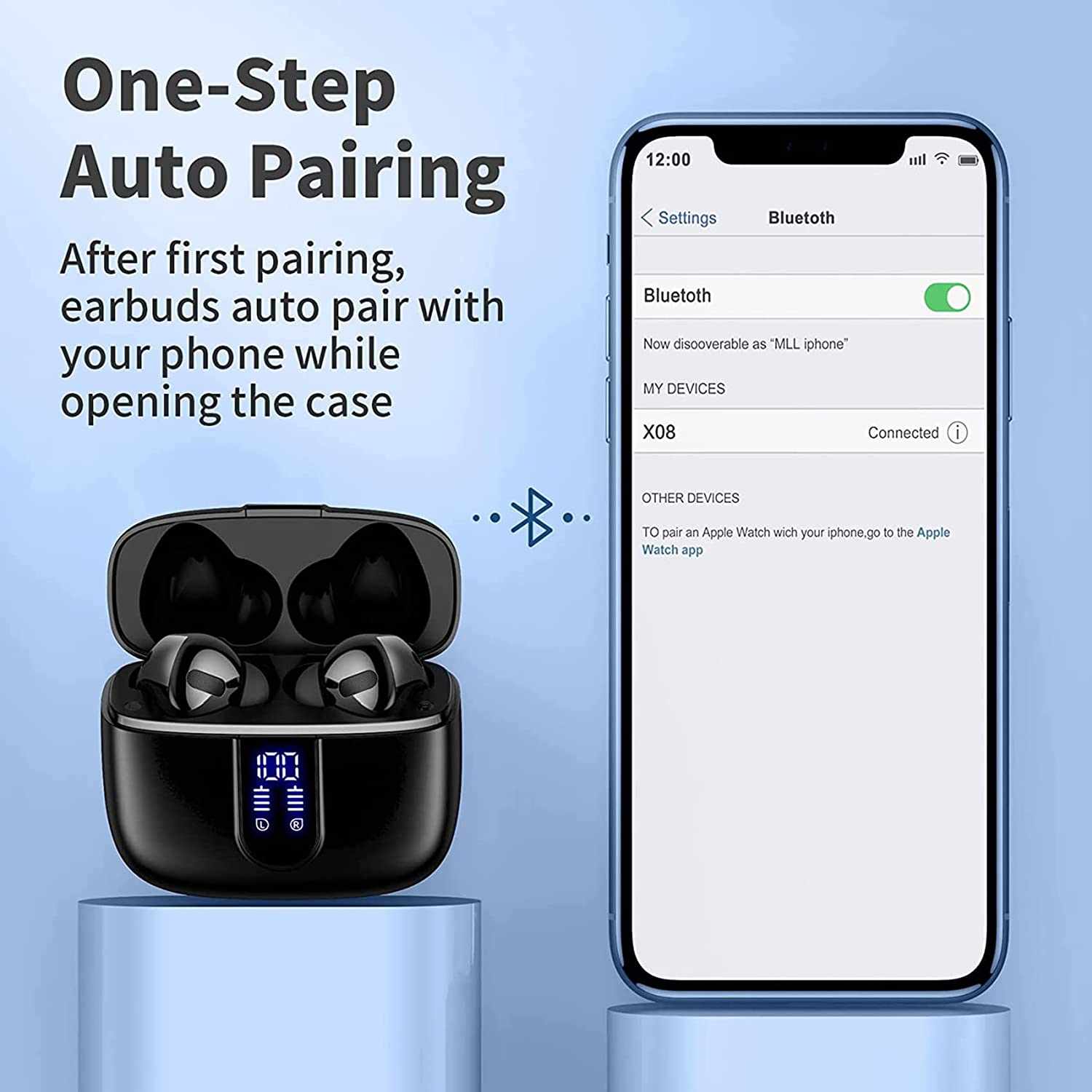
- Tap Bluetooth.
- Turn Bluetooth on if it is off.
- Look under Other Devices.
- Tap X08, X08 TWS, or the matching name.
- Tap Pair if the iPhone asks for confirmation.
After pairing, the earbuds should move to My Devices and show Connected. You may also see a battery level in the iPhone’s battery widget or Bluetooth menu.
If the X08 name does not appear, place both earbuds back in the case. Close the lid for about 10 seconds, open it, and try again. Keep the iPhone close to the case during setup.
If only one X08 earbud works with an iPhone
One earbud may connect while the other stays silent. This often means the two earbuds lost their link with each other. It does not always mean one earbud is broken.
Try this sequence:
- In Settings > Bluetooth, tap the information button next to the X08 listing.
- Choose Forget This Device.
- Put both earbuds in the charging case.
- Turn Bluetooth off on nearby phones and tablets.
- Remove both earbuds and try pairing again.
- If the problem remains, reset the earbuds using the model’s reset method.
Some X08 models reset when you tap each earbud several times. Others use a case button or a long press on both touch panels. Because these controls vary, check the product manual before using a specific tap count.


How to Pair X08 Earbuds With an Android Phone
The Android menu may look different on a Samsung Galaxy, Google Pixel, Motorola, or another phone. The Bluetooth process is still much the same.
- Open the X08 charging case.
- Remove both earbuds.
- Wait for the indicator lights to flash or for a voice prompt to announce pairing mode.
- Open Settings on the Android phone.
- Tap Connected devices, Connections, or Bluetooth. The exact label depends on the Android version and phone brand.
- Turn Bluetooth on.
- Tap Pair new device or Scan for devices.
- Select X08 or the matching X08 name.
- Approve the pairing request.
Once connected, the earbuds should appear as a saved device. Audio should route to the earbuds when you play music or a video.
If your Android phone asks for a PIN, try 0000 or 1234 only if the manual lists one. Most modern Bluetooth earbuds do not need a PIN. Do not guess repeatedly if the phone rejects the code.
Android pairing tips
Keep the phone close to the earbuds during the first connection. Turn off Bluetooth on devices that have used the earbuds before. Also check that the phone is not already connected to another speaker, headset, or car system.
Some Android phones show a pop-up request when compatible earbuds are nearby. If no pop-up appears, use the standard Bluetooth menu instead.
How to Pair X08 Earbuds With a Windows PC
Windows PCs can pair with X08 earbuds for music, video, and calls. A computer may have more Bluetooth settings than a phone, so use the steps for your version of Windows.
Windows 11
- Put the X08 earbuds into pairing mode.
- Select Start.
- Open Settings.
- Select Bluetooth & devices.
- Turn Bluetooth on.
- Select Add device.
- Choose Bluetooth.
- Select the X08 earbuds from the list.
- Select Done.
Windows 10
- Put the earbuds into pairing mode.
- Open Start > Settings.
- Select Devices.
- Choose Bluetooth & other devices.
- Turn Bluetooth on.
- Select Add Bluetooth or other device.
- Choose Bluetooth.
- Select the X08 earbuds.
If Windows connects but no sound comes through, select the speaker icon on the taskbar. Choose the X08 earbuds as the output device. For calls, select the X08 earbuds as the microphone and speaker in the meeting app as well.
Windows may show two audio options, such as Stereo and Hands-Free. Stereo usually provides better music sound. Hands-Free may be needed when an app uses the earbud microphone.

How to Pair X08 Earbuds With a Mac
You can connect X08 earbuds to a Mac through macOS Bluetooth settings.
- Remove both earbuds from the case.
- Put them into pairing mode.
- Select the Apple menu.
- Open System Settings.
- Select Bluetooth.
- Find the X08 earbuds under nearby devices.
- Select Connect.
On older Mac computers, Bluetooth may be under System Preferences instead of System Settings.
If the earbuds connect but the Mac still uses its built-in speakers, select Control Center in the menu bar. Open Sound and choose the X08 earbuds. You can also choose them under System Settings > Sound.


For video calls, check the call app’s audio settings. The Mac may use the earbuds for output but keep its built-in microphone selected.

What to Do When X08 Earbuds Will Not Pair
Start with the simplest checks. Most pairing failures come from a low charge, an old Bluetooth record, or the earbuds connecting to another nearby device.
| Problem | Likely cause | Best first step |
|---|---|---|
| X08 does not appear | Pairing mode is not active | Put both earbuds in the case, reopen it, and try again |
| One earbud has no sound | Earbuds lost their left-right link | Forget the Bluetooth record and pair both earbuds again |
| Earbuds connect to the wrong device | Another saved device is nearby | Turn off Bluetooth on that device |
| Connected but no audio | Wrong output is selected | Choose X08 in the sound output menu |
| Connection drops | Low battery, distance, or interference | Charge the earbuds and keep the device nearby |
| Pairing worked before but stopped | Corrupted or outdated Bluetooth record | Forget the device and pair it again |
Reset the Bluetooth connection
A reset can remove old pairing information. The exact method is not the same for every X08 product, so check the printed manual first.
Common reset methods include:
- Holding both touch panels for several seconds
- Holding a button on the charging case
- Tapping both earbuds a set number of times
- Returning both earbuds to the case and holding the case button
Do not assume that one reset method fits every X08 model. If the earbuds have no physical buttons, avoid pressing hard on the touch panels or using sharp objects.
After the reset, remove any old X08 entry from your phone or computer. Then restart Bluetooth and pair the earbuds as if they were new.
Check charging contacts
If one earbud does not turn on, inspect the metal contacts on the earbud and inside the case. Wipe them gently with a dry, lint-free cloth. Do not pour liquid into the case.
Make sure each earbud sits correctly in its slot. A misaligned earbud may not charge or reset. If an indicator light never turns on after charging, the issue may be with the battery, case, cable, or charging port rather than Bluetooth.
Check device limits
Bluetooth earbuds can often remember more than one device but usually maintain an active connection with only one device at a time. If the X08 earbuds are connected to a phone, they may not appear on a laptop until the phone disconnects.
Some devices also handle Bluetooth audio differently after a software update. If pairing fails after an update, remove the old X08 entry and create a new connection.

How to Use X08 Earbuds With Two Devices
Most standard X08 earbuds do not have confirmed multipoint support unless the manufacturer states it in the manual. Multipoint allows earbuds to stay connected to two devices at once. Without it, you usually need to disconnect from one device before connecting to another.
To switch devices:
- Pause audio on the first device.
- Open its Bluetooth settings.
- Disconnect or forget the X08 connection temporarily.
- Open Bluetooth settings on the second device.
- Select the saved X08 entry.
- Wait for the second device to connect.
Do not select Forget unless you want to remove the saved pairing. Disconnect is usually enough for a temporary switch.
If the earbuds keep jumping back to the first device, turn off Bluetooth on that device or remove the automatic connection setting if your phone provides one.
How to Confirm That X08 Earbuds Are Working
A successful pairing has several signs:


- The X08 name shows as Connected.
- Audio plays through both earbuds.
- The left and right channels work correctly.
- The microphone works during a test call.
- The earbuds reconnect when you open the case near the same device.
Play a short video or song to test sound. Then make a brief test call if you plan to use the earbuds for meetings. If sound comes from only one side, repeat the forget-and-pair process before assuming the earbud is defective.
For the best connection, keep the source device nearby. Walls, crowded wireless areas, and other Bluetooth devices can sometimes reduce connection stability.

Common Mistakes to Avoid
Avoid these errors when pairing X08 earbuds:
- Pairing only one earbud: Remove both earbuds and wait for them to link before selecting X08.
- Leaving the old device connected: Turn off Bluetooth on the phone, tablet, or computer that used the earbuds before.
- Ignoring the charging case: The case may need power even if the earbuds look charged.
- Choosing the wrong Bluetooth entry: Select the X08 name, not an unrelated speaker or car system.
- Resetting too soon: First check battery level, distance, and old connections.
- Using water to clean the contacts: Moisture can damage the case and charging pins.
- Assuming all X08 models use the same controls: Different brands may use different lights, buttons, and reset steps.
If the earbuds become hot, smell unusual, swell, or show signs of battery damage, stop charging and stop using them. Do not open the battery or attempt a repair at home.

Frequently Asked Questions About Pairing X08 Earbuds
Why are my X08 earbuds not showing in Bluetooth?
They may not be in pairing mode, may be connected to another device, or may have a low battery. Turn off Bluetooth on nearby devices, place both earbuds in the case, reopen it, and scan again.
Do X08 earbuds work with an iPhone?
Yes, Bluetooth X08 earbuds can generally connect to an iPhone through Settings > Bluetooth. Features such as touch controls, microphone use, and battery display may vary by model.
Do X08 earbuds work with Android phones?
Yes. Use Settings > Bluetooth > Pair new device, then select the X08 listing. The menu name may differ by Android phone brand.
How do I fix one X08 earbud not working?
Forget the X08 device, place both earbuds in the case, reset them using the model’s instructions, and pair them again. Also check that the silent earbud is charging and that its contacts are clean.
Can I pair X08 earbuds with a laptop?
Yes, if the laptop has Bluetooth. Put the earbuds in pairing mode, open the computer’s Bluetooth settings, and select X08. If the laptop has no Bluetooth hardware, a compatible USB Bluetooth adapter may be needed.
Conclusion
To pair X08 earbuds, charge them, put both earbuds into pairing mode, open Bluetooth settings, and select the X08 device name. The same basic process works with iPhones, Android phones, Windows PCs, and Macs.
If pairing fails, disconnect old devices, forget the saved X08 entry, check the charging contacts, and reset the earbuds according to the correct manual. Because X08 controls vary among manufacturers, the model’s own instructions are the final source for light patterns and reset steps.