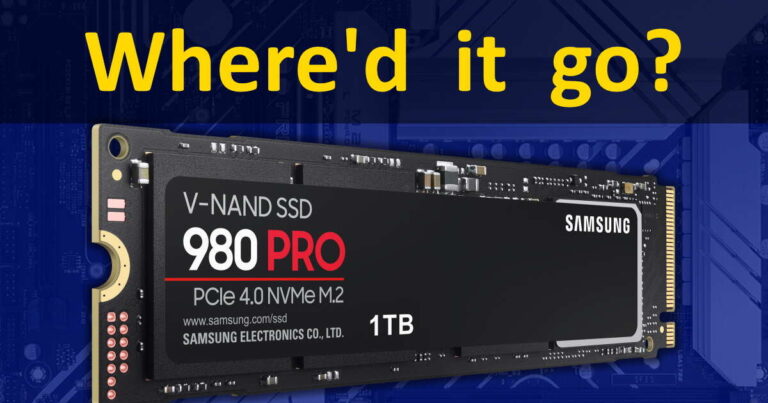
How To Play AC Shadows With No SSD: Smooth Gaming Guide
Assassin’s Creed Shadows needs an SSD for reliable PC play, but cloud gaming or an external SSD may solve the problem.
If you want to know how to play AC Shadows with no SSD, the honest answer depends on what “no SSD” means. A traditional hard drive may let the game install or start, but Ubisoft lists an SSD as part of the PC storage requirement. The game streams a large world, detailed textures, and frequent map data from storage, so an HDD can cause long loads, texture delays, stutter, or crashes. This guide explains the safest options, the risks of HDD play, and the upgrades that give the best value.
Can you play Assassin’s Creed Shadows without an SSD?
Assassin’s Creed Shadows is designed for modern gaming systems with fast storage. On PC, the official requirements call for an SSD and around 106 GB of free space, although the exact size can change with updates and downloadable content.


You might still install the game on a hard disk drive. However, installation is not the same as smooth play. An HDD may struggle to deliver world data fast enough when Naoe or Yasuke moves through busy areas, enters buildings, or travels across the open world.
If you are learning how to play AC Shadows with no SSD, keep these points in mind:
• An HDD may allow the game to launch, but performance is not guaranteed.
• Slow texture loading can make roads, walls, and buildings appear blurry.
• Open-world travel may cause pauses or sudden stutter.
• A hard drive can increase loading times between missions and areas.
• Ubisoft Support may not troubleshoot problems caused by unsupported storage.
The most reliable answer is simple: use an SSD, an external SSD, or a cloud gaming service. If none of those options are available, an HDD test may work, but it should be treated as an experiment rather than a dependable setup.

Why AC Shadows needs fast storage
Modern open-world games do not load every asset at once. Instead, they stream data while you play. The game constantly pulls textures, sound files, animations, world objects, and mission data from your storage drive.
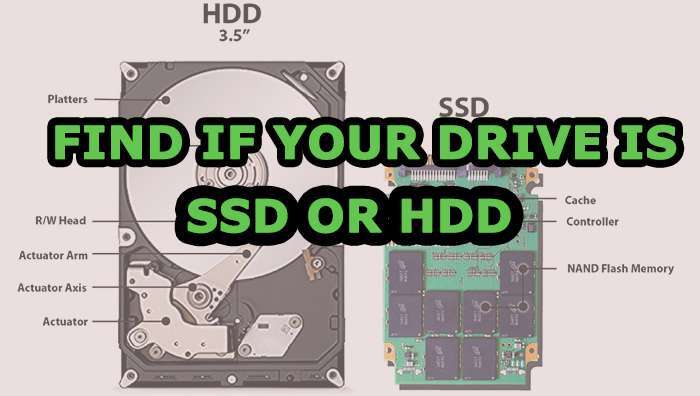
An SSD has no spinning disk or moving read head. It can find small files far faster than an HDD. This matters because open-world games often request many small files at the same time.
A hard drive works more like a record player searching for songs across a large disc. When the game asks for new data, the drive may need to move its read head again and again. That delay can lead to:


• Texture pop-in
• Stuttering during movement
• Delayed building details
• Longer fast-travel screens
• Audio that loads late
• Temporary freezes when entering new areas
This is why how to play AC Shadows with no SSD is not only a storage question. It is also a data-streaming question. Your CPU and graphics card may be strong, but slow storage can still become the weak link.
Microsoft’s DirectStorage technology also reflects this industry shift. Newer games use faster storage to reduce loading delays and improve asset delivery. DirectStorage does not magically make every HDD unusable, but developers can design around SSD speeds rather than older hard-drive limits.
Best ways to play AC Shadows with no internal SSD
You have several options if your computer does not contain an internal SSD. Some are affordable. Others require a faster internet connection or a different way to access the game.
Install the game on an external SSD
An external SSD is usually the easiest fix. Connect it through a USB 3.0, USB 3.1, USB 3.2, or USB-C port, then install the game to that drive.
For better results:
• Use a reputable external SSD with enough free space.
• Connect it directly to the computer instead of a USB hub.
• Keep at least 15 to 20 percent of the drive free.
• Use the same USB port each time.
• Avoid disconnecting the drive while the launcher is open.
An external SSD can be much faster than an internal HDD. It may not match a high-end PCIe NVMe drive, but it is often fast enough for a far better experience.
Before buying one, check your computer’s ports. Some older USB ports are slower, and a low-quality cable can reduce performance. In my experience with large PC games, the cable and port are often overlooked. A good SSD connected through a slow port can perform like a much cheaper drive.


Use cloud gaming
Cloud gaming is another way to play AC Shadows without installing it on your own drive. The game runs on a remote server, while your computer receives a video stream and sends back your controls.
This removes the local storage problem. Your PC still needs enough power to decode the stream, but it does not need to load the full game from an HDD.
Cloud gaming works best with:
• A stable internet connection
• Low network delay
• A wired Ethernet connection or strong Wi-Fi 6 signal
• A modern web browser or supported app
• Enough monthly data if your internet plan has a limit
The main limitation is availability. Assassin’s Creed Shadows may not be offered on every cloud gaming platform, and game ownership rules can differ. Check the service catalog before paying for a subscription.
Use a different PC with an SSD
If you have access to a second computer, you can install and play the game there. This may be useful for testing whether your main PC’s HDD is the real cause of stutter.
Do not assume that storage is the only requirement, though. Assassin’s Creed Shadows also needs a suitable graphics card, enough system memory, and a supported operating system. An SSD cannot compensate for a graphics card that falls below the game’s minimum requirements.
Play on a current console
The PlayStation 5 and Xbox Series X|S use internal solid-state storage. If you own one of these consoles, you do not need to add a separate SSD just to run the game.
This is not a PC workaround, but it is a practical option for players who want stable performance without upgrading an older computer. Console storage can still fill quickly, so you may need to manage installed games or use a compatible expansion drive.
How to try AC Shadows on an HDD
If an SSD is not possible right now, you can test Assassin’s Creed Shadows on an HDD. Follow these steps to reduce avoidable problems.
-
Confirm that the hard drive has more than the required free space. Leave extra room for patches and temporary files.
-
Defragment the HDD using the operating system’s built-in optimization tool. Do not defragment an SSD.
-
Install the game on the fastest internal HDD available.
-
Close browsers, launchers, recording tools, and other apps before starting the game.
-
Update your graphics driver and Windows.
-
Set the game to a lower graphics preset.
-
Limit the frame rate to a stable target, such as 30 or 60 frames per second.
-
Avoid running other downloads while you play.
-
Test a quiet area before beginning a long mission.
-
Watch for texture delays, stutter, freezes, and unusually long loading screens.
These steps cannot turn an HDD into an SSD. They only reduce extra pressure on the system. If the game freezes while loading a save, stop testing and move the installation to faster storage.
A common mistake is lowering every graphics setting and expecting storage stutter to disappear. Graphics settings mainly affect the GPU. They do not solve slow file access. Lower settings may help frame rate, but they cannot fully fix an HDD bottleneck.


Recommended PC setup for a smooth experience
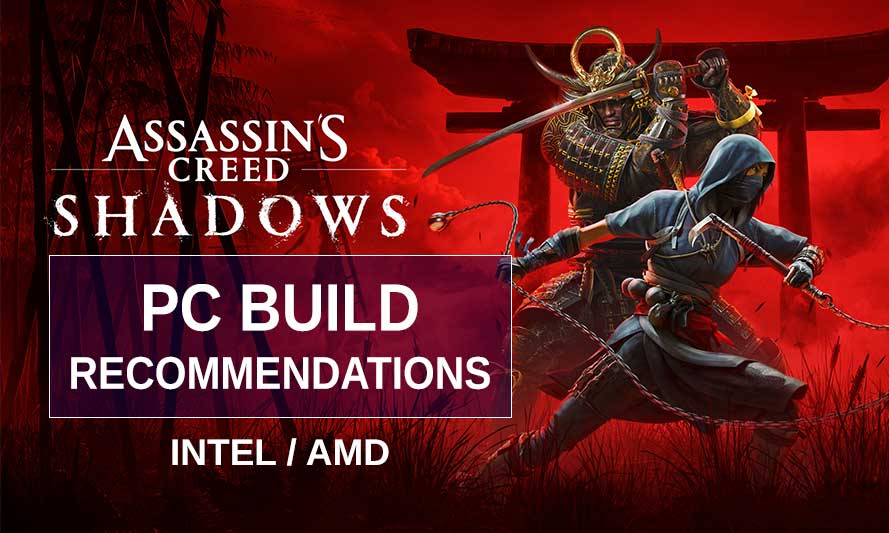
Storage is important, but it is only one part of the system. Check the complete PC requirements before troubleshooting how to play AC Shadows with no SSD.
Your system should have:
• A supported 64-bit version of Windows
• At least the required system memory
• A graphics card that meets the game’s minimum or recommended level
• A compatible processor
• Enough free storage for the game and updates
• Current graphics and chipset drivers
• Stable power and reasonable temperatures
If your computer has 16 GB of RAM, close unnecessary background apps before playing. More memory can help reduce system pressure, but extra RAM does not replace an SSD.
Also check your page file. Windows may use part of your storage as virtual memory when physical RAM is limited. If the page file sits on a slow, nearly full HDD, the whole system can feel less responsive. Let Windows manage the page file unless you have a specific technical reason to change it.
Keep the game drive healthy. A failing HDD can produce stutter that looks like a game bug. Listen for clicking sounds, check drive health with a trusted utility, and back up important files before the drive becomes unreliable.

Performance settings for HDD users
If you are testing how to play AC Shadows with no SSD, use settings that reduce sudden workload changes. The goal is not maximum image quality. The goal is a stable and readable game.
Start with these adjustments:
• Use the low or medium preset.
• Lower texture quality if the game offers that option.
• Reduce world detail and vegetation density.


• Turn off motion blur if stutter makes movement uncomfortable.
• Use an upscaling mode supported by your graphics card.
• Set a frame-rate cap.
• Keep ray tracing disabled.
• Reduce resolution only after trying the settings above.
Texture quality can have a strong effect on storage traffic because high-resolution assets are larger. World detail can also increase the number of objects the game must load as you move.
Make one change at a time. Play the same area for several minutes, then compare the result. This approach is slower than changing everything at once, but it shows which setting actually helps.
If frame rates look good while the game still pauses during movement, the problem may be storage streaming. If frame rates remain low everywhere, the GPU or CPU may be the main limit.
Common mistakes to avoid
The search for how to play AC Shadows with no SSD often leads people to risky fixes. Most are unnecessary.
Avoid these mistakes:
• Do not download modified files that claim to remove the SSD requirement.
• Do not disable security tools permanently to gain a small performance change.
• Do not install the game on a nearly full drive.
• Do not use a damaged external drive.
• Do not place the game on a network share unless the game maker specifically supports it.
• Do not move game files while the launcher is updating.
• Do not assume a USB flash drive is equal to an external SSD.


Pirated copies and unofficial patches can contain malware, corrupt saves, or violate the game’s terms. They also make it much harder to identify the real cause of a crash.
Another lesson is to check the launcher’s file verification tool. If the game was interrupted during installation, damaged files can create symptoms that look like an HDD problem. Verification may repair the installation, but it will not solve slow storage.
Is an SSD upgrade worth the cost?
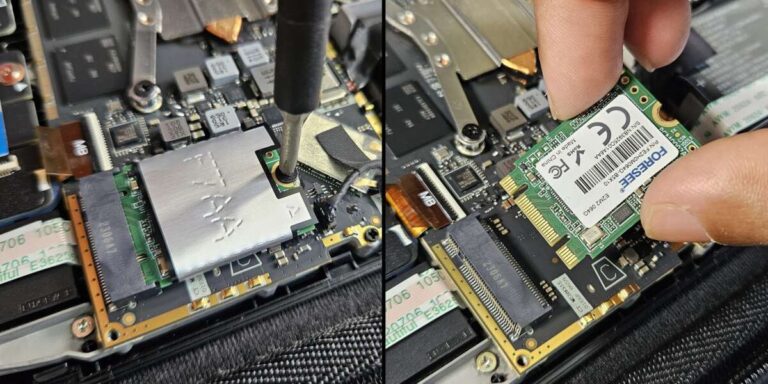
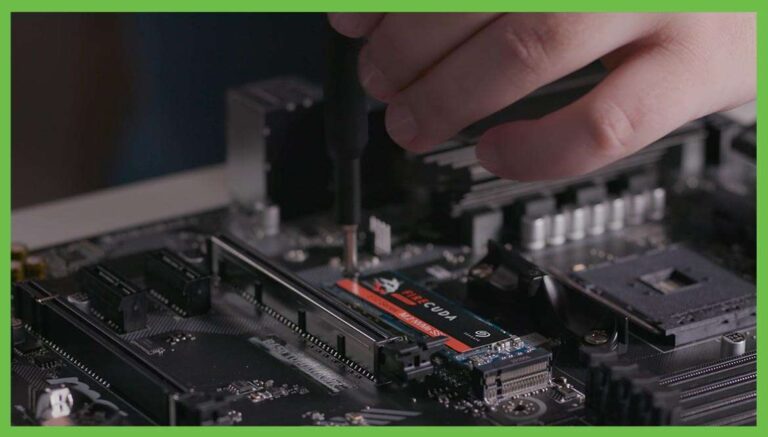
For most PC players, yes. A basic SATA SSD is often enough to improve game loading and general Windows responsiveness. An NVMe SSD is faster and more compact, but your motherboard must support the correct slot and drive type.
A SATA SSD may be the better budget choice if:
• Your computer has no M.2 slot.
• Your motherboard is older.
• You want a simple drive replacement.
• You mainly play games rather than transfer huge video files.
An NVMe SSD may be better if:
• Your system supports PCIe M.2 storage.
• You want faster file transfers.
• You plan to keep the drive for several future PC upgrades.
• The price difference is small.
Before installing an internal drive, back up your files and check the motherboard manual. Some M.2 slots share bandwidth with SATA ports. This is not a major issue for most users, but it can affect which ports remain active.
If you cannot install an internal drive, an external SSD is still a sound choice. It can also hold other large games, making the upgrade more useful than a single-game purchase.
Frequently Asked Questions about how to play AC Shadows with no SSD
Can Assassin’s Creed Shadows run from an HDD?
It may launch from an HDD, but Ubisoft requires an SSD for the supported PC configuration. Expect longer loads, texture pop-in, and stutter, and understand that results can vary by system.
Is an external SSD good enough for AC Shadows?
Yes, a quality external SSD can be a practical solution when your computer lacks an internal SSD. Connect it directly to a fast USB port and avoid using a slow hub or damaged cable.
Can I play AC Shadows without installing it?
Cloud gaming can let you play without installing the full game on your computer. Availability, internet quality, subscription rules, and game ownership requirements depend on the cloud provider.
Will lowering graphics settings fix HDD stutter?
Lower settings can improve GPU performance, but they cannot fully fix slow storage access. Lower texture and world-detail settings may reduce the problem, but an SSD remains the better solution.
Does more RAM replace an SSD?
No. More RAM can help when your system is running out of memory, but it does not provide the fast file access needed for open-world streaming.
Can I use a USB flash drive instead of an SSD?
A standard USB flash drive is not a good substitute. Many flash drives have poor sustained speed and may wear out quickly during large game installs and updates.
How much free space should I keep for AC Shadows?
Keep more than the listed installation size available. Game patches, temporary files, and system data need extra room, so a drive that is nearly full may create update and performance problems.
Conclusion
The safest way to play Assassin’s Creed Shadows on a PC without an internal SSD is to use a reliable external SSD or a supported cloud gaming service. An HDD may run the game in some cases, but slow streaming can lead to stutter, texture delays, long loads, and crashes.
If you are testing how to play AC Shadows with no SSD, keep your drivers current, free plenty of space, lower texture settings, and watch for storage-related symptoms. For the best long-term result, upgrade to a SATA or NVMe SSD and verify that your full system meets the game’s requirements. Choose the option that fits your budget, then share your setup or performance results with other players.