How To Wear Wireless Earbuds Correctly: Easy Fit Guide
Introduction
Across the United States, wireless earbuds are used for calls, workouts, travel, school, and daily commutes. Yet many people wear them too loosely, push them too far into the ear, or use the wrong ear tip. The result can be weak sound, poor bass, discomfort, or earbuds that fall out.
The correct method is simple: choose the right tip, place each earbud at the ear-canal opening, twist it gently into a stable position, and stop if you feel pain or pressure. The earbud should feel secure without being forced deep into your ear.
This guide explains how to wear wireless earbuds correctly, how to improve fit and sound, and what to do when they keep falling out.
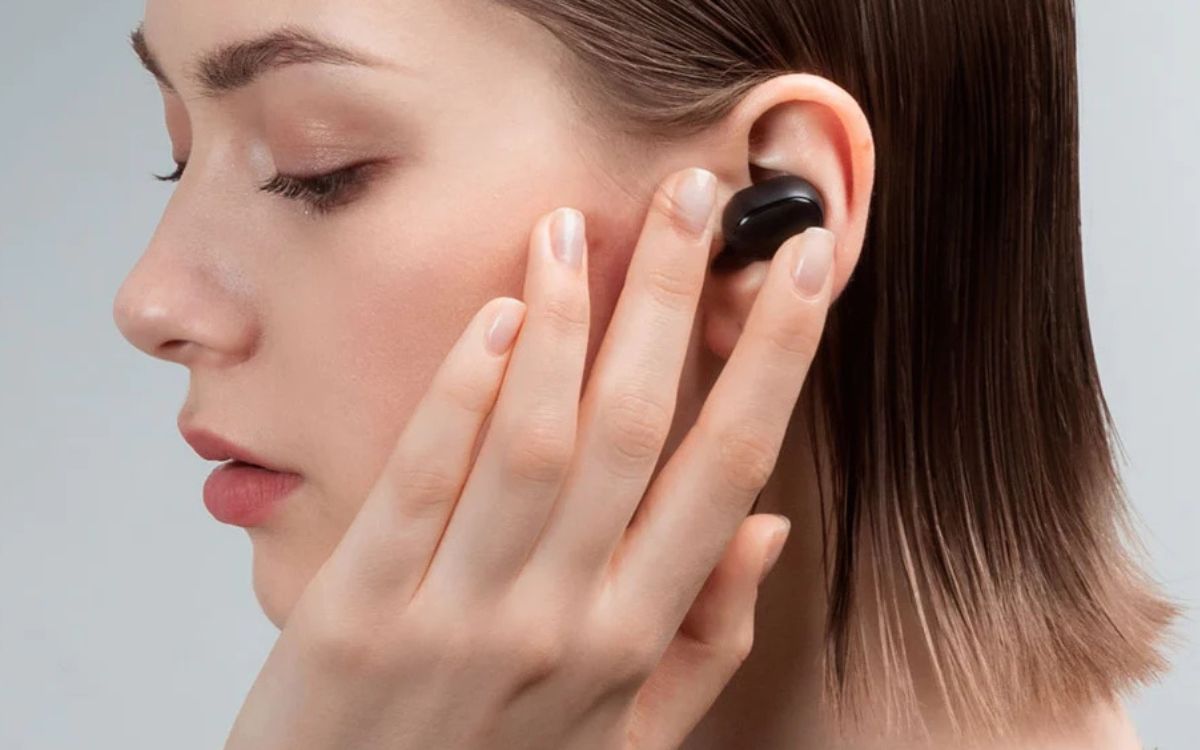
What Does “Wearing Earbuds Correctly” Mean?
Wearing earbuds correctly means creating a stable, comfortable fit without blocking the ear canal more than needed. For in-ear wireless earbuds, the silicone or foam ear tip should sit at the entrance of the ear canal. It should form a light seal, but you should not need to push the earbud deep inside.


A good fit should provide:
- Clear sound at a moderate volume
- A secure hold while walking
- Little or no pressure
- No sharp pain or skin rubbing
- Similar sound quality in both ears
- Enough awareness of your surroundings for the situation
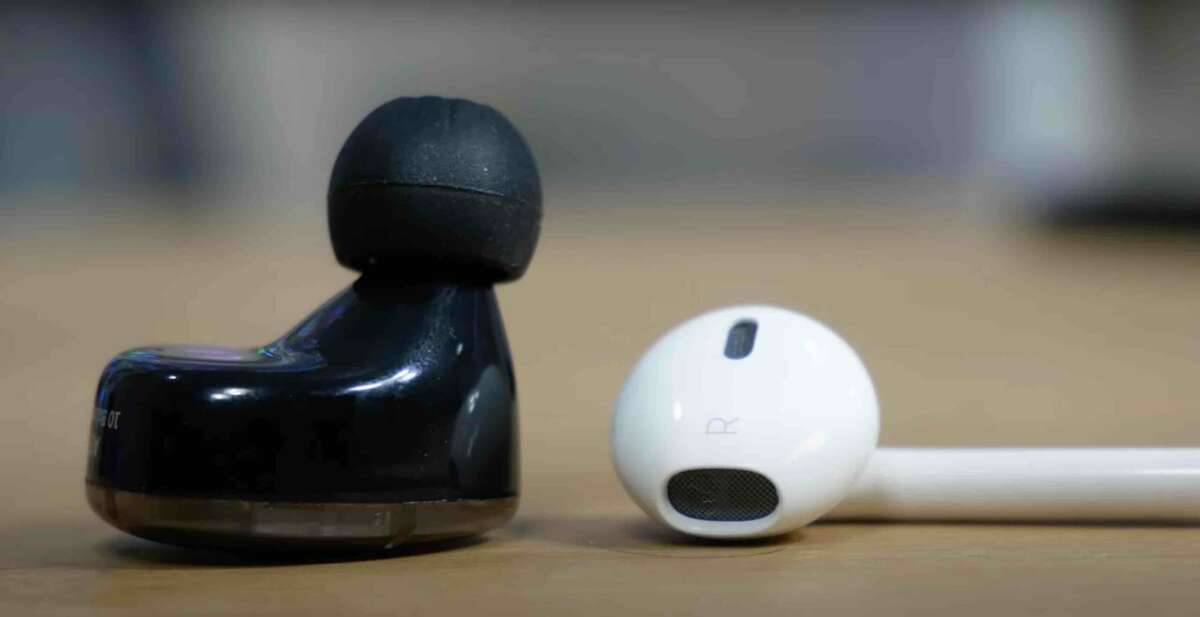
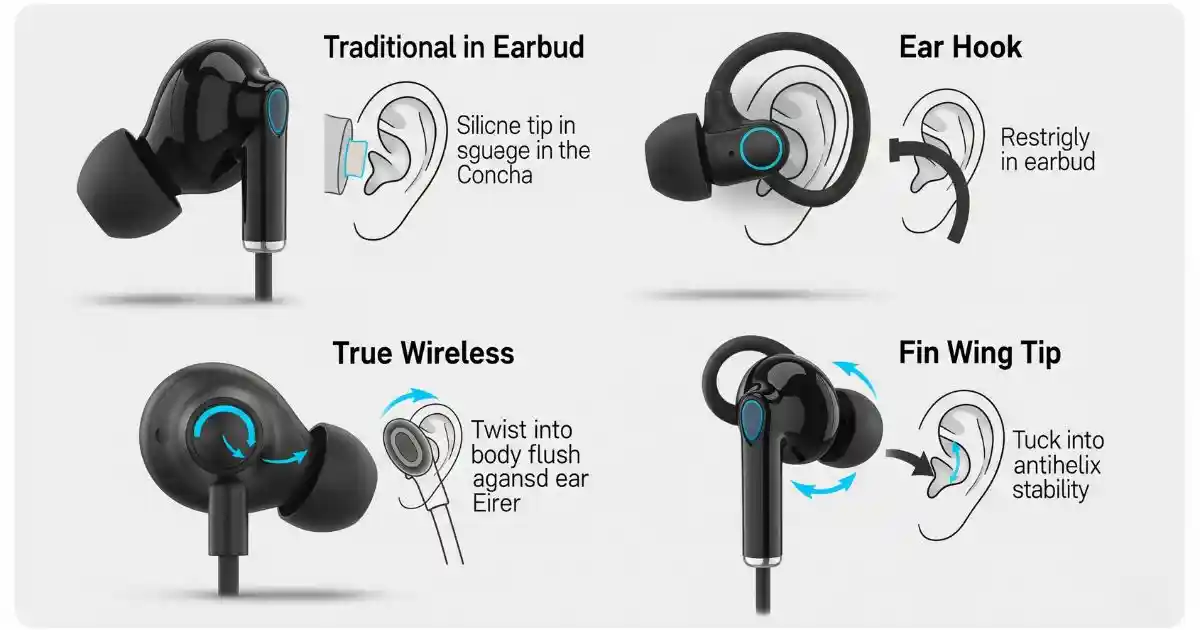
Earbuds come in different designs. In-ear earbuds use ear tips that enter the ear canal. Open-fit earbuds rest near the ear canal and do not form a full seal. Open-ear headphones sit outside the ear and send sound toward it.
The steps below mainly apply to in-ear wireless earbuds. Open-fit and open-ear models should follow their own shape and fit instructions.
How to Wear Wireless Earbuds Correctly
Follow these steps each time you put on your earbuds.
1. Check the left and right earbuds
Look for the small L and R marks. The left earbud belongs in the left ear, and the right earbud belongs in the right ear.
This may seem obvious, but wearing the wrong earbud on the wrong side can make the shape feel strange. It can also place the microphone or touch controls in a less useful position.
If the marks are hard to see, check the charging case or the product manual. Some models use different shapes for each side.
2. Choose the correct ear tip size
Most in-ear earbuds include small, medium, and large silicone tips. Some include foam tips or extra shapes.
Start with the size already installed. Then test a different size if the earbud feels loose, painful, or uneven.
Use these signs as a guide:
| What you notice | Likely fit issue | What to try |
|---|---|---|
| Earbud falls out | Tip is too small or earbud is not rotated into place | Try a larger tip or adjust the angle |
| Strong pressure | Tip may be too large or inserted too far | Try a smaller tip and use less force |
| Thin bass | Air seal is weak | Try a larger tip or reseat the earbud |
| Sound is muffled | Tip may be too large or the speaker opening is blocked | Try a smaller tip and clean the mesh |
| One ear sounds different | Ear shape or tip size may differ | Use a different size in each ear |
Your ears may not be the same size. It is perfectly acceptable to use a medium tip in one ear and a small or large tip in the other.
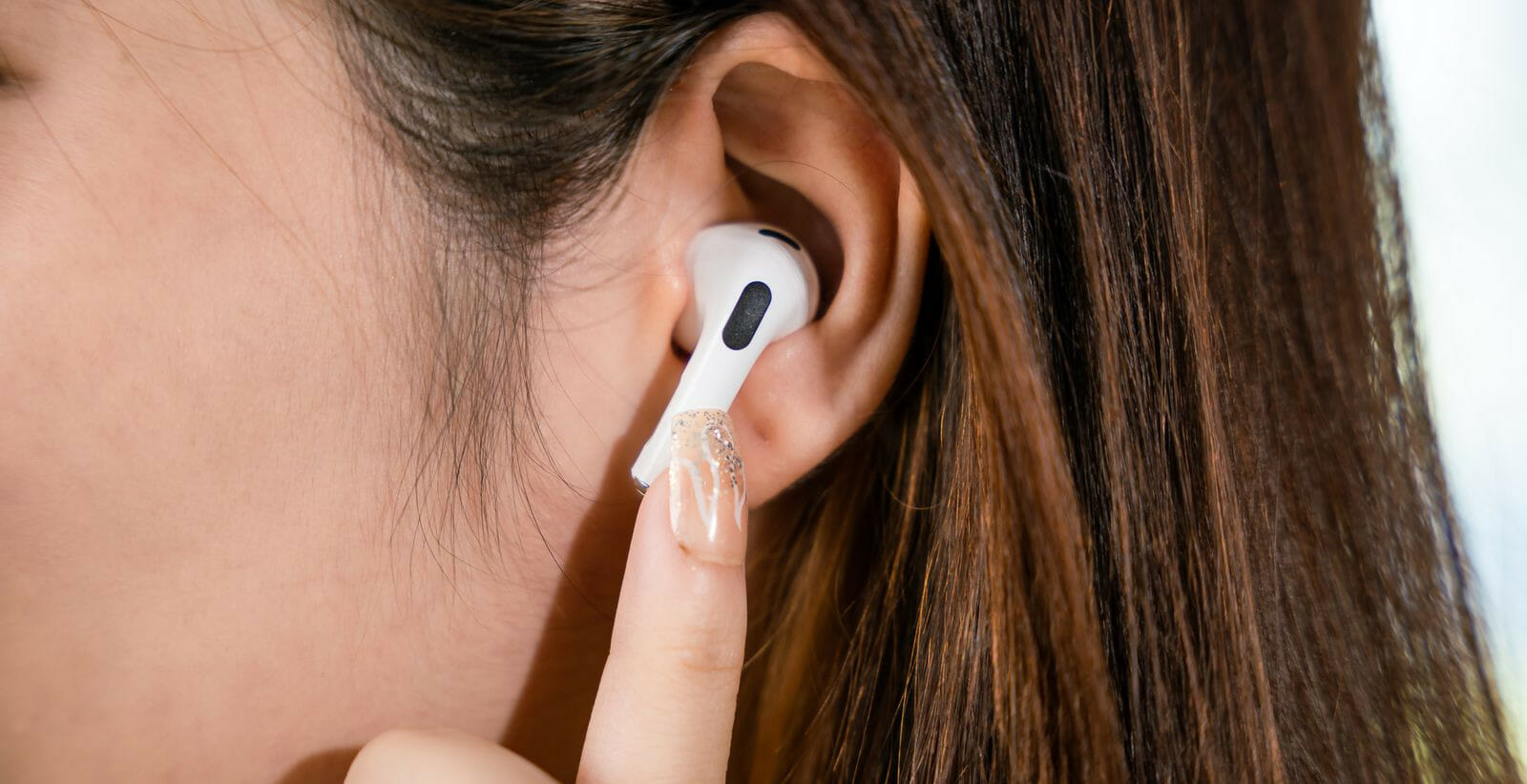
3. Hold the earbud by its outer body
Before inserting it, hold the outer part of the earbud. Avoid pressing directly on the ear tip.


If your hands are wet, oily, or dirty, wipe them first. Moisture and skin oil can make the earbud slip. Dirt can also collect on the ear tip and speaker mesh.
4. Insert the earbud gently
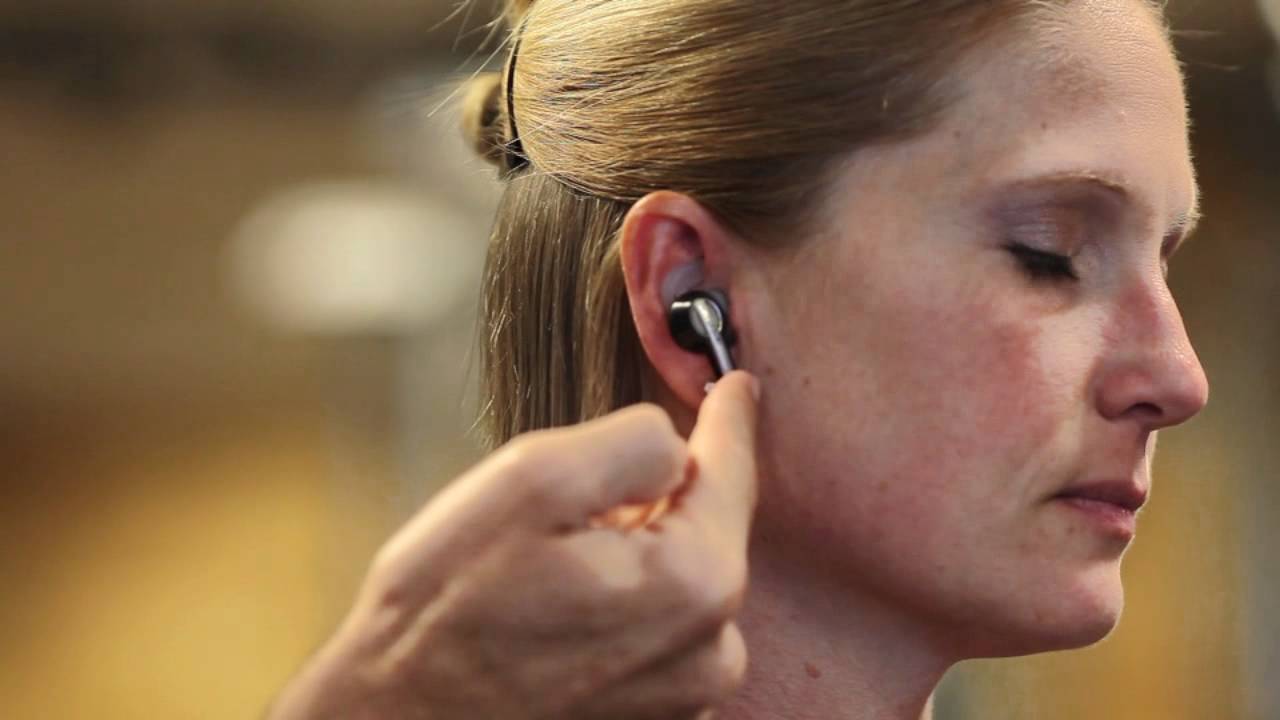
Pull the top of your ear slightly up and back with your other hand. This can help straighten the outer ear canal.
Place the ear tip at the ear-canal opening. Do not force it inward. Insert the earbud only until it feels seated.
The ear tip should not cause sharp pain. If you feel pressure, remove the earbud and try a smaller tip or a different angle.
5. Rotate the earbud into place
Many earbuds fit best when you turn them slightly backward or forward after insertion. The correct direction depends on the model.
If the earbud has a stem, the stem often points down and slightly forward. If it has a wing or stabilizer, the wing should rest gently in the outer ridge of your ear.
Use a small twist. Do not push harder to make the earbud feel secure. A gentle rotation often works better than deeper insertion.
6. Check the seal and stability
Play music at a low volume. Move your head from side to side, open and close your mouth, and take a few steps.
The earbuds should stay in place. Voices and music should sound balanced. Bass should not disappear when you move.
If your earbuds support a fit test, use it. For example, Apple provides an Ear Tip Fit Test for some AirPods models, and other brands offer similar tools in their mobile apps. These tests can help, but comfort and stability still matter more than a single app result.
How Tight Should Wireless Earbuds Feel?
Wireless earbuds should feel secure, not tight. You should notice that they are in your ears, but you should not feel strong pressure, throbbing, or pain.
A light seal helps keep sound from leaking out and outside noise from entering. It can also improve bass. However, a very tight seal may cause discomfort or make your own voice sound unusually loud. This effect is called occlusion.
Use this simple test:
- Wear the earbuds for 10 to 15 minutes.
- Walk around normally.
- Speak a few words.
- Remove the earbuds and check your ears.
A correct fit should not leave lasting pain, swelling, or skin damage. Temporary marks from a tight fit are a sign that you should try a different tip or position.


If one ear hurts but the other feels fine, use different tip sizes or check whether the earbud is angled correctly. Do not assume both ears need the same setup.
How to Stop Wireless Earbuds From Falling Out
Earbuds usually fall out because of a poor tip size, incorrect angle, moisture, or a mismatch between the earbud shape and the user’s ear.
Try these fixes in order:
Try a larger ear tip
A larger tip may create more contact with the ear canal. It can help if the earbud feels loose or loses bass when you walk.
Do not choose the largest tip by default. If it creates pressure, pain, or a blocked feeling, it is too large.
Try a smaller ear tip
A smaller tip may help if the earbud feels crowded or slowly works its way out. It may also reduce pressure during long listening sessions.
Rotate the earbud
Many people insert earbuds and leave them pointing straight down. A slight twist can align the earbud with the shape of the ear and improve grip.
Check the instructions for your model. Some earbuds lock in with a clockwise turn, while others fit best when the stem points forward.
Use stabilizer wings or ear hooks
Some wireless earbuds include soft wings that rest in the outer ear. Others use ear hooks that wrap around the ear.
These parts can improve stability during exercise. They may also add pressure, so stop using them if they rub or cause soreness.
Dry your ears and the earbuds
Sweat, rain, and skin oil can reduce grip. Wipe the earbuds with a dry, soft cloth before use.
Check the manufacturer’s water-resistance instructions. Water resistance does not always mean the earbuds are safe for swimming, showers, or heavy rain.
Consider a different earbud design
Some ears do not hold a particular shape well. If several tip sizes fail, an open-fit model, an ear-hook model, or an open-ear design may work better.
Do not keep forcing an earbud that repeatedly falls out. A different design may be safer and more comfortable.
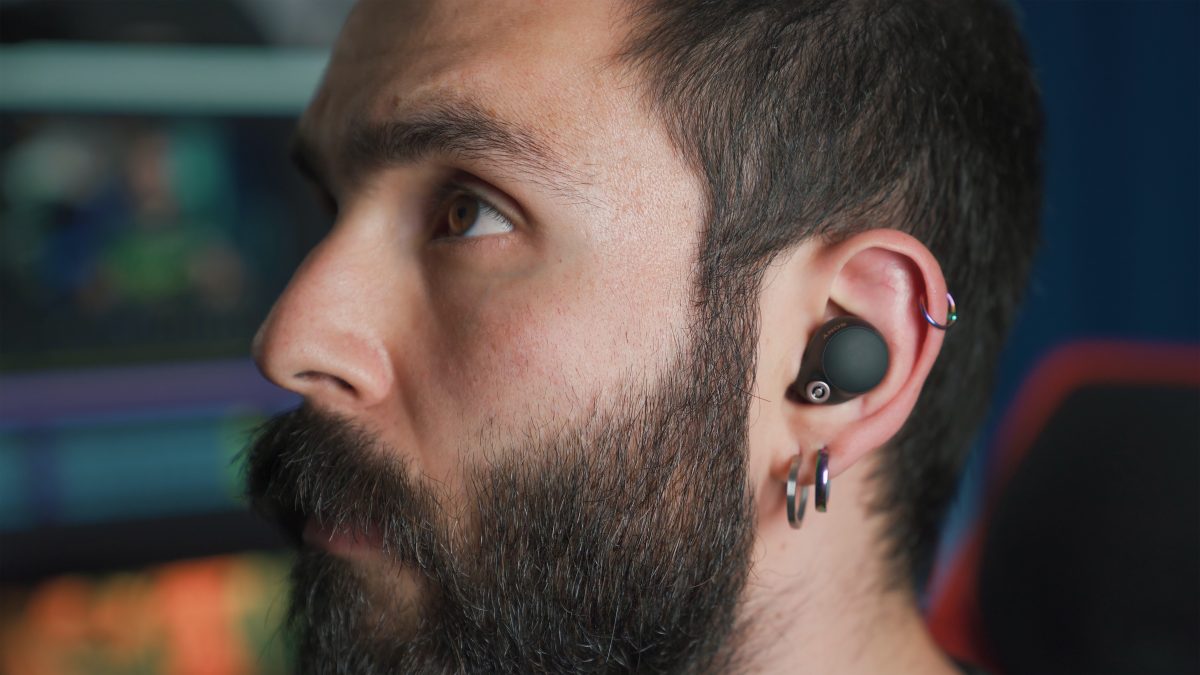
How to Wear Wireless Earbuds for Workouts
For exercise, fit matters more because sweat and repeated movement can loosen the earbuds.
Before a workout:
- Choose the tip that feels stable without pressure.
- Clean away oil or sweat.
- Check that any stabilizer wing is seated in the outer ear.
- Test the fit with walking and head movement before running.
- Keep the volume low enough to hear nearby people and alerts.


For outdoor workouts, awareness matters. The Centers for Disease Control and Prevention advises protecting your hearing from loud sounds and reducing exposure when possible. Music earbuds are not a replacement for certified hearing protection in loud work areas, concerts, shooting ranges, or other high-noise settings.
When cycling, driving, or crossing streets, follow local laws and use a setup that lets you hear important environmental sounds. Noise cancellation can reduce outside sound, so use transparency or awareness mode when appropriate. These modes help, but they do not make it safe to ignore traffic or other hazards.

How to Wear Wireless Earbuds for Calls
For calls, position the earbud so its microphone points toward your mouth when the design requires it. Many earbuds use several microphones and do not need exact placement, but a stable fit can still improve voice pickup.
If people say your voice sounds faint:
- Check that the microphone openings are not covered.
- Clean visible dust from the microphone area.
- Make sure the earbud is not loose.
- Move away from wind or heavy background noise.
- Check the call settings on your phone.
- Test the other earbud if the model supports single-ear use.
Do not cover the microphone with a hat, scarf, hair, or your hand. On some models, a loose earbud can also make touch controls activate by mistake.

How to Keep Wireless Earbuds Clean
Clean earbuds regularly, especially after exercise. Wax, dust, and skin oil can block the speaker mesh and change the sound.
Use this basic method:
- Remove the silicone ear tips.
- Wash the tips only if the manufacturer allows it.
- Dry the tips completely before putting them back.
- Wipe the earbuds with a dry or slightly damp soft cloth.
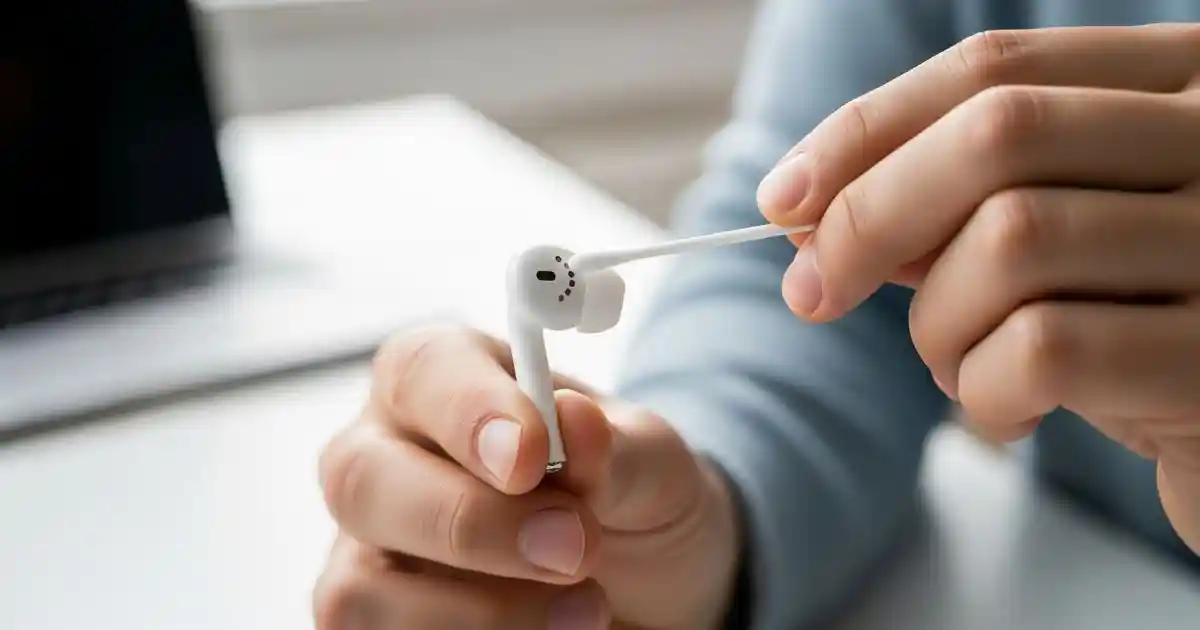
- Use a dry, soft brush to remove debris from the speaker mesh.
- Keep liquid away from charging contacts and microphone openings.
Do not push a sharp object into the speaker mesh. Do not pour alcohol, water, or cleaning fluid into an opening unless the manufacturer specifically permits it.
Clean your ears normally, but do not insert cotton swabs deep into the ear canal. If you have repeated wax buildup, pain, drainage, or reduced hearing, speak with a qualified health professional.

Common Mistakes to Avoid
Pushing earbuds too far into the ear
Deeper is not always better. The ear tip only needs to create a light seal at the ear-canal opening. Forceful insertion can cause pain and may push debris farther into the ear.
Using the same tip size in both ears
Your ear canals may differ in size and shape. Test each ear separately.
Turning up the volume to fix a poor seal
Loud volume does not solve a loose fit. It can increase the risk of noise-related hearing damage. Fix the fit first, then use the lowest volume that lets you hear clearly.
The World Health Organization recommends keeping personal audio devices at no more than about 60% of maximum volume and taking breaks. Exact safe listening time depends on volume and exposure.
Wearing earbuds through pain
Pain is a warning, not a normal adjustment period. Remove the earbuds and try a different tip or design.


Stop using the earbuds and seek medical advice if you have lasting pain, swelling, discharge, ringing that does not fade, dizziness, or a noticeable change in hearing.
Sleeping with in-ear earbuds
Sleeping in earbuds can add pressure, trap moisture, and make it easier to miss alarms or important sounds. It can also place stress on the earbud and charging case.
If you must listen while resting, use a low volume, a sleep-friendly design, and a timer. Do not use earbuds in situations where you need to hear alarms or emergencies.

A Quick Fit Checklist
Your wireless earbuds are probably fitted correctly when:
- The left and right earbuds are in the correct ears.
- The tips sit comfortably at the ear-canal openings.
- The earbuds stay in place while you walk.
- Music sounds balanced in both ears.
- Bass does not vanish when you move.
- You do not feel sharp pain or strong pressure.
- The earbuds do not need constant adjustment.
- You can hear enough of your surroundings for the setting.
- The volume remains moderate.
If the fit fails, change only one thing at a time. Try a new tip size first. Then adjust the angle. After that, clean the earbud and check for moisture. If none of these steps work, the design may not suit your ears.
Frequently Asked Questions
Should wireless earbuds go deep into your ears?
No. In-ear earbuds should sit securely at the ear-canal opening and form a light seal. They should not be forced deep into the ear. Open-fit and open-ear models sit outside the canal.
Why do my earbuds hurt after a few minutes?
The tip may be too large, the earbud may be angled incorrectly, or the housing may press against the outer ear. Try a smaller tip, a gentle rotation, or another earbud design. Remove the earbuds if pain continues.
Why do my earbuds sound better when I push them in?
Pushing them in may create a stronger seal, which can improve bass and reduce sound leakage. However, do not use force. A different tip size or angle can create a good seal more safely.
Can I use different ear tip sizes?
Yes. Many people need different sizes for the left and right ears. Choose the size that gives each ear a stable, comfortable fit.
How loud should wireless earbuds be?
Use the lowest volume that lets you hear clearly. The World Health Organization advises keeping personal audio devices near or below 60% of maximum volume and taking listening breaks. Lower the volume further in quiet places or during long sessions.
Are wireless earbuds safe during exercise?
They can be used during exercise if they fit securely, remain dry within their rated limits, and do not block awareness of nearby hazards. Music earbuds are not certified hearing protection for loud environments.
Conclusion
The correct way to wear wireless earbuds is to use the right left-or-right side, choose a suitable tip, insert it gently, and rotate it into a stable position. A good fit feels secure without pain, improves sound without excessive volume, and stays in place during normal movement.
If your earbuds fall out, change the tip size and angle before pushing them deeper. If they still hurt or will not stay in place, a different earbud shape may be the better answer.