How Much Is An SSD: 2026 Price Guide And Buying Tips
In the United States, an SSD usually costs about $35 to $200 for a common consumer drive. The exact price depends on storage size, speed, type, brand, and whether the drive is internal or external.
Typical US retail prices are:
- 500GB SATA SSD: $30–$60
- 1TB SATA SSD: $45–$90
- 1TB NVMe SSD: $50–$120
- 2TB NVMe SSD: $90–$220
- 1TB external SSD: $70–$150
- 2TB external SSD: $120–$250
- 4TB consumer SSD: $220–$500 or more
These are practical price ranges, not live quotes. SSD prices change with sales, new models, stock, and technology. For most US buyers, a 1TB NVMe SSD offers the best balance of price, speed, and space for a modern desktop or laptop.
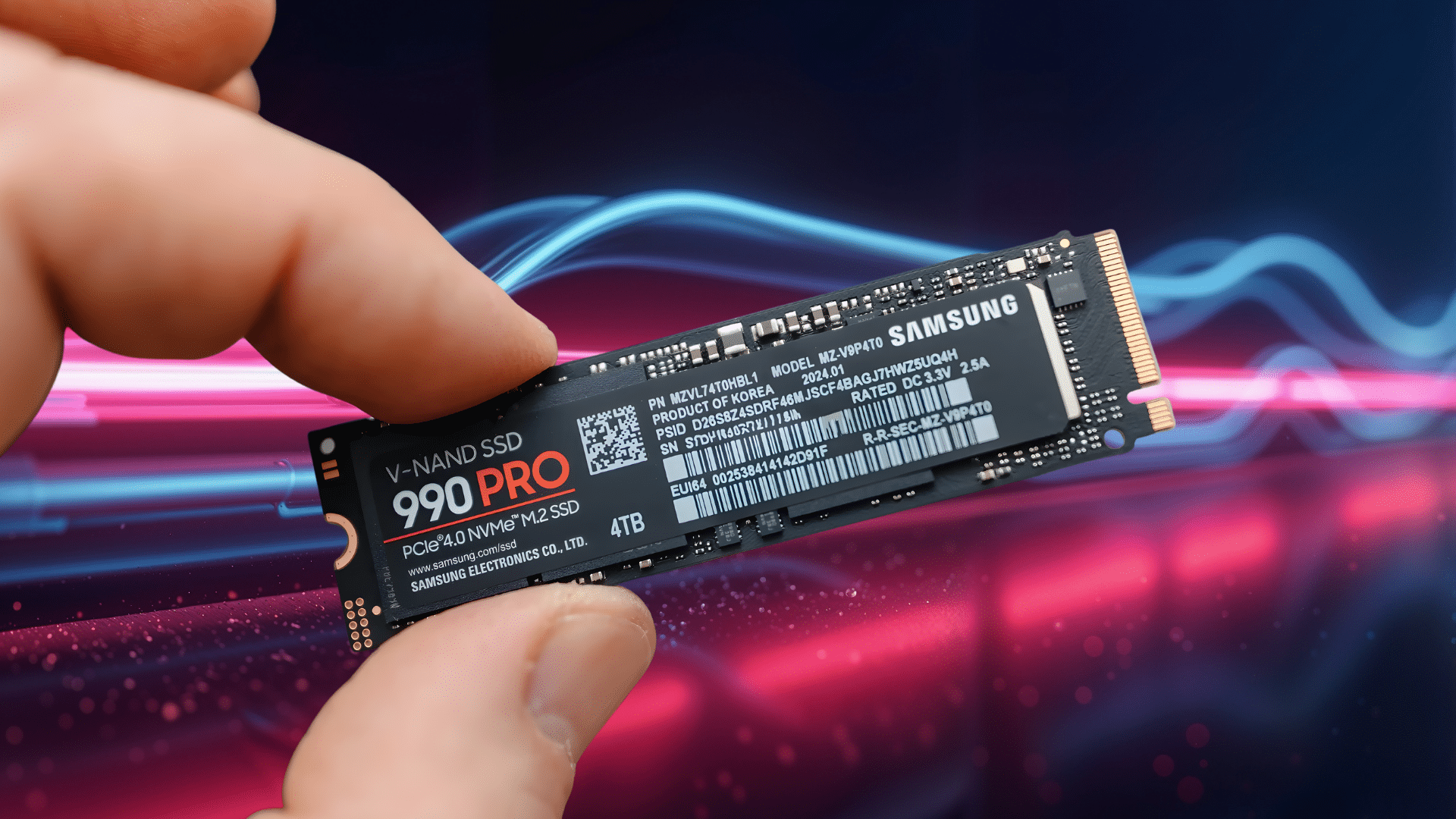
SSD Prices by Storage Capacity
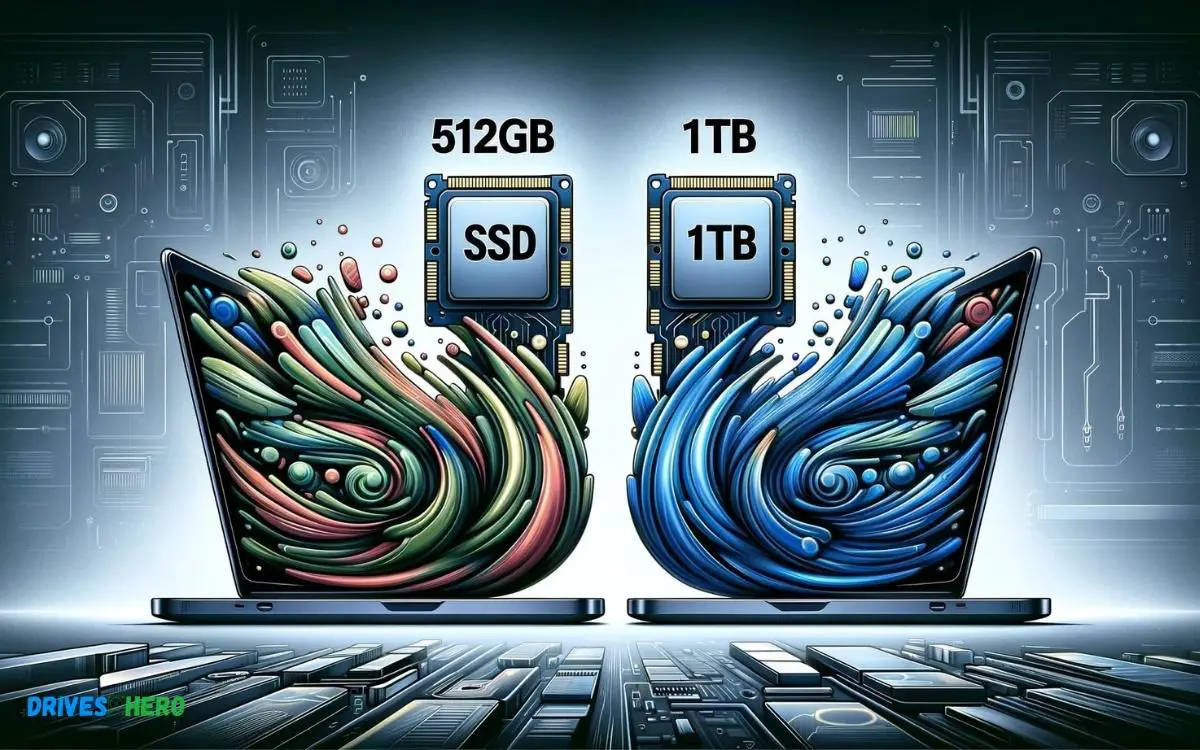
The more storage an SSD has, the higher its total price. However, larger drives often have a lower cost per gigabyte, so a 2TB drive may offer better value than buying two separate 1TB drives.


| SSD capacity | SATA SSD | NVMe SSD | External SSD |
|---|---|---|---|
| 500GB | $30–$60 | $35–$75 | $50–$100 |
| 1TB | $45–$90 | $50–$120 | $70–$150 |
| 2TB | $80–$160 | $90–$220 | $120–$250 |
| 4TB | $180–$350 | $220–$500+ | $250–$600+ |
These ranges describe common consumer products sold in the US. Premium models, rugged external drives, and professional drives can cost much more.
A 500GB SSD is enough for basic office work, web use, and a small number of apps. A 1TB SSD is a better starting point for most people because modern operating systems, games, photos, and videos can fill 500GB quickly.
A 2TB SSD makes sense if you:
- Store large photo or video libraries
- Install many PC games
- Work with design, audio, or video files
- Want more free space for better performance
- Prefer not to upgrade again soon
The advertised capacity is not the same as the space shown by your operating system. For example, a drive sold as 1TB may show roughly 931GB in Windows because manufacturers use decimal storage units while operating systems often display capacity differently.
SATA SSD vs. NVMe SSD: Which Costs More?
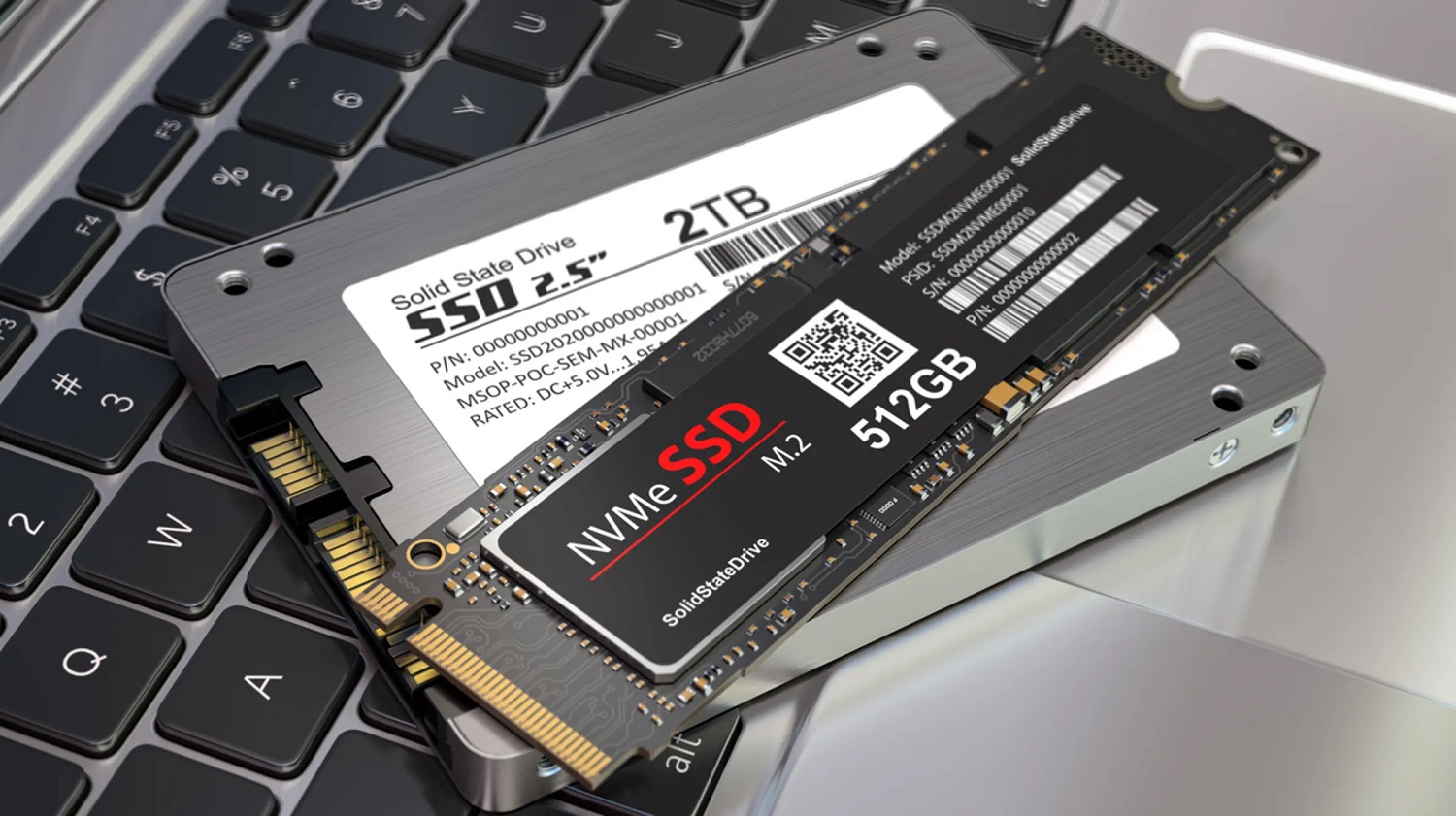
SATA SSDs are usually cheaper, while NVMe SSDs are usually faster. The right choice depends first on whether your computer supports the drive.
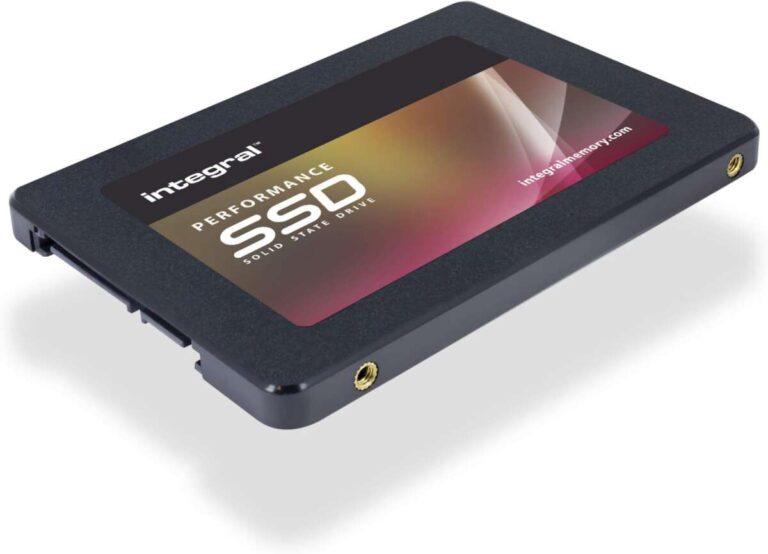
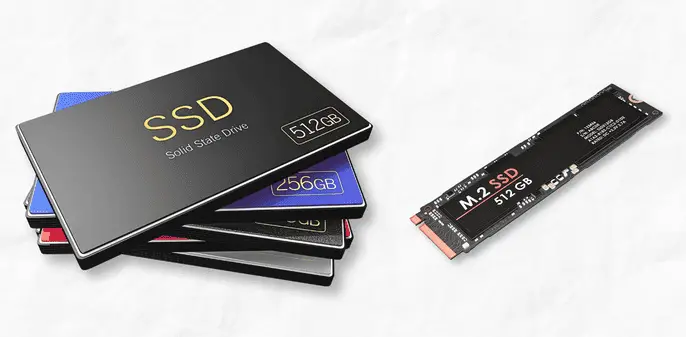
A SATA SSD uses the same basic connection standard as many older hard drives. It often comes in a 2.5-inch case. SATA drives are useful for older desktops, older laptops, and systems with no compatible M.2 slot.
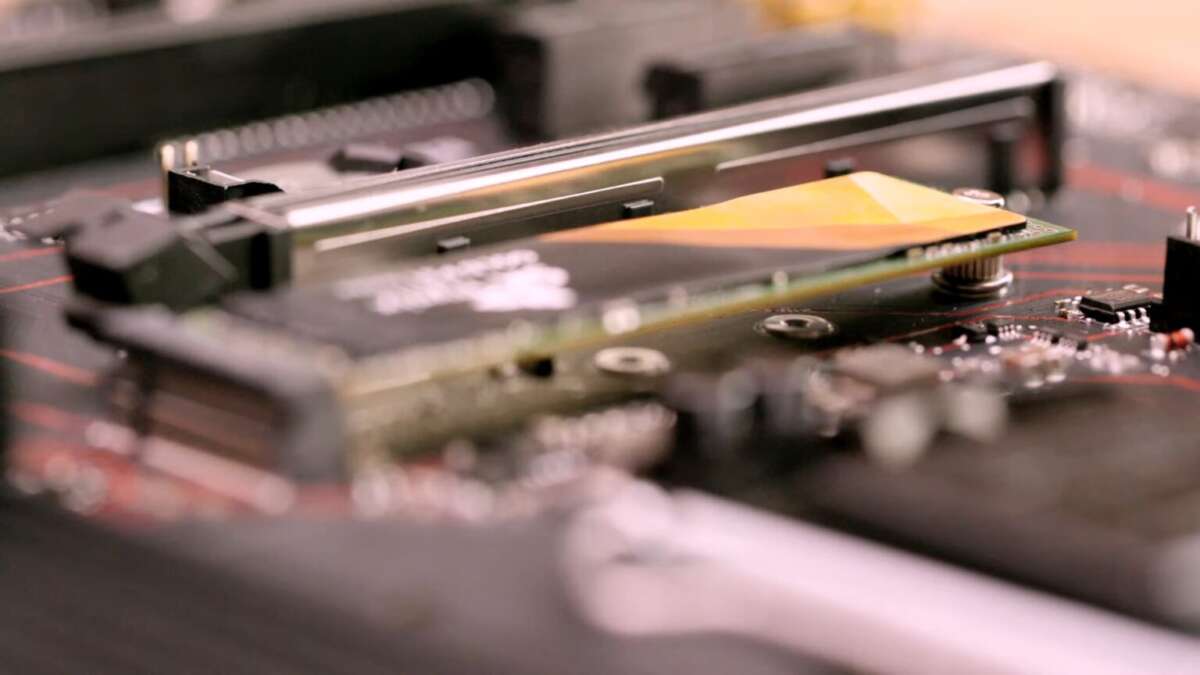
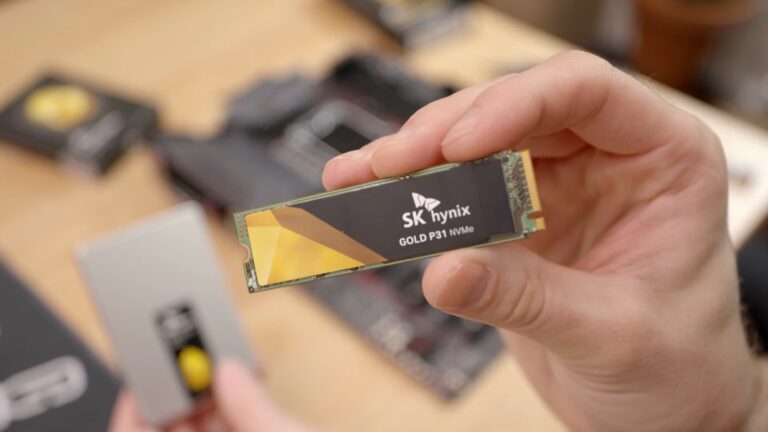
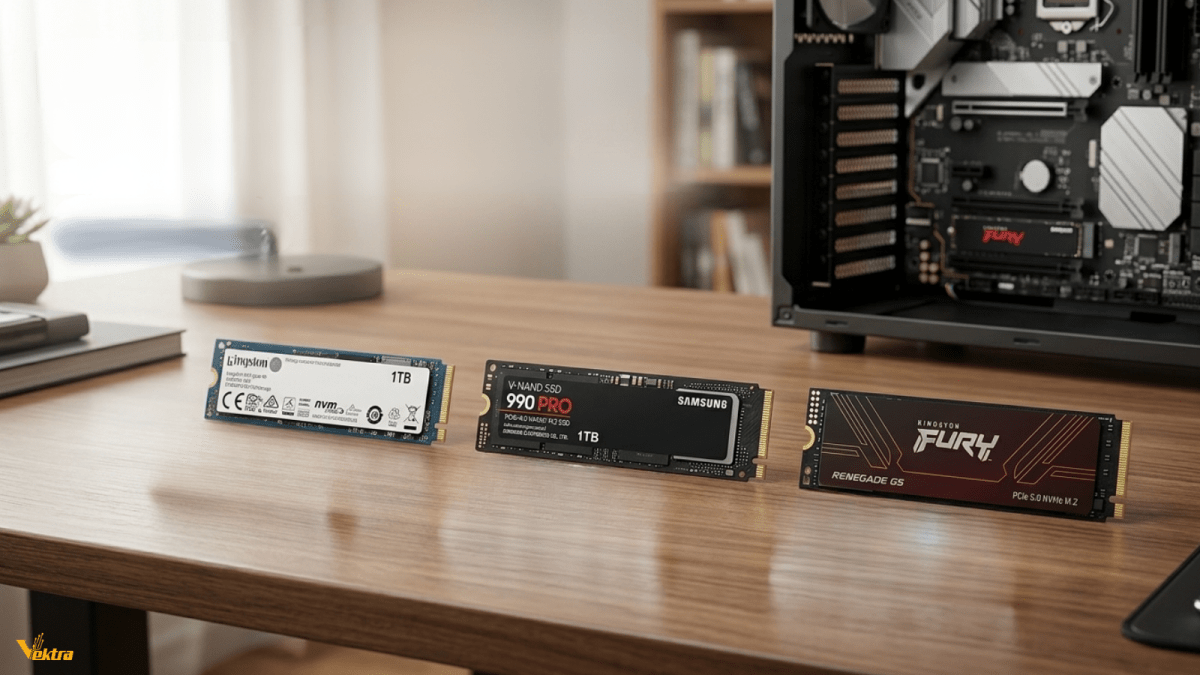
An NVMe SSD usually fits into an M.2 slot on a newer computer. It uses the PCI Express bus, which allows much higher transfer speeds than SATA.
Typical price differences look like this:
| Drive type | Common 1TB price | Best for |
|---|---|---|
| 2.5-inch SATA SSD | $45–$90 | Older laptops and desktops |
| M.2 SATA SSD | $45–$90 | Systems with an M.2 SATA slot |
| PCIe 3.0 NVMe SSD | $45–$90 | Affordable upgrades |
| PCIe 4.0 NVMe SSD | $55–$120 | Most modern PCs |
| PCIe 5.0 NVMe SSD | $90–$180+ | High-end systems and heavy work |
A faster specification does not always make a computer feel much faster. Moving from a hard disk drive to any good SSD usually creates the largest improvement. Moving from a SATA SSD to a high-end NVMe model may be less noticeable during normal web use or office work.
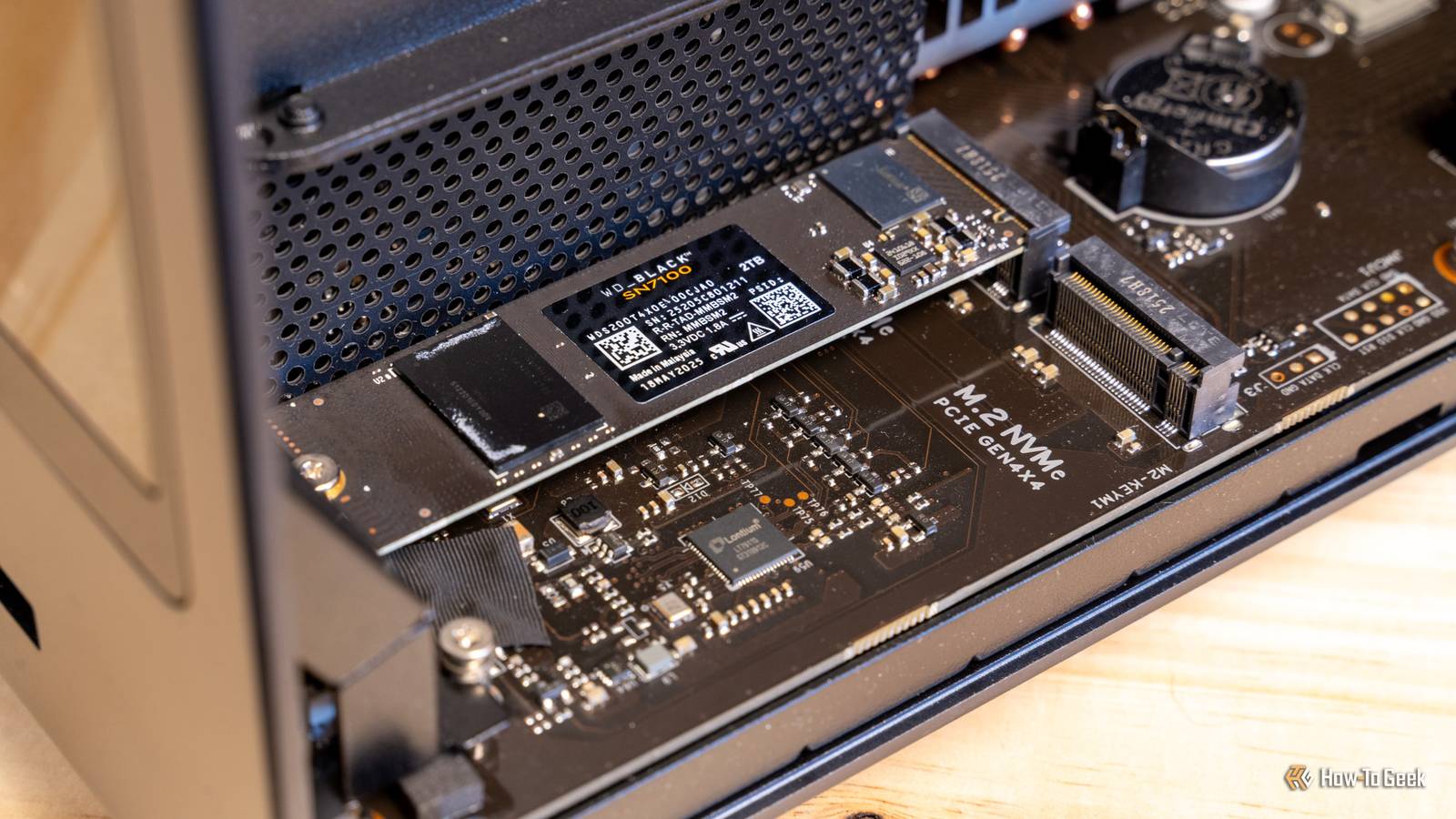
Before buying an M.2 SSD, check whether the computer supports:
- The M.2 size, such as 2280
- SATA or NVMe operation
- The supported PCIe generation
- The maximum supported storage size
- Any screw, heatsink, or mounting requirement


An NVMe drive may physically fit an M.2 slot but still be electrically incompatible if the slot supports only M.2 SATA. Check the computer, motherboard, or laptop manual before ordering.
How Much Does an SSD Cost for a Laptop?
A laptop SSD upgrade usually costs $50 to $150 for the drive, plus possible installation labor. The drive itself is often the least expensive part of the upgrade.
Many laptops use one of these designs:
- 2.5-inch SATA drive
- M.2 SATA drive
- M.2 NVMe drive
- Soldered storage that cannot be replaced
If the laptop has a replaceable drive, a 1TB SSD is often the most useful upgrade. A 500GB model can cost less, but it may leave limited room for files and applications.
Installation may be free if you do it yourself. A computer repair shop in the US may charge about $50 to $150 or more for labor, depending on the laptop and the service. Data cloning, operating system setup, and difficult access can increase the total cost.
Before replacing a laptop drive:
- Back up important files
- Confirm the new drive type
- Check whether the laptop uses a special mounting bracket
- Confirm that the operating system can be reinstalled or cloned
- Keep the old drive until the new one works correctly
Some thin laptops have storage soldered directly to the motherboard. In that case, an internal SSD upgrade may not be possible. An external SSD can provide more space, but it will not always replace the speed or convenience of an internal drive.
How Much Does an SSD Cost for a Gaming PC or PS5?
A gaming SSD usually costs $50 to $120 for 1TB and $90 to $220 for 2TB. A 1TB drive is enough for a modest game library, while 2TB is more practical for large modern games.
For a gaming PC, the main factors are:
- NVMe support
- PCIe generation
- Drive capacity
- Sustained write performance
- Heat control
- Warranty and endurance rating
Most current gaming PCs work well with a PCIe 4.0 NVMe SSD. A premium PCIe 5.0 model may cost more but often provides limited benefit in game loading compared with a good PCIe 4.0 drive.
For a PlayStation 5, the SSD must meet Sony’s compatibility requirements. The drive normally needs a compatible M.2 form factor, enough capacity, and sufficient sequential read speed. The exact console requirements should be checked on Sony’s current support page before buying.
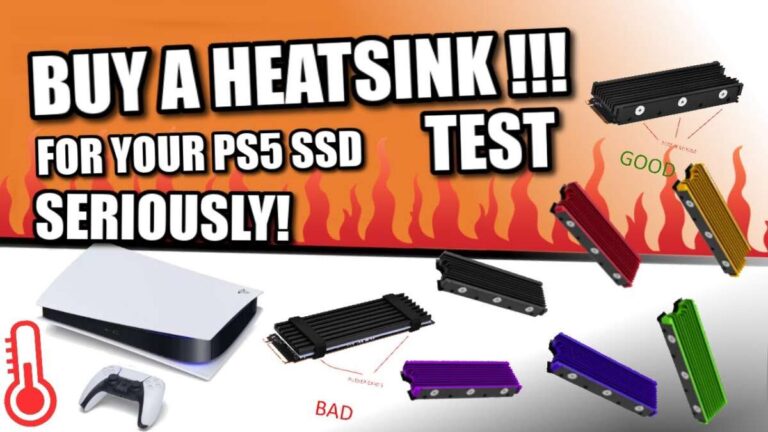
A PS5 SSD may also need a heatsink. Some drives include one, while others require a separate heatsink that may cost about $10 to $30. A drive that does not fit the console’s physical or performance requirements may not work properly.
Xbox storage works differently. Many Xbox Series consoles use proprietary expansion cards rather than ordinary internal M.2 SSDs. These cards can cost more than standard PC SSDs because of their design and licensing.


How Much Does an External SSD Cost?
An external SSD usually costs $70 to $150 for 1TB and $120 to $250 for 2TB. External models cost more than internal drives because they include an enclosure, USB interface, cable, and sometimes additional protection.
External SSD prices depend on:
- Storage capacity
- USB 3.2 speed
- USB4 or Thunderbolt support
- Rugged construction
- Water and dust resistance
- Encryption features
- Included software
A basic 1TB external SSD is suitable for backups, file transfers, and everyday portable storage. A rugged model may cost more but can better handle travel and rough use.
Pay attention to the connection. A drive may advertise a very high internal speed, but the USB port can limit real-world performance. For example, a fast NVMe drive inside a slower USB enclosure cannot transfer data at the drive’s maximum internal speed.
An external SSD is useful for:
- Computer backups
- Moving large files between computers
- Expanding laptop storage
- Storing a game library
- Editing files on a compatible computer
It should not be your only copy of important data. SSDs can fail without much warning, so keep important files in at least two separate places.

What Makes One SSD More Expensive Than Another?
Storage capacity is only one part of an SSD’s price. The controller, memory type, interface, endurance, warranty, and included features also affect cost.
NAND flash type
SSD memory is commonly described as TLC or QLC.
- TLC stores three bits per memory cell.
- QLC stores four bits per memory cell.
QLC drives can offer a lower price per gigabyte. TLC drives often provide stronger sustained write performance and higher endurance, though the actual result depends on the full design.
QLC is not automatically a poor choice. It can work well for games, media storage, and everyday use. TLC may be a better fit for frequent large file transfers or professional workloads.
PCIe generation
PCIe 3.0, PCIe 4.0, and PCIe 5.0 describe different connection generations. Newer generations can support higher bandwidth, but the computer must support them too.
A PCIe 4.0 drive in a PCIe 3.0 system will usually operate at the older system’s limit. Paying extra for a newer drive may not help unless the computer can use its added speed.
DRAM and cache design
Some SSDs include dedicated DRAM. Others use a host memory buffer or a smaller cache. This can affect performance, especially during large transfers.
A drive with more advertised speed may slow down after its cache fills. Manufacturer specifications may list peak results rather than the speed during a long transfer. This is one reason to read independent tests for professional workloads.


Endurance rating
SSD endurance is often listed as TBW, or terabytes written. It estimates how much data the manufacturer rates the drive to handle under defined conditions.
TBW is not a promise that the drive will fail immediately after reaching that number. It is also not a guarantee that the drive will last forever below it. Use the rating as one comparison point, not as a precise prediction of service life.
Warranty
Many consumer SSDs include a limited warranty. The warranty may depend on both time and total data written. Review the current terms for the exact model before purchase.
How to Calculate the Real Cost of an SSD
The simplest way to compare SSD value is to calculate the price per usable terabyte.
Formula:
Price ÷ advertised capacity in terabytes = price per terabyte
For example, if a hypothetical 1TB SSD costs $70:
$70 ÷ 1TB = $70 per TB
If a hypothetical 2TB SSD costs $110:
$110 ÷ 2TB = $55 per TB
The 2TB drive costs more at checkout but offers the lower cost per terabyte. It may also reduce the need to buy and install another drive later.
Do not compare price alone. A cheaper drive may have:
- Lower sustained write speed
- Shorter warranty
- Lower endurance
- Less cache
- No heatsink
- Limited software support
- A less suitable interface
For normal home use, paying a little more for the correct capacity and interface is often wiser than choosing the cheapest drive available.
How Much Should You Spend on an SSD?
Most buyers should plan to spend $50 to $120 for a reliable 1TB internal SSD. That range covers many good SATA and NVMe options without paying mainly for benchmark numbers.
Use this guide:
- Under $50: Look for a 500GB drive or a sale-priced 1TB model.
- $50–$90: Good range for many 1TB SATA or PCIe 3.0/4.0 drives.
- $90–$150: Useful for premium 1TB models, 2TB budget models, or external SSDs.
- $150–$250: Common for 2TB premium drives and some rugged external models.
- More than $250: Usually justified by 4TB capacity, professional features, rugged design, or very high performance.
Avoid choosing a drive only because it has the highest advertised read speed. For booting, apps, and games, capacity, compatibility, and consistent performance usually matter more.

Common SSD Buying Mistakes
The most common mistake is buying a drive that does not match the computer. Check the interface and physical size before comparing prices.


Other mistakes include:
- Buying M.2 SATA when the computer needs NVMe
- Assuming every M.2 slot supports every M.2 drive
- Paying for PCIe 5.0 without a PCIe 5.0 system
- Choosing too little storage to save a small amount
- Forgetting a heatsink for a console or desktop
- Treating advertised peak speed as constant speed
- Keeping only one copy of important files
- Buying from an unknown seller with unclear warranty terms
- Ignoring return policies
- Failing to check whether a laptop has soldered storage
A bargain is not useful if the SSD cannot fit, cannot connect, or cannot meet the system’s requirements.
Frequently Asked Questions About SSD Prices
Is a 1TB SSD enough?
A 1TB SSD is enough for most office users, students, and casual gamers. It gives room for an operating system, applications, documents, photos, and several large games. Choose 2TB if you store many videos or a large game library.
Are SSDs cheaper than hard drives?
Hard drives usually cost less per terabyte, especially at high capacities. SSDs cost more but are much faster, quieter, and more resistant to movement. For a boot drive, an SSD is usually the better choice.
Is a cheap SSD safe to buy?
A low-priced SSD can be safe when it comes from a known manufacturer and authorized seller. Check the model’s warranty, capacity, interface, and independent reviews. Be cautious of prices far below normal US retail levels.
Do SSD prices fall during sales?
Yes. SSD prices often change during major US sales events and retailer promotions. Compare the sale price with recent prices, and check whether the discount applies to the exact capacity and model.
How long does an SSD last?
An SSD can last for many years, but no fixed lifespan applies to every drive. Service life depends on written data, heat, power conditions, manufacturing quality, and use. Maintain backups because an SSD can fail before its expected endurance limit.
Should I buy SATA or NVMe?
Buy NVMe if the computer supports it and the price is similar. Choose SATA when the system requires it or when you are upgrading an older computer. Both can be good choices for normal use.
Conclusion: The Best SSD Price for Most US Buyers
For most people in the United States, a 1TB NVMe SSD priced between $50 and $120 is a sensible target. It offers enough room for everyday work, apps, and games without the high cost of premium drives.
Choose a 2TB model if you need more space or want a lower cost per gigabyte. Choose SATA for older systems, and check compatibility before buying any M.2 drive. The best SSD is not the one with the largest speed number; it is the one that fits your computer, provides enough space, and has a fair warranty for its price.