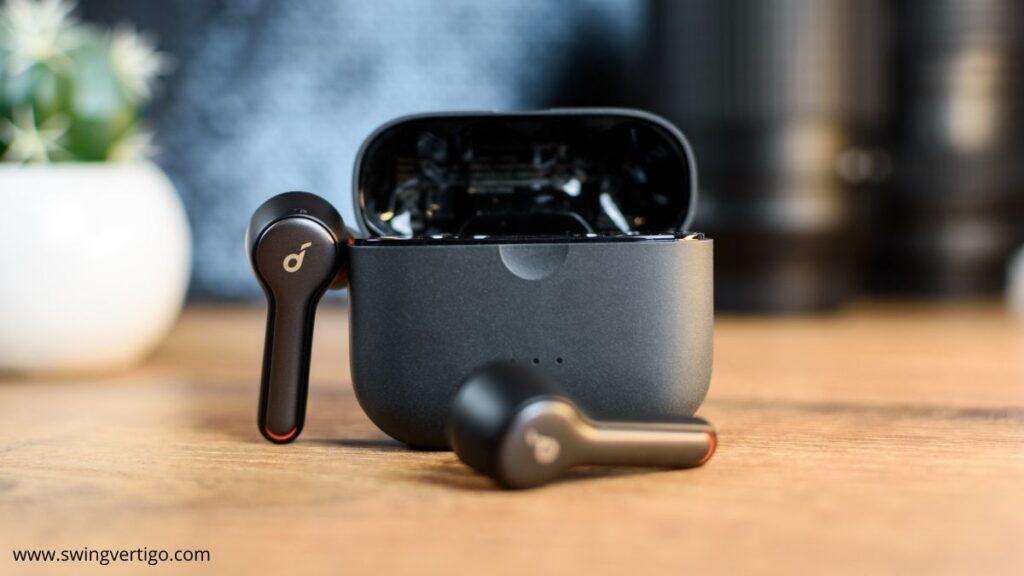
How To Get Water Out Of Earbuds: Safe, Fast Drying Tips
If your earbuds got wet, remove them from your ears, turn off Bluetooth, and do not charge them. Wipe the earbuds and case with a dry cloth. Then let them air-dry in a warm, dry place for at least 24 hours. Do not use a hair dryer, oven, or rice.
This advice applies to common earbuds used in the United States, including AirPods, Galaxy Buds, Beats, and other wireless models. Water resistance helps, but it does not make earbuds waterproof. The charging case is often less water-resistant than the earbuds.

What to Do First
Act fast, but do not add more heat or force water deeper into the earbuds. The first few minutes can make a difference.


Follow these steps:
- Remove the earbuds from your ears.
- Turn off the earbuds if you can.
- Disconnect them from your phone.
- Remove any ear tips.
- Wipe the earbuds with a soft, dry, lint-free cloth.
- Leave the charging case open.
- Do not place the earbuds or case on a charger.
If the earbuds fell into salt water, pool water, soda, coffee, or another liquid, the risk is higher. These liquids can leave minerals, sugar, or chemicals behind as they dry.
Do not press buttons, shake the earbuds hard, or tap them against a table. These actions can push liquid farther inside.
If the earbuds are still wet
Hold each earbud with the speaker opening facing down. Gently blot the outside with a dry cloth. Let gravity help the liquid move out.
Do not insert a cotton swab, toothpick, paper towel, or pin into the speaker mesh. These items can damage the mesh or push moisture into the speaker.
If the charging case is wet
Remove the earbuds from the case at once. Keep the case open and upside down on a clean, dry cloth.
Do not put wet earbuds back into the case. The case may begin charging them, and electricity near moisture can damage both the earbuds and the charging contacts.
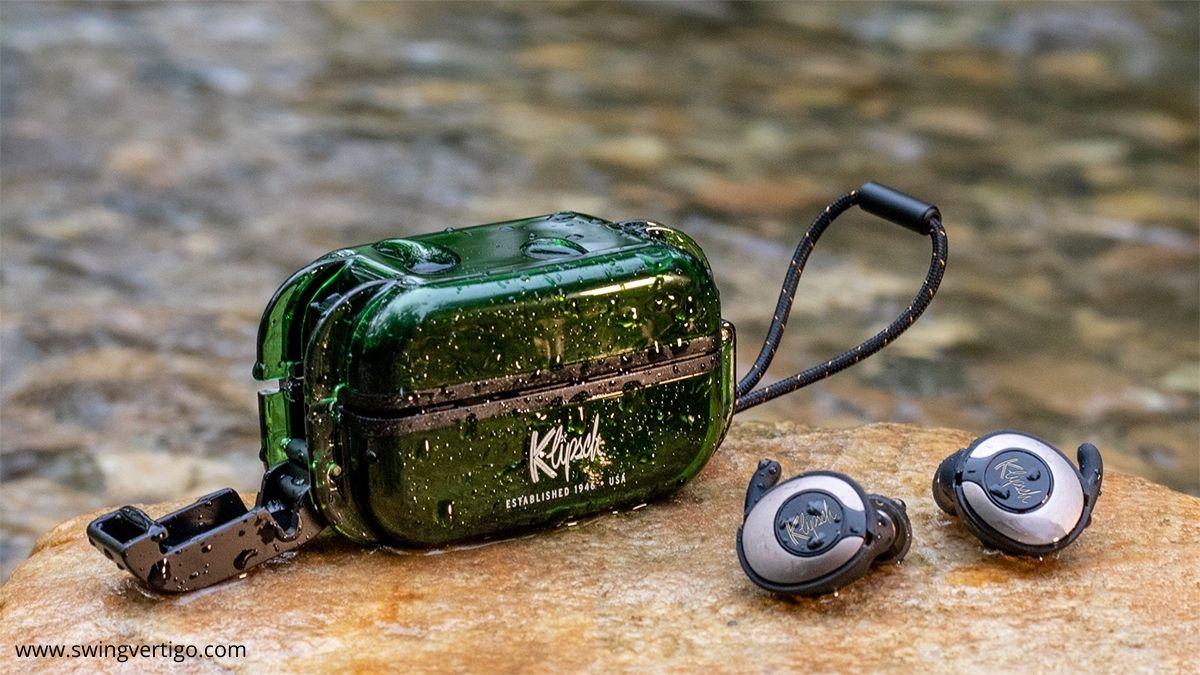
How to Dry Water Out of Earbuds
The safest method is passive drying with airflow and time. Most users should follow this process.
Step 1: Remove ear tips and accessories
Take off silicone ear tips, wings, hooks, and other removable parts. Wash silicone tips with clean water if needed, then dry them fully before putting them back.
Foam tips may absorb water and hold moisture for a long time. Let them dry completely. Replace them if they stay damp, smell bad, or lose their shape.
Step 2: Wipe the outside
Use a soft microfiber cloth or another lint-free cloth. Dry the speaker grille, microphone openings, charging contacts, and seams.


Use only light pressure. Earbuds have small openings that can trap water. Rubbing hard may move liquid into those openings.
Step 3: Place the earbuds in a dry area
Set the earbuds on a dry cloth in a room with normal indoor warmth and good airflow. Keep the speaker openings pointed down when possible.
A fan may help move air around the earbuds. Use a low setting and keep the fan several feet away. Do not use strong air pressure.
Keep the earbuds away from:
- Direct sunlight
– Radiators and heating vents - Hot cars
- Hair dryers
- Ovens and microwaves
- Open windows during humid weather
- Bathrooms with steam
Step 4: Wait before testing
Wait at least 24 hours before turning the earbuds on or placing them in the charging case. If they were soaked, wait 48 hours or longer.
The outside may feel dry while moisture remains inside. Testing too soon can cause a short circuit or permanent damage.
Step 5: Test the earbuds carefully
After drying, check for visible moisture. Then place one earbud near your phone and test it at a low volume.
Check these functions:
- Bluetooth connection
- Left and right audio
- Microphone
- Touch or button controls
- Noise cancellation or transparency mode
- Charging contacts
- Battery status
If the sound is weak or muffled, stop using the earbuds and let them dry longer.

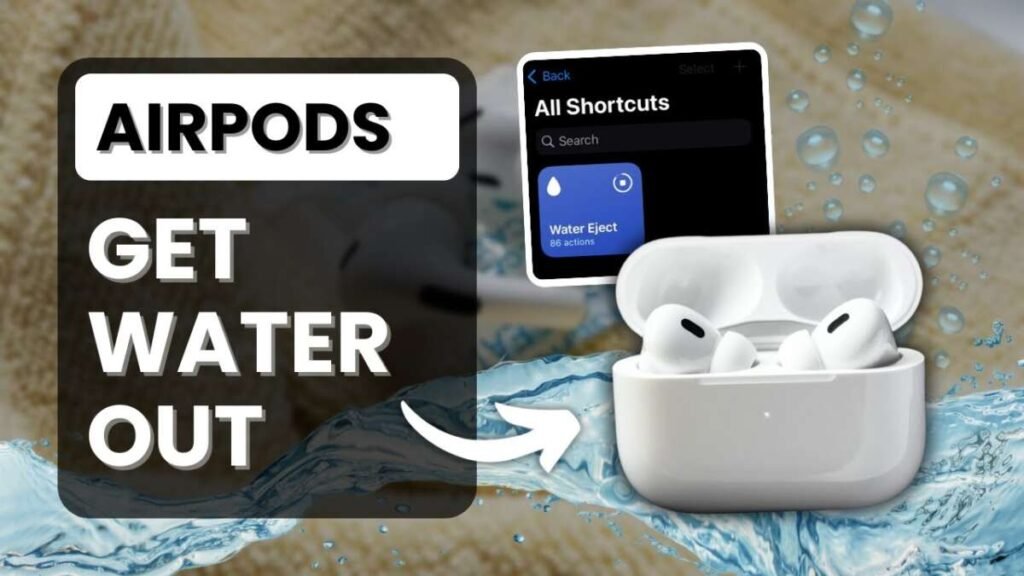
Can You Use a Water-Eject Sound?
A water-eject sound may help remove water from a speaker opening, but it is not a complete drying method for earbuds.
Some phones and smartwatches use a low-frequency tone to push water out of a speaker cavity. Earbuds have much smaller drivers and different internal designs. A sound played through the earbuds may move a small amount of water from the speaker mesh, but it cannot dry the battery, circuit board, microphones, or charging contacts.
Use a water-eject feature only when:
- The earbuds power on normally
- They are not connected to a charger
- The manufacturer supports the feature
- The earbuds are no longer visibly wet
- You keep the volume low at first
Do not use a loud tone on wet earbuds. A high volume can stress the speaker and may make damage worse.
Water-eject sounds are best treated as an optional extra step after drying, not as a replacement for air-drying.


What About Silica Gel or Rice?
Silica gel is safer than rice, but neither method guarantees a repair.
If you have unused silica gel packets, place the earbuds and case in a clean container with the packets. Do not let the packets touch wet charging contacts if they shed dust. Keep the container closed and leave it undisturbed for 24 to 48 hours.
Do not use packets that are torn, wet, or marked as unsafe for contact with electronics.
Avoid rice. Rice grains and starch dust can enter speaker mesh, microphones, and charging ports. Rice also does not remove trapped water quickly or reliably. Apple specifically warns against putting wet iPhones in rice because particles can damage the device. The same concern applies to small earbuds with fine openings.
Desiccant can reduce moisture in a closed container, but it cannot repair corrosion that has already started.

What If the Earbuds Fell in Salt Water or Soda?
Salt water, pool water, drinks, and other contaminated liquids need extra care. They can leave residue that keeps attracting moisture and may corrode metal contacts.
For removable silicone ear tips, rinse the tips separately with clean water and dry them fully. Do not rinse the electronic earbuds unless the manufacturer’s instructions specifically allow it.
For the earbuds themselves:
- Remove them from the liquid.
- Wipe off the outside with a clean, damp cloth if residue is present.
- Wipe again with a dry cloth.
- Keep the earbuds out of the charging case.
- Let them dry for at least 48 hours.
- Test them only after they are fully dry.
Do not use rubbing alcohol, soap, bleach, or household cleaner on the earbuds unless the manufacturer says it is safe. These products can damage coatings, seals, or plastic parts.
If liquid reached the charging contacts, inspect them before charging. White, green, or dark residue may indicate corrosion. Do not scrape the contacts with a metal tool.

How to Tell Whether Earbuds Are Water-Resistant
Look for the earbud’s IP rating in the product manual or support page. An IP rating is a standardized code that describes protection against solids and water under controlled test conditions.
For example:
- IPX4 generally means protection from water splashes.
- IPX5 generally means protection from water jets.
- IPX7 generally means temporary immersion under specified test conditions.
The exact rating matters, but so do the limits. Water resistance can weaken from drops, wear, cracked seals, repairs, chemicals, and age.
An IP rating does not always apply to the charging case. It may apply only to the earbuds. It also may not cover salt water, soapy water, sweat mixed with skincare products, or other liquids.


Check the product page or manual for your exact model. Apple, Samsung, Google, Sony, and other brands use different designs and warranty terms.
Water resistance also does not mean that you should charge wet earbuds. Charging is one of the highest-risk steps because moisture can bridge electrical contacts.

Earbuds Are Wet but Still Work: Should You Keep Using Them?
No. Working audio does not prove that the earbuds are dry inside.
Moisture may remain near the battery, charging contacts, microphones, or circuit board. Continued use can spread the moisture and create heat. It can also make later corrosion more likely.
Stop using the earbuds if you notice:
- Muffled or uneven sound
- Crackling or popping
- A low or distorted microphone
- Random pausing
- Failure to connect
- Fast battery drain
- Unusual heat
- A burning smell
- Charging that starts and stops
- A case light that behaves strangely
If the earbuds become hot, smell burnt, swell, or smoke, move away from them and do not use or charge them. Place them on a nonflammable surface if it is safe to do so. A swollen battery needs professional handling.

How Long Should Earbuds Take to Dry?
Light splashes may dry in about 24 hours. A full drop in water, heavy sweat, or exposure to a liquid with residue may require 48 hours or more.
Use this table as a cautious guide:
| Exposure | Minimum wait before testing |
|---|---|
| A few drops or light rain | 24 hours |
| Heavy sweat or a wet pocket | 24–48 hours |
| Brief drop in fresh water | 48 hours |
| Salt water, pool water, soda, or coffee | 48 hours or longer |
| Earbuds that still show symptoms | Do not charge; seek support |
These are practical waiting guidelines, not guarantees. The true drying time depends on the earbud design, the amount of liquid, humidity, and whether moisture entered the case.
If the earbuds still sound distorted after two days, drying may not solve the problem. The speaker, microphone, battery, or internal circuit may already be damaged.

Common Mistakes to Avoid
Several popular fixes can create more damage than the water itself.
Do not use a hair dryer
Hot air can soften adhesives, damage seals, deform plastic, and push water deeper into the earbud. Even cool, strong air can force moisture through small openings.
Do not use an oven or microwave
High heat can damage the battery and electronics. A microwave can create a fire risk and destroy the earbuds.
Do not charge wet earbuds
Moisture near charging contacts can cause a short circuit or corrosion. Let both the earbuds and case dry before charging.


Do not bury them in rice
Rice dust and grains can enter the speaker grille and charging port. It also gives a false sense that the earbuds are safe to use.
Do not poke the mesh
Pins, toothpicks, and cotton swabs can tear the mesh or push debris inside.
Do not shake them hard
Strong shaking can move water into microphones, speakers, and circuit areas.
Do not use compressed air
Compressed air can force liquid deeper into the device. It may also damage delicate membranes.

What to Do If Drying Does Not Work
If the earbuds still work poorly after 48 hours, stop repeated testing. Repeated charging and playback can increase the damage.
Try these safe checks:
- Inspect the earbuds and case for residue or corrosion.
- Clean only the outside with a dry, soft cloth.
- Confirm that the phone is not the source of the audio problem.
- Test each earbud separately at low volume.
- Check the manufacturer’s support page for the exact model.
- Contact the manufacturer or an authorized repair provider.
Many true wireless earbuds have sealed batteries and are not designed for easy repair. A repair may cost more than replacement, especially for older models. Do not open the earbuds yourself unless you have the right tools and electronics repair experience. Opening the housing can expose the battery and may remove any remaining water protection.
If the earbuds are under warranty, check the terms before attempting a repair. Liquid damage is often excluded, but the exact policy depends on the brand, model, region, and type of coverage.

Key Takeaways
- Remove wet earbuds from your ears right away.
- Keep them out of the charging case.
- Wipe them with a soft, dry cloth.
- Let them air-dry for at least 24 hours.
- Wait 48 hours after a full soak or dirty-liquid exposure.
- Do not use rice, heat, compressed air, or sharp tools.
- Treat water-eject sounds as optional, not as a full repair.
- Replace or professionally inspect earbuds that stay hot, distorted, swollen, or unresponsive.
FAQs
Can I put wet earbuds in a bag of rice?
It is better not to. Rice can leave dust and grains in the speaker mesh or charging port. Air-drying is safer, and silica gel in a closed container may help control moisture.
Can I dry earbuds with a hair dryer?
No. Heat and strong airflow can damage seals, adhesives, speakers, and batteries. Use gentle room-temperature airflow instead.
Can I charge earbuds after they get wet?
Not until both the earbuds and charging case are fully dry. Charging wet earbuds can cause electrical damage and corrosion.
How do I get water out of an AirPod?
Remove the AirPod from its case, wipe it, remove the ear tip if present, and let it air-dry for at least 24 hours. Do not charge it while wet. Check Apple’s instructions for your exact AirPods model because water-resistance limits vary.
What if only one earbud is muffled?
Dry both earbuds, then test the muffled one at low volume. Check the speaker mesh for visible moisture or debris, but do not poke the mesh. If the sound remains muffled after 48 hours, the speaker or internal parts may be damaged.


Are water-resistant earbuds safe to use in the shower?
Usually, no. Water resistance ratings have limits, and shower spray, steam, soap, and heat can exceed those limits. Follow the exact guidance for your model.
Sources and Manufacturer Guidance
The safest advice depends on the model, so use the product manual along with general drying steps. Helpful references include:
- Apple: About the water and sweat resistance of AirPods Pro and AirPods
- Apple: If your iPhone or accessory gets wet
- Samsung Support
- IEC: IP ratings and degrees of protection
These sources describe manufacturer limits and standardized protection ratings. They do not guarantee that a wet earbud will recover. If the device remains hot, swollen, distorted, or unable to charge, stop using it and seek model-specific support.